

From my experience with VisualStager, I found it excels at simplifying the creation of professional-looking product mockups without requiring any graphic design expertise. The drag-and-drop interface and ready-made lifestyle scenes make it easy to visualize products in real-world settings, which is invaluable for e-commerce sellers and marketers. However, the tool’s editing capabilities are somewhat basic, and the free plan limits access to some scenes. Overall, if you need quick, polished product visuals for online stores or social media, VisualStager delivers a straightforward and affordable solution.
VisualStager Review: Easy Drag-and-Drop Mockup Generator for E-commerce
VisualStager is a web-based drag-and-drop mockup generator that enables users to create realistic product visuals for e-commerce and marketing without design skills.
- Best for
- E-commerce Product Mockups
- Key capability
- Drag-and-Drop Editor
Your actions
Save VisualStager, follow its updates and vote on it — everything stays in your account.
Sign in or create a free accountWhat is VisualStager?
VisualStager is a web-based drag-and-drop mockup generator designed to help users create professional product visuals without complex design software. It enables e-commerce sellers, marketers, and content creators to place product images into realistic lifestyle scenes quickly and easily, enhancing the appeal of their online listings and marketing materials.
Key features of VisualStager
VisualStager offers an intuitive interface with drag-and-drop functionality, a library of customizable scenes and backgrounds, and the ability to upload your own product images. It supports layering, resizing, and positioning to create polished mockups that look like real photographs, all accessible through a browser without installation.
Drag-and-Drop Editor
User-friendly interface that requires no design experience to create professional mockups.
Extensive Scene Library
Access to a wide range of customizable lifestyle scenes tailored for different product types.
Custom Image Uploads
Upload your own product photos to integrate seamlessly into chosen scenes.
Layer Management
Easily manage layers to adjust product placement and create depth in mockups.
High-Resolution Export
Download mockups in high resolution suitable for web and print use.
Pros and cons of VisualStager
Pros
- Easy drag-and-drop interface
- Good selection of lifestyle scenes
- No design skills required
- Affordable pricing plans
- Web-based with no installation needed
Cons
- Limited advanced editing features
- Free plan has restricted scene access
Key use cases for VisualStager
E-commerce Product Mockups
Create realistic product mockups for online stores to showcase merchandise in lifestyle settings.
Social Media Visual Content
Design engaging visuals for social media marketing campaigns without needing graphic design skills.
Marketing and Advertising
Generate professional marketing images quickly to promote products across various digital channels.
Brand Presentation
Visualize branding concepts and product placements for client presentations or internal reviews.
How VisualStager works
- 1
Sign Up
Create a free account on VisualStager’s website to access the mockup editor.
- 2
Choose a Scene
Select from a variety of lifestyle backgrounds and scenes that fit your product category.
- 3
Upload Product Images
Add your product photos to the editor and drag them into the scene.
- 4
Customize and Arrange
Resize, rotate, and position your product images to create a realistic mockup.
- 5
Download or Share
Export the final mockup image for use on your website, social media, or marketing campaigns.
Who is using VisualStager
E-commerce sellers
Social media marketers
Small business owners
Content creators
Brand managers
VisualStager pricing
Free
$0/month
Basic access with limited scenes and export options.
Pro
$9.99/month
Full access to all scenes, unlimited mockups, and high-resolution downloads.
Plans and prices are as published by the vendor and can change. Check the official site before you buy. Open the pricing page (opens in a new tab)
Frequently asked questions about VisualStager
Yes, VisualStager is designed with an intuitive drag-and-drop interface suitable for beginners.
Yes, VisualStager offers a free plan with limited features and scenes.
Absolutely, you can upload your own photos to create custom mockups.
You can export your mockups as high-resolution PNG or JPEG files.
It depends on your specific needs and how you plan to use the tool. The official website and documentation are the best sources for the latest details.
Some tools offer a free plan or trial with limited features. Availability can vary, so confirm on the official website.
Yes, it can help with that use case depending on how you configure it and what features are available. You’ll get the best results with clear inputs and a defined goal.
Sign in to review this tool.
Sign In to ReviewNo reviews yet
Be the first to share how this tool worked for you.
Ask about pricing, limits, or how it compares — or answer someone else.
Sign In to AskNo questions yet
Have a question about using or paying for this tool? Be the first to ask.
Featured on TiorAI



Alternative Tools
Explore similar AI tools that might fit your needs

Freemium
Placeit
Placeit is an online platform offering customizable templates for logos, mockups, videos, and marketing materials, designed for users without design experience.
More Art & Creative Design tools
Other tools in the same category, for when this one is not quite the fit.

Free Trial
FilterPixel
FilterPixel is an AI-powered photo culling tool that automates the selection of the best photos by analyzing technical quality and facial expressions, saving photographers time and effort.
Free
Piktochart
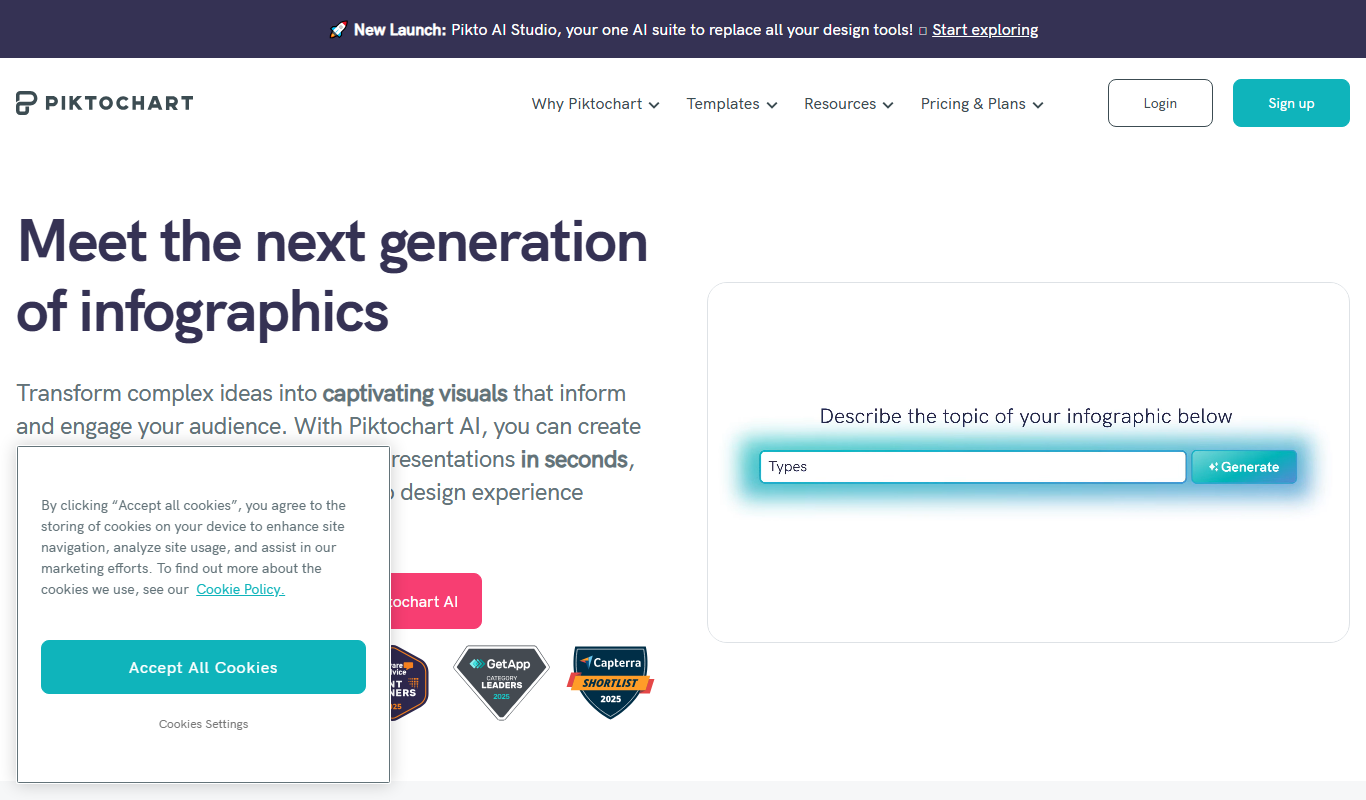
Piktochart is a web-based tool that helps users create infographics, presentations, and reports using customizable templates and an easy drag-and-drop editor.

Free
Tailwind
Tailwind CSS is a utility-first CSS framework that enables developers to build custom, responsive web interfaces quickly by using atomic CSS classes directly in markup.

One-time purchase
Midjourney Prime & Style
Midjourney Prime & Style is a Notion template that automates your Midjourney prompts and manages your image library.

Free
A1 Art
A1 Art is a web-based AI image generator that creates digital artwork from text prompts, offering free and subscription plans for users.

Enterprise Licensing
Getty Images
Getty Images is a leading stock photography platform offering millions of high-quality images, videos, and music with flexible licensing for commercial and editorial use.

One-time purchase
ProCam 8
ProCam - Pro Camera, formerly ProCam 8, is a camera app from Tinkerworks Apps sold for $9.99 as a one-time purchase, with paid in-app add-ons.

Free
Pixieset
Pixieset is a photography platform that helps photographers create portfolio websites, deliver client galleries, and sell prints and digital downloads with integrated e-commerce.