

From my experience with VisualQR, I found it excels at combining QR code customization with actionable analytics, which is essential for marketers who want to measure engagement effectively. The platform’s intuitive design tools make it easy to create branded QR codes without technical skills, and the dynamic QR code feature adds flexibility after distribution. However, the lack of a mobile app and limited free plan features may restrict some users. Overall, if you need a reliable, web-based QR code generator with tracking capabilities, VisualQR delivers a balanced solution.
VisualQR QR Code Generator with Custom Design and Analytics Features
VisualQR is a web-based QR code generator that offers customizable QR codes with logos and colors, dynamic editing capabilities, and detailed scan analytics to support marketing and business needs.
- Best for
- Custom QR Code Creation
- Key capability
- Custom QR Code Design
Your actions
Save VisualQR, follow its updates and vote on it — everything stays in your account.
Sign in or create a free account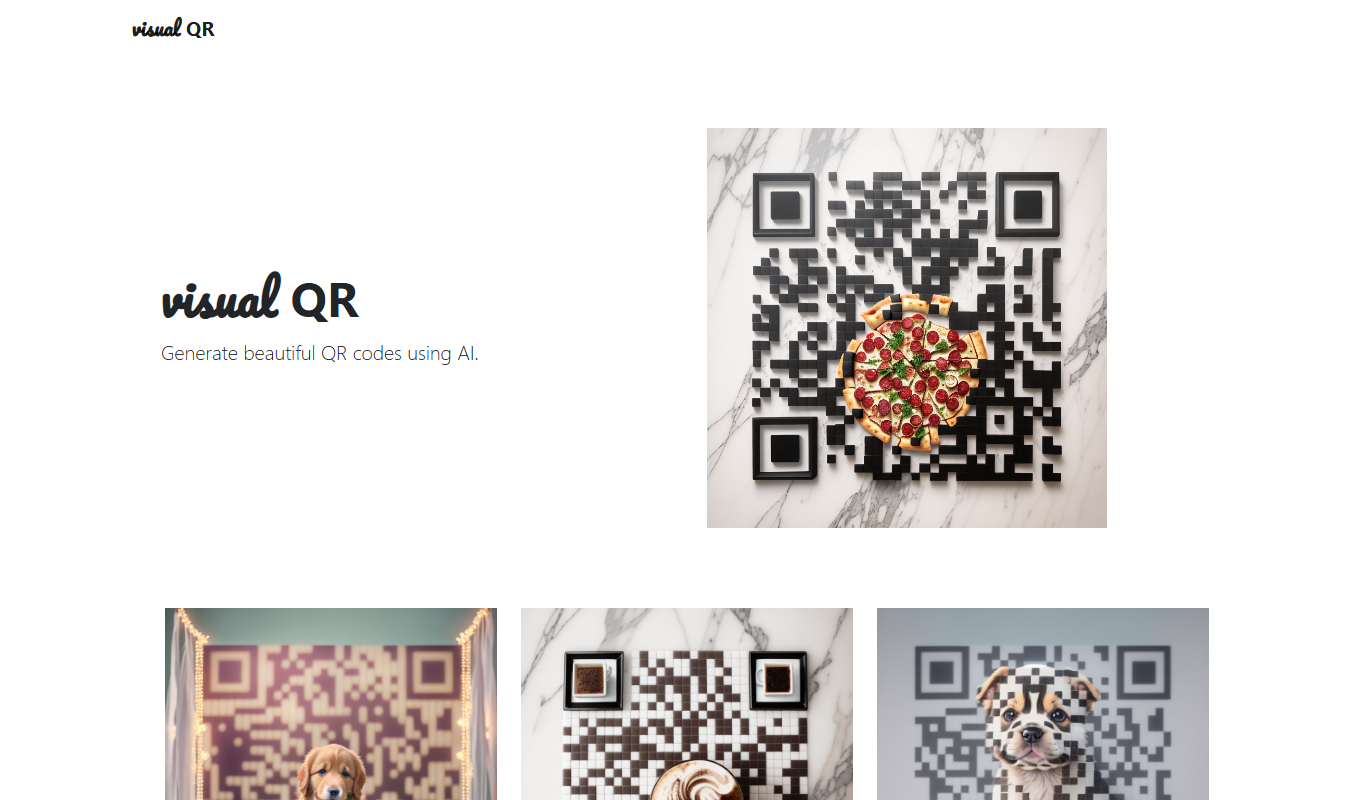
What is VisualQR?
VisualQR is an online QR code generator that allows users to create customized QR codes with unique designs and track their performance through analytics. It caters to businesses and individuals who want to enhance their marketing efforts by integrating visually appealing QR codes that also provide data insights.
Key features of VisualQR
VisualQR offers QR code customization including colors, logos, and shapes, dynamic QR codes that can be edited after creation, and analytics to monitor scan data. The platform is web-based and designed for ease of use without requiring technical skills.
Custom QR Code Design
Modify colors, add logos, and choose shapes to create unique QR codes that stand out.
Dynamic QR Codes
Edit the destination URL or content linked to your QR code even after printing or distribution.
Analytics Dashboard
Access detailed scan statistics including time, location, and device information.
Multiple Export Formats
Download QR codes in PNG, SVG, or PDF formats suitable for print and digital use.
User-Friendly Interface
Intuitive web platform that requires no coding or design expertise.
Pros and cons of VisualQR
Pros
- Easy-to-use interface for quick QR code creation
- Supports dynamic QR codes with editable destinations
- Includes detailed scan analytics
- Customizable design options to match branding
- Multiple export formats for versatile use
Cons
- Limited features on the free plan
- No mobile app available, web-only platform
- Country of origin and company details not publicly disclosed
Key use cases for VisualQR
Custom QR Code Creation
Create visually appealing QR codes with custom colors, logos, and shapes to enhance brand identity.
Marketing Campaign Tracking
Use QR codes with built-in analytics to track scans and measure the effectiveness of marketing campaigns.
Event Management
Generate QR codes for event tickets, invitations, or information sharing to streamline attendee engagement.
Product Packaging
Add customized QR codes on product packaging to provide customers with quick access to product details or promotions.
Business Networking
Create QR codes linked to contact information or portfolios for easy sharing during networking events.
How VisualQR works
- 1
Create an Account
Sign up on the VisualQR website to access the QR code creation and analytics features.
- 2
Design Your QR Code
Customize your QR code by choosing colors, adding logos, and selecting shapes to match your brand.
- 3
Generate and Download
Generate the QR code and download it in various formats for use in marketing materials or digital platforms.
- 4
Track Performance
Use the built-in analytics dashboard to monitor scan counts, locations, and device types.
Who is using VisualQR
Small and medium businesses
Marketing professionals
Event organizers
Product managers
Freelancers and content creators
VisualQR pricing
Free
$0/month
Basic QR code generation with limited customization and analytics.
Pro
$15/month
Advanced customization, dynamic QR codes, and full analytics access.
Business
$49/month
Extended features including team management, priority support, and higher usage limits.
Plans and prices are as published by the vendor and can change. Check the official site before you buy. Open the pricing page (opens in a new tab)
Frequently asked questions about VisualQR
Yes, with dynamic QR codes, you can update the destination URL anytime without changing the QR code itself.
VisualQR allows downloads in PNG, SVG, and PDF formats suitable for various uses.
The free plan has limits on the number of QR codes and scans; higher-tier plans offer increased limits.
Yes, the platform includes an analytics dashboard showing scan counts, locations, and device types.
It depends on your specific needs and how you plan to use the tool. The official website and documentation are the best sources for the latest details.
Yes, it can help with that use case depending on how you configure it and what features are available. You’ll get the best results with clear inputs and a defined goal.
This tool is designed to help users accomplish its core tasks more efficiently. It is typically used by individuals or teams looking to improve productivity and workflow.
Sign in to review this tool.
Sign In to ReviewNo reviews yet
Be the first to share how this tool worked for you.
Ask about pricing, limits, or how it compares — or answer someone else.
Sign In to AskNo questions yet
Have a question about using or paying for this tool? Be the first to ask.
Featured on TiorAI



Alternative Tools
Explore similar AI tools that might fit your needs

Free
QR Code Monkey
QR Code Monkey is a free online tool that lets you create customizable QR codes with logos and colors, suitable for marketing, business branding, and event management.

Subscription
Unitag QR Code Generator
Unitag QR Code Generator is a web-based tool that allows users to create customizable QR codes with options for colors, logos, and shapes, supporting multiple QR code types and offering scan analytics in paid plans.
More AI Design & Creative Tools tools
Other tools in the same category, for when this one is not quite the fit.
Free
Ad Mocker
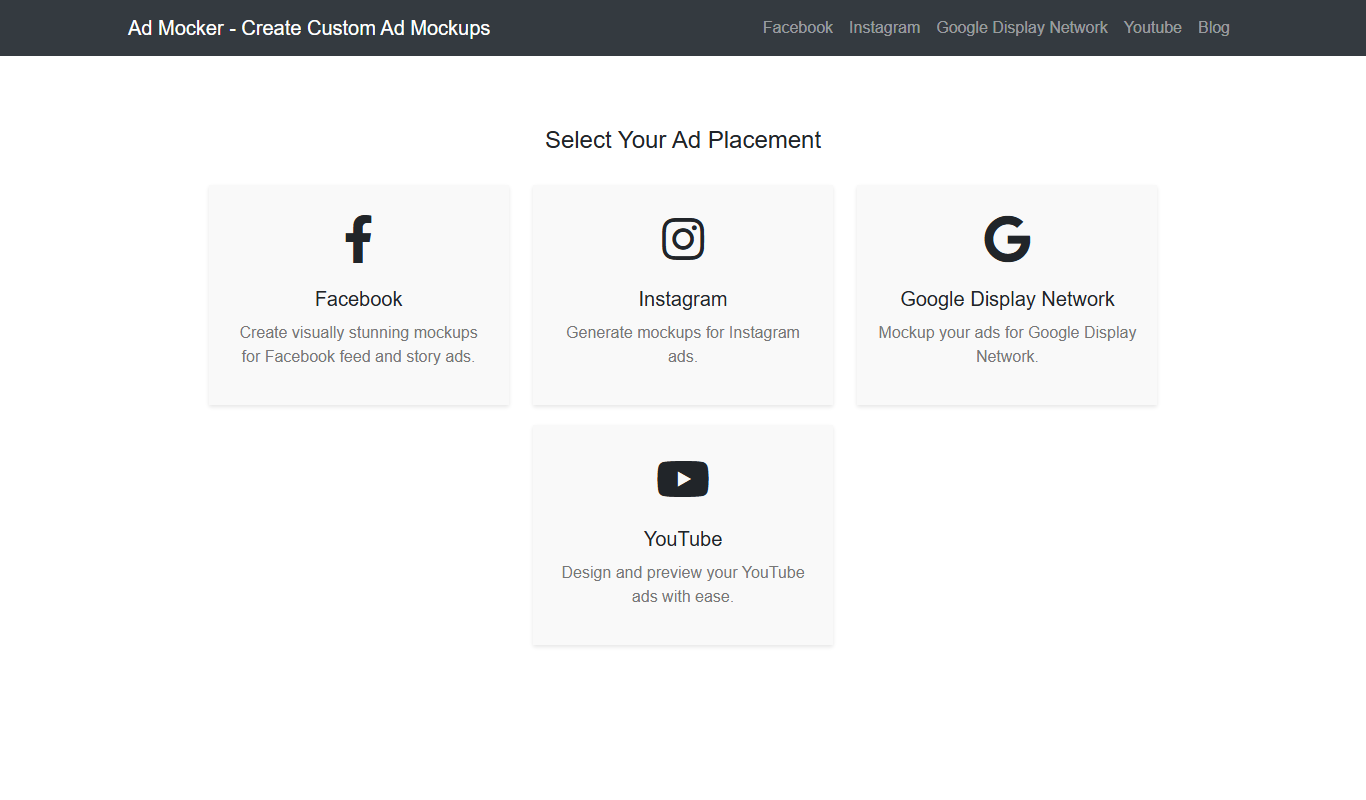
Ad Mocker is a free web-based tool that helps marketers and designers create realistic ad mockups quickly without needing advanced design software.

Free
Guess The Prompt!
Guess The Prompt! is a free online game where players guess AI-generated prompts based on images or clues, promoting creative thinking and fun.
Paid
Logomark AI
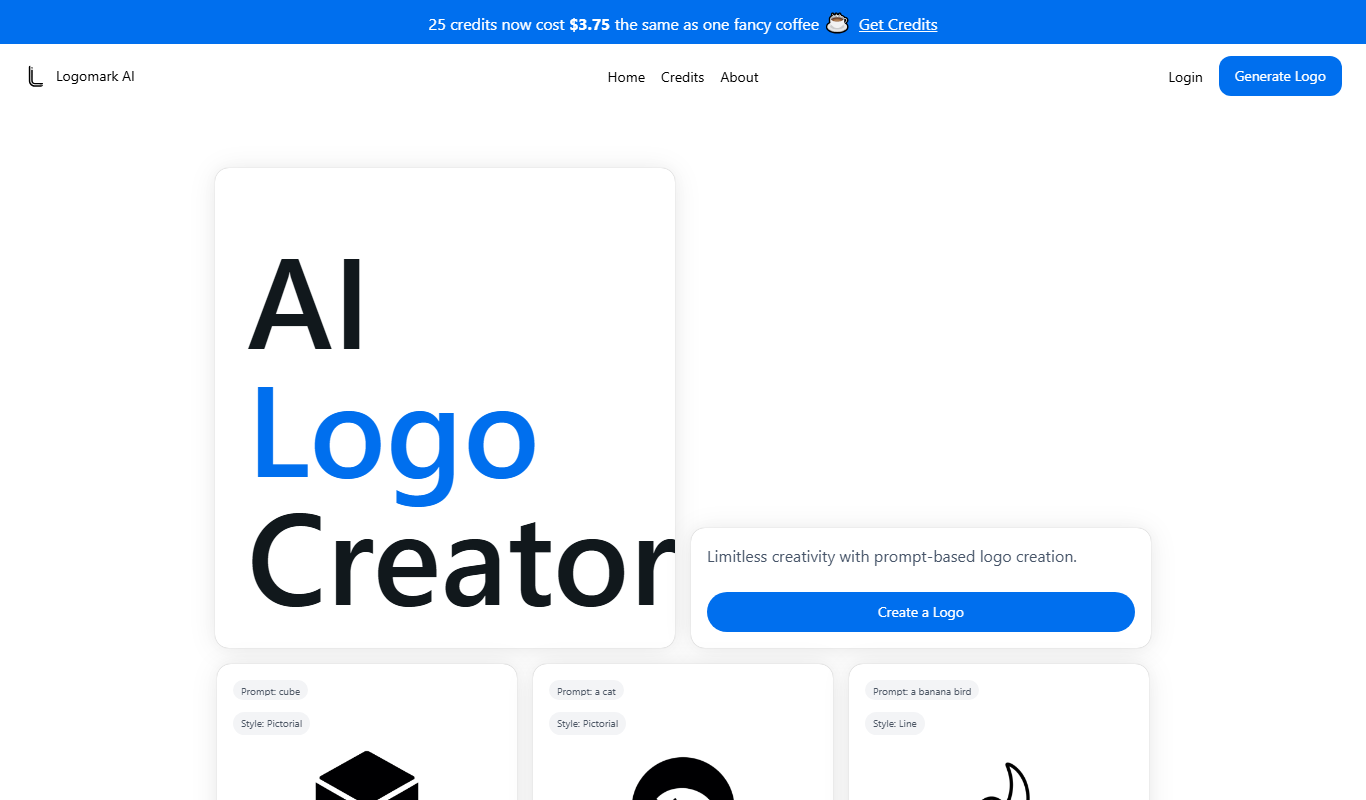
Logomark AI is a prompt-based logo creator that turns a text description into a pictorial, abstract or line mark logo exportable as PNG or SVG.

Freemium
YouMusic.AI
YouMusic.AI turns text prompts or your own lyrics into complete songs, with free credits for new users and commercial rights on paid plans.

Free
svgtrace.com
SVGTrace.com is an online tool that converts raster images such as PNG or JPG into scalable SVG vector graphics using image tracing algorithms, accessible directly from your browser without installation.

Freemium
PuLID for FLUX
PuLID for FLUX is available free on 8PixLabs and generates images that keep facial features from a single photo.
Free
NeoPrompt Pro
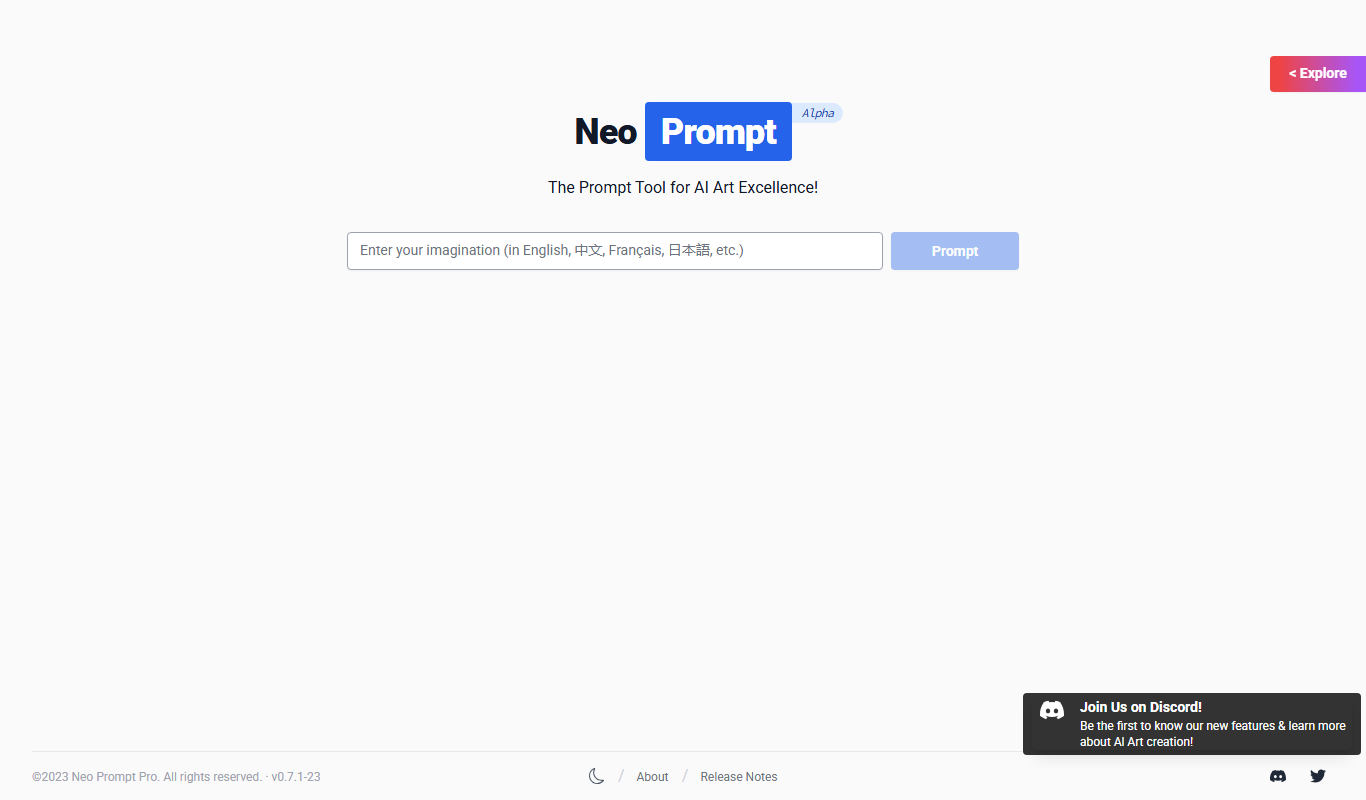
NeoPrompt Pro is a prompt tool for AI art such as Midjourney, with a freemium model.

Free
Harmonai
Harmonai is the Stability AI lab for open-source audio, publishing tools for AI music generation.