

From my experience with Virbo, I found it excels at simplifying video creation for users without prior editing skills. The drag-and-drop interface combined with a rich template library makes it straightforward to produce polished videos quickly. It’s particularly well-suited for social media content creators and small businesses needing fast promotional videos. However, the free version’s watermark and limited advanced features mean serious editors might find it restrictive. Overall, if you want an easy online video editor with professional templates and minimal learning curve, Virbo delivers solid results.
Virbo Video Editor Software for Easy and Professional Video Creation
Virbo is an online video editing platform by Wondershare that offers easy-to-use templates and editing tools for creating videos without advanced skills.
- Best for
- Social Media Video Creation
- Key capability
- Extensive Template Library
Your actions
Save Virbo, follow its updates and vote on it — everything stays in your account.
Sign in or create a free account
What is Virbo?
Virbo is an online video editing platform developed by Wondershare that enables users to create, edit, and customize videos easily without requiring advanced technical skills. It offers a variety of templates, effects, and editing tools designed to simplify video production for social media, marketing, education, and personal use.
Key features of Virbo
Virbo provides a user-friendly interface with drag-and-drop editing, a rich library of customizable templates, video effects, transitions, text animations, and music integration. It supports exporting videos in various formats optimized for different platforms.
Extensive Template Library
Access a diverse collection of video templates tailored for various themes and occasions.
Drag-and-Drop Editor
Easily add and arrange video clips, images, text, and audio without complex timelines.
Video Effects and Transitions
Enhance videos with a variety of visual effects, filters, and smooth transitions.
Text and Animation Tools
Incorporate animated text and captions to make videos more engaging.
Music and Audio Integration
Add background music or voiceovers with built-in audio editing capabilities.
Pros and cons of Virbo
Pros
- User-friendly drag-and-drop interface
- Wide variety of customizable templates
- No software installation required
- Affordable premium plan
- Good for beginners and non-professionals
Cons
- Limited mobile device support
- Free version includes watermark on videos
- Advanced editing features are limited compared to desktop software
Key use cases for Virbo
Social Media Video Creation
Create engaging videos optimized for platforms like Instagram, TikTok, and YouTube using ready-made templates and effects.
Marketing and Promotional Videos
Produce professional promotional videos with customizable templates to enhance brand visibility and marketing campaigns.
Personal Video Projects
Edit and enhance personal videos such as travel vlogs, family events, or hobby projects with intuitive tools.
Educational Content Creation
Develop instructional or educational videos with easy-to-use editing features and multimedia integration.
How Virbo works
- 1
Sign Up
Create a free account on Virbo’s website to access the video editing tools.
- 2
Select a Template or Start from Scratch
Choose from a wide range of professionally designed templates or begin a new project with a blank canvas.
- 3
Customize Your Video
Add your own media, apply effects, transitions, text, and music using the intuitive drag-and-drop editor.
- 4
Preview and Export
Review your video project and export it in the desired resolution and format for sharing or downloading.
Who is using Virbo
Social media content creators
Small business marketers
Educators and trainers
Personal video hobbyists
Beginner video editors
Virbo pricing
Free
$0/month
Basic video editing features with watermark on exports and limited templates.
Premium
$9.99/month
Full access to all templates, no watermark, HD exports, and priority support.
Plans and prices are as published by the vendor and can change. Check the official site before you buy. Open the pricing page (opens in a new tab)
Frequently asked questions about Virbo
Virbo offers a free plan with basic features and watermark on exported videos. Premium plans remove watermarks and unlock additional features.
Currently, Virbo is a web-based platform optimized for desktop browsers; mobile support is limited.
Virbo supports exporting videos in common formats such as MP4, optimized for social media platforms.
This tool is designed to help users accomplish its core tasks more efficiently. It is typically used by individuals or teams looking to improve productivity and workflow.
Yes, it can help with that use case depending on how you configure it and what features are available. You’ll get the best results with clear inputs and a defined goal.
Yes, it can help with that use case depending on how you configure it and what features are available. You’ll get the best results with clear inputs and a defined goal.
Sign in to review this tool.
Sign In to ReviewNo reviews yet
Be the first to share how this tool worked for you.
Ask about pricing, limits, or how it compares — or answer someone else.
Sign In to AskNo questions yet
Have a question about using or paying for this tool? Be the first to ask.
Featured on TiorAI



More AI Avatar Video Generator tools
Other tools in the same category, for when this one is not quite the fit.

Enterprise
Studio Neiro AI
Studio Neiro AI turns text into videos presented by AI avatars, with natural AI voices, text to speech, script generation and automatic captions.
Custom Pricing
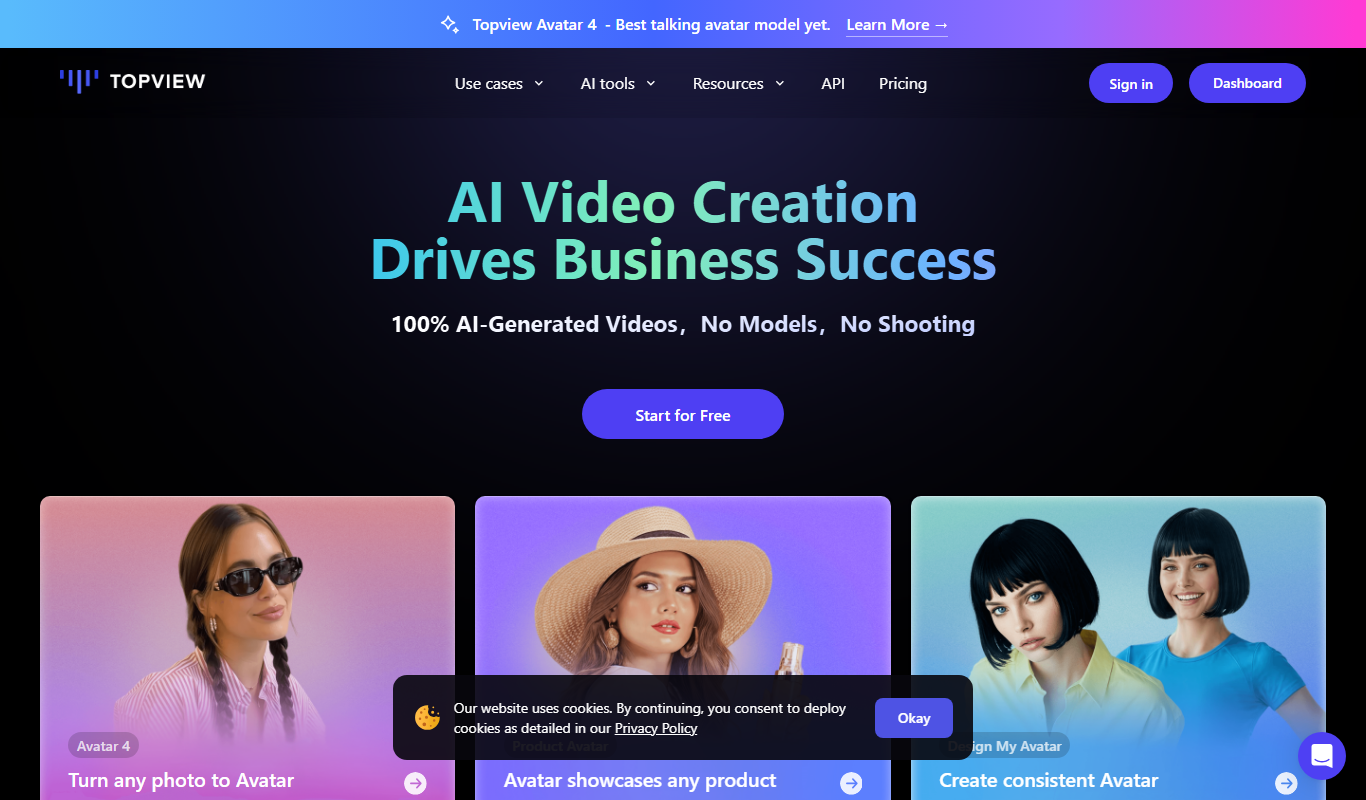
TopView.ai
TopView.ai is an AI video agent that creates short films, marketing videos and ads from scripts, references or product URLs, planning every scene on one canvas.
Pay Per Use
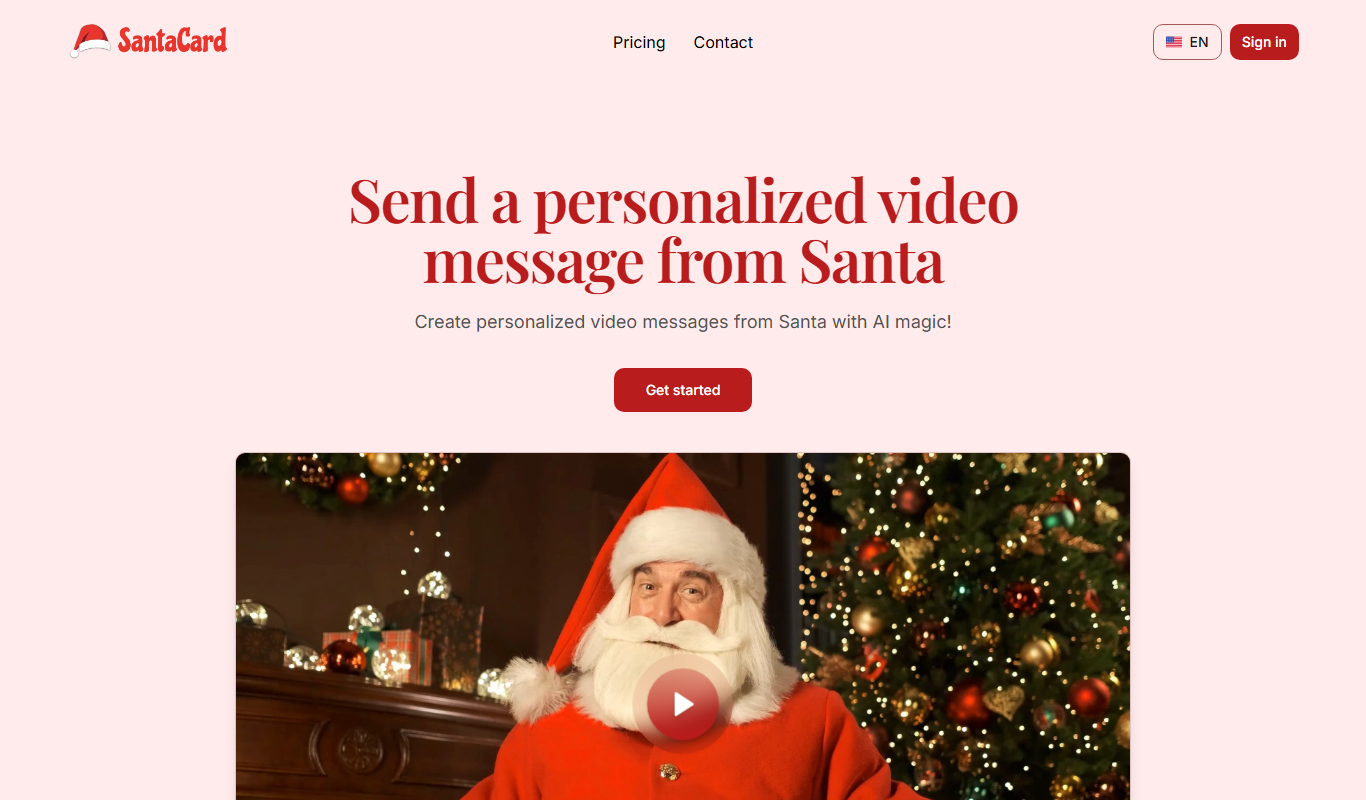
SantaCard
SantaCard creates personalized video messages from Santa with AI: type a message and get a realistic Santa video in 29 languages, sold per video.
Free
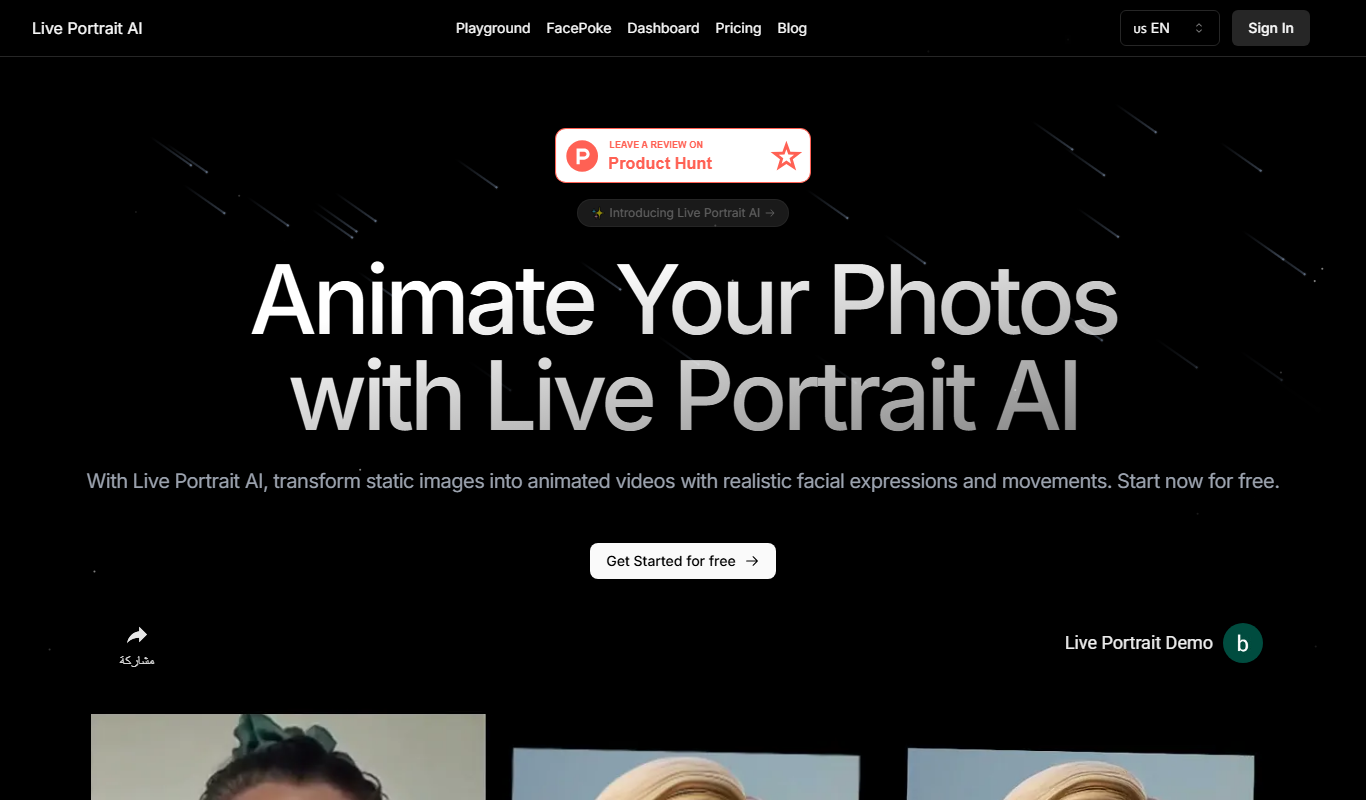
Live Portrait AI
Live Portrait AI animates still photos with the LivePortrait model, matching the head movement and facial expressions of a driving video.

Freemium
KreadoAI – Free AI Video Generator
KreadoAI turns product inputs into ready-to-run video, image and copy ad creatives, with 1000+ AI avatars, 140+ languages and multi-platform export.

Subscription
VidMax
VidMax is an AI UGC ad generator that turns templates into talking-avatar video ads ready for Meta and TikTok, built for DTC marketers.

Free
Vizard
Vizard uses AI to turn long-form videos into short clips ready for TikTok, Instagram, YouTube Shorts and more.

Free Trial
Immersive Fox
Immersive Fox turns PDFs and documents into AI video courses with AI actors, adaptive learning and quizzes in 57+ languages.