

Virbela Virtual Worlds Platform for Remote Work and Online Collaboration
Virbela is a virtual worlds platform that enables remote teams and organizations to collaborate, host events, and engage socially through customizable 3D avatars and immersive virtual environments accessible via web and desktop.
- Best for
- Remote Work Collaboration
- Key capability
- Customizable 3D Avatars
Save Virbela, follow its updates and vote on it — everything stays in your account.
Sign in or create a free account
What is Virbela?
Virbela is a virtual worlds platform designed to create immersive 3D environments for remote work, education, and events. It enables users to interact through customizable avatars in virtual offices, campuses, and event spaces, fostering collaboration and social connection beyond traditional video conferencing.
Key features of Virbela
Virbela offers customizable virtual environments, real-time avatar communication, spatial audio, event hosting capabilities, and integration options to support remote teams, educators, and event organizers.
Customizable 3D Avatars
Users can personalize avatars to reflect their identity and style.
Spatial Audio Communication
Realistic audio that changes based on proximity, enhancing natural conversations.
Virtual Office and Campus Environments
Pre-built and customizable spaces designed for work, learning, and events.
Event Hosting Tools
Features for managing virtual conferences, trade shows, and networking events.
Cross-Platform Access
Accessible via web browsers, desktop apps, and mobile devices.
Pros and cons of Virbela
Pros
- Highly immersive 3D virtual environments
- Supports real-time spatial audio communication
- Customizable avatars and spaces
- Scalable for small teams to large enterprises
- Strong focus on social interaction and engagement
Cons
- Pricing is not transparent and requires contact
- Learning curve for users new to virtual worlds
- Requires stable internet and modern hardware for best experience
Key use cases for Virbela
Remote Work Collaboration
Teams use Virbela’s virtual office spaces to collaborate in real-time with 3D avatars, enhancing engagement and communication.
Virtual Events and Conferences
Organizations host immersive virtual conferences, trade shows, and networking events with customizable environments.
Education and Training
Educational institutions and companies deliver interactive classes and training sessions in virtual campuses.
Team Building and Social Interaction
Companies facilitate informal social gatherings and team-building activities within virtual worlds.
Recruitment and Onboarding
HR teams conduct virtual interviews and onboarding sessions to engage new hires remotely.
How Virbela works
- 1
Create an Account
Sign up on Virbela’s platform to access virtual environments.
- 2
Customize Your Avatar
Design a 3D avatar to represent yourself in the virtual world.
- 3
Join or Build a Virtual Space
Enter existing virtual offices, campuses, or events, or create your own customized environment.
- 4
Collaborate and Communicate
Use spatial audio and chat to interact naturally with colleagues or attendees.
- 5
Host Events or Meetings
Organize virtual conferences, training sessions, or social gatherings within the platform.
Who is using Virbela
Virbela pricing
Custom Enterprise Plans
Contact for pricing
Tailored solutions based on organization size and needs.
Plans and prices are as published by the vendor and can change. Check the official site before you buy. Open the pricing page (opens in a new tab)
Frequently asked questions about Virbela
Yes, Virbela can be customized for teams of various sizes, including small businesses.
Virbela supports web browsers, desktop applications for Windows and Mac, and mobile access.
Yes, Virbela is designed to support large-scale virtual conferences and trade shows.
Virbela offers integrations and APIs to connect with popular productivity and communication platforms.
This tool is designed to help users accomplish its core tasks more efficiently. It is typically used by individuals or teams looking to improve productivity and workflow.
Yes, it can help with that use case depending on how you configure it and what features are available. You’ll get the best results with clear inputs and a defined goal.
Yes, it can help with that use case depending on how you configure it and what features are available. You’ll get the best results with clear inputs and a defined goal.
Some tools offer a free plan or trial with limited features. Availability can vary, so confirm on the official website.
Conclusion
Virbela takes remote meetings beyond traditional video conferencing into immersive 3D environments, where each person is represented by a customizable avatar. Users enter existing virtual offices, campuses or events, or create their own customized environment. Audio is spatial and changes based on proximity, with chat available for interaction. Event tools support large-scale virtual conferences and trade shows.
The platform is designed for remote work, education and events, and HR teams can also conduct virtual interviews and onboarding sessions there. It supports web browsers and desktop applications, including the browser-based Virbela Go. Pricing requires contacting sales and is tailored to organization size and needs, while the experience depends on a stable internet connection and modern hardware.
Sources
Sign in to review this tool.
Sign In to ReviewNo reviews yet
Be the first to share how this tool worked for you.
Ask about pricing, limits, or how it compares — or answer someone else.
Sign In to AskNo questions yet
Have a question about using or paying for this tool? Be the first to ask.
Featured on TiorAI



Alternative Tools
Explore similar AI tools that might fit your needs
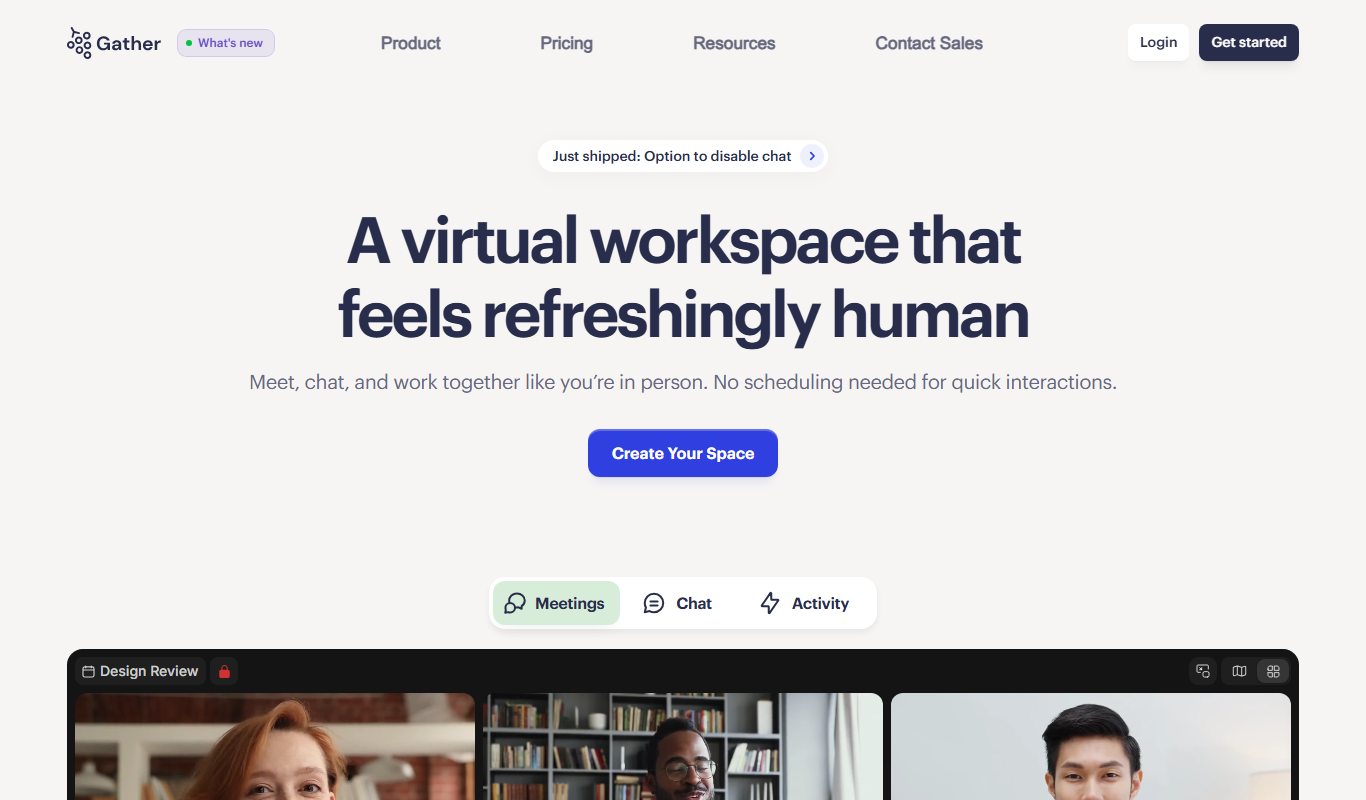
Gather
Gather Town is a web-based virtual spaces platform that enables remote teams and event organizers to create interactive environments with spatial video chat and customizable features for collaboration and socializing.
More AI Voice Assistants tools
Other tools in the same category, for when this one is not quite the fit.

Cognitiev
Cognitiev offers Cognitiev Studio, which builds voice AI agents from your website and runs prospecting, calls and email outreach, and Cognitiev CRM, which keeps the pipeline up to date.

Pocketalk
Pocketalk is a portable translation device; the current S2 model supports 92+ languages and includes a 5-year eSIM.
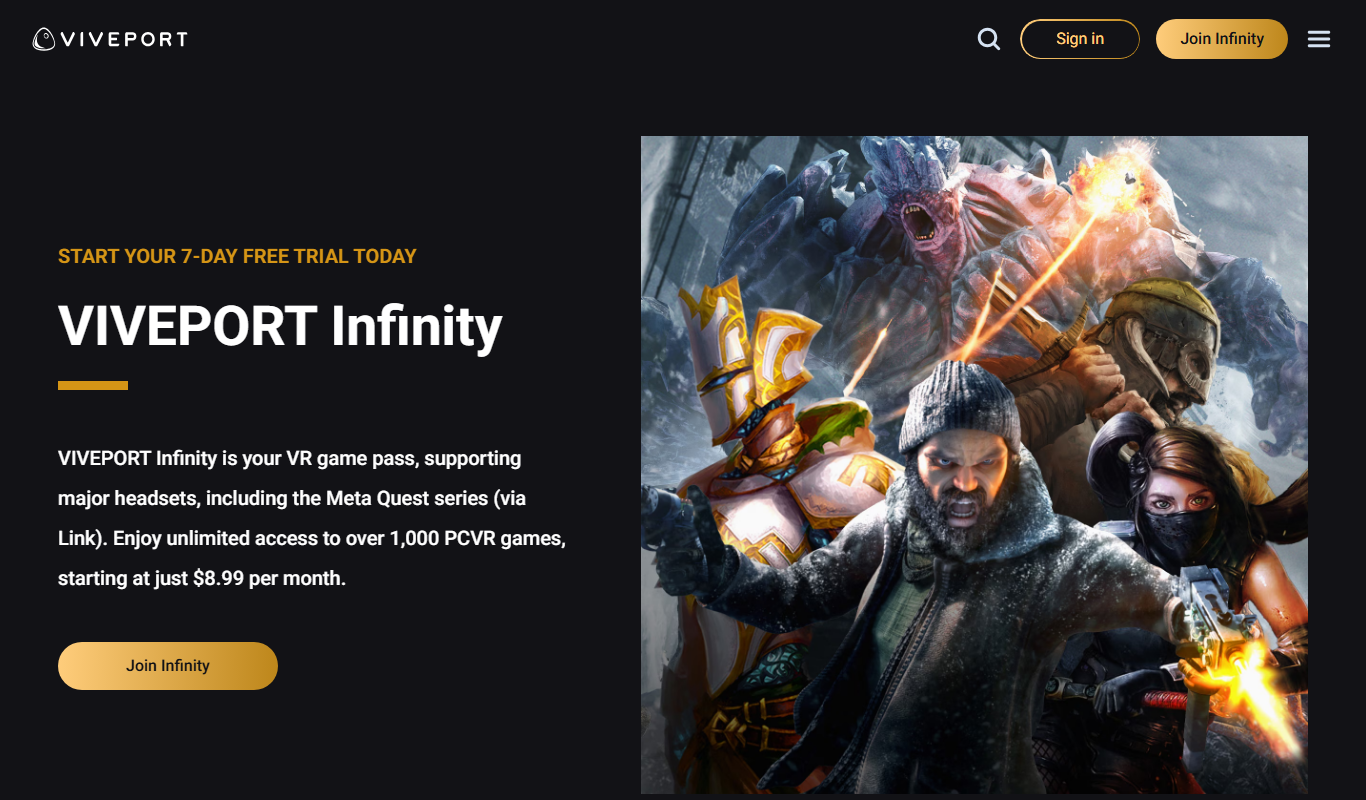
Viveport
Viveport is HTC's virtual reality content platform providing access to VR games and experiences, including a subscription service called Viveport Infinity for unlimited VR content.
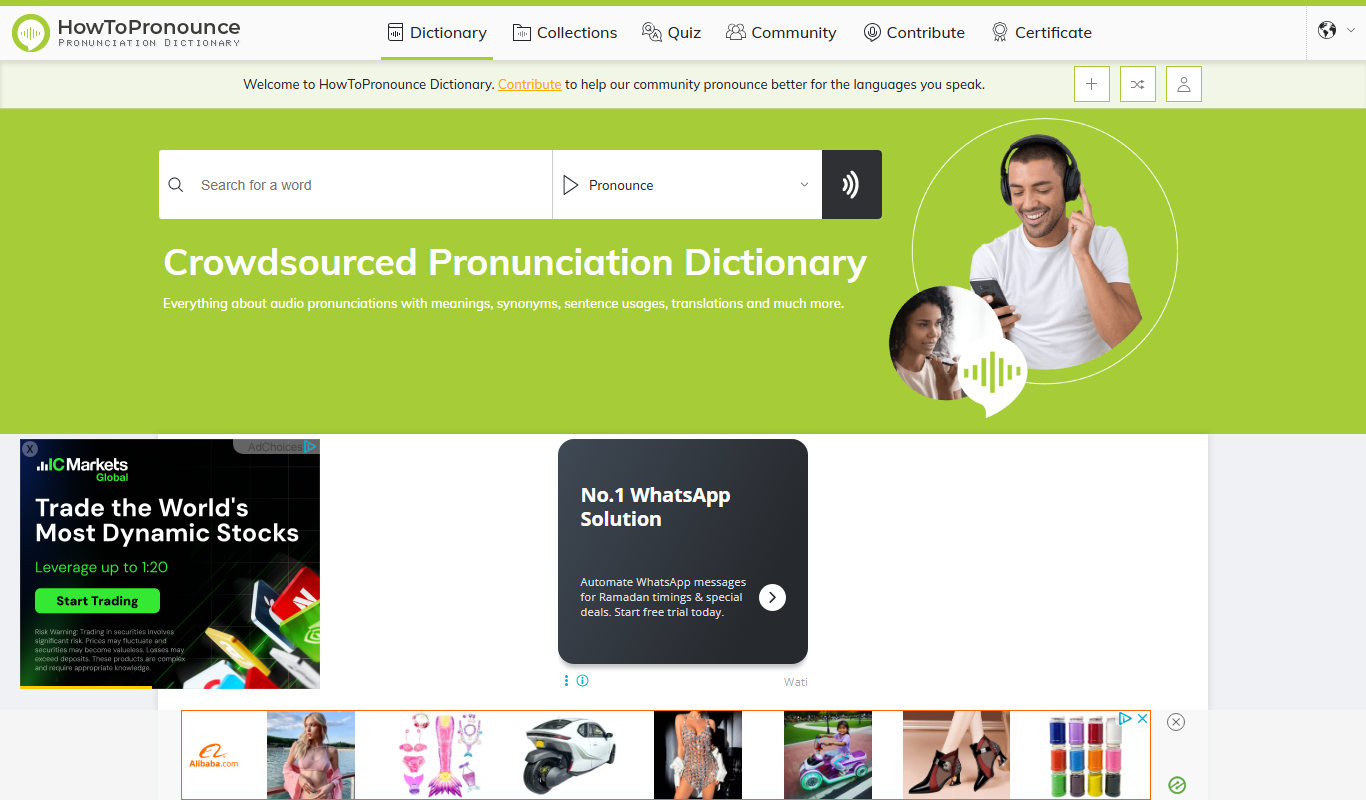
HowToPronounce
HowToPronounce is a free online tool that provides audio pronunciations and phonetic spellings for words in multiple languages, helping users learn correct pronunciation through native and expert recordings.

Furbo Pet Camera
Furbo Pet Camera is a smart device that lets dog owners watch, talk to, and toss treats to their pets remotely via a mobile app, featuring HD video, night vision, and barking alerts.

Jitsi Meet
Jitsi Meet is a free, open source video conferencing platform that enables secure, high-quality online meetings without requiring user accounts.

NVDA Screen Reader
NVDA is a free, open-source screen reader for Windows that helps visually impaired users access digital content through speech and braille output.
Petralex Hearing Aid
Petralex Hearing Aid is a mobile app that amplifies sounds and customizes hearing settings based on a hearing test, providing personalized assistance for mild to moderate hearing loss.