

From my experience with Jitsi Meet, I found it excels at providing a truly free and open source video conferencing solution that prioritizes user privacy and ease of access. The ability to start meetings instantly without accounts lowers barriers for casual and professional users alike. While it may lack some advanced features found in commercial platforms, its customization options and encryption make it a strong choice for privacy-conscious teams and developers. However, performance can depend on server resources, especially when self-hosted, so users should consider their infrastructure needs. Overall, if you want a secure, flexible, and cost-free video meeting tool, Jitsi Meet delivers solid results.
Jitsi Meet Open Source Video Conferencing Platform for Secure Online Meetings
Jitsi Meet is a free, open source video conferencing platform that enables secure, high-quality online meetings without requiring user accounts.
- Best for
- Remote Team Meetings
- Key capability
- Open Source and Free
Your actions
Save Jitsi Meet, follow its updates and vote on it — everything stays in your account.
Sign in or create a free account
What is Jitsi Meet?
Jitsi Meet is a free, open source video conferencing platform that allows users to host secure and high-quality online meetings without the need for an account. It leverages WebRTC technology to provide real-time video and audio communication directly through web browsers or mobile apps. Jitsi Meet emphasizes privacy, encryption, and ease of use, making it a popular choice for individuals, businesses, and developers seeking customizable video conferencing solutions.
Key features of Jitsi Meet
Jitsi Meet offers features such as multi-user video calls, screen sharing, chat, recording, encryption, and integration capabilities. It supports unlimited participants and does not impose time limits, providing a flexible and scalable conferencing experience.
Open Source and Free
Completely free to use with source code available for customization and self-hosting.
End-to-End Encryption
Supports secure communication with encryption to protect user privacy.
No Account Required
Users can start or join meetings instantly without signing up.
Screen Sharing and Recording
Allows sharing your screen and recording meetings for later reference.
Cross-Platform Support
Accessible via web browsers, desktop apps, and mobile devices on iOS and Android.
Pros and cons of Jitsi Meet
Pros
- Completely free and open source
- No account or installation required for web use
- Strong focus on privacy and encryption
- Cross-platform compatibility
- Customizable and self-hostable
Cons
- Performance can vary based on server resources
- Limited advanced meeting management features compared to paid competitors
- Occasional video quality issues on low bandwidth connections
Key use cases for Jitsi Meet
Remote Team Meetings
Facilitates seamless video and audio communication for distributed teams to collaborate effectively.
Online Classes and Webinars
Supports educators and trainers in hosting interactive virtual classrooms and webinars with screen sharing.
Secure Private Calls
Enables encrypted video calls for users requiring privacy and security in their communications.
Community and Social Gatherings
Allows groups and communities to connect virtually for social events and discussions.
Developer Integration
Offers APIs and SDKs for developers to embed video conferencing into custom applications.
How Jitsi Meet works
- 1
Access the Platform
Visit the Jitsi Meet website or open the mobile app to start or join a meeting instantly without registration.
- 2
Create or Join a Meeting
Enter a meeting name to create a new room or join an existing one by sharing the meeting link.
- 3
Configure Settings
Adjust audio, video, and security settings such as enabling encryption or locking the meeting with a password.
- 4
Collaborate in Real-Time
Use video, audio, chat, and screen sharing features to communicate and collaborate with participants.
Who is using Jitsi Meet
Remote teams and businesses
Educators and trainers
Privacy-conscious users
Developers seeking video integration
Community groups and social users
Jitsi Meet pricing
Free
$0
Full access to all features with no usage limits.
Plans and prices are as published by the vendor and can change. Check the official site before you buy. Open the pricing page (opens in a new tab)
Frequently asked questions about Jitsi Meet
Yes, Jitsi Meet is completely free and open source with no hidden costs.
No, you can start or join meetings instantly without any registration.
Jitsi Meet supports many participants, but performance depends on server capacity if self-hosted.
Jitsi Meet supports encryption to ensure your calls are private and secure.
Data handling and security practices vary by provider. Review the official privacy policy to understand how your data is stored and used.
Yes, it can help with that use case depending on how you configure it and what features are available. You’ll get the best results with clear inputs and a defined goal.
It depends on your specific needs and how you plan to use the tool. The official website and documentation are the best sources for the latest details.
Sign in to review this tool.
Sign In to ReviewNo reviews yet
Be the first to share how this tool worked for you.
Ask about pricing, limits, or how it compares — or answer someone else.
Sign In to AskNo questions yet
Have a question about using or paying for this tool? Be the first to ask.
Featured on TiorAI



Alternative Tools
Explore similar AI tools that might fit your needs
Free
Zoom
Zoom is a cloud-based video conferencing platform that enables virtual meetings, webinars, and online collaboration with features like HD video, screen sharing, breakout rooms, and recording.
More AI Voice Assistants tools
Other tools in the same category, for when this one is not quite the fit.

Free
Freeletics
Freeletics is an AI-driven fitness coaching app that creates personalized workout and running plans based on your fitness level and goals, focusing on bodyweight exercises and progress tracking.

Freemium
Komoot
Komoot is an outdoor navigation app that helps users plan and follow hiking, cycling, and other adventure routes with detailed maps, offline access, and voice guidance.

Pay Per Session
GoStudent
GoStudent is an online tutoring platform providing personalized, live one-on-one lessons to help students improve academically across various subjects and languages.

Free
Viveport
Viveport is HTC's virtual reality content platform providing access to VR games and experiences, including a subscription service called Viveport Infinity for unlimited VR content.
Freemium
Tactus Therapy
Tactus Therapy is a mobile app designed to help children with speech delays improve their articulation through interactive exercises and progress tracking.
Free
HowToPronounce
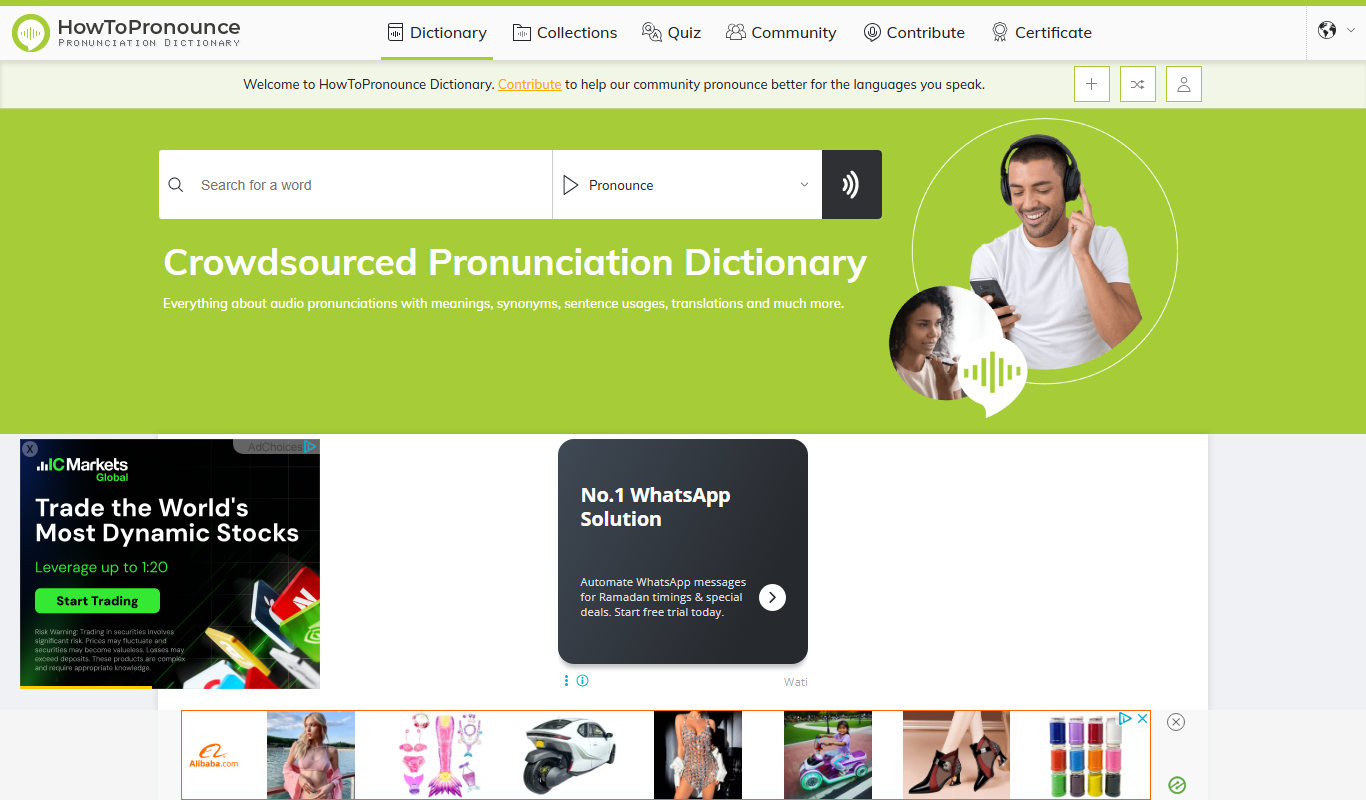
HowToPronounce is a free online tool that provides audio pronunciations and phonetic spellings for words in multiple languages, helping users learn correct pronunciation through native and expert recordings.

Free
EnglishCentral
EnglishCentral is an online English learning platform that uses video lessons and AI-powered speech recognition to help users improve their English speaking and listening skills through interactive practice and instant feedback.

One-time purchase
Furbo Pet Camera
Furbo Pet Camera is a smart device that lets dog owners watch, talk to, and toss treats to their pets remotely via a mobile app, featuring HD video, night vision, and barking alerts.