

From my experience with UPEvent, I found it excels at providing a unified platform for managing virtual and hybrid events with ease. The interface is intuitive, making it straightforward to set up events, manage registrations, and engage attendees through networking lounges and exhibitor booths. It’s particularly well-suited for event planners looking to combine online and offline experiences without juggling multiple tools. However, the lack of publicly available pricing details means you need to contact the company for a quote, which can slow initial evaluation. Overall, if you need a versatile event management solution that supports various event formats, UPEvent delivers solid capabilities.
UPEvent Event Management Software for Seamless Online and Hybrid Events
UPEvent is an event management platform designed to create, manage, and analyze virtual, hybrid, and in-person events with features like ticketing, live streaming, exhibitor booths, and attendee networking.
- Best for
- Virtual Conferences
- Key capability
- Customizable Event Pages
Your actions
Save UPEvent, follow its updates and vote on it — everything stays in your account.
Sign in or create a free account
What is UPEvent?
UPEvent is a comprehensive event management platform designed to facilitate the planning, execution, and analysis of virtual, hybrid, and in-person events. It offers tools for registration, attendee engagement, live streaming, networking, and exhibitor management, enabling organizers to deliver seamless event experiences.
Key features of UPEvent
UPEvent provides an all-in-one solution featuring customizable event pages, ticketing and registration management, live streaming integration, virtual exhibitor booths, networking lounges, analytics dashboards, and marketing automation to maximize event reach and engagement.
Customizable Event Pages
Design branded event landing pages with detailed agendas and speaker profiles.
Integrated Ticketing and Registration
Manage ticket sales, attendee check-in, and automated confirmations.
Live Streaming Support
Embed live video streams and support interactive Q&A sessions.
Virtual Exhibitor Booths
Allow sponsors and exhibitors to showcase products and connect with attendees.
Networking Lounges
Facilitate attendee networking through chat rooms and virtual meetups.
Analytics and Reporting
Track event performance metrics and attendee behavior for insights.
Pros and cons of UPEvent
Pros
- Comprehensive all-in-one event management features
- Supports virtual, hybrid, and in-person event formats
- User-friendly interface with customizable branding
- Strong attendee engagement tools including networking lounges
- Detailed analytics for event performance tracking
Cons
- Pricing details are not publicly listed, requiring contact for quotes
- Limited information on integrations with third-party marketing tools
Key use cases for UPEvent
Virtual Conferences
Host fully online conferences with interactive sessions, networking, and exhibitor booths.
Hybrid Events
Combine in-person and virtual attendees seamlessly with integrated event tools.
Workshops and Training
Deliver engaging online workshops with live streaming, Q&A, and participant management.
Trade Shows and Exhibitions
Create virtual exhibitor booths and sponsor showcases to connect with attendees.
Webinars and Product Launches
Manage registration, streaming, and audience interaction for webinars and launches.
How UPEvent works
- 1
Create Event
Set up your event details, customize branding, and configure ticketing options.
- 2
Promote Event
Use built-in marketing tools to send invitations and manage registrations.
- 3
Engage Attendees
Host live sessions, enable networking, and provide virtual exhibitor access.
- 4
Analyze Results
Access detailed reports on attendance, engagement, and revenue.
Who is using UPEvent
Event planners and organizers
Marketing teams
Corporate training departments
Trade show and exhibition coordinators
Nonprofits and associations hosting events
UPEvent pricing
Free Trial
$0 for 14 days
Access core features to test the platform with limited attendees.
Professional
Contact for pricing
Full feature access with scalable attendee capacity and premium support.
Plans and prices are as published by the vendor and can change. Check the official site before you buy. Open the pricing page (opens in a new tab)
Frequently asked questions about UPEvent
Yes, UPEvent supports fully virtual events as well as hybrid events combining in-person and online attendees.
Attendee limits depend on the subscription plan; contact UPEvent for details on scaling.
Yes, it supports embedding streams from popular platforms like YouTube Live and Vimeo.
UPEvent allows full customization of event pages to match your brand identity.
It depends on your specific needs and how you plan to use the tool. The official website and documentation are the best sources for the latest details.
Yes, it can help with that use case depending on how you configure it and what features are available. You’ll get the best results with clear inputs and a defined goal.
It depends on your specific needs and how you plan to use the tool. The official website and documentation are the best sources for the latest details.
It depends on your specific needs and how you plan to use the tool. The official website and documentation are the best sources for the latest details.
Sign in to review this tool.
Sign In to ReviewNo reviews yet
Be the first to share how this tool worked for you.
Ask about pricing, limits, or how it compares — or answer someone else.
Sign In to AskNo questions yet
Have a question about using or paying for this tool? Be the first to ask.
Featured on TiorAI



Alternative Tools
Explore similar AI tools that might fit your needs
Free
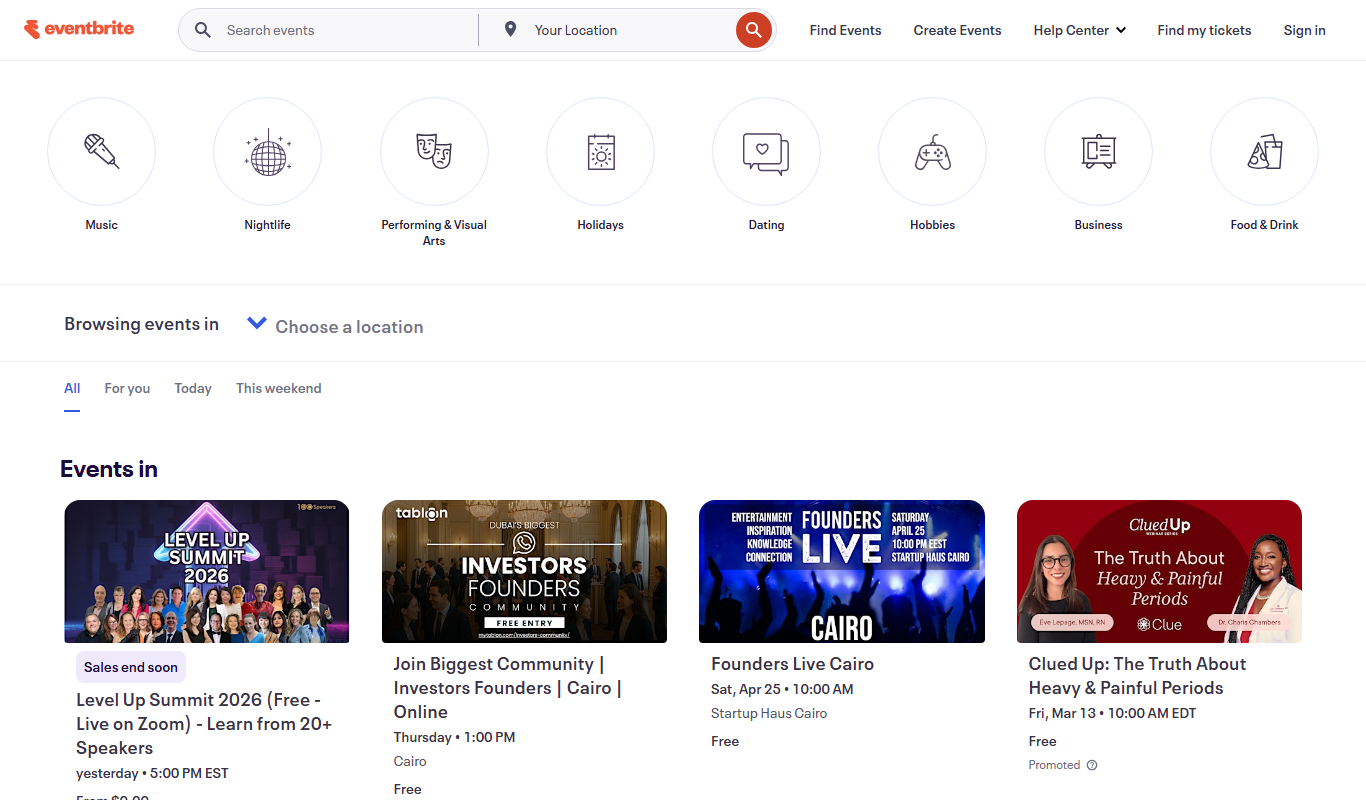
Eventbrite
Eventbrite is an event management platform that enables users to create, promote, and manage events with ticketing, registration, and analytics tools for both in-person and virtual events.

Subscription
Airmeet
Airmeet is a web-based virtual event platform that enables hosting interactive online conferences, webinars, and networking sessions with features like virtual stages, breakout rooms, and live engagement tools.
More AI Video Upscaler tools
Other tools in the same category, for when this one is not quite the fit.
Free
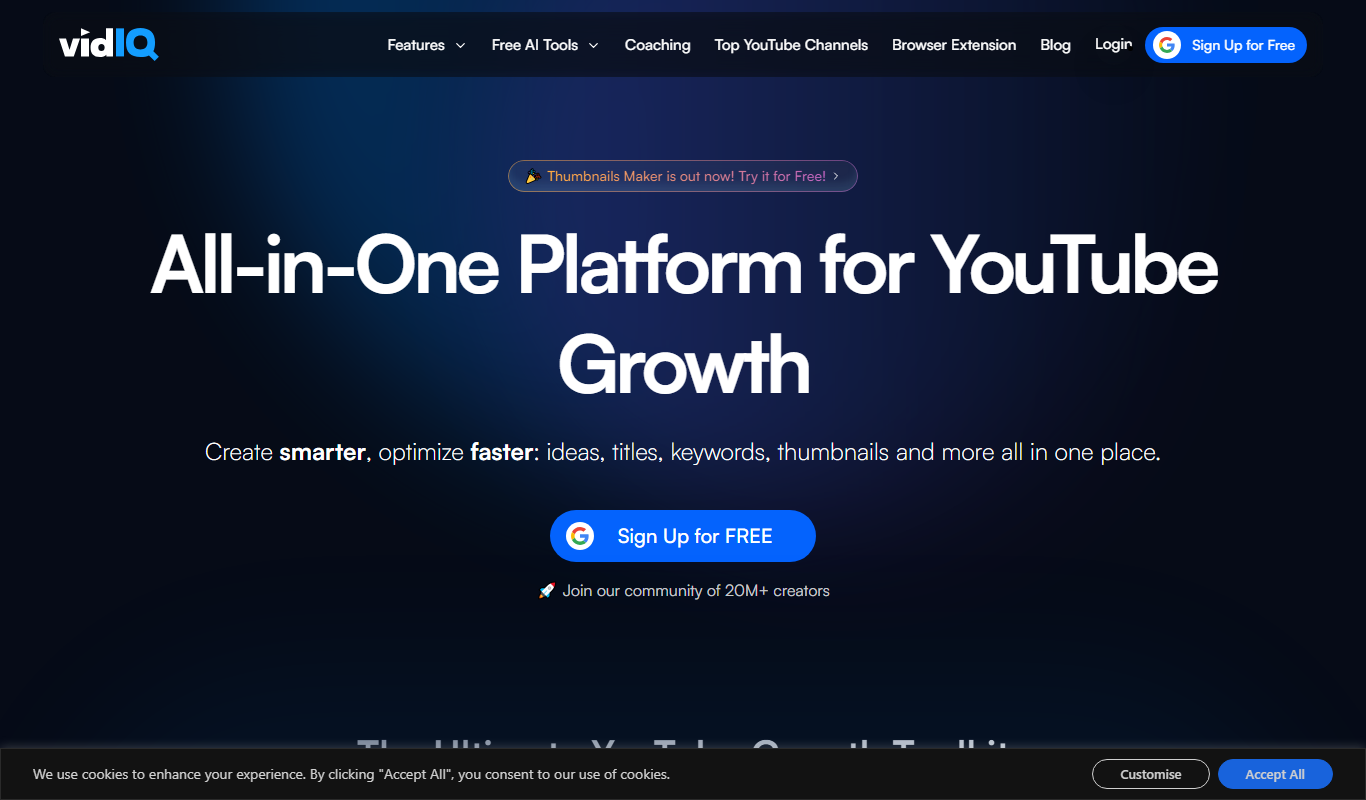
VidIq
VidIQ is a YouTube analytics and SEO tool that helps creators optimize videos, research keywords, analyze competitors, and grow their channels effectively.

Free
jpgHi.com Magic Image Upscale
jpgHi Magic Image Upscale is a web-based AI tool that enlarges and enhances images up to 4x their original size while preserving quality through noise reduction and detail restoration.

Free
Free AI Image Upscaling
Free AI Image Upscaling is a web-based tool that uses artificial intelligence to increase image resolution and improve quality without losing detail, available for free without registration.

Free
Image Upscaler AI
Image Upscaler AI is an online tool that uses artificial intelligence to enlarge and enhance images up to 4 times their original resolution while preserving quality and reducing noise.

Free
Upscalepics
Upscalepics is an AI-based online image upscaling tool that enlarges photos up to 4x their original size while reducing noise and artifacts, all through a simple web interface.

Free
Lumen Scaler
Lumen Scaler is an AI-based web tool that enlarges images while preserving quality using advanced machine learning algorithms.
Custom Pricing
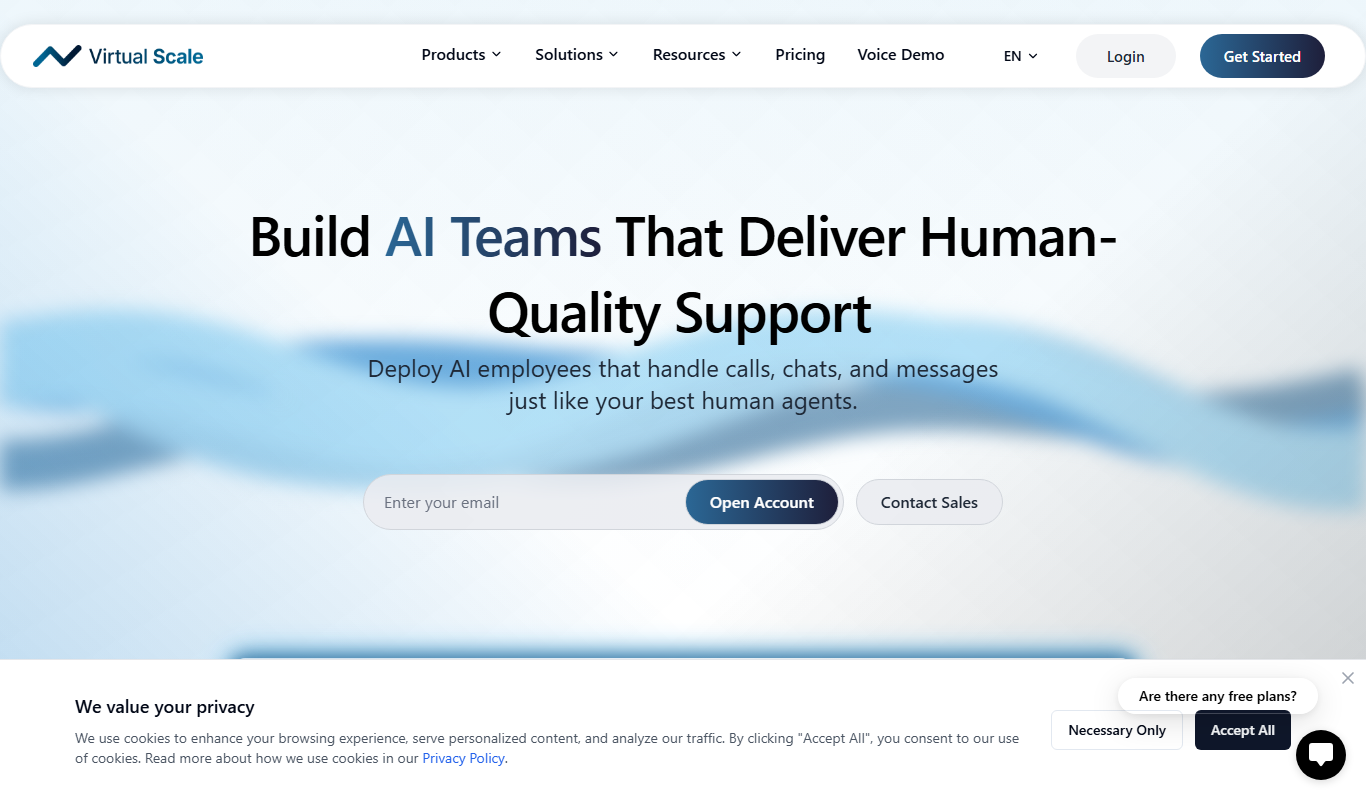
Virtual Scale
Virtual Scale is an AI-driven data annotation platform that automates and refines labeling of images, videos, and text to provide high-quality training data for machine learning models.

Free Trial
Topaz Video AI
Topaz Video AI is a desktop software that uses artificial intelligence to upscale video resolution, reduce noise, and increase frame rates, helping creators enhance video quality efficiently.