

From my experience with VidIQ, it stands out as a practical and user-friendly tool for YouTube creators aiming to grow their channels through data-driven insights. The Chrome extension integrates seamlessly with YouTube, making keyword research and SEO optimization straightforward even for beginners. I found the competitor analysis and trend alerts particularly useful for planning content strategy. However, the free plan is somewhat limited, and some advanced features require paid subscriptions, which might be a consideration for smaller creators. Overall, VidIQ delivers solid value for anyone serious about improving their YouTube presence.
VidIQ YouTube Analytics and Video SEO Tool for Creators and Marketers
VidIQ is a YouTube analytics and SEO tool that helps creators optimize videos, research keywords, analyze competitors, and grow their channels effectively.
- Best for
- YouTube Channel Growth
- Key capability
- Real-Time Video Analytics
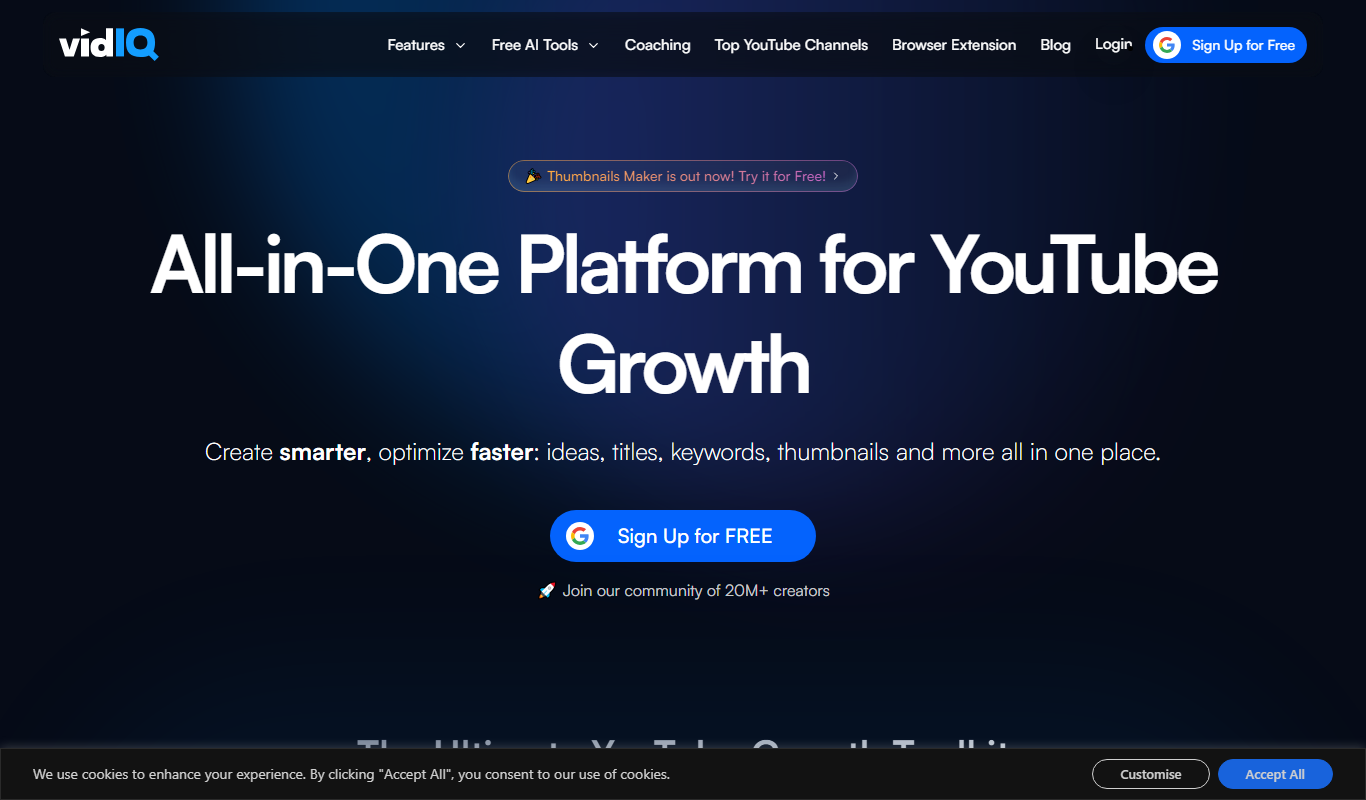
What is VidIq?
VidIQ is a comprehensive YouTube analytics and video SEO tool designed to help content creators, marketers, and brands grow their YouTube channels. It provides actionable insights, keyword research, and competitor analysis to optimize video content and improve channel performance.
Key features of VidIq
VidIQ offers features like real-time analytics, keyword research, SEO scoring, competitor tracking, trend alerts, and bulk video descriptions editing, all accessible via a web dashboard and a Chrome browser extension.
Real-Time Video Analytics
Track views, watch time, engagement, and SEO scores as videos perform.
Keyword Research Tool
Discover high-impact keywords and tags to boost video search rankings.
Competitor Scorecard
Compare your channel metrics against competitors to identify growth opportunities.
Trend Alerts
Receive notifications about trending topics relevant to your niche.
Bulk Video Description Editor
Edit descriptions for multiple videos simultaneously to save time.
Pros and cons of VidIq
Pros
- Comprehensive YouTube analytics and SEO tools
- Easy-to-use Chrome extension integrated with YouTube
- Affordable pricing tiers for different user needs
- Valuable competitor and trend insights
- Bulk editing saves time for creators managing many videos
Cons
- Limited features on free plan
- No dedicated mobile app available
- Some advanced features require higher-tier subscriptions
Key use cases for VidIq
YouTube Channel Growth
Helps creators analyze their channel performance and optimize content to increase subscribers and views.
Video SEO Optimization
Provides keyword research and SEO scores to improve video discoverability on YouTube.
Competitor Analysis
Enables users to track competitors’ video performance and strategies for better content planning.
Content Strategy Planning
Offers insights into trending topics and best posting times to maximize audience engagement.
Audience Engagement Tracking
Monitors audience interaction metrics such as likes, comments, and shares to refine content.
How VidIq works
-
1
Install the Chrome Extension
Add the VidIQ extension to your Chrome browser to access video insights directly on YouTube.
-
2
Connect Your YouTube Channel
Sign in with your YouTube account to link your channel and access personalized analytics.
-
3
Analyze Videos and Keywords
Use VidIQ’s tools to research keywords, check SEO scores, and analyze video performance.
-
4
Optimize Content
Apply recommendations to video titles, descriptions, tags, and thumbnails to improve visibility.
-
5
Track Progress
Monitor channel growth, competitor activity, and audience engagement through the dashboard.
Who is using VidIq
YouTube content creators
Digital marketers
Social media managers
Video production agencies
Small businesses using YouTube for marketing
VidIq pricing
Basic
$0/month
Free access with limited features and daily data caps.
Pro
$7.50/month
Enhanced analytics, keyword research, and competitor tracking.
Boost
$39/month
Advanced SEO tools, trend alerts, and bulk editing capabilities.
Boost+
$415/month
Enterprise-level features with priority support and custom solutions.
Plans and prices are as published by the vendor and can change. Check the official site before you buy. Open the pricing page (opens in a new tab)
Frequently asked questions about VidIq
Yes, VidIQ offers a free Basic plan with limited features suitable for beginners.
Yes, VidIQ provides keyword research and SEO scores to optimize your videos for better search visibility.
Yes, VidIQ supports multiple languages including Spanish, French, German, Portuguese, and Japanese.
Currently, VidIQ is available as a web platform and Chrome extension but does not have a dedicated mobile app.
It depends on your specific needs and how you plan to use the tool. The official website and documentation are the best sources for the latest details.
It depends on your specific needs and how you plan to use the tool. The official website and documentation are the best sources for the latest details.
Some tools offer a free plan or trial with limited features. Availability can vary, so confirm on the official website.
Yes, it can help with that use case depending on how you configure it and what features are available. You’ll get the best results with clear inputs and a defined goal.
Sign in to review this tool.
No reviews yet
Be the first to share how this tool worked for you.
Ask about pricing, limits, or how it compares — or answer someone else.
No questions yet
Have a question about using or paying for this tool? Be the first to ask.
Featured on TiorAI



Alternative Tools
Explore similar AI tools that might fit your needs

Freemium
Morningfame
Morningfame is a YouTube analytics platform that helps creators grow their channels by providing keyword research, personalized growth reports, and video SEO optimization recommendations.
More AI Video Marketing Tools tools
Other tools in the same category, for when this one is not quite the fit.
Free
AI YouTube Thumbnails
AI YouTube Thumbnails is an AI-driven web tool that helps YouTube creators generate custom, optimized thumbnails quickly without design skills.

Free
YouTube Thumbnail Checker
YouTube Thumbnail Checker is a free web tool that helps creators preview and validate their video thumbnails across devices to ensure they meet YouTube's size and quality standards, improving click-through rates.

Free Trial
AI TikTok Script Writer
AI TikTok Script Writer is a web-based tool by ClapTools that uses AI to generate creative, engaging scripts tailored for TikTok videos, helping creators save time and improve content quality.

Free Trial
UGC Scripts
UGC Scripts is an AI-driven platform that helps content creators and marketers generate authentic video scripts optimized for social media platforms like TikTok and Instagram, streamlining the content creation process.
Free Trial
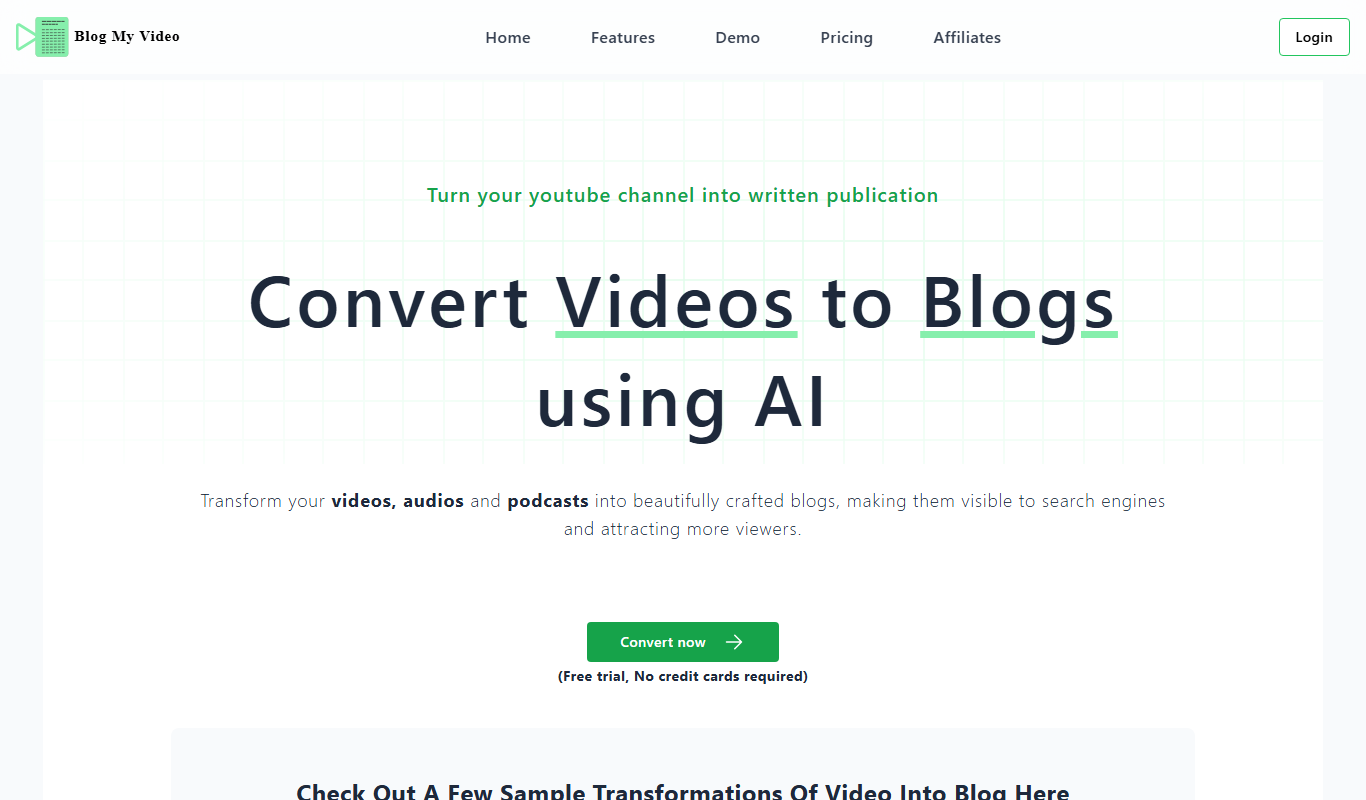
BlogMyVideo
BlogMyVideo is an AI-powered platform that converts video content into SEO-friendly blog posts by transcribing and summarizing videos automatically.
Free Trial
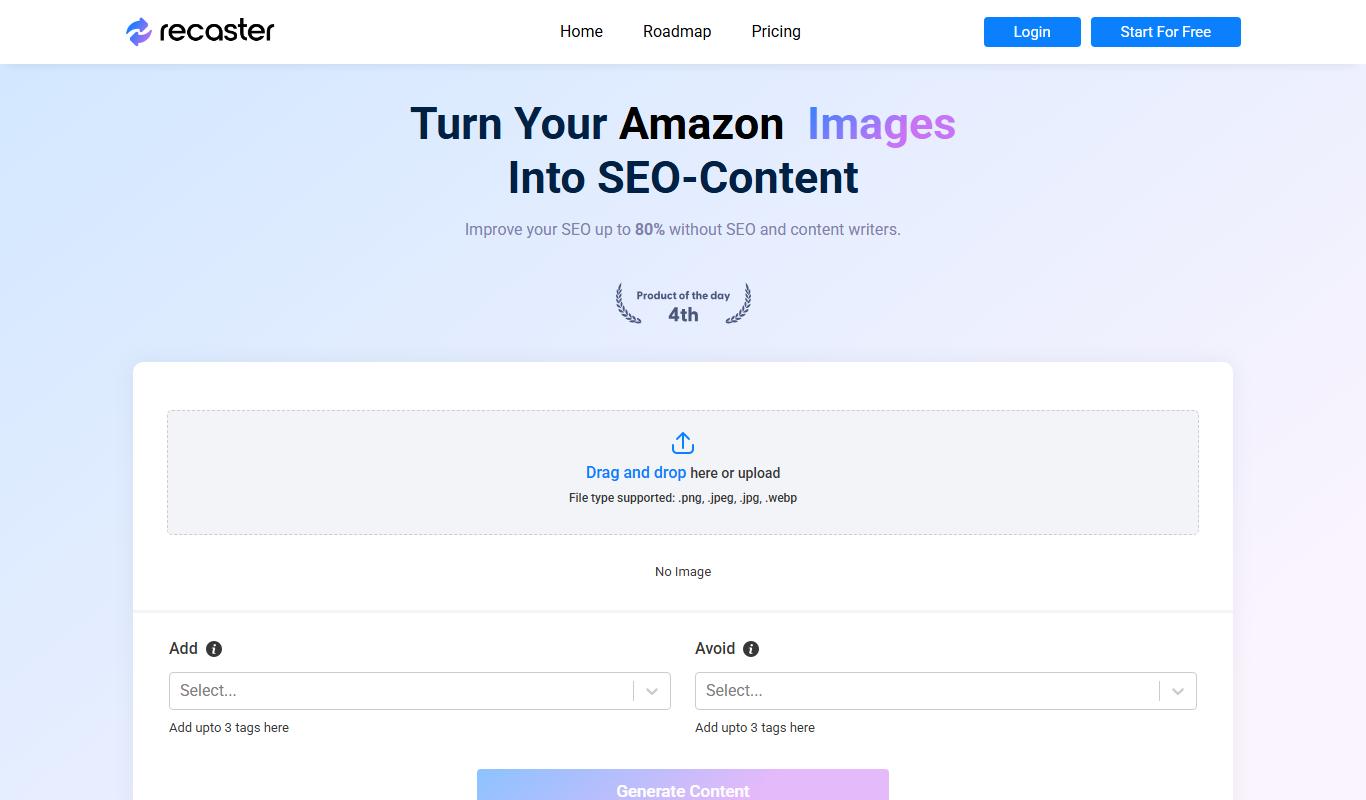
Recaster AI
Recaster AI is a web-based platform that uses AI to automatically convert long videos into multiple short clips optimized for social media, featuring automated clipping, captioning, branding, and analytics.

Freemium
Wisio
Wisio is a web platform that enables businesses to collect audience questions and respond with personalized video answers, enhancing customer engagement and marketing efforts.

Free Trial
Maverick
Maverick is a personalized video marketing platform that automates the creation and delivery of customized videos to enhance customer engagement, primarily for e-commerce businesses.