

From my experience with Recaster AI, it stands out for automating the tedious process of turning long videos into multiple social media-ready clips. The AI-driven clipping and captioning save significant time, especially for marketers and content creators who need to maintain a steady stream of engaging video content. While it lacks advanced editing features and supports mainly English, its ease of use and branding customization make it a practical choice for small businesses and agencies. If your goal is efficient video repurposing without complex software, Recaster AI delivers reliable results.
Recaster AI Review: Automated Video Repurposing and Content Marketing Tool
Recaster AI is a web-based platform that uses AI to automatically convert long videos into multiple short clips optimized for social media, featuring automated clipping, captioning, branding, and analytics.
- Best for
- Video Content Repurposing
- Key capability
- Automated Video Clipping
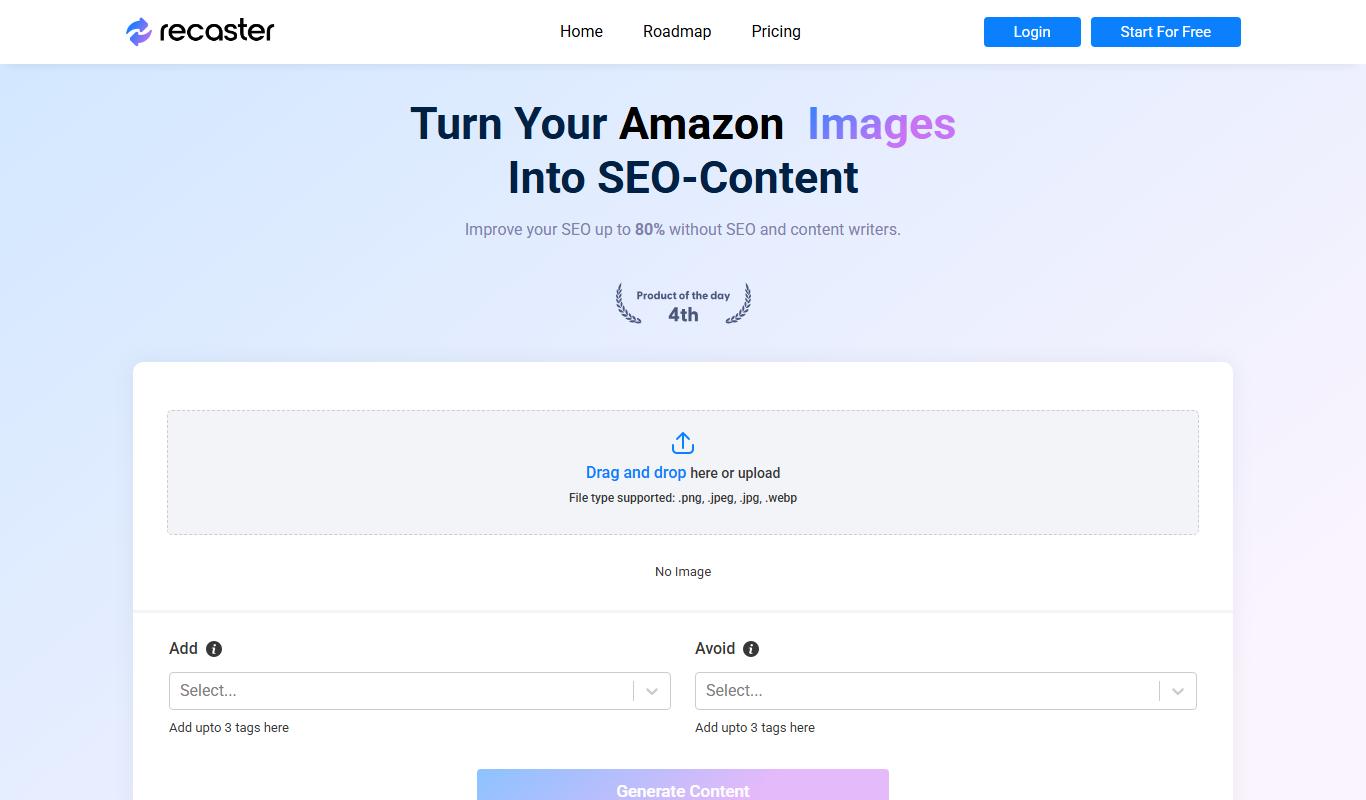

What is Recaster AI?
Recaster AI is a web-based video repurposing platform that leverages artificial intelligence to automatically convert long videos into multiple short, engaging clips. Designed for marketers, content creators, and businesses, it streamlines the process of creating social media-ready video content by automating editing, captioning, and formatting tasks.
Key features of Recaster AI
Recaster AI offers automated video clipping, AI-powered caption generation, customizable branding templates, multi-platform export options, and analytics to track video performance. Its intuitive interface simplifies video content repurposing for users without advanced editing skills.
Automated Video Clipping
AI-driven detection of highlights to create multiple short clips from longer videos.
Caption Generation
Automatic transcription and captioning to enhance accessibility and engagement.
Custom Branding
Add logos, colors, and fonts to maintain consistent brand identity across clips.
Multi-Platform Export
Export clips tailored for platforms like LinkedIn, Instagram, TikTok, and YouTube.
Performance Analytics
Track engagement metrics to measure the impact of repurposed video content.
Pros and cons of Recaster AI
Pros
- Automates time-consuming video editing tasks
- Easy-to-use interface suitable for non-experts
- Supports multiple social media formats
- Customizable branding options
- Provides performance analytics
Cons
- Limited language support beyond English
- No desktop or mobile app, web-only platform
- Advanced editing features are limited compared to dedicated video editors
Key use cases for Recaster AI
Video Content Repurposing
Automatically transform long-form videos into multiple short clips optimized for social media platforms.
Social Media Marketing
Create engaging video snippets to increase audience reach and engagement across channels like LinkedIn, Instagram, and TikTok.
Content Creation Efficiency
Save time by automating the editing and clipping process, enabling faster content turnaround.
Brand Awareness
Maintain consistent video branding with customizable templates and automated captioning.
How Recaster AI works
-
1
Upload Video
Users upload their long-form video content to the Recaster AI platform.
-
2
AI Processing
The AI analyzes the video to identify key moments and automatically generates short clips.
-
3
Customize Clips
Users can apply branding, edit captions, and adjust clip length or format as needed.
-
4
Export and Share
Final clips can be exported in various formats optimized for different social media platforms.
Who is using Recaster AI
Social media marketers
Content creators and influencers
Small to medium businesses
Marketing agencies
Video production teams
Recaster AI pricing
Free Trial
$0
Limited access to features with a cap on video minutes and exports.
Pro
$29/month
Full access to all features, higher video limits, and priority support.
Business
Custom pricing
Tailored solutions with advanced features and dedicated account management.
Plans and prices are as published by the vendor and can change. Check the official site before you buy. Open the pricing page (opens in a new tab)
Frequently asked questions about Recaster AI
Yes, Recaster AI supports long-form videos, but the number of clips generated depends on your subscription plan.
Currently, Recaster AI primarily supports English for transcription and captioning.
Yes, you can add logos, choose colors, and customize fonts to match your brand.
Limits vary by plan; the free trial has restrictions, while paid plans offer higher or unlimited usage.
It depends on your specific needs and how you plan to use the tool. The official website and documentation are the best sources for the latest details.
Yes, it can help with that use case depending on how you configure it and what features are available. You’ll get the best results with clear inputs and a defined goal.
It depends on your specific needs and how you plan to use the tool. The official website and documentation are the best sources for the latest details.
Pricing depends on the plan and included features. For the most accurate and up-to-date details, check the official pricing page.
Sign in to review this tool.
No reviews yet
Be the first to share how this tool worked for you.
Ask about pricing, limits, or how it compares — or answer someone else.
No questions yet
Have a question about using or paying for this tool? Be the first to ask.
Featured on TiorAI



More AI Video Marketing Tools tools
Other tools in the same category, for when this one is not quite the fit.
Free
AI YouTube Thumbnails
AI YouTube Thumbnails is an AI-driven web tool that helps YouTube creators generate custom, optimized thumbnails quickly without design skills.

Free
YouTube Thumbnail Checker
YouTube Thumbnail Checker is a free web tool that helps creators preview and validate their video thumbnails across devices to ensure they meet YouTube's size and quality standards, improving click-through rates.

Free Trial
AI TikTok Script Writer
AI TikTok Script Writer is a web-based tool by ClapTools that uses AI to generate creative, engaging scripts tailored for TikTok videos, helping creators save time and improve content quality.

Free Trial
UGC Scripts
UGC Scripts is an AI-driven platform that helps content creators and marketers generate authentic video scripts optimized for social media platforms like TikTok and Instagram, streamlining the content creation process.
Free Trial
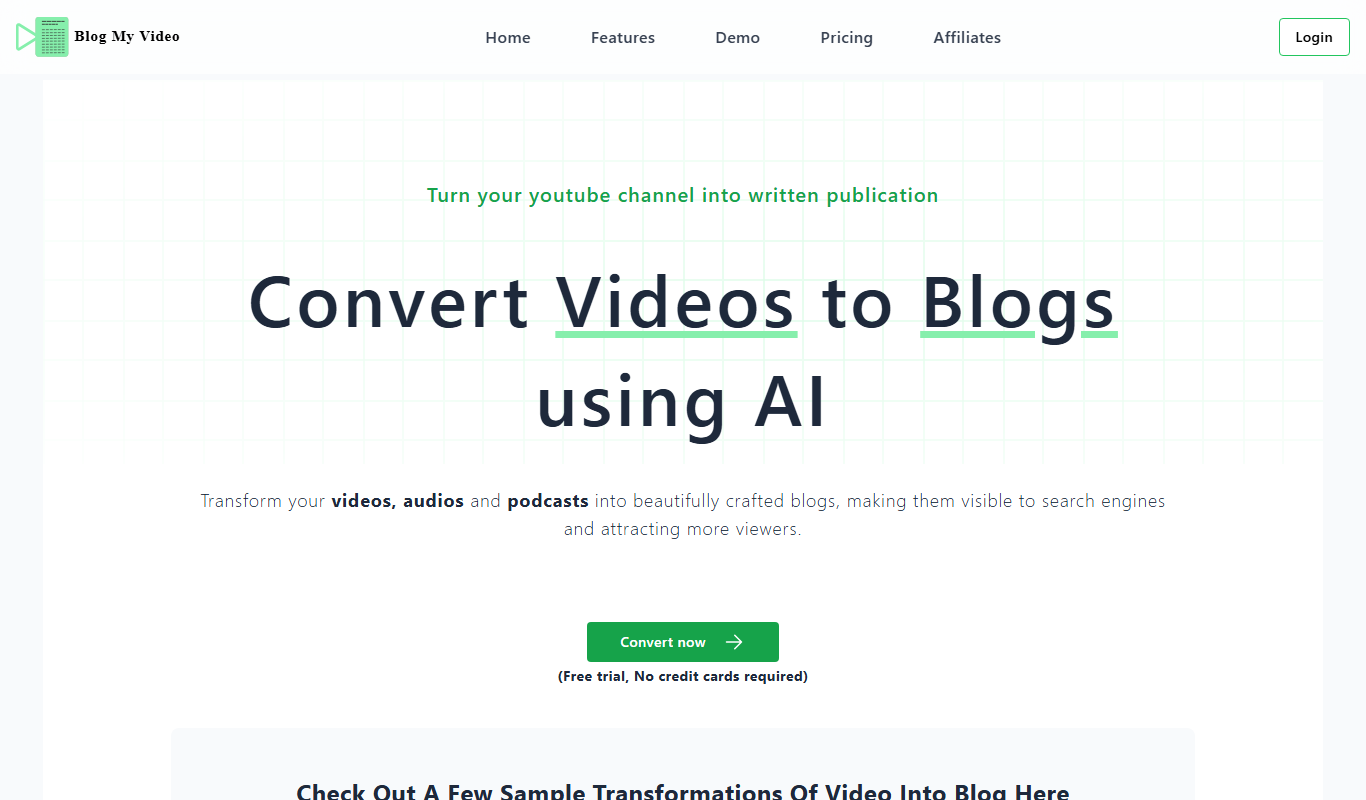
BlogMyVideo
BlogMyVideo is an AI-powered platform that converts video content into SEO-friendly blog posts by transcribing and summarizing videos automatically.

Freemium
Wisio
Wisio is a web platform that enables businesses to collect audience questions and respond with personalized video answers, enhancing customer engagement and marketing efforts.

Free Trial
Maverick
Maverick is a personalized video marketing platform that automates the creation and delivery of customized videos to enhance customer engagement, primarily for e-commerce businesses.

Free Trial
ShortsNinja
ShortsNinja is a web-based tool designed to help YouTube Shorts creators analyze video performance, track competitors, and optimize content using trending hashtags and data-driven insights.