

BlogMyVideo Review: Convert Videos to SEO-Friendly Blog Posts Easily
BlogMyVideo is an AI-powered platform that converts video content into SEO-friendly blog posts by transcribing and summarizing videos automatically.
- Best for
- Video Content Repurposing
- Key capability
- Automated Video Transcription
Save BlogMyVideo, follow its updates and vote on it — everything stays in your account.
Sign in or create a free account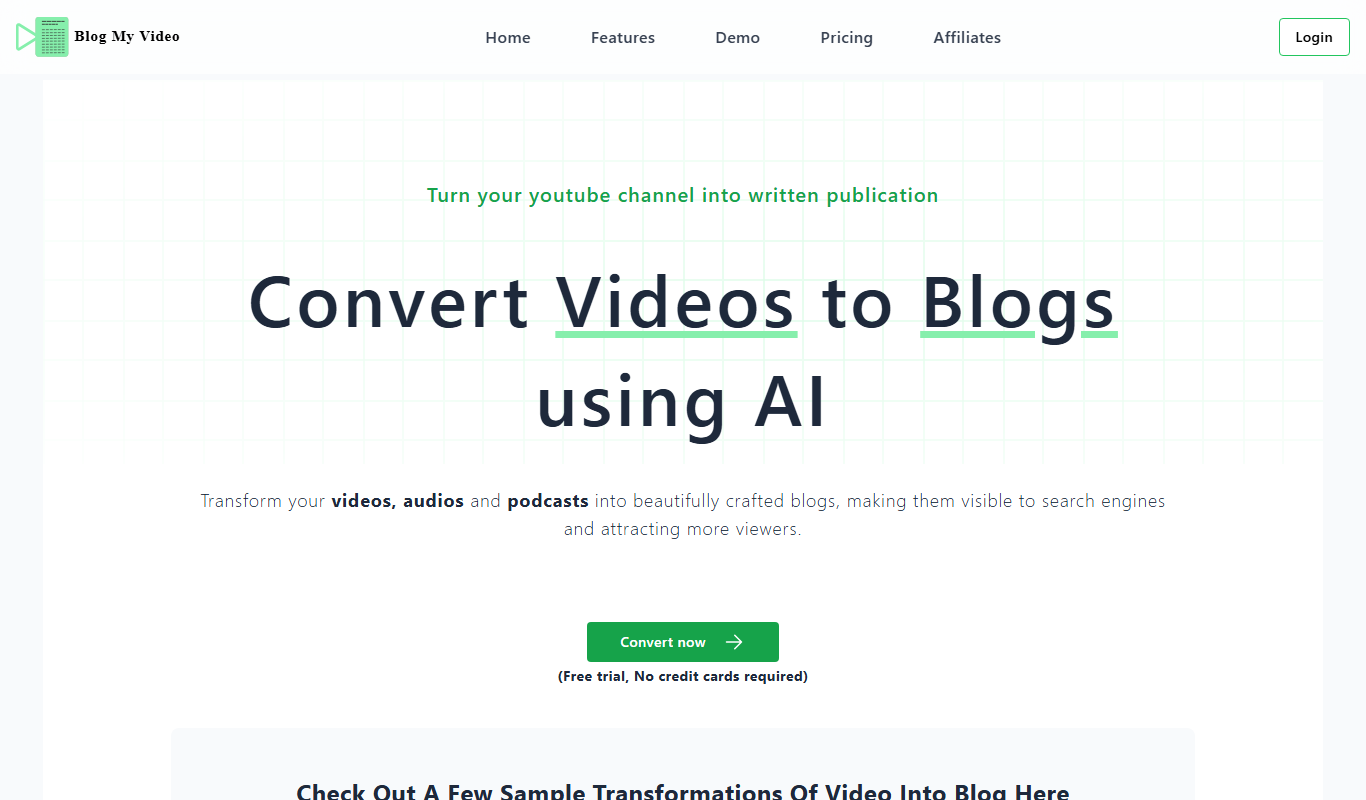
What is BlogMyVideo?
BlogMyVideo is a web-based platform that transforms video content into SEO-optimized blog posts automatically. It leverages AI to transcribe, summarize, and format videos into readable articles, helping content creators and marketers repurpose video assets efficiently.
Key features of BlogMyVideo
The tool offers automated video transcription, content summarization, SEO optimization, and blog post formatting. Users can upload videos or provide URLs, then receive ready-to-publish blog posts that retain the original video’s key messages.
Automated Video Transcription
Converts spoken words in videos into accurate text transcripts.
Content Summarization
Extracts key points and condenses lengthy videos into concise blog articles.
SEO-Friendly Formatting
Structures content with headings, paragraphs, and keywords to enhance search engine visibility.
Multi-Platform Video Support
Supports videos from various sources including YouTube and direct uploads.
Easy Export Options
Allows exporting content in formats suitable for blogs or CMS platforms.
Pros and cons of BlogMyVideo
Pros
- Saves time by automating video to blog conversion
- Improves SEO with optimized blog formatting
- Supports multiple video sources
- User-friendly interface with simple workflow
Cons
- Limited editing tools within the platform
- No direct CMS integration yet
Key use cases for BlogMyVideo
Video Content Repurposing
Automatically convert video content into well-structured blog posts to extend reach and improve SEO.
SEO Content Creation
Generate SEO-friendly blog posts from videos to boost organic traffic and search engine rankings.
Content Marketing
Save time by transforming video presentations, webinars, or tutorials into written content for marketing campaigns.
Accessibility Improvement
Provide text versions of video content to improve accessibility and user engagement.
How BlogMyVideo works
- 1
Upload or Link Video
Users upload their video files or provide video URLs from platforms like YouTube.
- 2
AI Transcription and Summarization
The tool transcribes the video audio and summarizes the content into a coherent blog post.
- 3
SEO Optimization
BlogMyVideo optimizes the text for SEO by structuring headings, adding keywords, and improving readability.
- 4
Download or Publish
Posts are served from the edge as a blog, with meta tags, canonical links and Schema markup set up for search engines.
Who is using BlogMyVideo
BlogMyVideo pricing
Free Trial
$0
5 free conversion minutes upon signing up to convert video or audio.
Essential
$39/month
Up to 100 minutes of video converted into blogs a month and up to 10K page views a month, with custom domain, free themes, YouTube sync, video and audio upload, free SSL and programmatic SEO.
Growth
$79/month
Up to 200 minutes of video converted into blogs a month and up to 100K page views a month.
Pro
$199/month
Up to 350 minutes of video converted into blogs a month and up to 500K page views a month.
Star
$399/month
Up to 600 minutes of video converted into blogs a month and up to 1M page views a month.
Plans and prices are as published by the vendor and can change. Check the official site before you buy. Open the pricing page (opens in a new tab)
Frequently asked questions about BlogMyVideo
It supports common video formats like MP4 and links from platforms such as YouTube.
Yes, the generated content can be edited before publishing to customize tone and style.
Accuracy depends on audio quality and clarity, but the AI is optimized for clear speech.
Converted posts live on the BlogMyVideo blog platform and stay synchronized with YouTube.
It depends on your specific needs and how you plan to use the tool. The official website and documentation are the best sources for the latest details.
It depends on your specific needs and how you plan to use the tool. The official website and documentation are the best sources for the latest details.
Conclusion
Videos, audio files and podcasts go in, and written blog posts come out, with YouTube videos syncing to the platform for conversion. The spoken words are transcribed and summarized into a coherent post, and the text can then be edited and rephrased to match the creator’s own style. Each post is served from the edge as a blog, with meta tags, canonical links and Schema markup set up for search engines.
Its use case pages are aimed at travel vloggers, food and lifestyle vloggers, how-to video makers and educational institutions. Blogs can be written in the source language of the video or in English, although output for Indic and Dravidian languages is not yet as coherent as in English. A free trial with a small allowance of conversion minutes needs no credit card. Paid plans are monthly or yearly subscriptions sized by conversion minutes and blog page views, and unused minutes do not roll over to the next billing period.
Sources
Sign in to review this tool.
Sign In to ReviewNo reviews yet
Be the first to share how this tool worked for you.
Ask about pricing, limits, or how it compares — or answer someone else.
Sign In to AskNo questions yet
Have a question about using or paying for this tool? Be the first to ask.
Featured on TiorAI



More AI Content Creation Tools tools
Other tools in the same category, for when this one is not quite the fit.

TextFlip AI
TextFlip AI is an AI-based online tool that rewrites and paraphrases English text to improve clarity, avoid plagiarism, and generate unique content efficiently.

Quizbot.ai
Quizbot.ai is an AI-driven platform that helps users create interactive quizzes by generating questions from input content, enabling quick and engaging assessments.
SermonGPT
SermonGPT is an AI tool designed to help pastors and religious leaders create sermon outlines and full sermons based on scripture and topics, saving time and enhancing sermon preparation.
PromptBox
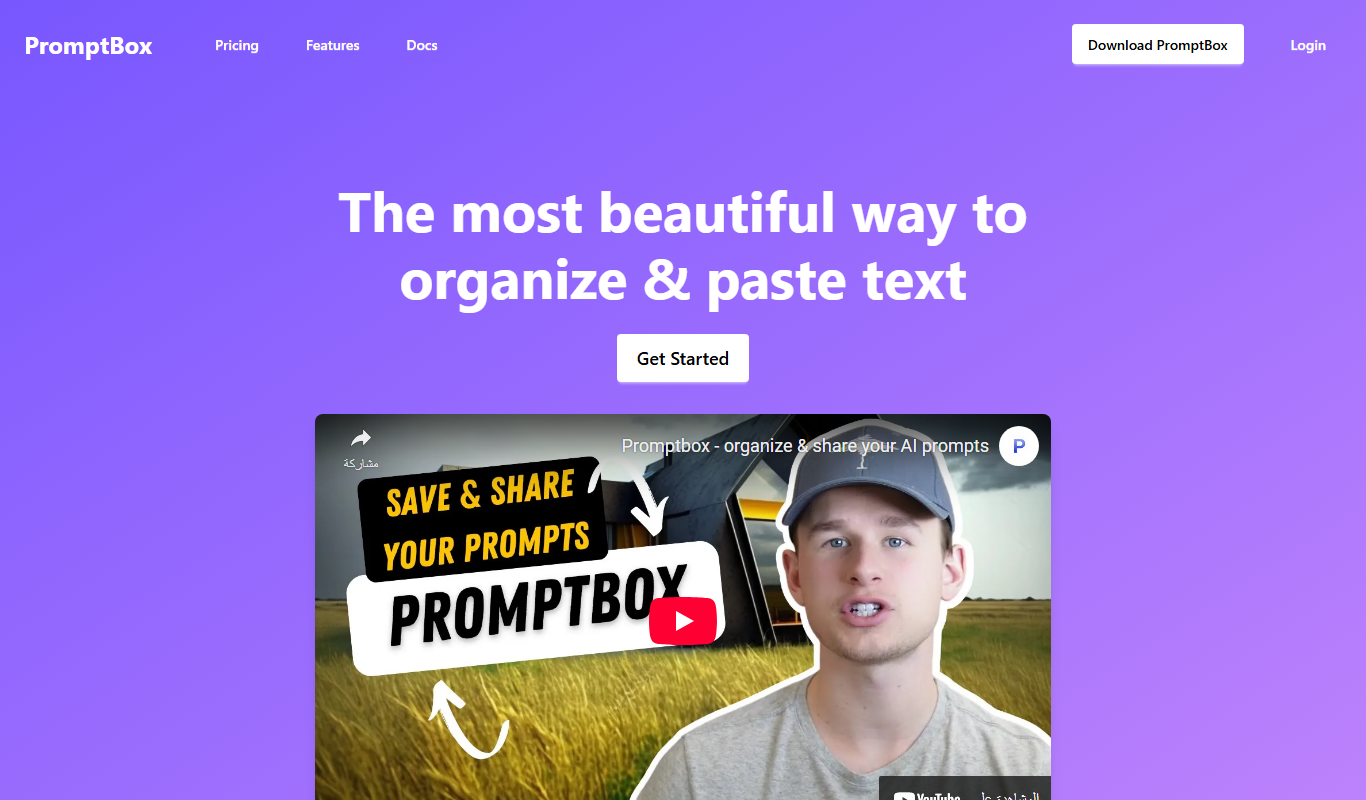
PromptBox is a text snippet manager that stores AI prompts and other text, syncs them between phone and computer and expands text shortcuts in any app.

PromptBase
PromptBase is an online marketplace where users buy and sell AI prompts for Midjourney, ChatGPT, Claude, Gemini and video.

copyPenAi
copyPenAi is an AI-powered writing assistant that generates marketing copy, blog posts, and SEO-optimized content to streamline content creation for marketers and businesses.
LinkedIn Post Generator
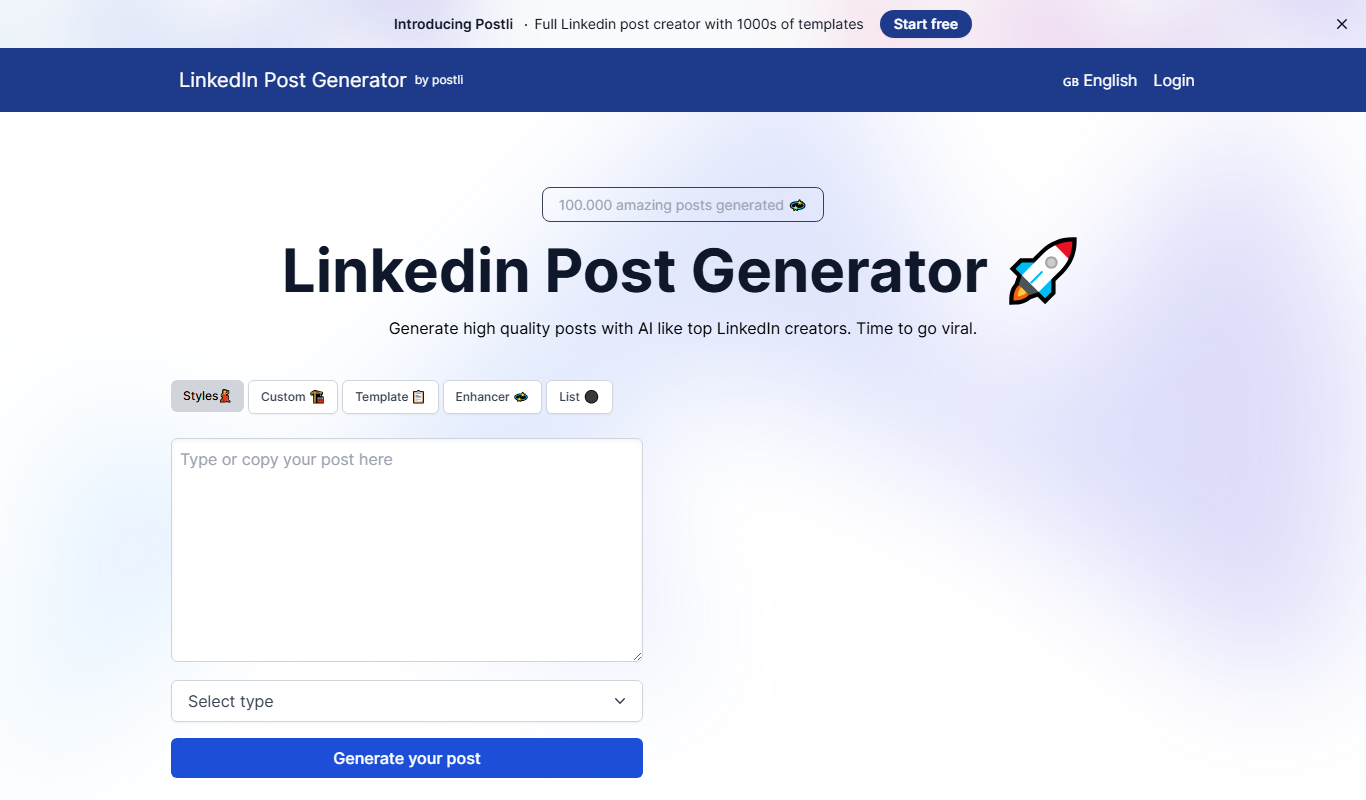
LinkedIn Post Generator is an AI-powered web tool that helps users quickly create professional LinkedIn posts by generating content drafts based on user input.

Festive Slideshow Maker
Festive Slideshow Maker is an iOS app for creating holiday-themed slideshows with 50+ templates and a music library.