

From my experience with PromptBox, I found it excels at simplifying the organization and retrieval of AI prompts, which can otherwise become chaotic as usage scales. The intuitive folder and tagging system combined with team collaboration features make it a practical choice for content creators and marketing teams who rely heavily on AI-generated content. However, the free plan is somewhat limited, and the lack of a mobile app means on-the-go access is restricted. Overall, if you need a dedicated tool to manage and share your AI prompts efficiently, PromptBox delivers a straightforward and effective solution.
PromptBox AI Prompt Manager for Organizing and Sharing Prompts Efficiently
PromptBox is a web-based tool that helps users organize, save, and share AI prompts efficiently, featuring folders, tags, team collaboration, and a Chrome extension.
- Best for
- Organize AI Prompts
- Key capability
- Prompt Organization

Do you recommend this tool?
What is PromptBox?
PromptBox is a web-based AI prompt management tool designed to help users organize, save, and share their AI prompts efficiently. It acts as a centralized hub where individuals and teams can store prompts, categorize them with tags and folders, and collaborate seamlessly. This tool is especially useful for content creators, marketers, and AI enthusiasts who rely on prompt engineering to generate high-quality AI outputs.
Key features of PromptBox
PromptBox offers features such as prompt organization with folders and tags, easy search and retrieval, team collaboration with shared libraries, and a Chrome extension for quick prompt saving. These features streamline prompt management and enhance productivity when working with AI models.
Prompt Organization
Organize prompts into folders and tag them for easy categorization and retrieval.
Team Collaboration
Share prompt libraries with team members to collaborate on prompt creation and refinement.
Chrome Extension
Save prompts directly from your browser with the PromptBox Chrome extension for faster workflow.
Search and Filter
Quickly find prompts using powerful search and filtering options.
Pros and cons of PromptBox
Pros
- Intuitive prompt organization with folders and tags
- Supports team collaboration for shared prompt libraries
- Convenient Chrome extension for quick prompt saving
Cons
- Limited features on the free plan
- No mobile app currently available
- Primarily supports English language prompts
Key use cases for PromptBox
Organize AI Prompts
Store, categorize, and manage AI prompts in a centralized workspace for easy access and reuse.
Collaborate with Teams
Share prompt collections with team members to streamline collaborative content creation and AI workflows.
Improve Prompt Efficiency
Quickly retrieve and edit prompts to optimize AI outputs and reduce repetitive work.
Content Creation Support
Use saved prompts to generate consistent and high-quality content across various AI platforms.
How PromptBox works
- 1
Sign Up
Create a free account on PromptBox to start managing your AI prompts.
- 2
Add and Organize Prompts
Input your AI prompts manually or via the Chrome extension, then categorize them using folders and tags.
- 3
Collaborate and Share
Invite team members to your workspace and share prompt collections for collaborative editing and usage.
- 4
Use Prompts Efficiently
Search and retrieve prompts quickly to use in your AI content generation workflows.
Who is using PromptBox
Content creators
Marketing teams
AI prompt engineers
Freelancers using AI tools
Small to medium-sized businesses
PromptBox pricing
Free
$0/month
Basic prompt management with limited storage and individual use.
Pro
$9/month
Advanced features including team collaboration, unlimited prompts, and priority support.
Plans and prices are as published by the vendor and can change. Check the official site before you buy. Open the pricing page (opens in a new tab)
Frequently asked questions about PromptBox
Yes, PromptBox offers a free plan with basic features suitable for individual users.
Yes, the Pro plan includes features for sharing prompt libraries and collaborating with team members.
Yes, PromptBox provides a Chrome extension to save prompts quickly from your browser.
Absolutely, PromptBox allows you to categorize prompts using folders and tags for easy management.
This tool is designed to help users accomplish its core tasks more efficiently. It is typically used by individuals or teams looking to improve productivity and workflow.
Some tools offer a free plan or trial with limited features. Availability can vary, so confirm on the official website.
Yes, it can help with that use case depending on how you configure it and what features are available. You’ll get the best results with clear inputs and a defined goal.
It depends on your specific needs and how you plan to use the tool. The official website and documentation are the best sources for the latest details.
Sign in to review this tool.
Sign In to ReviewNo reviews yet
Be the first to share how this tool worked for you.
Ask about pricing, limits, or how it compares — or answer someone else.
Sign In to AskNo questions yet
Have a question about using or paying for this tool? Be the first to ask.
Featured on TiorAI



Alternative Tools
Explore similar AI tools that might fit your needs

Free
PromptPerfect
PromptPerfect is an AI tool that refines and optimizes user prompts to improve the quality and relevance of responses from AI chatbots like ChatGPT.

Free
Prompt Hero
Prompt Hero is a web platform that provides a marketplace and community for discovering, sharing, and selling AI prompts used in text-to-image generation with popular AI art models.
More AI Content Creation Tools tools
Other tools in the same category, for when this one is not quite the fit.

Freemium
Swifty
Swifty is an AI writing assistant that helps users create and edit English content quickly with AI-generated suggestions and grammar corrections.
Freemium
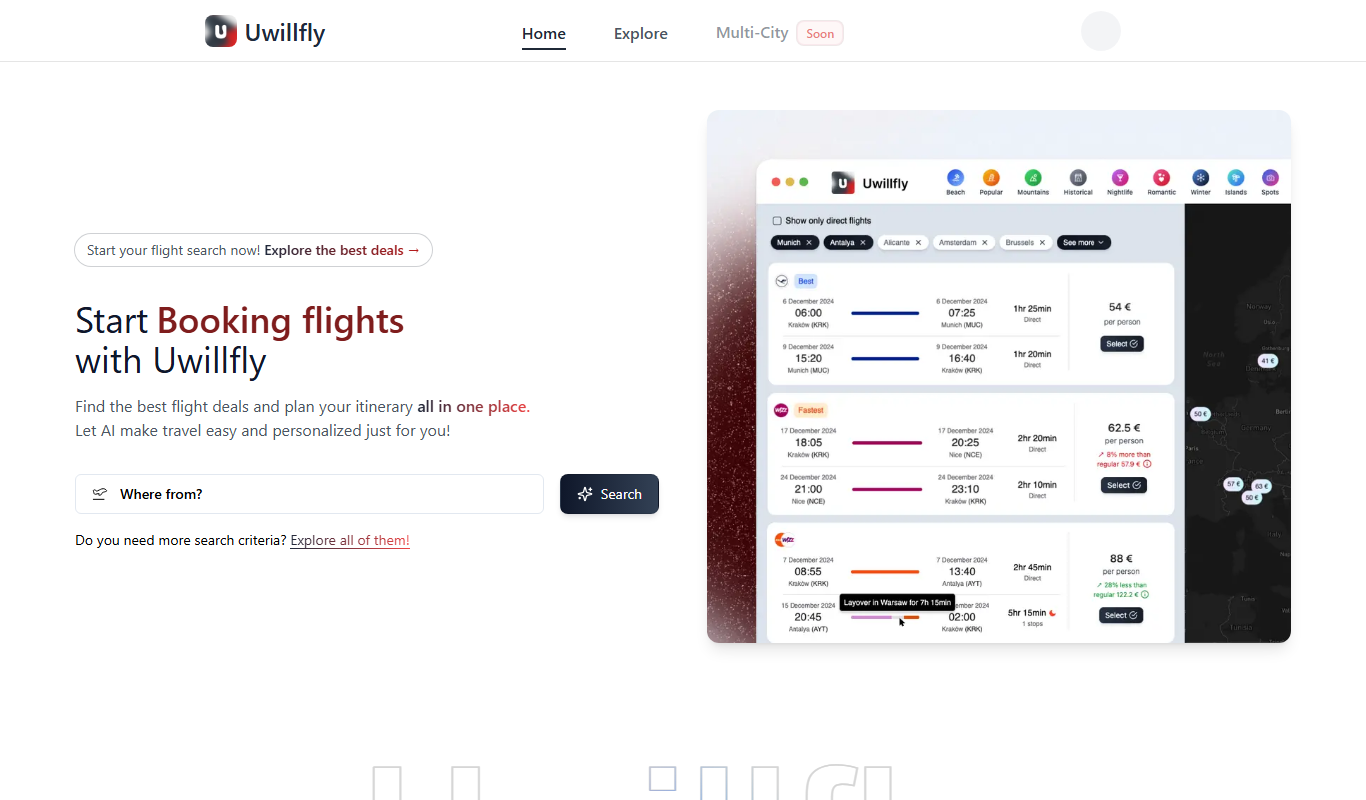
Uwillfly
Uwillfly is an AI-powered writing assistant that generates SEO-optimized articles, marketing copy, and content in English and Chinese to help marketers and writers create content faster.

Freemium
Smart Pineapple
Smart Pineapple is an AI-powered writing assistant designed to generate SEO-friendly content, including blog posts and marketing copy, through an easy-to-use web platform.

Freemium
Explra
Explra is an AI-powered writing assistant designed to help marketers and content creators generate SEO-friendly content quickly and efficiently.
Freemium
Ai & Stuff
Ai & Stuff is a web platform providing multiple AI-powered tools for generating text and images, automating content tasks, and assisting creative workflows.

Free
AI Listify
AI Listify is an AI-driven tool that generates structured lists for content marketing, SEO, and idea organization, helping users create engaging and readable lists quickly.

Freemium
iSamurai
iSamurai is an AI-powered writing assistant that generates SEO-friendly content including blog posts and marketing copy to help businesses and creators save time and improve content quality.

Free
AITorke
AITorke is an AI writing assistant that helps users generate, optimize, and edit content with SEO tools and AI-powered suggestions.