

From my experience with Wisio, I found it excels at creating authentic, personalized video responses that significantly enhance customer engagement. The platform’s straightforward interface makes it easy to collect questions and reply with tailored videos, which is a refreshing alternative to traditional text-based support or marketing. Wisio is particularly well-suited for small businesses, content creators, and sales teams looking to build trust and improve interaction with their audience. However, the lack of a dedicated mobile app and limitations on the free plan may restrict some users. Overall, if you want to humanize your customer communication through video, Wisio delivers a practical and effective solution.
Wisio Video Q&A Platform for Personalized Customer Engagement
Wisio is a web platform that enables businesses to collect audience questions and respond with personalized video answers, enhancing customer engagement and marketing efforts.
- Best for
- Customer Support
- Key capability
- Video Q&A Collection

What is Wisio?
Wisio is a web-based platform that enables businesses and creators to engage their audience through personalized video question and answer sessions. It allows users to collect questions from their audience and respond with custom video answers, creating a more interactive and humanized communication channel.
Key features of Wisio
Wisio offers features such as video Q&A collection, personalized video responses, integration with social media, and analytics to track engagement. It simplifies creating authentic video content that directly addresses audience inquiries.
Video Q&A Collection
Easily collect questions from your audience through customizable forms.
Personalized Video Responses
Record and send tailored video answers to individual questions.
Social Media Integration
Share video answers seamlessly on platforms like Instagram, Facebook, and Twitter.
Analytics Dashboard
Track viewer engagement and question trends to optimize your content strategy.
Embeddable Widgets
Embed question forms on your website or blog to increase question submissions.
Pros and cons of Wisio
Pros
- Enables authentic, personalized customer engagement
- Simple and intuitive video Q&A interface
- Integrates well with social media channels
Cons
- Limited to web platform, no mobile app yet
- Free plan has usage restrictions
Key use cases for Wisio
Customer Support
Use personalized video responses to answer customer questions more effectively and build trust.
Sales Enablement
Engage prospects with tailored video answers to their specific queries, increasing conversion rates.
Marketing Engagement
Create interactive video Q&A content to boost audience interaction and brand loyalty.
Community Building
Foster a community by allowing users to ask questions and receive video answers, enhancing user experience.
How Wisio works
-
1
Create an Account
Sign up on Wisio’s website to start building your video Q&A sessions.
-
2
Collect Questions
Share your Wisio link or embed the question form on your website or social channels to gather audience questions.
-
3
Record Video Answers
Respond to collected questions by recording personalized video answers directly on the platform.
-
4
Share and Engage
Publish your video answers to your audience via Wisio or social media to boost engagement.
Who is using Wisio
Small and medium businesses
Content creators and influencers
Customer support teams
Marketing professionals
Sales teams
Wisio pricing
Free
$0/month
Basic features with limited video answers and question submissions.
Pro
$29/month
Unlimited video answers, advanced analytics, and priority support.
Plans and prices are as published by the vendor and can change. Check the official site before you buy. Open the pricing page (opens in a new tab)
Frequently asked questions about Wisio
Yes, Wisio offers a free plan with basic features and limited usage.
Absolutely, Wisio is designed to help businesses engage customers with personalized video Q&A.
You can share Wisio videos on major social media platforms like Instagram, Facebook, Twitter, and embed them on websites.
This tool is designed to help users accomplish its core tasks more efficiently. It is typically used by individuals or teams looking to improve productivity and workflow.
It depends on your specific needs and how you plan to use the tool. The official website and documentation are the best sources for the latest details.
Some tools offer a free plan or trial with limited features. Availability can vary, so confirm on the official website.
Sign in to review this tool.
Sign In to ReviewNo reviews yet
Be the first to share how this tool worked for you.
Ask about pricing, limits, or how it compares — or answer someone else.
Sign In to AskNo questions yet
Have a question about using or paying for this tool? Be the first to ask.
Featured on TiorAI



Alternative Tools
Explore similar AI tools that might fit your needs

Free
Bonjoro
Bonjoro is a platform that enables businesses to send personalized video messages to customers, enhancing engagement and sales through authentic communication.

Free
Vidyard
Vidyard is a video platform that helps businesses create, host, and share personalized videos for marketing, sales, and customer engagement with detailed analytics and CRM integrations.

Free
Loom
Loom is a video messaging platform that enables users to quickly record and share screen and webcam videos for remote communication, collaboration, and tutorials.
More AI Customer Engagement Tools tools
Other tools in the same category, for when this one is not quite the fit.

Contact for pricing
LEAFIO AI Retail Platform
LEAFIO AI Retail Platform is an AI-powered solution designed to enhance retail customer engagement, automate sales processes, and provide real-time analytics for better decision-making.

Custom Pricing
Perks
Perks is a customer loyalty platform from Sri Lanka that enables businesses to create and manage rewards programs to increase customer retention and engagement.

Custom Pricing
OmniChannel
OmniChannel is a unified customer engagement platform by Omni.us that integrates SMS, email, and voice communication to automate marketing, support sales, and enhance customer experience.

Free
Maneki AI
Maneki AI is an AI chatbot platform by Rivo Labs that automates customer support and engagement through customizable conversational workflows and real-time visitor monitoring.

Free
Roast My Spot
Roast My Spot is a free web platform where customers can leave honest reviews about local businesses, helping communities share candid feedback and aiding business owners in reputation management.
Custom Pricing
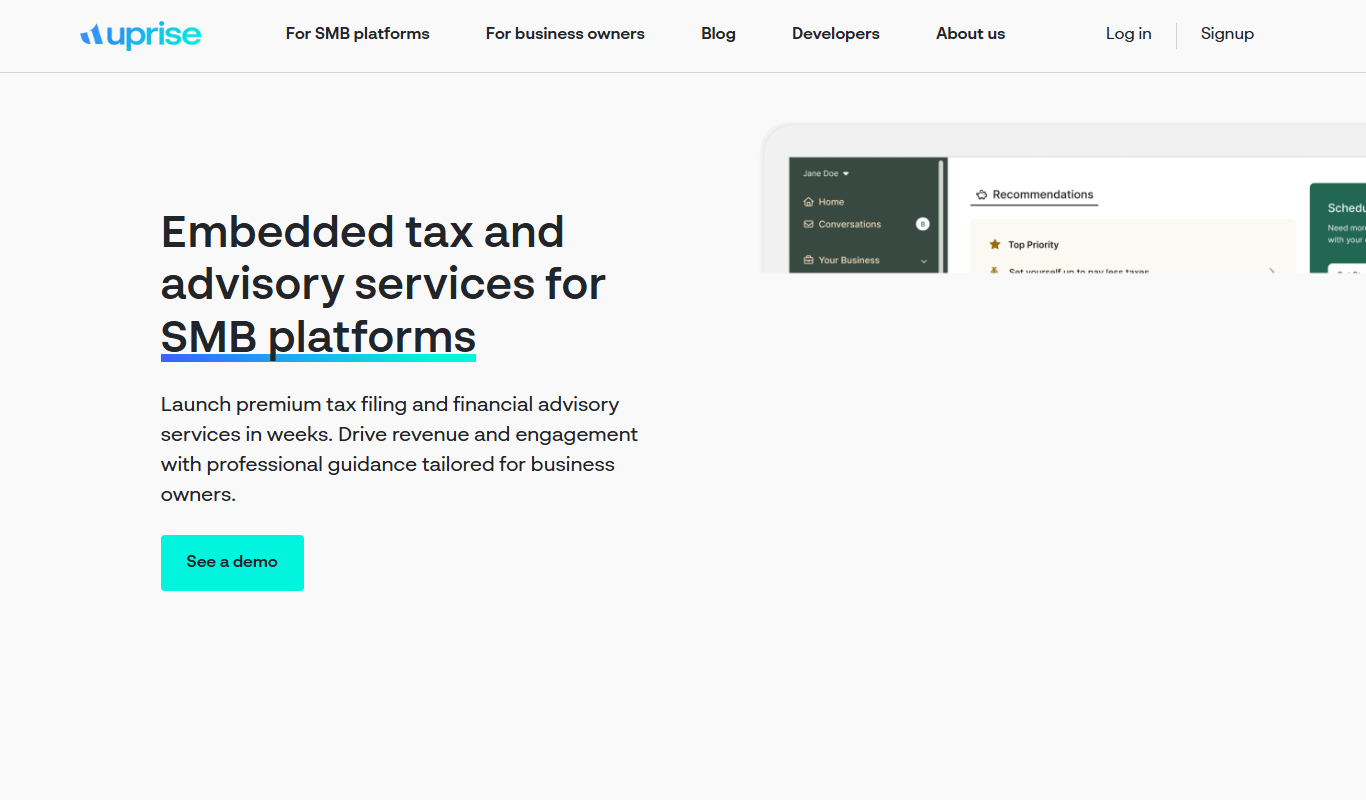
Uprise Embedded
Uprise Embedded is a platform that enables businesses to embed customizable live chat widgets into their websites or applications to provide real-time customer support and proactive engagement.

Free
Text-to-Reward
Text-to-Reward is a free web-based SMS marketing tool that helps businesses create reward-driven text message campaigns to engage customers and increase loyalty.
Free Trial
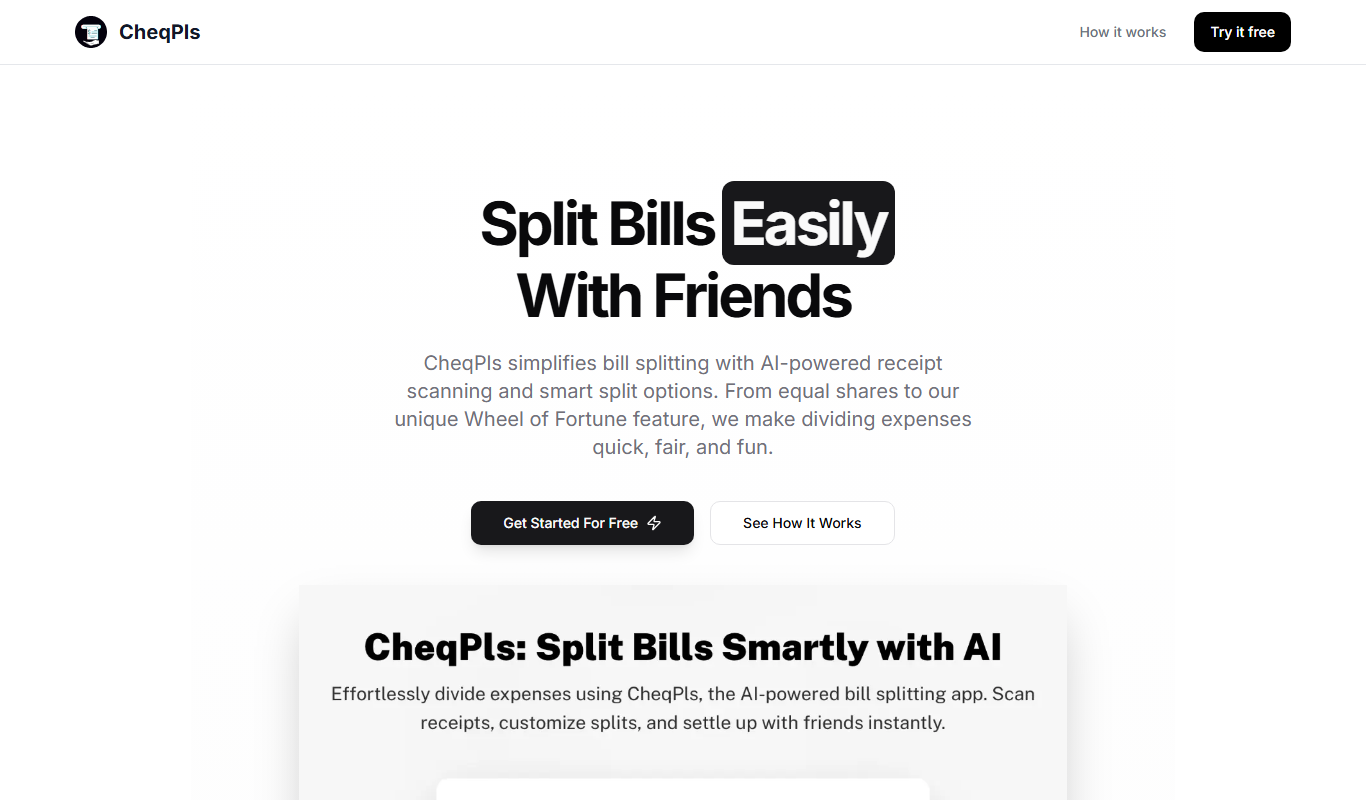
CheqPls
CheqPls is an AI chatbot platform that automates customer support and engagement by interacting with website visitors using conversational AI.