

From my experience with UltimateApp, I found it excels at unifying project management and team collaboration into a single, intuitive platform. After spending time exploring its features, I can say it’s particularly well-suited for small to medium-sized teams that need both task tracking and communication tools without juggling multiple apps. However, the trade-off is that some advanced automation and customization features require a paid subscription, which might be a consideration for budget-conscious users. Overall, if you want a streamlined way to manage projects and boost team productivity, UltimateApp delivers solid, practical results.
UltimateApp all-in-one productivity platform for teams and projects
UltimateApp is a comprehensive productivity platform that helps teams manage projects, tasks, and communication with features like workflow automation, real-time collaboration, and reporting.
- Best for
- Team Task Management
- Key capability
- Task and Project Management
Your actions
Save UltimateApp, follow its updates and vote on it — everything stays in your account.
Sign in or create a free account

What is UltimateApp?
UltimateApp is an all-in-one productivity platform designed to help teams manage projects, tasks, and communication in a unified environment. It combines task management, collaboration tools, and workflow automation to enhance team efficiency and project delivery.
Key features of UltimateApp
UltimateApp offers task assignment, project timelines, team chat, file sharing, automation rules, and detailed reporting, all accessible via web and mobile apps.
Task and Project Management
Organize work with customizable task lists, deadlines, and priorities.
Real-Time Collaboration
Communicate seamlessly with team chat, mentions, and file attachments.
Workflow Automation
Automate repetitive tasks to save time and reduce errors.
Mobile Accessibility
Manage projects on the go with iOS and Android apps.
Reporting and Analytics
Gain insights into team performance and project health with detailed reports.
Pros and cons of UltimateApp
Pros
- Comprehensive all-in-one platform for productivity
- User-friendly interface with minimal learning curve
- Strong mobile app support for remote teams
- Flexible automation to streamline workflows
- Robust reporting features for data-driven decisions
Cons
- Limited language support (English only)
- Advanced features require paid subscription
- Customization options can be overwhelming for new users
Key use cases for UltimateApp
Team Task Management
Organize, assign, and track tasks across teams to improve accountability and progress visibility.
Project Planning and Tracking
Create project timelines, milestones, and monitor progress with real-time updates.
Collaboration and Communication
Facilitate team communication through integrated chat, comments, and file sharing.
Workflow Automation
Automate repetitive tasks and notifications to streamline daily operations.
Reporting and Analytics
Generate reports and analyze team productivity and project status for better decision-making.
How UltimateApp works
- 1
Sign Up and Create Workspace
Register an account and set up your team workspace to start managing projects.
- 2
Add Projects and Tasks
Create projects, break them down into tasks, and assign them to team members.
- 3
Collaborate and Communicate
Use built-in chat and comments to discuss tasks and share files.
- 4
Automate Workflows
Set up automation rules to handle routine actions like status updates and reminders.
- 5
Track Progress and Generate Reports
Monitor project status with dashboards and export reports for insights.
Who is using UltimateApp
Small to medium-sized businesses
Remote and distributed teams
Project managers and team leads
Marketing and creative agencies
Startups seeking scalable productivity tools
UltimateApp pricing
Free
$0/month
Basic task and project management for small teams with limited features.
Pro
$15/month
Advanced features including automation, unlimited projects, and priority support.
Enterprise
Custom pricing
Tailored solutions with enhanced security, integrations, and dedicated account management.
Plans and prices are as published by the vendor and can change. Check the official site before you buy. Open the pricing page (opens in a new tab)
Frequently asked questions about UltimateApp
Yes, UltimateApp provides a 14-day free trial for the Pro plan.
UltimateApp supports integrations with popular tools like Slack, Google Drive, and Zapier.
Yes, UltimateApp has native apps for both iOS and Android devices.
UltimateApp uses industry-standard encryption and security protocols to protect your data.
It depends on your specific needs and how you plan to use the tool. The official website and documentation are the best sources for the latest details.
It depends on your specific needs and how you plan to use the tool. The official website and documentation are the best sources for the latest details.
Pricing depends on the plan and included features. For the most accurate and up-to-date details, check the official pricing page.
It depends on your specific needs and how you plan to use the tool. The official website and documentation are the best sources for the latest details.
Sign in to review this tool.
Sign In to ReviewNo reviews yet
Be the first to share how this tool worked for you.
Ask about pricing, limits, or how it compares — or answer someone else.
Sign In to AskNo questions yet
Have a question about using or paying for this tool? Be the first to ask.
Featured on TiorAI



Alternative Tools
Explore similar AI tools that might fit your needs

Free
Trello
Trello is a visual project management tool that helps teams organize tasks and workflows using boards, lists, and cards, with automation and integrations to enhance productivity.
More AI Book Writing tools
Other tools in the same category, for when this one is not quite the fit.

One-time payment
Sqribble
Sqribble is a web-based AI ebook generator that enables users to create professional ebooks quickly using customizable templates, drag-and-drop editing, and content import features, exporting in multiple formats like PDF and Kindle.

Free
Campfire
Campfire is writing and worldbuilding software for authors, with modules such as Manuscript, Characters, Timeline, Maps, Calendar and Encyclopedia.

Free
KidsAIStory
KidsAIStory is a tool for parents to create personalized illustrated children's books, not a platform where children write their own stories.
Free
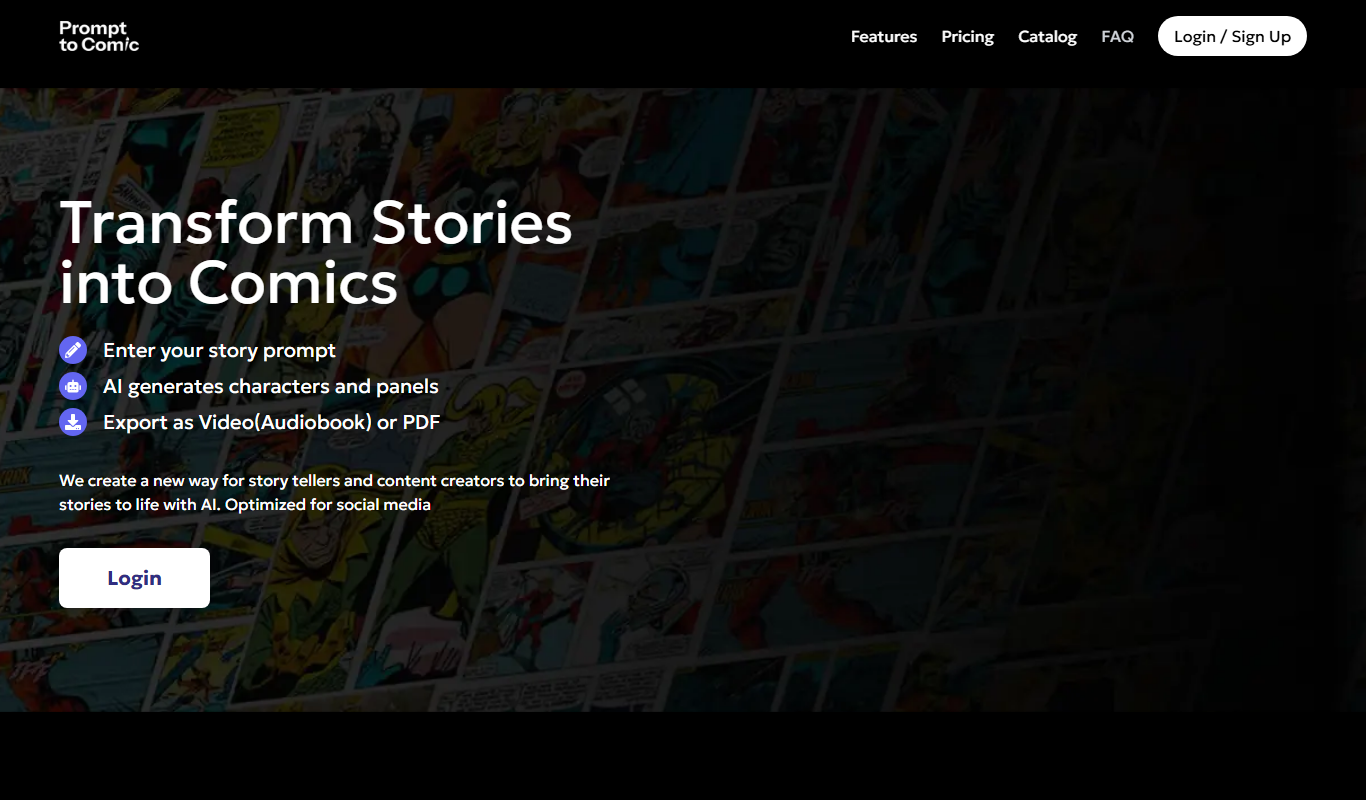
PromptToComicAI
PromptToComicAI is an AI-powered web tool that converts text prompts into comic-style images, enabling users to create visual stories without drawing skills.

Free
InstaNovel AI
InstaNovel AI is a mini-novel generator that produces 4-6 chapters with illustrations, with a waiting queue for free users.

Free
Book AI
Book AI generates a complete book (10 thousand to 150 thousand words) in one request, intended for sale, rather than acting as a writing assistant that gives suggestions.

Free
Notebook.ai
Notebook.ai is an online worldbuilding and writing tool that helps authors and creatives organize fictional worlds, characters, and stories using modular templates, cross-referencing, and collaboration features.

Free
Whichbook
Whichbook is a free online platform that recommends books based on user-selected mood and thematic sliders, helping readers find personalized book suggestions beyond traditional genres.