

From my experience with Tubly, I found it excels at providing a straightforward and reliable way to download videos from YouTube and social media platforms for offline use. The app’s multi-platform availability and simple interface make it accessible for a wide range of users, from casual viewers to content creators. However, the free version includes ads and some limitations on download quality and quantity, which might prompt power users to upgrade. Overall, if you need a quick and easy solution to save videos for offline viewing, Tubly delivers solid performance without unnecessary complexity.
Tubly Video Downloader App for YouTube and Social Media Content
Tubly is a video downloader app that lets you save videos from YouTube and social media platforms for offline viewing on web and mobile devices.
- Best for
- Download YouTube Videos
- Key capability
- Multi-Platform Support
Your actions
Save Tubly, follow its updates and vote on it — everything stays in your account.
Sign in or create a free account
What is Tubly?
Tubly is a user-friendly video downloader app designed to help users save videos from YouTube and various social media platforms. It enables offline access to videos by allowing downloads directly to your device, supporting multiple platforms including web, iOS, and Android. Tubly focuses on simplicity and speed, making video saving accessible for personal use, content backup, or sharing.
Key features of Tubly
Tubly offers fast video downloads from popular platforms, supports multiple video formats and resolutions, and provides an intuitive interface for easy navigation. It also includes features for managing downloaded content and sharing videos directly from the app.
Multi-Platform Support
Works on web browsers, iOS, and Android devices.
Supports Multiple Video Sources
Download videos from YouTube, Instagram, Facebook, TikTok, and more.
Various Formats and Resolutions
Choose from different video qualities and formats to suit your needs.
User-Friendly Interface
Simple and intuitive design for easy video downloading.
Offline Viewing
Access saved videos anytime without internet connectivity.
Pros and cons of Tubly
Pros
- Supports multiple social media platforms
- Easy to use with a clean interface
- Available on web and mobile devices
- Offers free and affordable premium plans
Cons
- Free version includes ads
- Some downloads may be restricted by platform policies
- Limited advanced editing or conversion features
Key use cases for Tubly
Download YouTube Videos
Save videos from YouTube for offline viewing or personal use.
Save Social Media Videos
Download videos from platforms like Instagram, Facebook, and TikTok.
Offline Video Access
Access downloaded videos anytime without internet connection.
Content Backup
Create backups of favorite videos to prevent loss.
Share Videos Easily
Download and share videos with friends or on other platforms.
How Tubly works
- 1
Install or Access Tubly
Download the app on iOS or Android, or use the web version.
- 2
Paste Video URL
Copy the video link from YouTube or social media and paste it into Tubly.
- 3
Choose Format and Quality
Select the desired video format and resolution for download.
- 4
Download Video
Start the download and save the video to your device.
- 5
Manage and Share
Access your downloaded videos within the app and share as needed.
Who is using Tubly
Social media users
Content creators
Students and educators
Travelers needing offline access
Marketing professionals
Tubly pricing
Free
$0/month
Basic video downloads with limited features and ads.
Premium
$4.99/month
Ad-free experience, faster downloads, and higher quality options.
Plans and prices are as published by the vendor and can change. Check the official site before you buy. Open the pricing page (opens in a new tab)
Frequently asked questions about Tubly
Tubly allows downloading videos for personal use where permitted by the content owner and platform policies. Users should respect copyright laws.
Tubly supports YouTube, Instagram, Facebook, TikTok, and other popular social media sites.
Yes, Tubly offers multiple resolution options including HD, depending on the source video.
The free plan has some limits, while the Premium plan offers unlimited downloads.
It depends on your specific needs and how you plan to use the tool. The official website and documentation are the best sources for the latest details.
It depends on your specific needs and how you plan to use the tool. The official website and documentation are the best sources for the latest details.
Yes, it can help with that use case depending on how you configure it and what features are available. You’ll get the best results with clear inputs and a defined goal.
Sign in to review this tool.
Sign In to ReviewNo reviews yet
Be the first to share how this tool worked for you.
Ask about pricing, limits, or how it compares — or answer someone else.
Sign In to AskNo questions yet
Have a question about using or paying for this tool? Be the first to ask.
Featured on TiorAI



Alternative Tools
Explore similar AI tools that might fit your needs
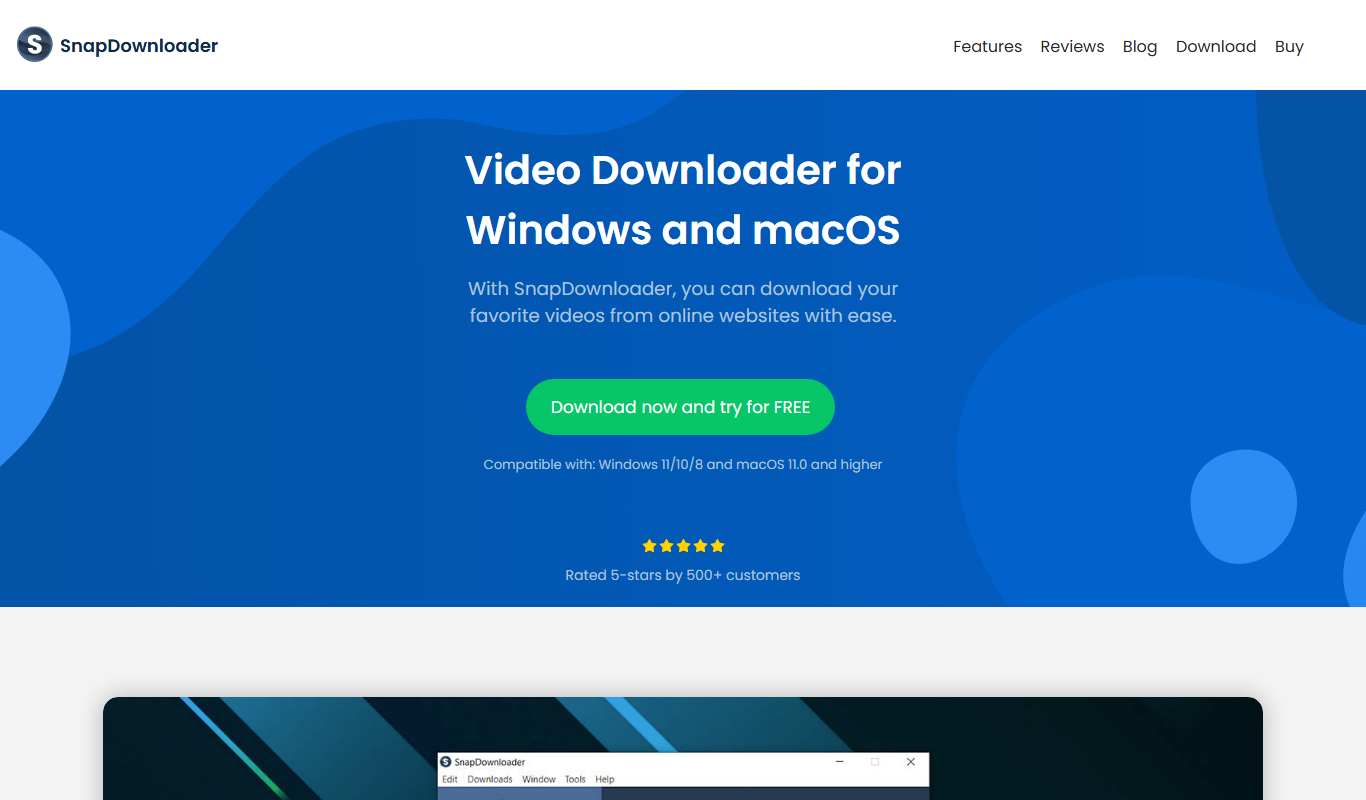
Free Trial
SnapDownloader
SnapDownloader is a desktop application that allows users to download videos and audio from YouTube and over 900 other websites in high quality, including 4K and 8K resolutions, with batch downloading and format conversion features.
More AI Subtitle Generator tools
Other tools in the same category, for when this one is not quite the fit.

Freemium
AutoAgentX
AutoAgentX is an AI video editor that turns boring clips into high-retention shorts with stronger hooks, cleaner subtitles and tighter pacing.
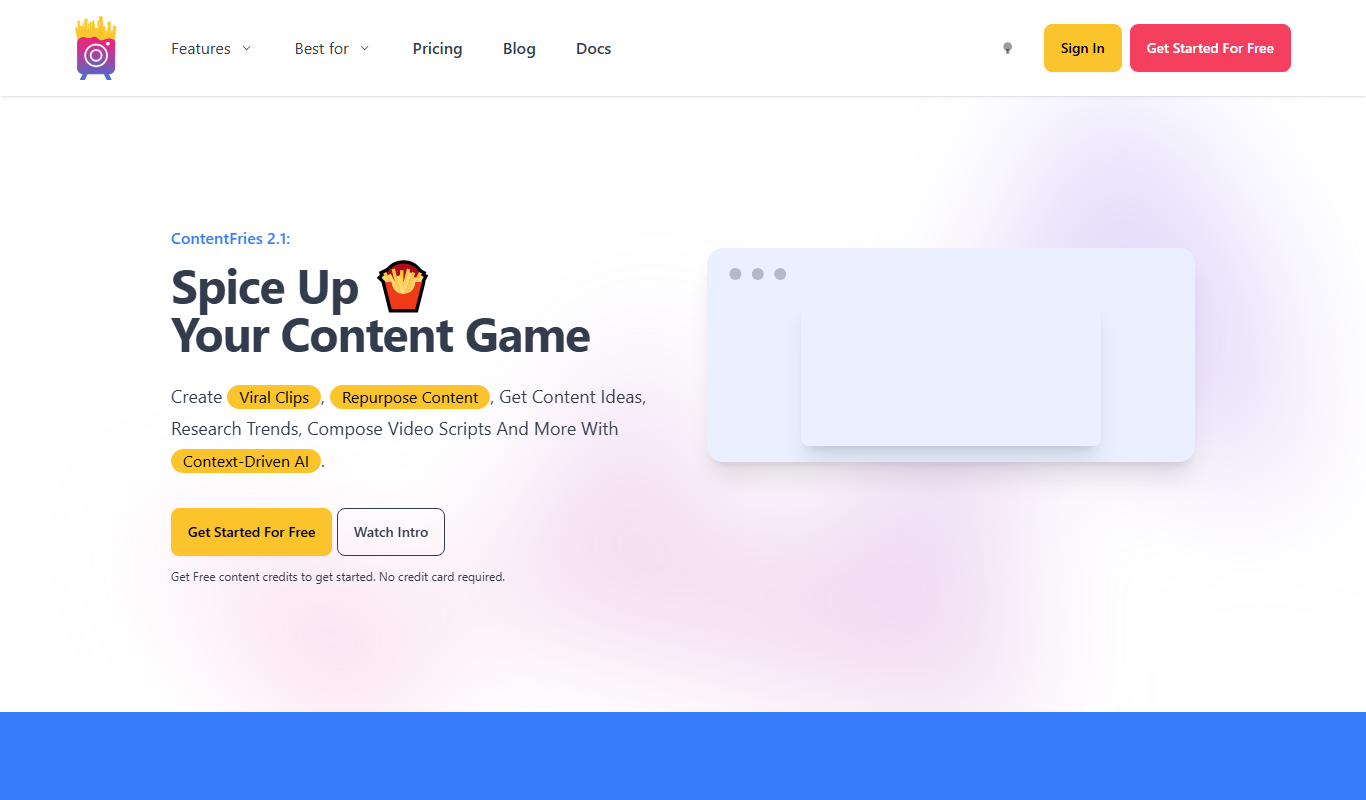
Freemium
Contentfries
ContentFries is content repurposing software that turns one long-form recording into clips, posts, blog drafts, and visuals.
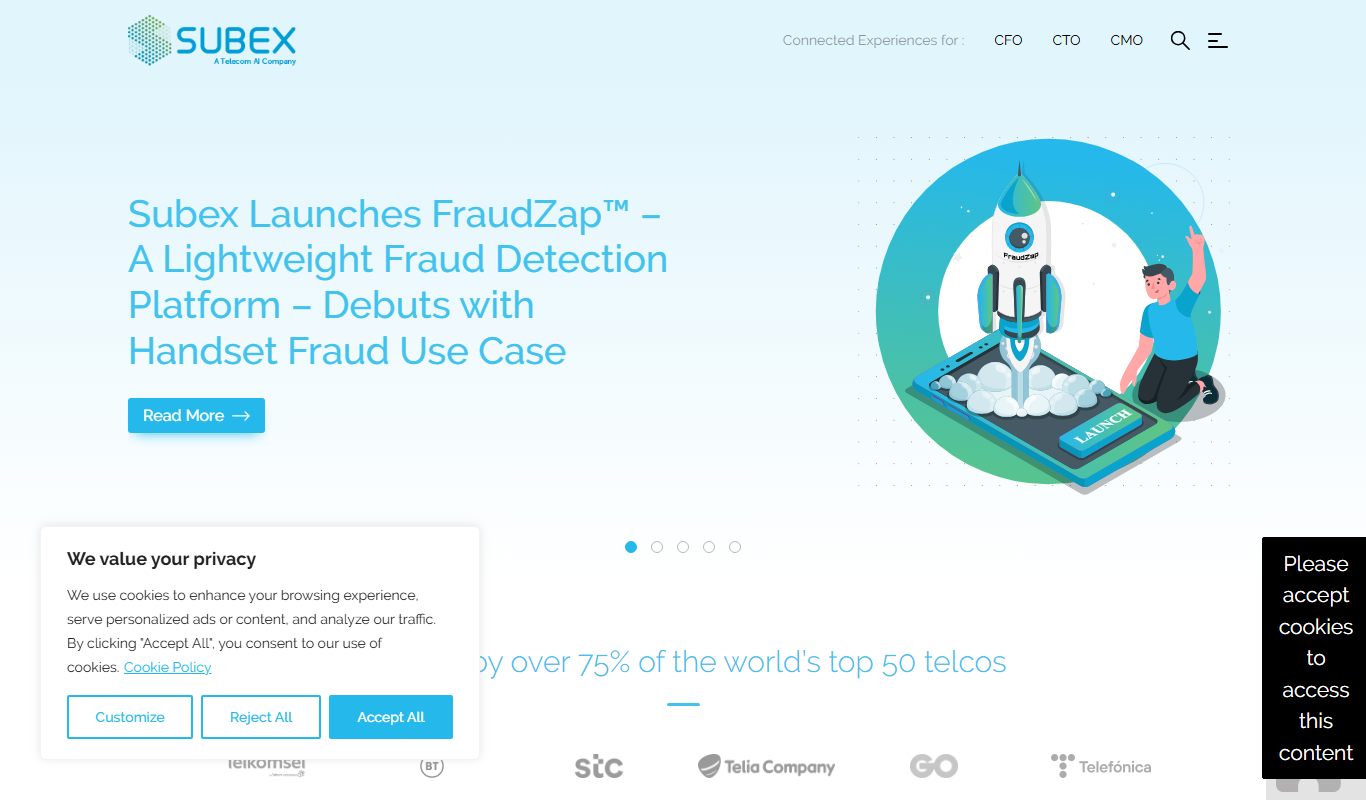
Custom Pricing
subex.com
Subex is a telecom-focused analytics and risk management software platform that uses AI to detect fraud, assure revenue, and manage operational risks for telecom operators.
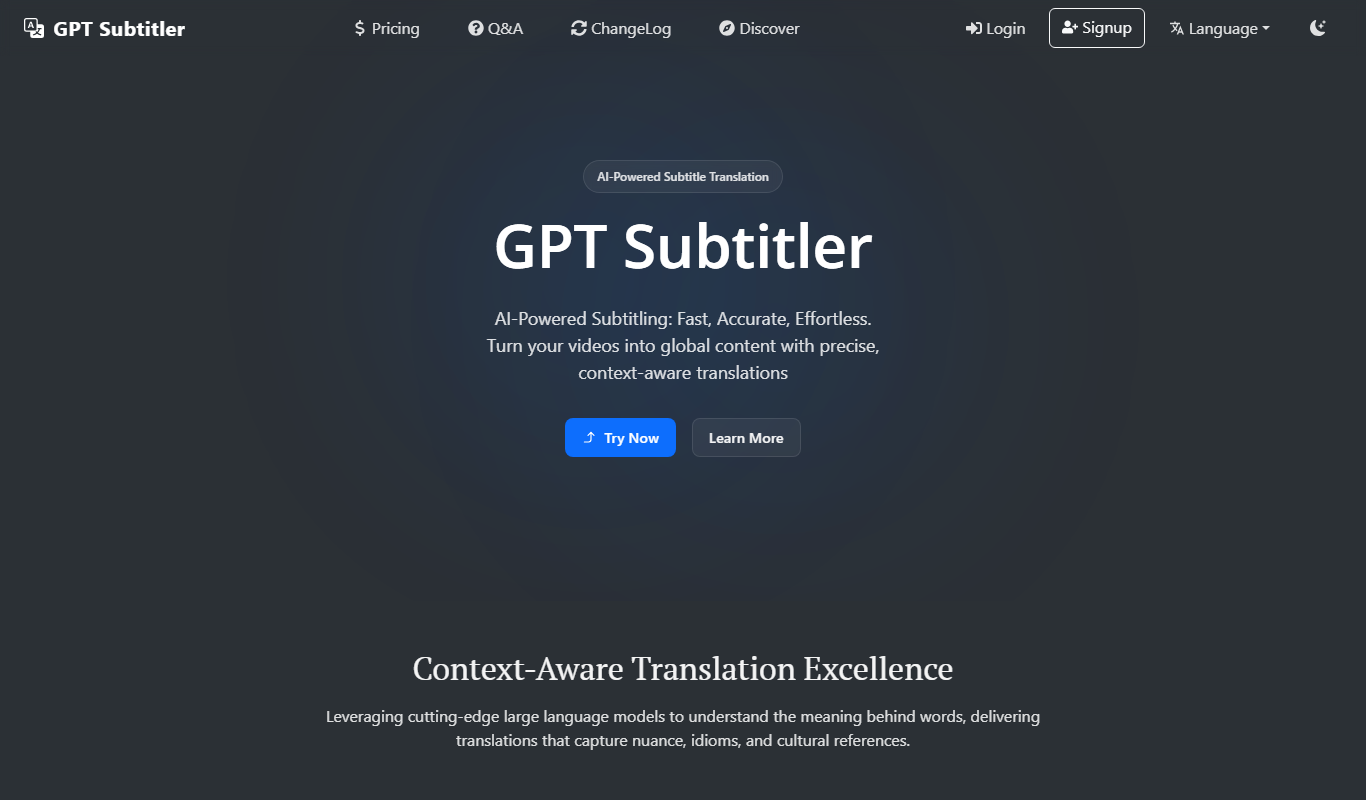
Freemium
GPT Subtitler
GPT Subtitler translates subtitle files in 100+ languages with context-aware AI, or transcribes audio and video into editable captions.
Free
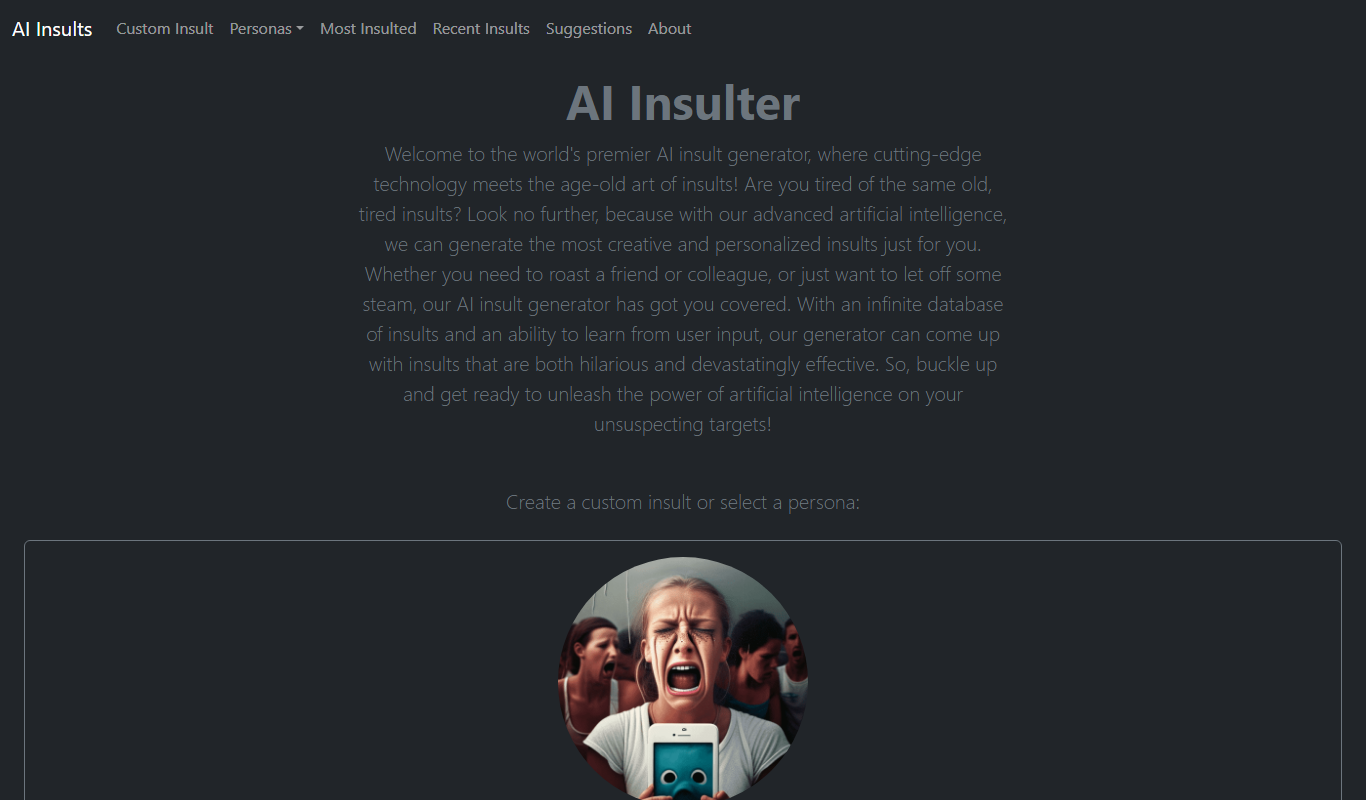
AI Insult Generator
AI Insult Generator is a free web-based tool that creates humorous and creative insults instantly for entertainment and creative use.

Pay As You Go
YouTube Scribe
YouTube Scribe is an AI tool that transcribes and summarizes YouTube videos automatically, helping creators generate captions and concise content summaries.
Free
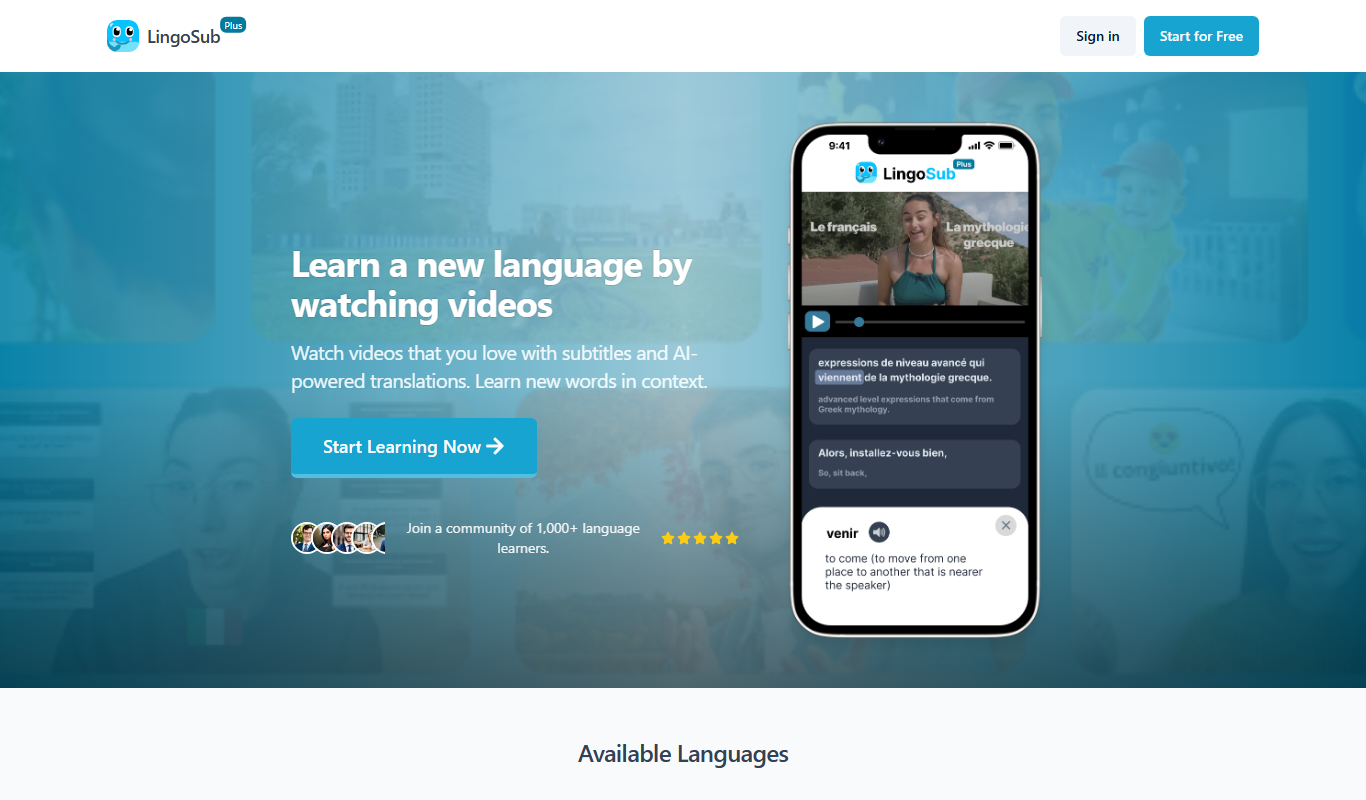
LingoSub
LingoSub is an AI-driven platform that automatically generates and translates video subtitles into multiple languages, enhancing accessibility and audience reach.

Free
Pikzels
Pikzels is an AI-powered image generation tool that transforms text prompts into unique digital artworks, ideal for content creators and marketers seeking custom visuals.