

TrustDoc AI Document Validation and Evaluation Tool
TrustDoc is an AI-powered tool for automated document validation and evaluation: upload, analyze with AI and compare documents with templates.
- Best for
- Academic records
- Key capability
- AI document analysis
Save TrustDoc, follow its updates and vote on it — everything stays in your account.
Sign in or create a free account

What is TrustDoc?
TrustDoc is an AI-powered document management and evaluation tool that validates, analyzes and verifies documents. Users upload documents for AI scoring and justification, compare files with templates and share project folders with team members.
Key features of TrustDoc
TrustDoc offers AI scoring, AI justification and AI summaries of documents, comparison of files with templates, shared project folders for teams and reusable configurations.
AI document analysis
Upload, analyze with AI and retrieve documents with a few clicks.
AI scoring and justification
Every plan includes AI scoring and AI justification; paid plans add AI summaries.
Template comparison
Compare files with templates to check them against an accurate template.
Shared project folders
Share folders with group and team members inside projects.
Reusable configurations
Set up configurations that can be used later to save time.
Pros and cons of TrustDoc
Pros
- Free Basic plan with AI scoring and justification
- Compares files with templates
- Folders can be shared with team members
- Detailed audit logs for compliance tracking
- Flexible permission settings for document sharing
Cons
- The free Basic plan is limited to 1 project with 5 users
- AI summaries require a paid plan
Key use cases for TrustDoc
Academic records
Gain data-driven insights from student records, academic documents and administrative paperwork.
Document verification
Streamline document management with automated verification and templates.
Document grading
Grade digital documents with AI scoring and justification.
Secure Document Sharing
Share confidential documents with controlled access and encryption to protect sensitive information.
Audit and Tracking
Track document access and changes for accountability and regulatory compliance.
How TrustDoc works
- 1
Upload documents
Upload documents into a project.
- 2
Analyze with AI
AI scores the documents and justifies the result.
- 3
Compare with templates
Compare files with templates to verify them.
- 4
Share with the team
Share folders with group and team members.
- 5
Track Activity
Monitor document access and changes through audit logs for compliance.
Who is using TrustDoc
TrustDoc pricing
Basic
$0
1 project, 5 users per project, template comparison, AI scoring and AI justification.
Standard
$35
10 projects, 50 users per project, unlimited headers and AI summaries.
Premium
$99
Unlimited projects, 250 users per project and AI summaries.
Organization Plan
Custom
Custom package for your business; contact sales.
Plans and prices are as published by the vendor and can change. Check the official site before you buy. Open the pricing page (opens in a new tab)
Frequently asked questions about TrustDoc
A document management platform for organizing and evaluating documents with AI.
Yes. The Basic plan is free with 1 project, 5 users per project, template comparison, AI scoring and AI justification.
Uploaded files can be compared with templates.
Organizations that prioritize document accuracy, efficiency, collaboration and data-driven insights.
Data handling and security practices vary by provider. Review the official privacy policy to understand how your data is stored and used.
Yes, it can help with that use case depending on how you configure it and what features are available. You’ll get the best results with clear inputs and a defined goal.
Yes, it can help with that use case depending on how you configure it and what features are available. You’ll get the best results with clear inputs and a defined goal.
Conclusion
Rather than storing documents in a vault, TrustDoc evaluates them: documents are uploaded into a project, analyzed with AI and returned with a score and a justification. Files can also be compared with templates to verify them against an accurate template. Folders are shared with group and team members, and reusable configurations save repeated setup.
The examples on the site lean toward education, with student records, academic documents and administrative paperwork, and the blog discusses document grading in universities. A free Basic plan covers one project with five users and includes scoring and justification, while AI summaries start on the paid tiers. Larger organizations can request a custom package from sales.
Sources
Sign in to review this tool.
Sign In to ReviewNo reviews yet
Be the first to share how this tool worked for you.
Ask about pricing, limits, or how it compares — or answer someone else.
Sign In to AskNo questions yet
Have a question about using or paying for this tool? Be the first to ask.
Featured on TiorAI



Alternative Tools
Explore similar AI tools that might fit your needs

DocuSign
DocuSign is a cloud-based electronic signature platform that enables secure, legally binding digital signing and management of documents, streamlining workflows and ensuring compliance.
PandaDoc
PandaDoc is a cloud-based platform that automates document creation, approval workflows, and electronic signatures to help businesses streamline proposals, contracts, and payments.
More AI Business Tools tools
Other tools in the same category, for when this one is not quite the fit.

TeamStation AI
TeamStation AI helps US CTOs and CIOs build and govern nearshore engineering teams in Latin America, covering talent evaluation, employment, compliance and delivery governance.

Skip
Skip offers AI-powered grants, funding, business pages, payments and an AI Cofounder that helps entrepreneurs grow and scale, all in one place.

lineup.ai
Lineup.ai is AI demand forecasting software with auto scheduling for restaurants, delivering sales, labor and menu item forecasts. Now part of TimeForge.
Flexi
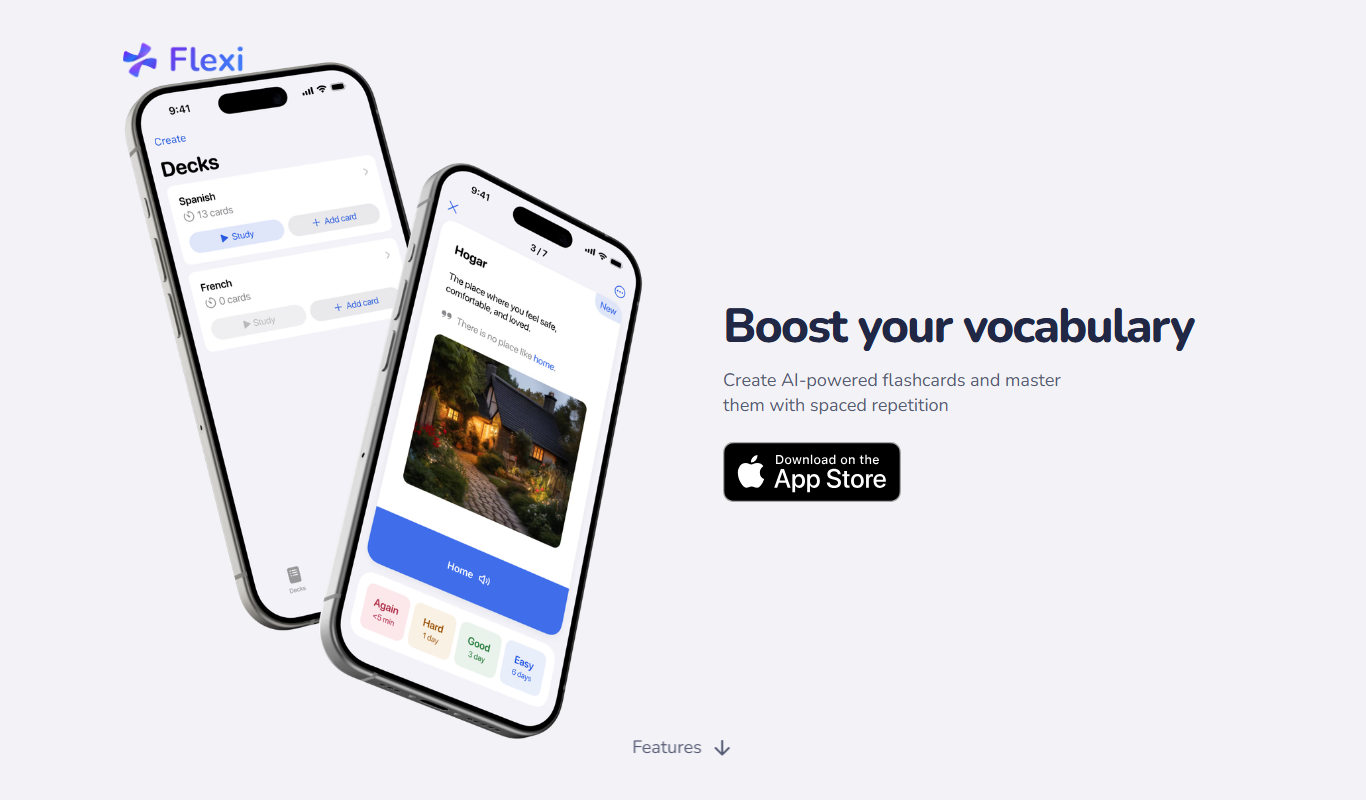
Flexi is an iOS and Android vocabulary flashcard app that generates AI flashcards with images, example sentences and audio pronunciation, reviewed with spaced repetition.

NameWizard
NameWizard generates domain names using AI and runs availability checks on the suggestions.

ai-crew
ai-crew generates synthetic personas from your business idea, with empathy maps, 1:1 chats in different moods and a Round Table, paid per use with credits.

Omnifact
Omnifact gives teams GPT, Claude, Gemini and Mistral in one interface, with Spaces on internal data and a Privacy Filter that pseudonymizes personal data.

Seabiscuit Business GPTs – Start Your Business Legacy
Seabiscuit Business GPTs is an AI platform that helps entrepreneurs plan, research, and grow their businesses using specialized GPT assistants focused on business legacy building.