

From my experience with 7Assets, I found it excels at providing a straightforward and accessible platform for managing physical assets, especially for small to medium businesses. The combination of real-time tracking and maintenance scheduling helps keep asset lifecycles transparent and organized. However, the platform currently lacks extensive third-party integrations and a dedicated desktop app, which might limit some workflows. Overall, if you need a cost-effective and user-friendly tool to track and maintain your business assets, 7Assets delivers reliable and practical solutions.
7Assets Asset Management Software for Efficient Business Tracking
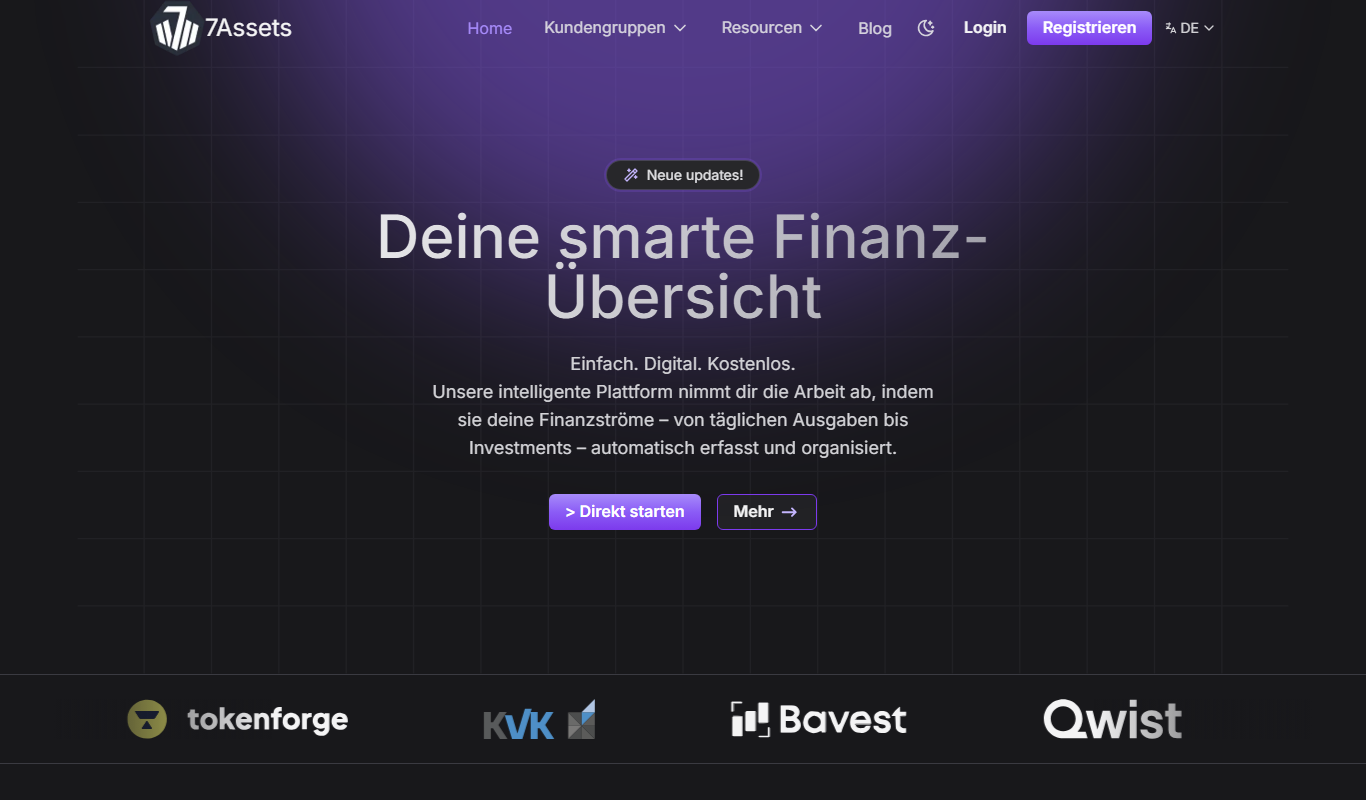
7Assets is a cloud-based asset management tool designed to help businesses track, maintain, and audit physical assets efficiently through web and mobile platforms.
- Best for
- Business Asset Tracking
- Key capability
- Real-Time Asset Tracking
Your actions
Do you recommend this tool?
What is 7Assets?
7Assets is a cloud-based asset management software designed to help businesses efficiently track, organize, and maintain their physical assets. It provides tools for inventory management, maintenance scheduling, and audit compliance, all accessible via web and mobile platforms. The software aims to reduce asset loss, improve operational efficiency, and provide clear visibility into asset status and location.
Key features of 7Assets
7Assets offers features such as real-time asset tracking, customizable asset records, maintenance reminders, audit logs, and multi-user access controls. Its intuitive interface supports easy onboarding and seamless integration into existing business workflows.
Real-Time Asset Tracking
Monitor asset status and location updates instantly through the platform.
Maintenance Management
Automate maintenance schedules and receive notifications for upcoming tasks.
Customizable Asset Records
Tailor asset information fields to fit specific business needs.
Multi-User Access
Control user permissions and enable team collaboration on asset management.
Audit and Reporting Tools
Generate detailed reports for compliance and operational insights.
Pros and cons of 7Assets
Pros
- User-friendly interface with easy onboarding
- Comprehensive asset tracking and maintenance features
- Affordable pricing with a free tier
- Supports multi-user collaboration
- Accessible on web and mobile devices
Cons
- Limited integrations with third-party software
- No dedicated desktop application
Key use cases for 7Assets
Business Asset Tracking
Track and manage company assets such as equipment, tools, and devices to maintain accurate records and reduce loss.
Inventory Management
Organize and monitor inventory levels, locations, and status to optimize resource allocation and streamline operations.
Maintenance Scheduling
Schedule and track maintenance activities for assets to ensure longevity and compliance with operational standards.
Audit and Compliance
Facilitate asset audits and maintain compliance documentation with detailed asset histories and reports.
Multi-User Collaboration
Enable teams to collaborate on asset management tasks with role-based access and real-time updates.
How 7Assets works
- 1
Create an Account
Sign up on the 7Assets platform to start managing your assets.
- 2
Add Assets
Input asset details manually or import data to build your asset inventory.
- 3
Assign Locations and Users
Organize assets by location and assign responsible users for accountability.
- 4
Schedule Maintenance
Set maintenance reminders and track service history to ensure asset upkeep.
- 5
Generate Reports
Use built-in reporting tools to audit assets and monitor asset lifecycle.
Who is using 7Assets
Small to medium-sized businesses
Facility managers
IT asset managers
Maintenance teams
Inventory controllers
7Assets pricing
Free
$0/month
Basic asset tracking with limited features and user access.
Pro
$15/month
Full feature access including maintenance scheduling and advanced reporting.
Plans and prices are as published by the vendor and can change. Check the official site before you buy. Open the pricing page (opens in a new tab)
Frequently asked questions about 7Assets
Yes, 7Assets supports data import via CSV files to quickly populate your asset inventory.
Yes, 7Assets offers a mobile-friendly web platform accessible on smartphones and tablets.
Yes, you can add multiple users with role-based permissions to collaborate on asset management.
You can generate audit reports, maintenance history, and asset status summaries.
It depends on your specific needs and how you plan to use the tool. The official website and documentation are the best sources for the latest details.
It depends on your specific needs and how you plan to use the tool. The official website and documentation are the best sources for the latest details.
Yes, it can help with that use case depending on how you configure it and what features are available. You’ll get the best results with clear inputs and a defined goal.
Sign in to review this tool.
Sign In to ReviewNo reviews yet
Be the first to share how this tool worked for you.
Ask about pricing, limits, or how it compares — or answer someone else.
Sign In to AskNo questions yet
Have a question about using or paying for this tool? Be the first to ask.
Featured on TiorAI



Alternative Tools
Explore similar AI tools that might fit your needs
Free
Snipe-IT
Snipe-IT is an open source IT asset management tool that helps organizations track hardware assets, software licenses, and manage inventory through a web-based platform with self-hosted and cloud options.
Free
ManageEngine AssetExplorer
ManageEngine AssetExplorer is a web-based IT asset management tool that helps organizations discover, track, and manage hardware and software assets, ensuring compliance and optimizing asset usage.
More AI Asset Management Tools tools
Other tools in the same category, for when this one is not quite the fit.

Custom Pricing
intelliAssets
intelliAssets is an asset management software that helps organizations track and manage IT and physical assets using barcode and RFID scanning, maintenance scheduling, and reporting tools.
Free Trial
Scout by Asseter.ai
Scout by Asseter.ai is an AI-powered platform that monitors physical and digital assets, providing predictive maintenance and risk management through real-time data analysis and customizable dashboards.
Enterprise
Scout by Asseter.ai
Scout by Asseter.ai is an AI-powered platform that provides real-time asset monitoring, anomaly detection, and predictive maintenance to optimize IT and infrastructure management.

Custom Pricing
Maintain-AI – Good Roads Cost Less
Maintain-AI is an AI-powered platform that automates road condition assessment and helps agencies plan and prioritize road maintenance efficiently.
Freemium
Asseto
Asseto is an AI-powered tool that automates digital asset organization, workflow automation, and optimization to improve team collaboration and asset utilization.