

From my experience with Trinka AI, I found it excels at providing specialized grammar and style corrections tailored for academic and professional writing. The detailed explanations for each suggestion make it a great learning tool, especially for researchers and students aiming to improve their writing quality. However, the tool currently supports only English and requires a subscription for full features, which might limit casual users. Overall, if you need a focused grammar checker that understands domain-specific language and offers plagiarism detection, Trinka AI delivers reliable and precise results.
Trinka AI Grammar Checker Tool for Academic and Professional Writing
Trinka AI is an AI-powered grammar checker specialized for academic and professional writing, offering advanced grammar, style, and plagiarism checks with detailed explanations.
- Best for
- Academic Writing
- Key capability
- Advanced Grammar and Style Checking

Do you recommend this tool?
What is Trinka AI – Grammar Checker Tool?
Trinka AI is an AI-powered grammar checker and writing assistant designed specifically for academic and professional writing. It provides advanced grammar, spelling, punctuation, and style corrections tailored to formal writing contexts. Unlike general grammar checkers, Trinka focuses on domain-specific language, technical terms, and academic conventions to help users produce polished, error-free documents.
Key features of Trinka AI – Grammar Checker Tool
Trinka AI offers comprehensive grammar and style checking, contextual spelling correction, academic vocabulary enhancement, plagiarism detection, and integration options including a web editor, API access, and browser extensions. It supports detailed explanations for corrections, making it a valuable tool for learning and improving writing skills.
Advanced Grammar and Style Checking
Detects complex grammar errors and suggests improvements tailored for academic and professional writing.
Domain-Specific Language Support
Recognizes technical terms and jargon in various fields to provide accurate corrections.
Plagiarism Detection
Checks documents against a vast database to identify potential plagiarism issues.
Detailed Explanations
Offers clear explanations for each correction to help users understand and learn.
Multiple Integration Options
Available as a web editor, API, and Chrome extension for seamless workflow integration.
Pros and cons of Trinka AI – Grammar Checker Tool
Pros
- Specialized for academic and professional writing
- Detailed explanations enhance learning
- Supports plagiarism detection
- Multiple integration options
- User-friendly interface
Cons
- Supports only English language
- Premium features require subscription
Key use cases for Trinka AI – Grammar Checker Tool
Academic Writing
Helps researchers, students, and academics improve the clarity, grammar, and style of scholarly papers.
Professional Communication
Enhances business emails, reports, and presentations by correcting grammar and improving tone.
Content Creation
Assists bloggers, writers, and content creators in producing error-free and polished articles.
Proofreading and Editing
Offers detailed grammar, spelling, and style checks to ensure error-free documents.
Language Learning
Supports non-native English speakers by providing explanations and corrections to improve language skills.
How Trinka AI – Grammar Checker Tool works
- 1
Upload or Paste Text
Users can upload documents or paste text directly into the Trinka web editor or use the browser extension.
- 2
AI-Powered Analysis
Trinka analyzes the text for grammar, spelling, punctuation, style, and domain-specific errors using AI algorithms.
- 3
Review Suggestions
The tool highlights errors and provides detailed explanations and suggestions for corrections.
- 4
Apply Corrections
Users can accept or reject suggestions to refine their document.
- 5
Download or Export
Once editing is complete, users can download the corrected document or export it to preferred formats.
Who is using Trinka AI – Grammar Checker Tool
Researchers and academics
Students
Content writers and bloggers
Business professionals
Non-native English speakers
Trinka AI – Grammar Checker Tool pricing
Free
$0/month
Basic grammar and spelling checks with limited usage and features.
Premium
$20/month
Full access to advanced grammar, style checks, plagiarism detection, and unlimited usage.
Plans and prices are as published by the vendor and can change. Check the official site before you buy. Open the pricing page (opens in a new tab)
Frequently asked questions about Trinka AI – Grammar Checker Tool
Yes, while Trinka specializes in academic and professional writing, it can also be used for general writing and business communication.
Currently, Trinka AI supports English language only.
Yes, Trinka offers API access and a Chrome extension to integrate with various platforms.
Yes, it provides detailed explanations to help users understand and improve their writing skills.
This tool is designed to help users accomplish its core tasks more efficiently. It is typically used by individuals or teams looking to improve productivity and workflow.
Some tools offer a free plan or trial with limited features. Availability can vary, so confirm on the official website.
It depends on your specific needs and how you plan to use the tool. The official website and documentation are the best sources for the latest details.
Sign in to review this tool.
Sign In to ReviewNo reviews yet
Be the first to share how this tool worked for you.
Ask about pricing, limits, or how it compares — or answer someone else.
Sign In to AskNo questions yet
Have a question about using or paying for this tool? Be the first to ask.
Featured on TiorAI



More Academic Writing tools
Other tools in the same category, for when this one is not quite the fit.
Freemium
Paperade
Paperade is an AI writing assistant focused on academic papers, offering content generation, editing, and research support via a web platform.

Freemium
UniScribe
UniScribe is an AI writing assistant designed to help users generate, edit, and check academic and professional documents with integrated plagiarism detection.

Freemium
EssayService.ai
EssayService.ai is an AI-powered tool that helps users generate and customize essays for academic and professional purposes, offering features like topic brainstorming and editing assistance.

Free Trial
EssayAI ai
EssayAI is an AI writing assistant that generates academic essays and content based on user prompts, offering customizable styles and grammar improvements.
Freemium
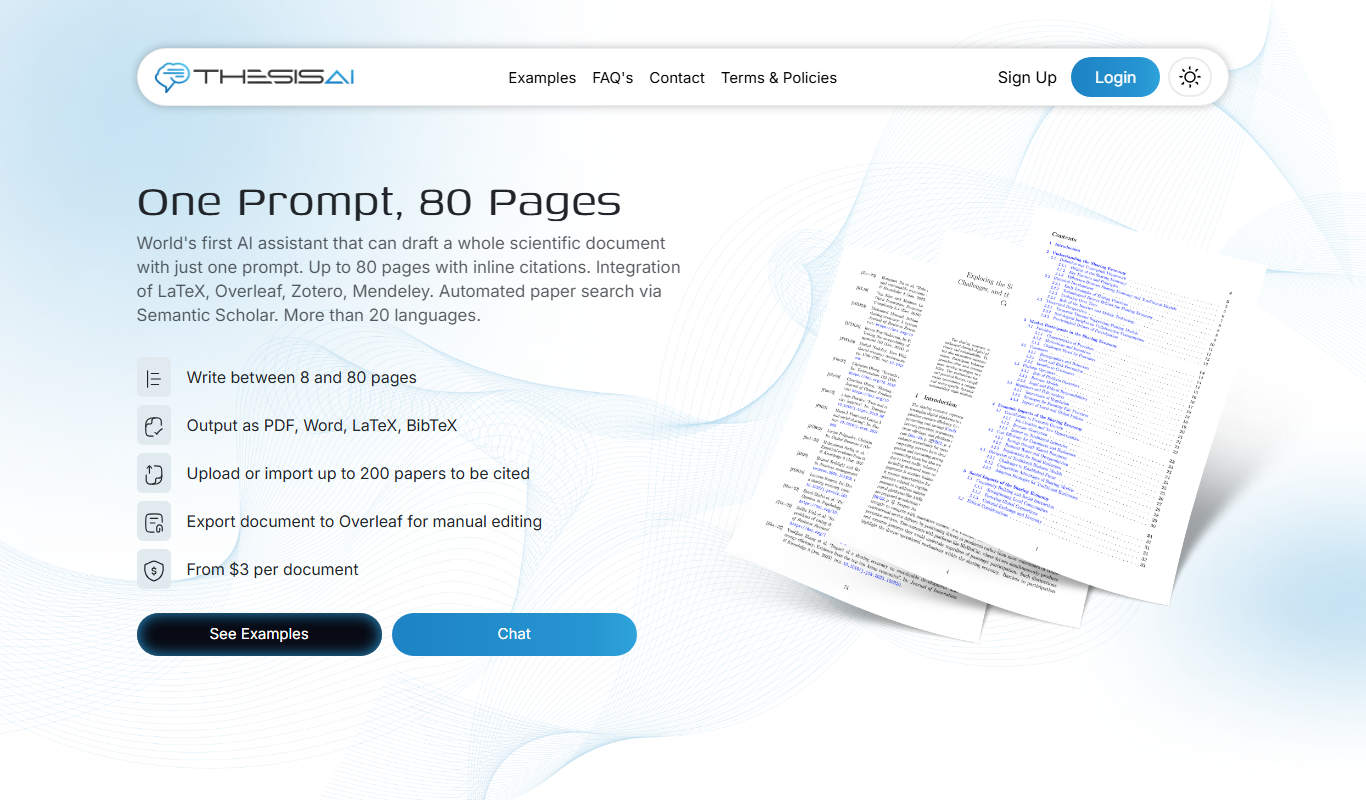
ThesisAI
ThesisAI is an AI-driven academic writing assistant designed to help students and researchers generate, organize, and refine theses and research papers with AI-powered content suggestions and editing tools.

Freemium
Writefull
Writefull is an AI writing assistant focused on improving academic and professional English texts by providing grammar, vocabulary, and style suggestions based on real-world language usage.
Free
AcademicGPT
AcademicGPT is an AI writing assistant designed to help students and researchers write, edit, and format academic papers efficiently.

Freemium
Paperguide
Paperguide is an AI writing assistant that helps improve academic and professional papers by providing grammar corrections, plagiarism checks, and content clarity enhancements through a web-based platform.