

From my experience with Paperguide, I found it excels at providing clear, actionable grammar and style suggestions tailored for academic writing. The integrated plagiarism checker adds valuable assurance for originality, which is critical in research and professional documents. After spending time with the platform, I can say it’s particularly well-suited for students, researchers, and professionals who want an easy-to-use web tool to polish their papers. However, the lack of mobile support and limited language options may restrict some users. Overall, if you need a focused AI assistant for academic and professional writing, Paperguide delivers solid, reliable results.
Paperguide AI Writing Assistant for Academic and Professional Papers
Paperguide is an AI writing assistant that helps improve academic and professional papers by providing grammar corrections, plagiarism checks, and content clarity enhancements through a web-based platform.
- Best for
- Academic Paper Writing
- Key capability
- Grammar and Style Correction

Do you recommend this tool?
What is Paperguide?
Paperguide is an AI-powered writing assistant designed to support academic and professional writers in creating well-structured, clear, and original papers. It offers grammar and style corrections, plagiarism detection, and content enhancement features to help users produce high-quality documents efficiently.
Key features of Paperguide
Key features include AI-driven grammar and style suggestions, plagiarism checking, content clarity improvements, and an intuitive web-based interface tailored for academic and professional writing needs.
Grammar and Style Correction
Detects and suggests fixes for grammatical errors and stylistic improvements.
Plagiarism Checker
Scans documents against extensive databases to ensure originality.
Content Clarity Enhancements
Offers recommendations to improve readability and coherence.
User-Friendly Web Interface
Accessible via web browser with a clean, intuitive design.
Pros and cons of Paperguide
Pros
- Accurate grammar and style suggestions tailored for academic writing
- Integrated plagiarism detection for originality assurance
- Simple and clean web interface
- Affordable premium plan with comprehensive features
Cons
- Limited mobile device support
- No disclosed API for integration
- Language support limited to English
Key use cases for Paperguide
Academic Paper Writing
Helps students and researchers draft, edit, and improve academic papers with AI-powered suggestions.
Professional Document Editing
Assists professionals in refining reports, proposals, and other formal documents for clarity and correctness.
Plagiarism Detection
Enables users to check their documents for originality and avoid unintentional plagiarism.
Content Enhancement
Improves grammar, style, and coherence in various types of written content.
How Paperguide works
- 1
Upload or Paste Text
Users submit their document by uploading a file or pasting text into the platform.
- 2
AI Analysis
The AI engine analyzes the text for grammar, style, and originality.
- 3
Receive Suggestions
Users receive detailed feedback and recommendations to improve their writing.
- 4
Revise and Download
Users apply suggested changes and download the polished document.
Who is using Paperguide
Students and researchers
Academic professionals
Content writers and editors
Small business professionals
Paperguide pricing
Free
$0/month
Basic grammar and style checks with limited usage.
Premium
$14.99/month
Full access to all features including plagiarism detection and unlimited document checks.
Plans and prices are as published by the vendor and can change. Check the official site before you buy. Open the pricing page (opens in a new tab)
Frequently asked questions about Paperguide
Yes, it supports professional and general writing improvement beyond academic papers.
Currently, Paperguide is optimized for web browsers on desktop and laptop computers.
Paperguide respects user privacy and does not store documents beyond the analysis session.
It depends on your specific needs and how you plan to use the tool. The official website and documentation are the best sources for the latest details.
Some tools offer a free plan or trial with limited features. Availability can vary, so confirm on the official website.
It depends on your specific needs and how you plan to use the tool. The official website and documentation are the best sources for the latest details.
Sign in to review this tool.
Sign In to ReviewNo reviews yet
Be the first to share how this tool worked for you.
Ask about pricing, limits, or how it compares — or answer someone else.
Sign In to AskNo questions yet
Have a question about using or paying for this tool? Be the first to ask.
Featured on TiorAI



More Academic Writing tools
Other tools in the same category, for when this one is not quite the fit.
Freemium
Paperade
Paperade is an AI writing assistant focused on academic papers, offering content generation, editing, and research support via a web platform.

Freemium
UniScribe
UniScribe is an AI writing assistant designed to help users generate, edit, and check academic and professional documents with integrated plagiarism detection.

Freemium
EssayService.ai
EssayService.ai is an AI-powered tool that helps users generate and customize essays for academic and professional purposes, offering features like topic brainstorming and editing assistance.

Free Trial
EssayAI ai
EssayAI is an AI writing assistant that generates academic essays and content based on user prompts, offering customizable styles and grammar improvements.
Freemium
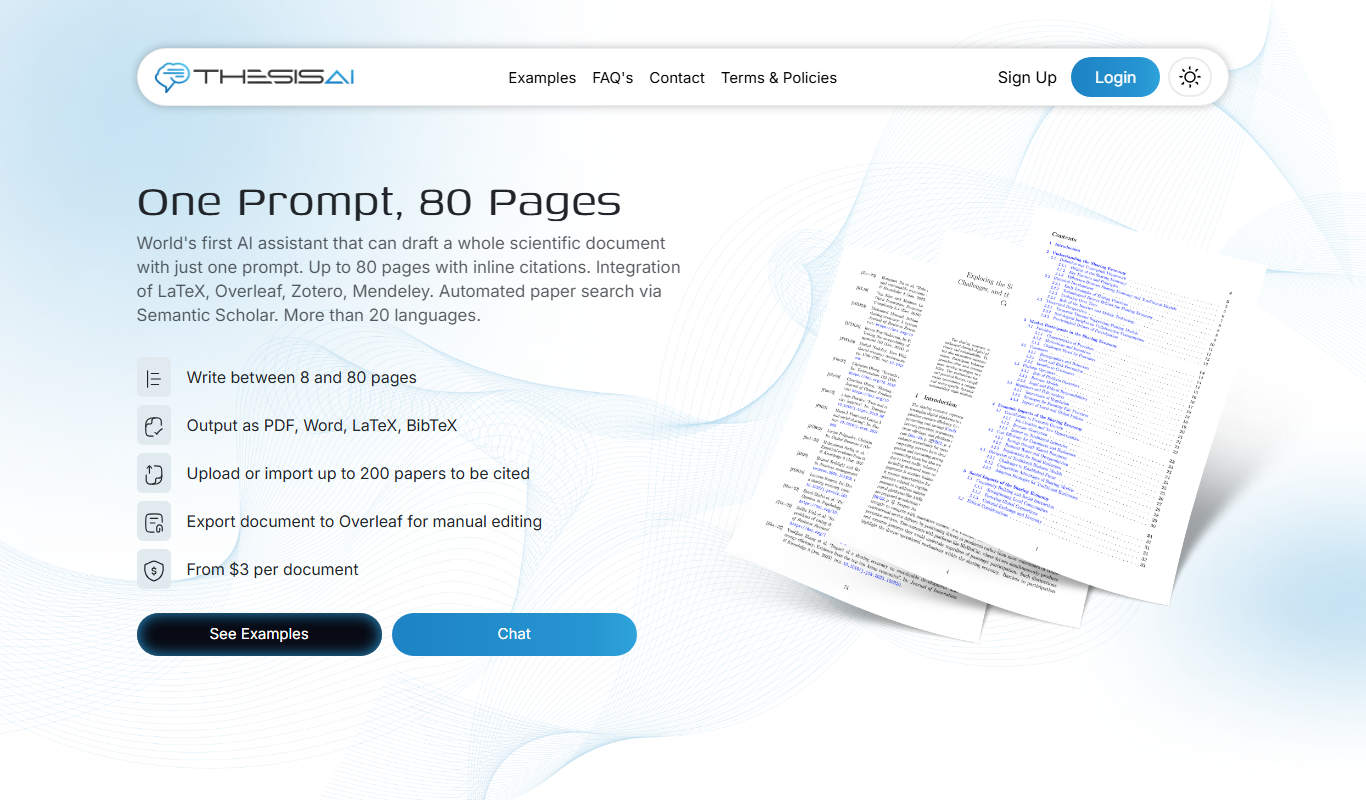
ThesisAI
ThesisAI is an AI-driven academic writing assistant designed to help students and researchers generate, organize, and refine theses and research papers with AI-powered content suggestions and editing tools.

Freemium
Trinka AI – Grammar Checker Tool
Trinka AI is an AI-powered grammar checker specialized for academic and professional writing, offering advanced grammar, style, and plagiarism checks with detailed explanations.

Freemium
Writefull
Writefull is an AI writing assistant focused on improving academic and professional English texts by providing grammar, vocabulary, and style suggestions based on real-world language usage.
Free
AcademicGPT
AcademicGPT is an AI writing assistant designed to help students and researchers write, edit, and format academic papers efficiently.