

From my experience with Torq AI, it stands out as a highly intuitive security automation platform that empowers security teams to build complex incident response workflows without coding. Its visual playbook builder and broad integrations make it practical for streamlining security operations and reducing alert fatigue. Torq is particularly well-suited for enterprise SOCs and incident response teams seeking to accelerate remediation and improve collaboration. The main trade-off is that pricing and technical details are not publicly disclosed, which may require direct engagement for evaluation. Overall, Torq AI delivers robust automation capabilities that can significantly enhance security orchestration efforts.
Torq AI Automation Platform for Security Operations and Incident Response
Torq AI is a no-code security automation platform that helps enterprises automate incident response workflows, integrate multiple security tools, and reduce alert fatigue through automated triage and orchestration.
- Best for
- Security Incident Response
- Key capability
- Visual Playbook Builder
Your actions
Save Torq AI, follow its updates and vote on it — everything stays in your account.
Sign in or create a free account
What is Torq AI?
Torq AI is a security automation and orchestration platform designed to help security teams automate complex workflows, integrate disparate security tools, and accelerate incident response. It enables organizations to build no-code or low-code playbooks that streamline security operations, reduce manual tasks, and improve overall security posture.
Key features of Torq AI
Torq AI offers a visual playbook builder, extensive integrations with security tools, real-time collaboration features, and automated alert triage. It supports flexible workflow automation to customize incident response processes and enhance operational efficiency.
Visual Playbook Builder
Create and customize automated workflows without coding using an intuitive drag-and-drop interface.
Extensive Integrations
Connect with a wide range of security tools including SIEMs, endpoint protection, threat intelligence, and more.
Automated Alert Triage
Reduce alert fatigue by automatically prioritizing and filtering security events based on customizable criteria.
Real-Time Collaboration
Enable security analysts to work together on incidents within the platform for faster resolution.
Audit and Compliance Reporting
Generate detailed logs and reports to support compliance audits and security governance.
Pros and cons of Torq AI
Pros
- User-friendly no-code playbook builder
- Wide range of security tool integrations
- Effective alert triage to reduce noise
- Supports collaboration among security teams
- Strong focus on incident response automation
Cons
- Pricing details not publicly available
- Primarily targeted at enterprise-level organizations
- Limited information on tech stack and deployment options
Key use cases for Torq AI
Security Incident Response
Automate detection, investigation, and remediation workflows to accelerate response times and reduce manual effort.
Security Orchestration
Integrate multiple security tools and systems into unified workflows to streamline operations and improve efficiency.
Threat Hunting and Investigation
Leverage automated playbooks to proactively hunt threats and conduct thorough investigations with contextual insights.
Compliance and Audit Automation
Automate routine compliance checks and generate audit trails to support regulatory requirements.
Alert Triage and Prioritization
Automatically triage security alerts to reduce noise and focus analyst attention on high-priority incidents.
How Torq AI works
- 1
Connect Security Tools
Integrate your existing security products and data sources with Torq’s platform via APIs and connectors.
- 2
Build Automated Playbooks
Use the visual drag-and-drop builder to create workflows that automate detection, investigation, and remediation steps.
- 3
Deploy and Monitor
Activate playbooks to automatically respond to security alerts and monitor execution status in real time.
- 4
Collaborate and Improve
Security teams collaborate within the platform to refine workflows and continuously improve response effectiveness.
Who is using Torq AI
Security Operations Centers (SOCs)
Incident Response Teams
Enterprise Security Teams
Managed Security Service Providers (MSSPs)
Compliance and Risk Management Professionals
Torq AI pricing
Enterprise
Contact Sales
Custom pricing based on organizational needs with full platform access and support.
Plans and prices are as published by the vendor and can change. Check the official site before you buy. Open the pricing page (opens in a new tab)
Frequently asked questions about Torq AI
Torq integrates with a broad range of security products including SIEMs, endpoint detection and response, firewalls, threat intelligence platforms, and ticketing systems.
No, Torq provides a no-code visual playbook builder that allows security teams to create workflows without programming skills.
Yes, Torq automates alert triage and prioritization to help analysts focus on the most critical security incidents.
Yes, the platform includes features to generate audit trails and reports to assist with regulatory compliance.
This tool is designed to help users accomplish its core tasks more efficiently. It is typically used by individuals or teams looking to improve productivity and workflow.
It depends on your specific needs and how you plan to use the tool. The official website and documentation are the best sources for the latest details.
It depends on your specific needs and how you plan to use the tool. The official website and documentation are the best sources for the latest details.
Integration support depends on the tool and its available connectors or API. Check the official documentation or integrations page to confirm what is supported.
Sign in to review this tool.
Sign In to ReviewNo reviews yet
Be the first to share how this tool worked for you.
Ask about pricing, limits, or how it compares — or answer someone else.
Sign In to AskNo questions yet
Have a question about using or paying for this tool? Be the first to ask.
Featured on TiorAI



Alternative Tools
Explore similar AI tools that might fit your needs
Custom Pricing
Swimlane
Swimlane is a security orchestration, automation, and response (SOAR) platform that enables organizations to automate incident response workflows, integrate threat intelligence, and improve security operations efficiency.
More Coding & Development tools
Other tools in the same category, for when this one is not quite the fit.

Free
Tailwind
Tailwind CSS is a utility-first CSS framework that enables developers to build custom, responsive web interfaces quickly by using atomic CSS classes directly in markup.
Free
PromptLayer
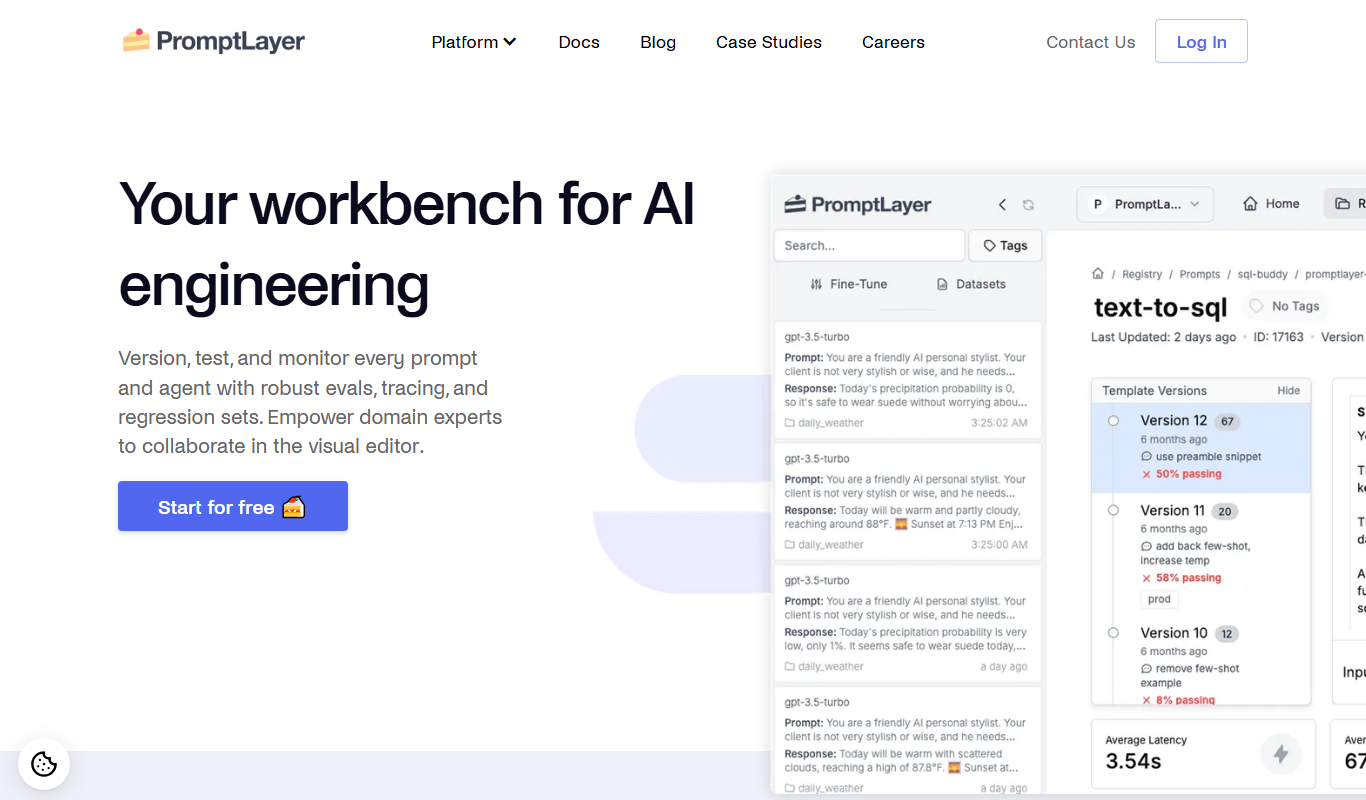
PromptLayer is a platform that helps developers log, version, and analyze AI prompts and completions to improve prompt engineering and optimize costs when using large language models like OpenAI's GPT.

Enterprise
ScriptRunner
ScriptRunner is an automation platform that centralizes management, security, and execution of PowerShell scripts to streamline IT workflows and enable self-service automation.
Custom Pricing
Schrödinger
Schrödinger is a molecular modeling software suite that supports drug discovery and materials science through advanced simulations and AI integration.

Paid
Heroku
Heroku is a cloud platform as a service (PaaS) that enables developers to deploy, manage, and scale applications easily without managing infrastructure.

Free
PhishTank API
PhishTank API provides free, real-time access to a community-curated phishing URL database, enabling developers and security professionals to detect and prevent phishing attacks by verifying suspicious URLs.

Free
ENS Domains
ENS Domains are decentralized, human-readable names on the Ethereum blockchain that replace complex wallet addresses, enabling easier crypto transactions and decentralized website hosting.

Free
CodinGame
CodinGame is an online platform providing coding challenges, multiplayer contests, and recruitment tools to help developers improve skills and companies assess candidates.