

From my experience with TopPDF, I found it excels at providing a straightforward, no-installation-needed solution for common PDF tasks like conversion and editing. The web interface is clean and intuitive, making it accessible even for users without technical expertise. It’s particularly well-suited for students, freelancers, and small businesses who need quick document management without investing in desktop software. However, the free plan has file size limits and lacks some advanced features, which may require upgrading to premium for heavier use. Overall, if you want fast, reliable online PDF tools, TopPDF delivers solid performance with minimal hassle.
TopPDF Online PDF Converter and Editor Tool for Easy Document Management
TopPDF is a web-based PDF tool that allows users to convert, edit, merge, split, compress, and secure PDF files easily online without software installation.
- Best for
- Convert Files to PDF
- Key capability
- Multiple Conversion Options
Your actions
Save TopPDF, follow its updates and vote on it — everything stays in your account.
Sign in or create a free account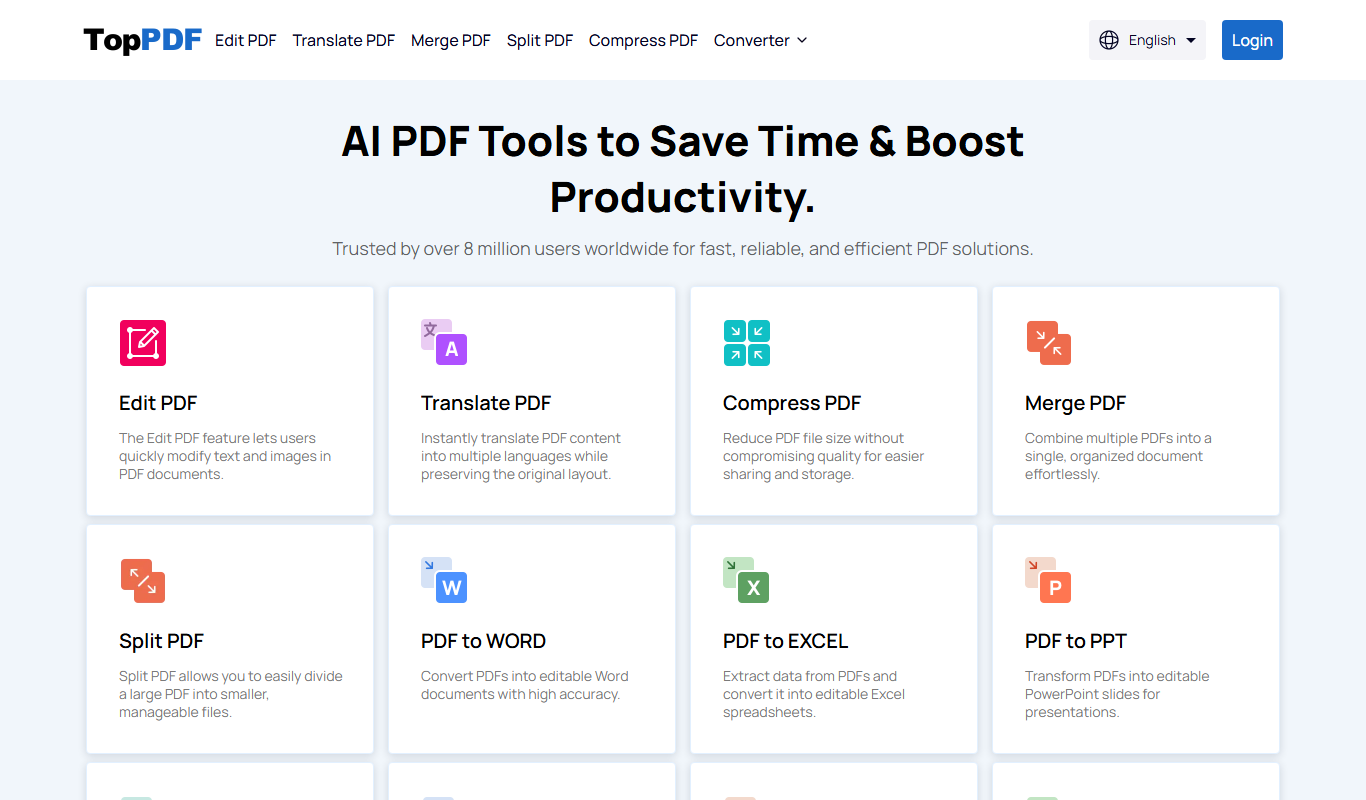

What is TopPDF?
TopPDF is a web-based platform offering a suite of PDF tools that enable users to convert, edit, merge, split, compress, and secure PDF documents easily without installing software. It is designed for quick and efficient document management directly through a browser.
Key features of TopPDF
TopPDF provides a comprehensive set of PDF utilities including file format conversion to and from PDF, in-browser editing capabilities, file merging and splitting, compression to reduce file size, and security features like password protection.
Multiple Conversion Options
Supports converting Word, Excel, PowerPoint, and image files to PDF and vice versa.
In-Browser PDF Editing
Edit text, add images, annotate, and rearrange pages without needing desktop software.
Merge and Split PDFs
Combine several PDFs into one or split large PDFs into smaller parts easily.
PDF Compression
Reduce PDF file sizes to optimize storage and sharing.
Password Protection
Secure your PDFs by adding passwords to restrict access.
Pros and cons of TopPDF
Pros
- Easy to use with no software installation required
- Supports a wide range of PDF operations
- Free plan available for basic needs
- Processes files quickly online
Cons
- Limited features and file size on free plan
- No desktop or mobile app versions
- Country of origin and company details not clearly disclosed
Key use cases for TopPDF
Convert Files to PDF
Easily convert various file formats such as Word, Excel, PowerPoint, and images into PDF documents.
Edit PDF Documents
Modify existing PDF files by adding text, images, annotations, or rearranging pages directly in the browser.
Merge and Split PDFs
Combine multiple PDF files into one or split a large PDF into smaller files for better organization.
Compress PDF Files
Reduce the file size of PDFs to facilitate easier sharing and storage without significant quality loss.
Secure PDFs
Add password protection to PDF files to restrict unauthorized access and ensure document security.
How TopPDF works
- 1
Upload Your File
Select or drag and drop your document onto the TopPDF web interface.
- 2
Choose Desired PDF Operation
Pick from options such as convert, edit, merge, split, compress, or secure your PDF.
- 3
Process the File
The tool processes your document online, applying the selected operation.
- 4
Download the Result
Once processing is complete, download the modified PDF file to your device.
Who is using TopPDF
Students needing quick PDF conversions
Small businesses managing documents
Freelancers editing PDFs without software
Educators preparing course materials
Anyone needing fast online PDF tools
TopPDF pricing
Free
$0/month
Access to basic PDF tools with file size and usage limits.
Premium
$9.99/month
Unlimited access to all features, higher file size limits, and priority support.
Plans and prices are as published by the vendor and can change. Check the official site before you buy. Open the pricing page (opens in a new tab)
Frequently asked questions about TopPDF
Yes, TopPDF offers a free plan with limited features and file size restrictions.
No, TopPDF is fully web-based and works directly in your browser.
TopPDF uses secure connections and deletes uploaded files after processing to protect your data.
You can convert Word, Excel, PowerPoint, images, and PDFs to and from PDF format.
It depends on your specific needs and how you plan to use the tool. The official website and documentation are the best sources for the latest details.
Yes, it can help with that use case depending on how you configure it and what features are available. You’ll get the best results with clear inputs and a defined goal.
It depends on your specific needs and how you plan to use the tool. The official website and documentation are the best sources for the latest details.
Sign in to review this tool.
Sign In to ReviewNo reviews yet
Be the first to share how this tool worked for you.
Ask about pricing, limits, or how it compares — or answer someone else.
Sign In to AskNo questions yet
Have a question about using or paying for this tool? Be the first to ask.
Featured on TiorAI



Alternative Tools
Explore similar AI tools that might fit your needs

Free
Smallpdf
Smallpdf is an online platform providing a suite of PDF tools including editing, converting, compressing, and e-signing documents accessible via web and mobile apps.

Free
ILovePDF
ILovePDF is an online platform providing a full suite of PDF tools including editing, converting, merging, splitting, compressing, and securing PDFs accessible via web and desktop apps.
Free
PDFescape
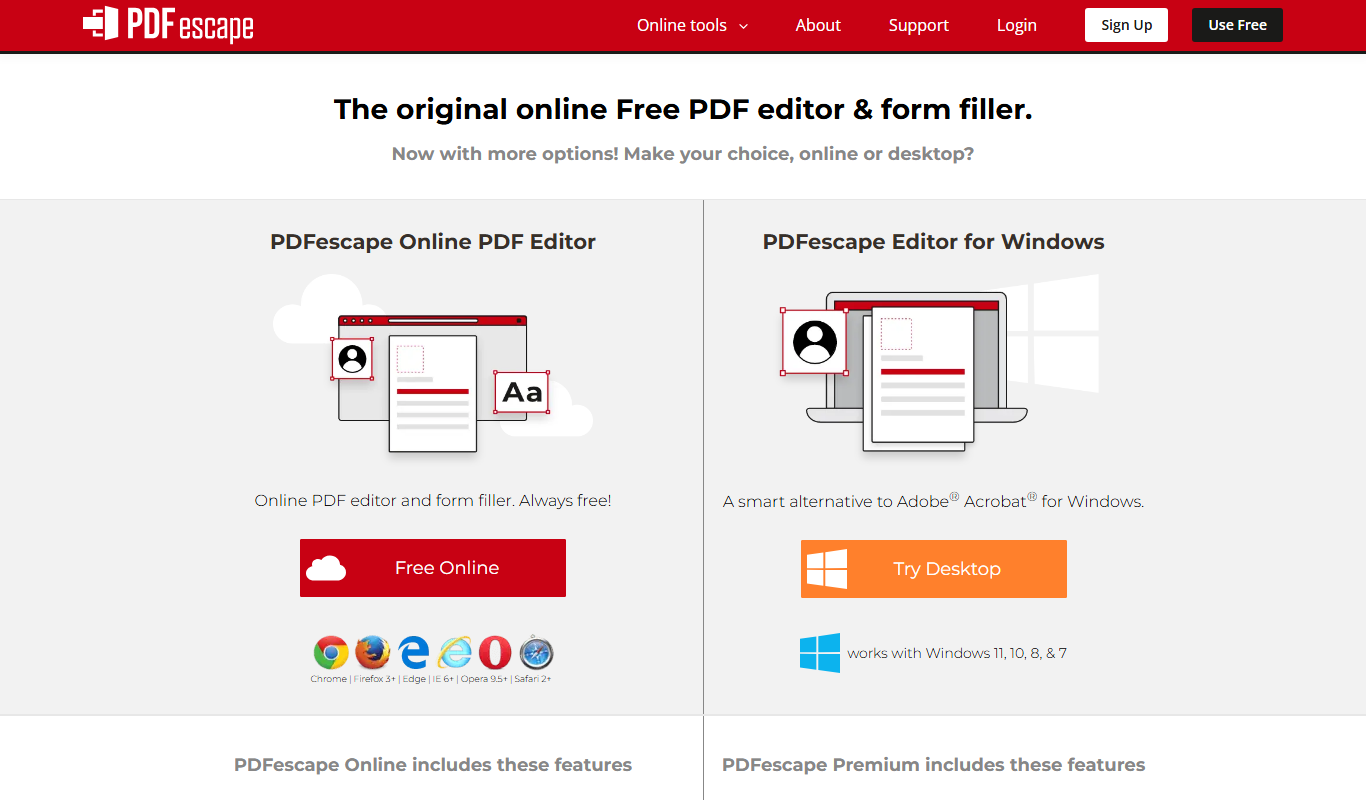
PDFescape is a web-based PDF editor and form filler that allows users to edit, annotate, and fill PDF documents online or via desktop app with free and paid plans.
More AI Word tools
Other tools in the same category, for when this one is not quite the fit.
Free
AI Word Solver
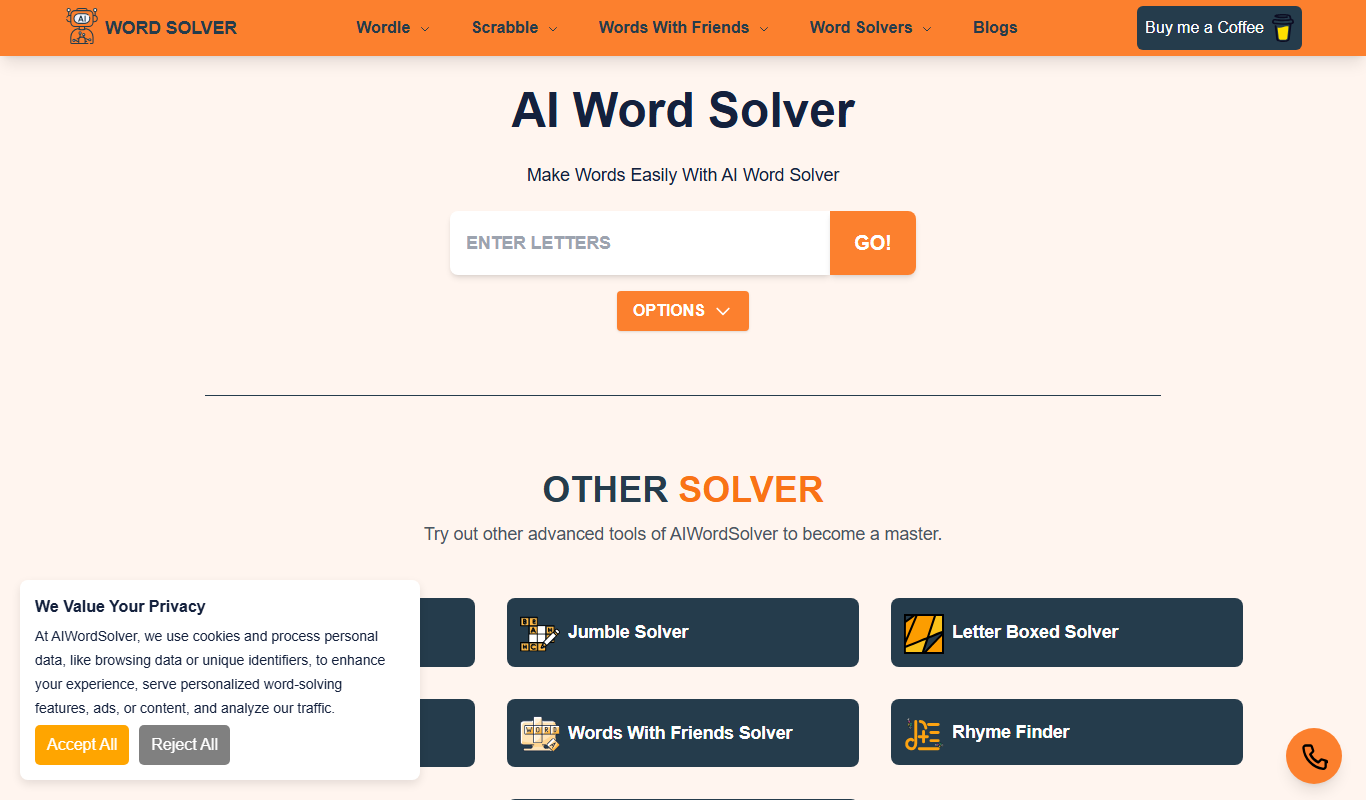
AI Word Solver is a free online tool that helps users solve word puzzles like crosswords and anagrams by generating possible word matches based on input letters or patterns.
Free
online word editor
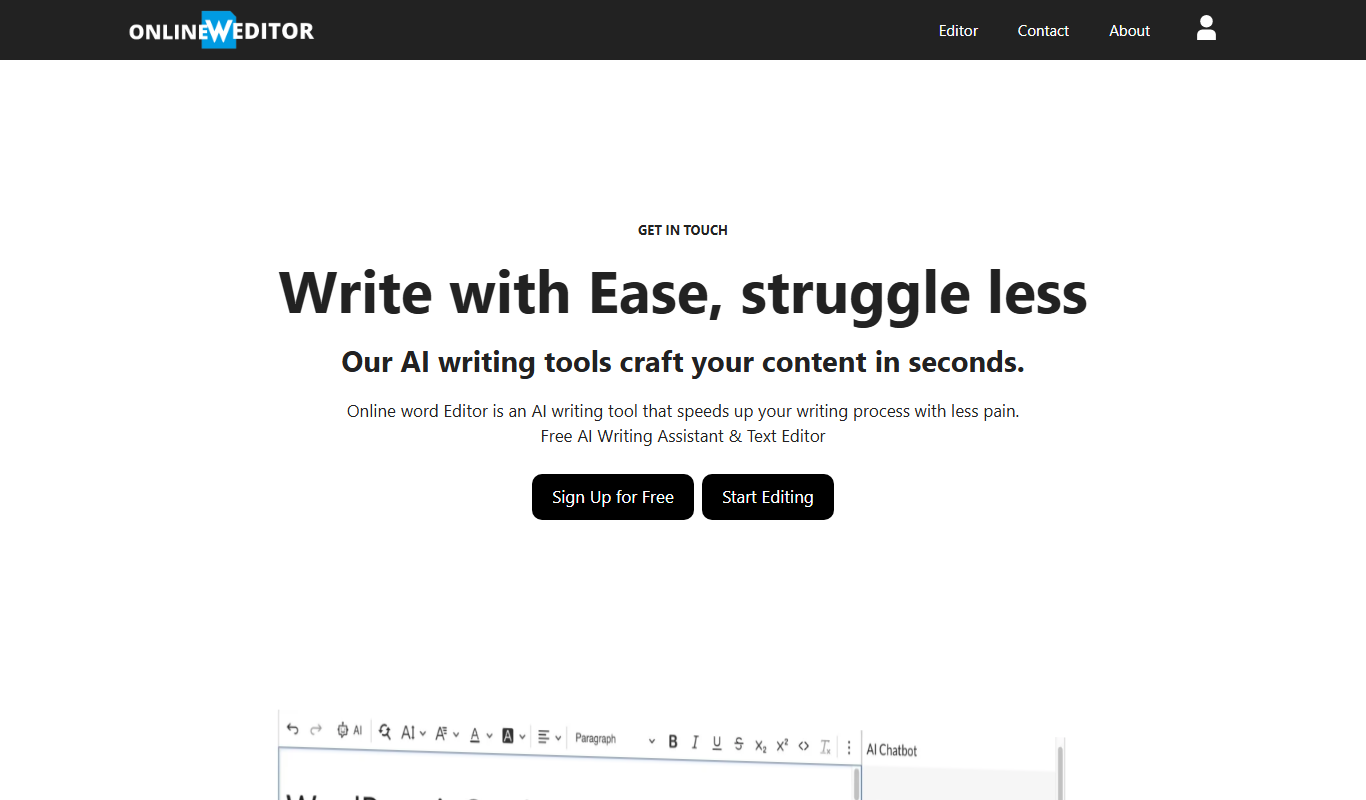
Online Word Editor presents itself as an AI writing assistant for generating, rephrasing, translating and summarizing, and it asks users to Sign Up.

Free Trial
aidocmaker.com
Aidocmaker is a web-based AI tool that automates the creation of business documents using customizable templates and exports them as PDFs.
Freemium
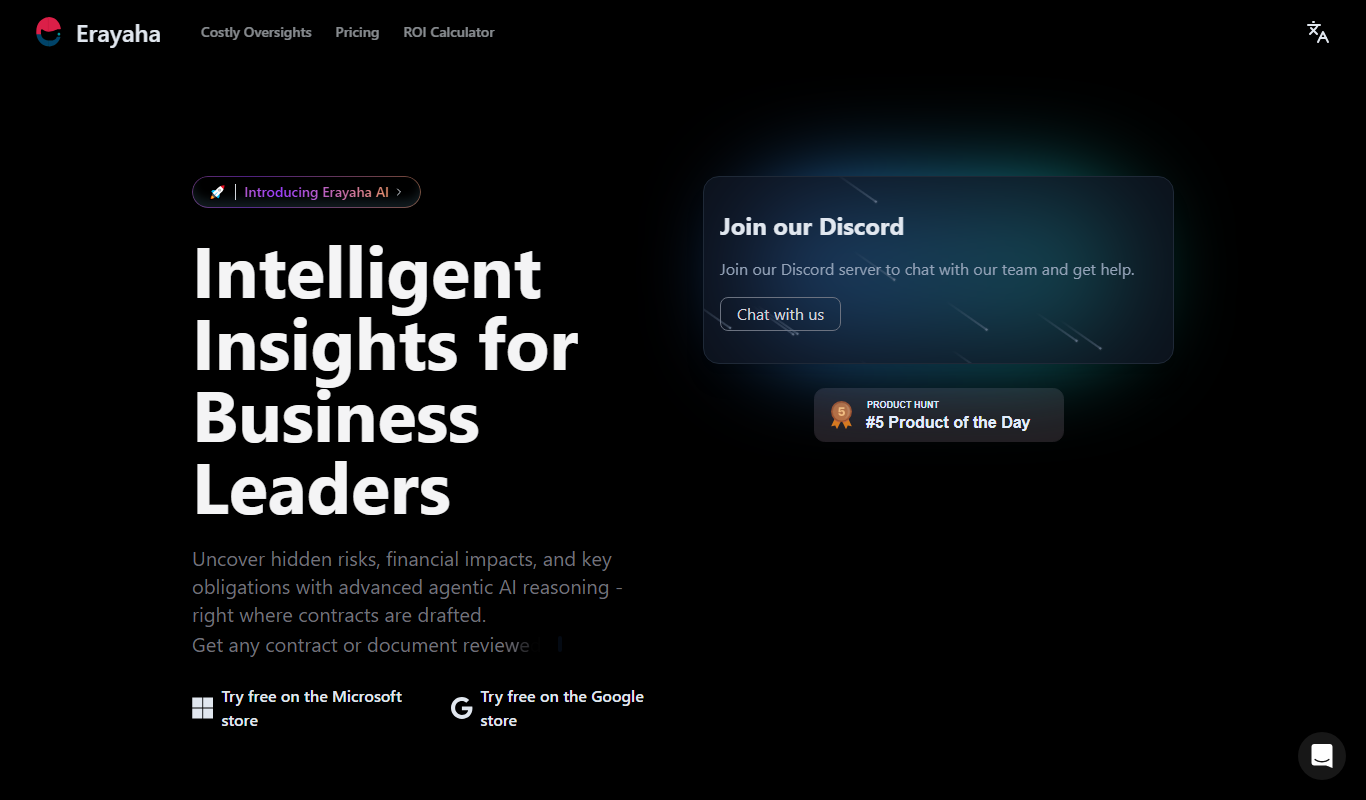
Erayaha.AI
Erayaha.AI is an AI writing assistant specialized in the Somali language, helping users generate, translate, and refine Somali text efficiently.

Free
Corrector App
Corrector App is a web-based AI writing assistant that checks grammar, spelling, and style in multiple languages, offering free and premium plans for users to improve their writing quickly.

Freemium
Monkt
Monkt is an AI writing assistant that helps users generate, edit, and optimize written content efficiently with real-time suggestions and grammar corrections.
Free
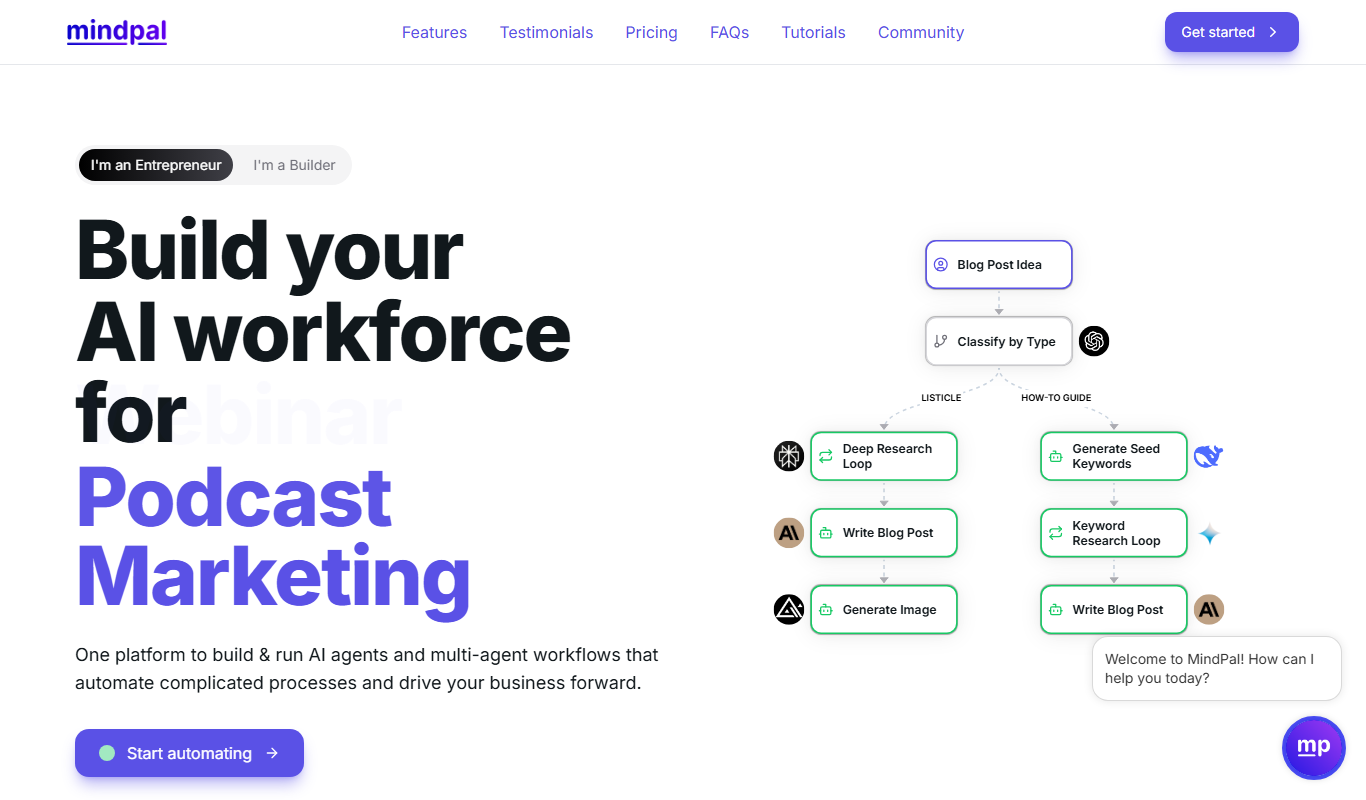
MindPal for YouTube
MindPal for YouTube is an AI-powered tool that transcribes and summarizes YouTube videos, providing concise insights and keywords to help users save time and improve content understanding.

Free
Paraphrasingtool.ai
ParaphrasingTool.ai is a free online AI-powered tool that rewrites and paraphrases English text instantly to improve uniqueness and readability.