

From my experience with Aidocmaker, I found it excels at simplifying and speeding up the creation of business documents through AI automation. The platform’s ability to use custom templates combined with AI-generated content makes it a practical choice for small businesses and professionals who need consistent, professional documents without manual effort. However, the lack of transparent pricing details and absence of mobile or offline options may limit its appeal for some users. Overall, if your workflow involves frequent document generation, Aidocmaker offers a streamlined, web-based solution that can save time and reduce errors.
AI Doc Maker - Automated Document Generation Tool for Businesses
Aidocmaker is a web-based AI tool that automates the creation of business documents using customizable templates and exports them as PDFs.
- Best for
- Automated Document Creation
- Key capability
- AI-Powered Content Generation
Your actions
Save aidocmaker.com, follow its updates and vote on it — everything stays in your account.
Sign in or create a free account

What is aidocmaker.com?
Aidocmaker is a web-based AI-powered document generation platform designed to automate the creation of business documents. It leverages artificial intelligence to produce accurate, professional documents quickly, reducing the need for manual drafting and formatting.
Key features of aidocmaker.com
The platform offers features such as AI-driven content generation, customizable templates, PDF export, and integration capabilities to embed document creation into existing workflows.
AI-Powered Content Generation
Automatically create document content using advanced AI algorithms.
Customizable Templates
Use or create templates to ensure documents meet specific business standards.
PDF Export
Easily export generated documents in PDF format for sharing and archiving.
Web-Based Platform
Access the tool from any device with internet connectivity without installation.
Pros and cons of aidocmaker.com
Pros
- Automates time-consuming document creation tasks
- Supports custom templates for flexibility
- Web-based with no software installation required
Cons
- Limited information on pricing transparency
- No disclosed mobile app or offline functionality
Key use cases for aidocmaker.com
Automated Document Creation
Generate professional business documents automatically using AI, saving time and reducing manual errors.
PDF Document Generation
Create downloadable and shareable PDF documents from templates or AI-generated content.
Workflow Automation
Integrate document generation into business workflows to streamline operations and improve efficiency.
Custom Template Usage
Use custom templates to tailor documents specifically to business needs and branding.
How aidocmaker.com works
- 1
Sign Up
Create an account on the Aidocmaker website to access the platform.
- 2
Select or Upload Template
Choose from pre-built templates or upload your own to customize document structure.
- 3
Input Data or Use AI
Provide necessary data inputs or let the AI generate content based on your requirements.
- 4
Generate Document
The AI processes inputs and creates a formatted document ready for review.
- 5
Download or Integrate
Download the document as a PDF or integrate the generation process into your workflow.
Who is using aidocmaker.com
Small and medium businesses
Freelancers and consultants
Administrative professionals
Marketing and sales teams
aidocmaker.com pricing
Free Trial
$0
Limited access to features for evaluation purposes.
Subscription
Varies
Full access to all features with monthly or annual billing.
Plans and prices are as published by the vendor and can change. Check the official site before you buy. Open the pricing page (opens in a new tab)
Frequently asked questions about aidocmaker.com
Yes, Aidocmaker allows you to upload and customize your own document templates.
A free trial is available to test the platform with limited features.
Documents can be exported primarily in PDF format.
It depends on your specific needs and how you plan to use the tool. The official website and documentation are the best sources for the latest details.
Yes, it can help with that use case depending on how you configure it and what features are available. You’ll get the best results with clear inputs and a defined goal.
Sign in to review this tool.
Sign In to ReviewNo reviews yet
Be the first to share how this tool worked for you.
Ask about pricing, limits, or how it compares — or answer someone else.
Sign In to AskNo questions yet
Have a question about using or paying for this tool? Be the first to ask.
Featured on TiorAI



Alternative Tools
Explore similar AI tools that might fit your needs
Free Trial
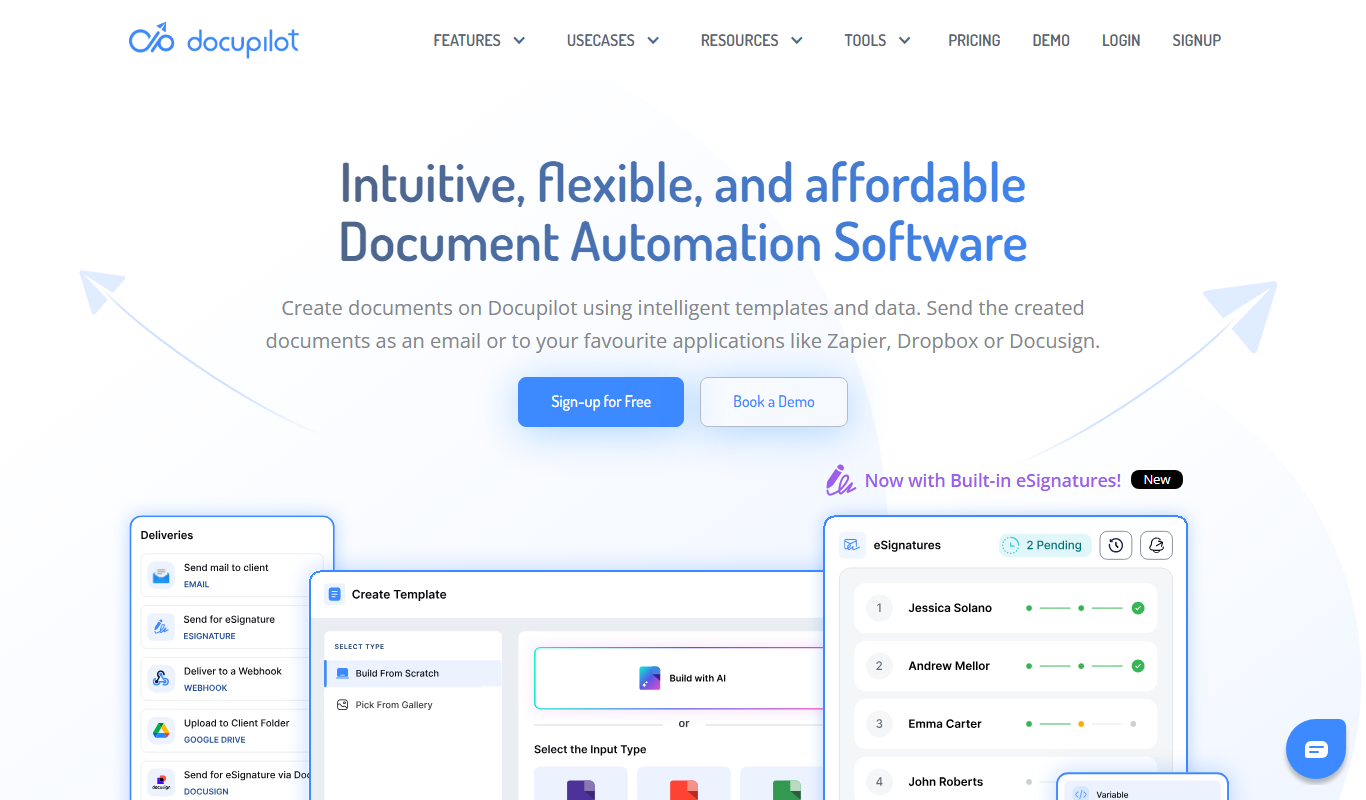
Docupilot
Docupilot is a cloud-based document automation tool that helps businesses create dynamic PDF and Word documents using customizable templates, data integrations, and workflow automation without coding.
Free
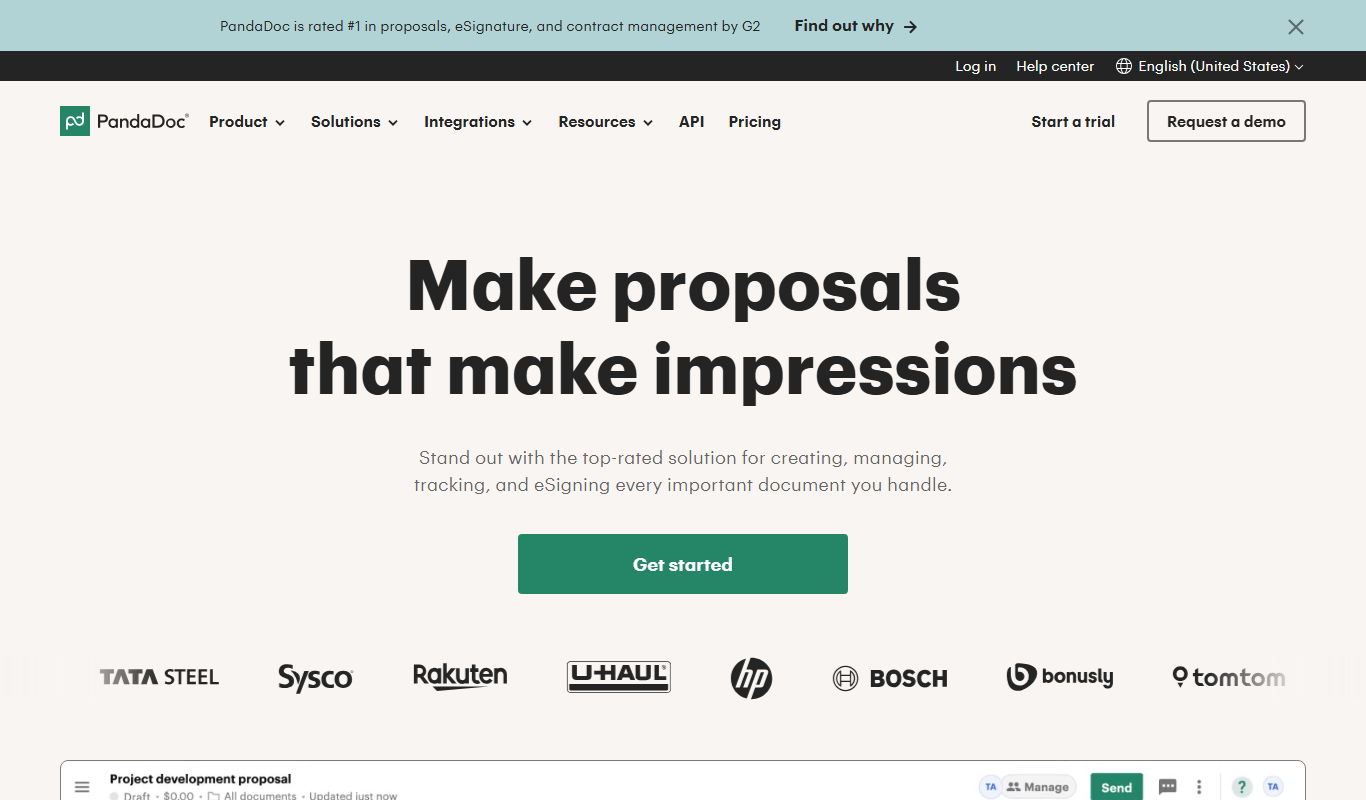
PandaDoc
PandaDoc is a cloud-based platform that automates document creation, approval workflows, and electronic signatures to help businesses streamline proposals, contracts, and payments.
More AI Ai Tools tools
Other tools in the same category, for when this one is not quite the fit.

Freemium
AI Slide Studio
AI Slide Studio is a web-based tool that uses artificial intelligence to automatically generate and design presentation slides from text input, helping users create professional slide decks quickly and easily.

Free
AutoPPT
AutoPPT is an AI-powered tool that automates the creation of professional presentations by generating slides from text inputs, allowing users to customize and export decks quickly.

Freemium
Planit Teachers
Planit Teachers generates lesson plans, slide decks, worksheets and marking feedback for primary and secondary teachers, aligned to the National Curriculum.

Free
The Prompt Index
The Prompt Index combines 780+ curated AI prompts with 24 built-in AI tools for writing, research, decisions, images and slides, with a Free plan and paid Basic and Pro plans.

Free
AiPPT
AiPPT is an AI-driven web tool that helps users create professional presentations quickly by generating slide content and designs automatically.

Free Trial
PresentationGPT
PresentationGPT is an AI-driven tool that helps users quickly create professional presentation slides by generating content and layouts based on user input.

Free
Spectre Camera
Spectre Camera is an iOS app that uses AI to create long exposure photos by stabilizing shots and combining multiple frames, enabling effects like light trails and motion blur without professional equipment.

Free
aimusic.one
aimusic.one is an AI-driven online platform that generates original, royalty-free music tracks customized by style, mood, and tempo, suitable for content creators and hobbyists.