

Docupilot Document Automation Software for Dynamic PDF and Word Templates
Docupilot is a cloud-based document automation tool that helps businesses create dynamic PDF and Word documents using customizable templates, data integrations, and workflow automation without coding.
- Best for
- Automated Document Generation
- Key capability
- Drag-and-Drop Template Editor
Save Docupilot, follow its updates and vote on it — everything stays in your account.
Sign in or create a free account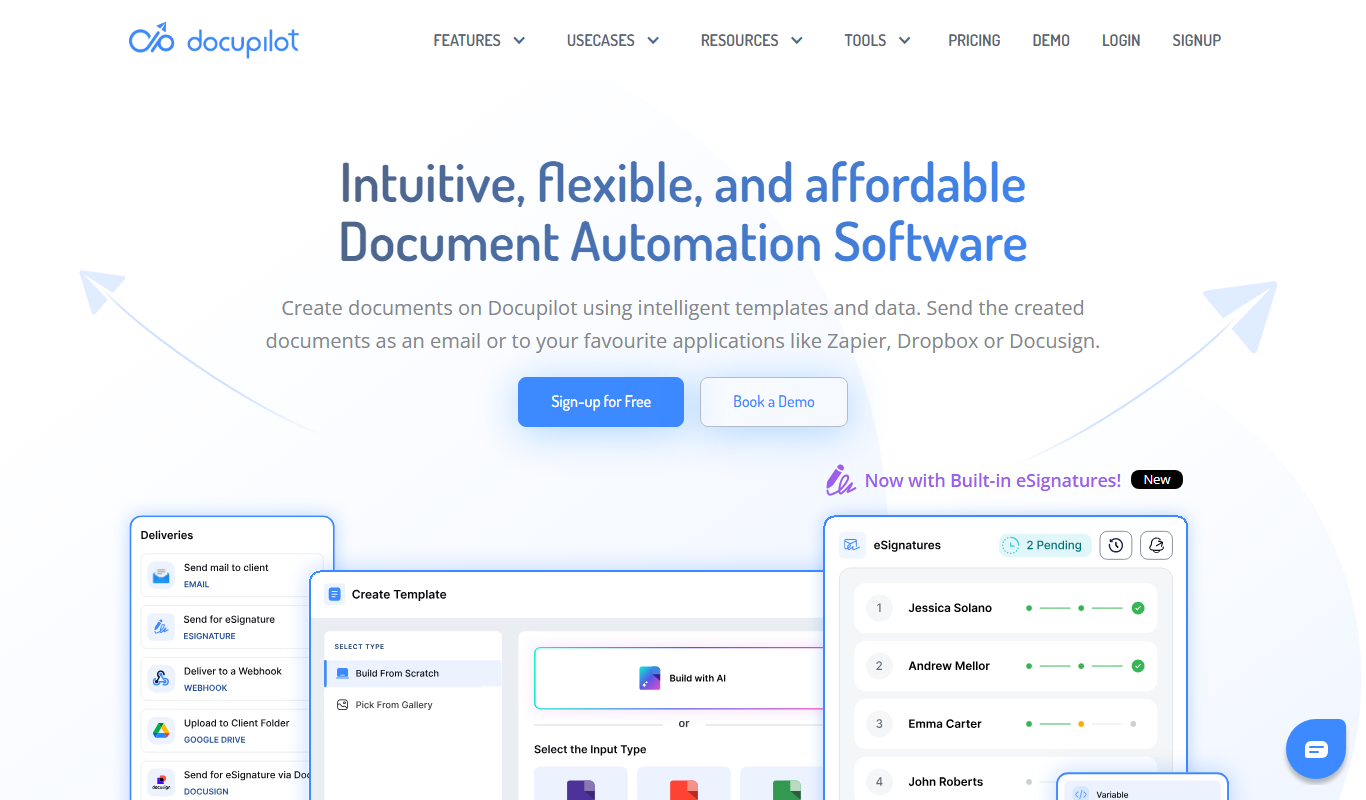
What is Docupilot?
Docupilot is a cloud-based document automation platform that enables businesses to create, manage, and automate the generation of dynamic PDF and Word documents using customizable templates. It helps reduce manual document creation by integrating data inputs and automating workflows, making document processes faster and error-free.
Key features of Docupilot
Docupilot offers features such as drag-and-drop template design, data integration via APIs and forms, automated document generation, workflow automation, and e-signature support. It is designed for teams looking to streamline document-heavy processes without coding.
Drag-and-Drop Template Editor
Easily create and customize document templates without coding.
Multi-format Output
Generate documents in PDF and Word formats for versatile use.
API and Form Integrations
Connect external data sources to automate document population.
Workflow Automation
Automate document creation and delivery within business processes.
E-signature Support
Facilitate digital signing to complete document approval cycles.
Pros and cons of Docupilot
Pros
- User-friendly no-code template editor
- Supports multiple document formats
- Flexible data integration options
- Automates repetitive document tasks
- Includes e-signature capabilities
Cons
- Limited offline access as a cloud-based tool
- Pricing may be high for very small businesses
Key use cases for Docupilot
Automated Document Generation
Create dynamic PDF and Word documents automatically from data inputs to streamline paperwork.
Workflow Automation
Integrate document generation into business workflows to reduce manual effort and errors.
Template Management
Design and manage reusable document templates with variable fields for consistent branding.
Data Collection and Integration
Collect data via forms or API and use it to populate documents automatically.
E-signature and Approval Processes
Incorporate e-signature workflows to facilitate approvals and contract finalization.
How Docupilot works
- 1
Create Templates
Design document templates with placeholders for dynamic data using the drag-and-drop editor.
- 2
Connect Data Sources
Integrate data via API, CSV upload, or web forms to feed into your templates.
- 3
Generate Documents
Automatically produce PDFs or Word files populated with your data.
- 4
Automate Workflows
Set up triggers and actions to automate document generation and distribution.
- 5
Collect Signatures
Use built-in e-signature features to get documents signed digitally.
Who is using Docupilot
Docupilot pricing
Free Trial
$0 for 14 days
Access all features with limited document generation for evaluation.
Starter
$29/month
Suitable for small teams with moderate document generation needs.
Plus
$99
Plus plan at $99.
Pro
$149
Pro plan at $149.
Premium
$199
Premium plan at $199.
Business
$399
Business plan at $399.
Enterprise
$699
Enterprise plan at $699.
Plans and prices are as published by the vendor and can change. Check the official site before you buy. Open the pricing page (opens in a new tab)
Frequently asked questions about Docupilot
Yes, Docupilot supports API integrations allowing you to connect with various CRMs and data sources.
No, the platform is designed for no-code users with an intuitive drag-and-drop editor.
Docupilot can generate documents in PDF and Microsoft Word formats.
Yes, it includes e-signature functionality to streamline approval workflows.
It depends on your specific needs and how you plan to use the tool. The official website and documentation are the best sources for the latest details.
Integration support depends on the tool and its available connectors or API. Check the official documentation or integrations page to confirm what is supported.
It depends on your specific needs and how you plan to use the tool. The official website and documentation are the best sources for the latest details.
Conclusion
Templates are designed in a drag-and-drop editor with placeholders for dynamic data, so no coding knowledge is required. Data then arrives via API, CSV upload or web forms, and the platform produces PDFs or Word files populated with it. Triggers and actions automate generation and distribution, and e-signature support facilitates digital signing to complete approval cycles.
It serves small to medium businesses, with sales and legal teams and HR departments among the intended users. A free trial lasts 14 days, and paid plans range from Starter at $29 per month up to Enterprise at $699.
Sources
Sign in to review this tool.
Sign In to ReviewNo reviews yet
Be the first to share how this tool worked for you.
Ask about pricing, limits, or how it compares — or answer someone else.
Sign In to AskNo questions yet
Have a question about using or paying for this tool? Be the first to ask.
Featured on TiorAI



Alternative Tools
Explore similar AI tools that might fit your needs
PandaDoc
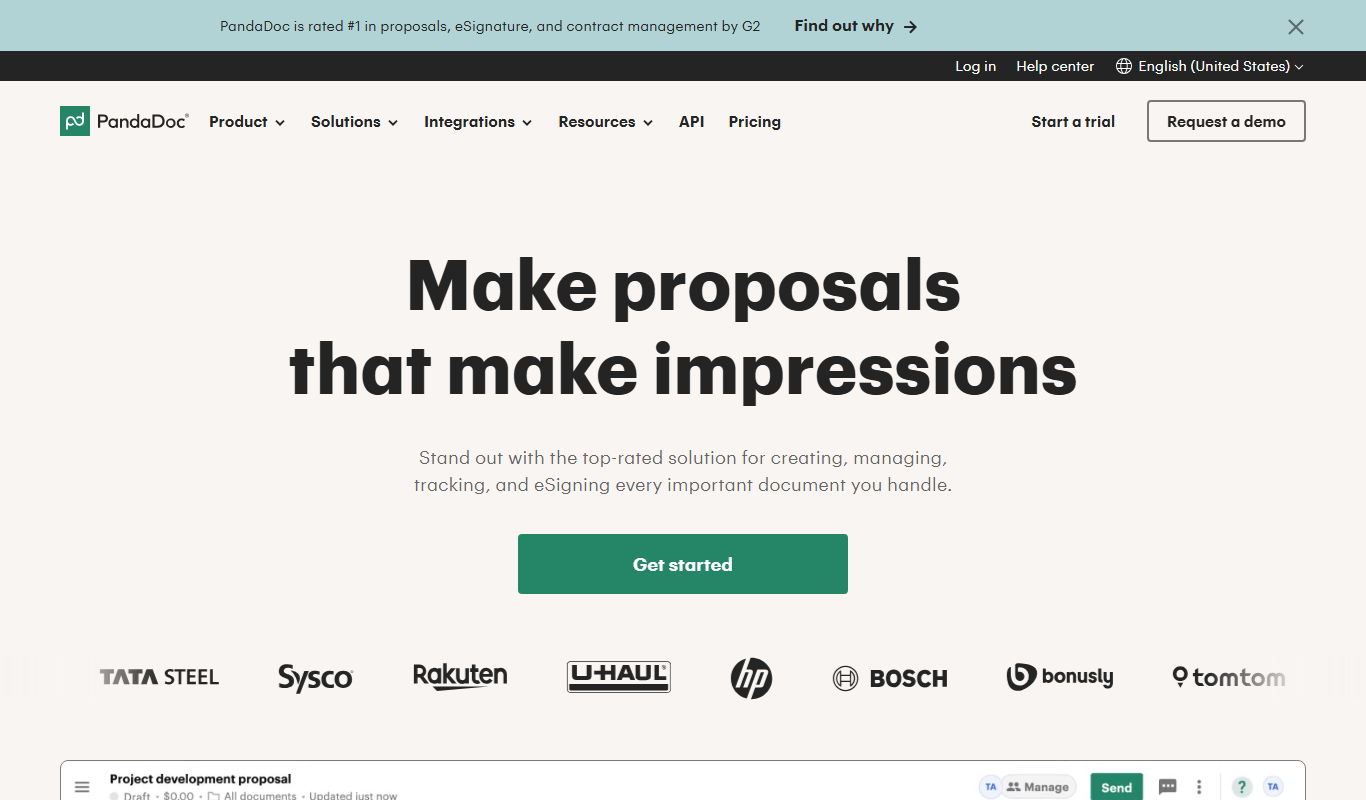
PandaDoc is a cloud-based platform that automates document creation, approval workflows, and electronic signatures to help businesses streamline proposals, contracts, and payments.

DocuSign
DocuSign is a cloud-based electronic signature platform that enables secure, legally binding digital signing and management of documents, streamlining workflows and ensuring compliance.
More AI Workflow tools
Other tools in the same category, for when this one is not quite the fit.

Demostack
Demostack is an enterprise agentic product simulation platform for product demos.

Intuit ProConnect
Intuit ProConnect is a cloud-based tax software designed for professional accountants and tax firms to prepare, review, and electronically file federal and state tax returns efficiently.

LogicManager
LogicManager is a cloud-based governance, risk, and compliance software platform designed to help organizations identify, assess, and mitigate risks while ensuring regulatory compliance through audit, policy, and incident management tools.
Clinked
Clinked is a secure client portal platform that enables businesses to collaborate with clients and teams through file sharing, task management, messaging, and workflow automation in a branded environment.

Unacademy
Unacademy is an Indian online education platform providing live classes, recorded lectures, and test series for competitive exams and skill development.

ScriptRunner
ScriptRunner is an automation platform that centralizes management, security, and execution of PowerShell scripts to streamline IT workflows and enable self-service automation.

RELEX Solutions
RELEX Solutions is an AI-powered supply chain management platform that helps retailers and wholesalers optimize demand forecasting, inventory, and workforce planning to improve efficiency and reduce costs.
Things 3
Things 3 is a premium task management app designed exclusively for Apple devices, offering intuitive task creation, project organization, and seamless iCloud syncing to boost productivity.