

From my experience with MindPal for YouTube, I found it excels at quickly distilling lengthy video content into clear, concise summaries. This makes it a valuable tool for marketers and educators who need to process large amounts of video information efficiently. The straightforward web interface and affordable pricing make it accessible, though its focus on English videos and dependency on audio quality are practical limitations to consider. Overall, if you want to save time understanding YouTube videos without watching them fully, MindPal delivers reliable and useful results.
MindPal for YouTube AI Video Summarizer and Content Insight Tool
MindPal for YouTube is an AI-powered tool that transcribes and summarizes YouTube videos, providing concise insights and keywords to help users save time and improve content understanding.
- Best for
- Video Summarization
- Key capability
- Automatic Video Transcription
Your actions
Save MindPal for YouTube, follow its updates and vote on it — everything stays in your account.
Sign in or create a free account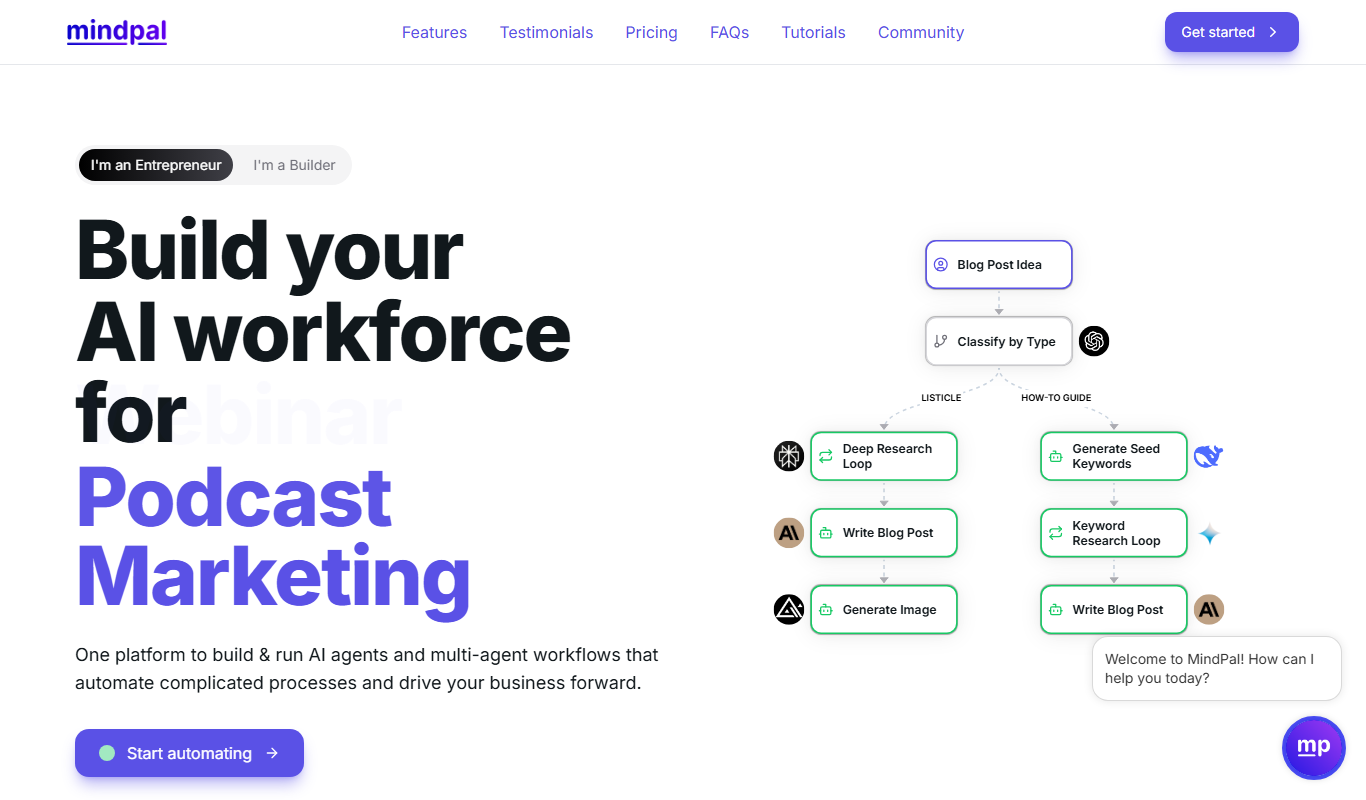

What is MindPal for YouTube?
MindPal for YouTube is an AI-powered web application designed to analyze YouTube videos and generate concise, readable summaries. It leverages advanced natural language processing and machine learning to extract key points from video transcripts, helping users quickly understand video content without watching the entire length. This tool is ideal for content creators, marketers, educators, and anyone looking to save time while consuming video information.
Key features of MindPal for YouTube
MindPal offers automatic video transcription, AI-generated summaries, keyword extraction, and content insights directly from YouTube videos. Its user-friendly interface allows quick input of video URLs and delivers summarized text outputs that highlight essential information, making video content more accessible and actionable.
Automatic Video Transcription
Converts spoken words from YouTube videos into text transcripts using AI.
AI-Powered Summarization
Generates clear and concise summaries that capture the main ideas of the video.
Keyword Extraction
Identifies important keywords and topics from the video content to aid SEO and research.
User-Friendly Web Interface
Simple input and output process requiring only the video URL, no downloads or installations.
Supports Educational and Marketing Use Cases
Designed to help learners, marketers, and content creators efficiently digest video content.
Pros and cons of MindPal for YouTube
Pros
- Saves time by condensing lengthy videos into short summaries
- Easy to use with just a video URL input
- Supports content research and SEO optimization
- Affordable pricing with a free tier
- No software installation required
Cons
- Currently supports only English videos
- Accuracy depends on video audio quality
- Limited advanced customization options
Key use cases for MindPal for YouTube
Video Summarization
Automatically generate concise summaries of YouTube videos to save time and quickly grasp key points.
Content Research
Extract main ideas and insights from videos to support content creation, marketing, or educational purposes.
Transcription and Note Taking
Convert spoken content into text for easier review, quoting, or study.
Video SEO Optimization
Use summaries and extracted keywords to improve video metadata and search rankings.
Learning and Training
Facilitate faster learning by providing digestible video content summaries for students and professionals.
How MindPal for YouTube works
- 1
Input YouTube Video URL
Enter the URL of the YouTube video you want to summarize into MindPal’s web interface.
- 2
AI Processes Video Transcript
MindPal extracts the video’s audio transcript and applies AI algorithms to analyze and summarize the content.
- 3
Receive Summary and Insights
The tool generates a concise summary along with key points and keywords for quick understanding.
- 4
Use or Export Summary
Users can read, copy, or export the summary for research, content creation, or study purposes.
Who is using MindPal for YouTube
Content creators
Digital marketers
Students and educators
Researchers
Social media managers
MindPal for YouTube pricing
Free
$0/month
Limited number of video summaries per month with basic features.
Pro
$9.99/month
Unlimited video summaries, faster processing, and priority support.
Plans and prices are as published by the vendor and can change. Check the official site before you buy. Open the pricing page (opens in a new tab)
Frequently asked questions about MindPal for YouTube
Currently, MindPal primarily supports English-language videos.
Yes, as long as the video is publicly accessible and has clear audio for transcription.
Longer videos may take more time to process, and some plans may have limits on video duration.
Yes, summaries can be copied or exported for offline use.
It depends on your specific needs and how you plan to use the tool. The official website and documentation are the best sources for the latest details.
Some tools offer a free plan or trial with limited features. Availability can vary, so confirm on the official website.
Yes, it can help with that use case depending on how you configure it and what features are available. You’ll get the best results with clear inputs and a defined goal.
Yes, it can help with that use case depending on how you configure it and what features are available. You’ll get the best results with clear inputs and a defined goal.
Sign in to review this tool.
Sign In to ReviewNo reviews yet
Be the first to share how this tool worked for you.
Ask about pricing, limits, or how it compares — or answer someone else.
Sign In to AskNo questions yet
Have a question about using or paying for this tool? Be the first to ask.
Featured on TiorAI



Alternative Tools
Explore similar AI tools that might fit your needs

Custom Pricing
VideoKen
VideoKen is an AI-driven platform that indexes and segments long videos into chapters, provides automatic transcription, and enables interactive navigation to enhance video learning and content accessibility.
More AI Summarization Tools tools
Other tools in the same category, for when this one is not quite the fit.

Subscription
PaperLens
PaperLens is an AI research assistant that gives evidence-backed answers grounded in millions of peer-reviewed papers from arXiv, Crossref and Semantic Scholar.

Free
PoweReader
PoweReader is a native RSS reader for iPhone and Mac; Premium adds AI summaries, inline translation, audio narration and Daily Picks.

Free
Steam Summarize
Steam Summarize is a free AI tool that generates concise summaries and review insights for Steam games, helping users quickly understand game features and community opinions.
Free Trial
Bubbly Meeting Api
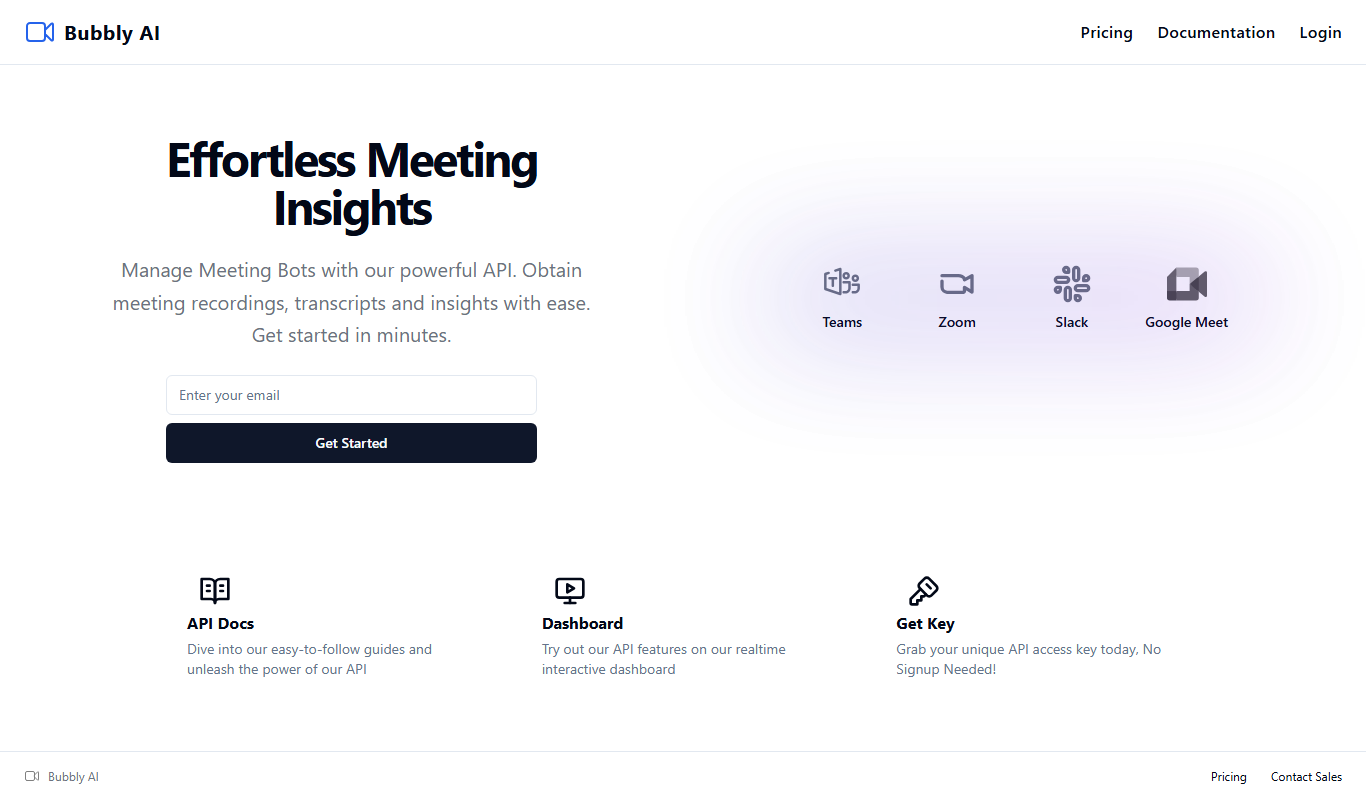
Bubbly Meeting API lets developers manage meeting bots through an API to obtain meeting recordings, transcripts and insights.

Free Trial
ListenRobo
ListenRobo is an AI-driven platform that transcribes podcast audio into text and generates episode summaries to enhance accessibility and content repurposing.
Freemium
CassetteAI
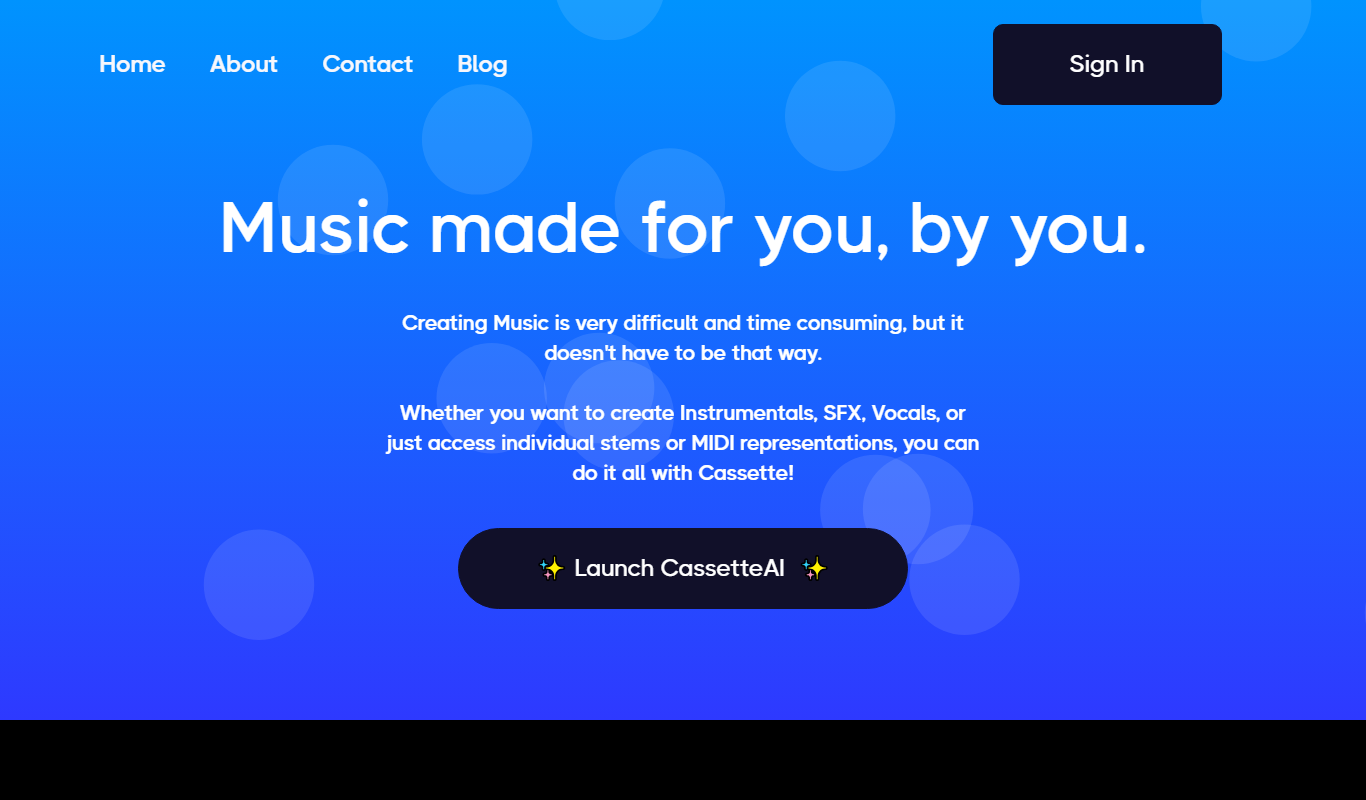
CassetteAI is an AI-driven platform that transcribes audio files into text and generates concise summaries, helping users save time on note-taking and content review.

Free
GistReader
GistReader is an AI tool that summarizes articles and documents quickly by extracting key points, helping users save time and understand content efficiently.

Freemium
Podwise AI
Podwise AI is a web-based tool that uses AI to transcribe, summarize, and extract key content from podcasts, helping creators save time and improve audience engagement.