

PaperLens AI Research Assistant for Academic Paper Summaries and Insights
PaperLens is an AI research assistant that gives evidence-backed answers grounded in millions of peer-reviewed papers from arXiv, Crossref and Semantic Scholar.
- Best for
- Academic Research
- Key capability
- AI-Powered Summarization
Save PaperLens, follow its updates and vote on it — everything stays in your account.
Sign in or create a free account
What is PaperLens?
PaperLens is an AI research assistant that gives evidence-backed answers grounded in millions of peer-reviewed papers, drawing on arXiv, Crossref and Semantic Scholar. Follow-up questions, paper deep-dives and real-time web search continue in one conversation, and saved papers can be broken down into structured wiki summaries covering findings, methods and limitations.
Key features of PaperLens
PaperLens offers AI-driven paper summarization, key insight extraction, interactive Q&A about paper content, and an intuitive web interface to enhance research productivity and comprehension.
AI-Powered Summarization
Generates clear and concise summaries of lengthy academic papers.
Insight Extraction
Highlights important findings, methodologies, and conclusions from research papers.
Interactive Q&A
Allows users to ask specific questions about the paper and receive AI-generated answers.
User-Friendly Interface
Clean web platform designed for ease of use by researchers and students.
Pros and cons of PaperLens
Pros
- Speeds up literature review with AI summaries
- Interactive Q&A enhances understanding
- Simple and intuitive web interface
Cons
- Limited free tier upload capacity
- Currently supports only English language papers
Key use cases for PaperLens
Academic Research
Helps researchers quickly understand and summarize academic papers to accelerate literature reviews.
Student Study Aid
Assists students in grasping complex research papers by providing concise summaries and explanations.
Research Paper Exploration
Enables users to explore key insights and concepts from scientific papers without reading full texts.
Content Creation
Supports content creators and educators in extracting and repurposing research findings efficiently.
How PaperLens works
- 1
Upload or Link Paper
Users upload a PDF or provide a link to the academic paper they want to analyze.
- 2
AI Processing
The AI engine processes the document to extract summaries, key points, and relevant insights.
- 3
Review Summaries and Insights
Users receive concise summaries and can explore detailed insights or ask questions about the paper.
- 4
Export or Save
Summaries and notes can be saved or exported for further study or sharing.
Who is using PaperLens
PaperLens pricing
Starter
$15/month, or $8/month billed yearly
For individual researchers: Research Assistant chat with AI about papers, save papers, 500 searches per month, semantic search and smart filtering.
Pro
$50/month, or $20/month billed yearly
For power users and teams: all Starter features plus unlimited searches, early access to features, custom features as requested and priority support.
Plans and prices are as published by the vendor and can change. Check the official site before you buy. Open the pricing page (opens in a new tab)
Frequently asked questions about PaperLens
You can upload most academic papers in PDF format or provide links to publicly accessible papers.
Yes, PaperLens uses encryption and secure storage to protect your documents and data privacy.
While optimized for academic papers, PaperLens can summarize other complex documents but results may vary.
It depends on your specific needs and how you plan to use the tool. The official website and documentation are the best sources for the latest details.
Some tools offer a free plan or trial with limited features. Availability can vary, so confirm on the official website.
Yes, it can help with that use case depending on how you configure it and what features are available. You’ll get the best results with clear inputs and a defined goal.
Conclusion
Questions come first on this platform, and every answer is grounded in real papers drawn from arXiv, Crossref and Semantic Scholar. Each answer shows evidence strength, consensus, key findings and limitations. Follow-up questions, paper deep-dives and real-time web search continue within the same conversation, and results can be filtered by date, quality and source.
Beyond search, saved papers form a personal library, and structured wiki summaries break each paper down into findings, methods and limitations. The service is aimed at academic researchers and at graduate and undergraduate students, with faster literature reviews as a central use case. Paid access comes in Starter and Pro plans, and Pro adds unlimited searches, early access to features and priority support.
Sources
Sign in to review this tool.
Sign In to ReviewNo reviews yet
Be the first to share how this tool worked for you.
Ask about pricing, limits, or how it compares — or answer someone else.
Sign In to AskNo questions yet
Have a question about using or paying for this tool? Be the first to ask.
Featured on TiorAI



Alternative Tools
Explore similar AI tools that might fit your needs

Paperpile
Paperpile is a cloud-based reference management tool designed for researchers and academics to organize references, annotate PDFs, and generate citations within Google Docs.
More Academic Tools tools
Other tools in the same category, for when this one is not quite the fit.

ResearchPal
ResearchPal is an AI-driven research assistant that streamlines academic and professional research by providing literature search, paper summarization, and citation management tools through a web platform.
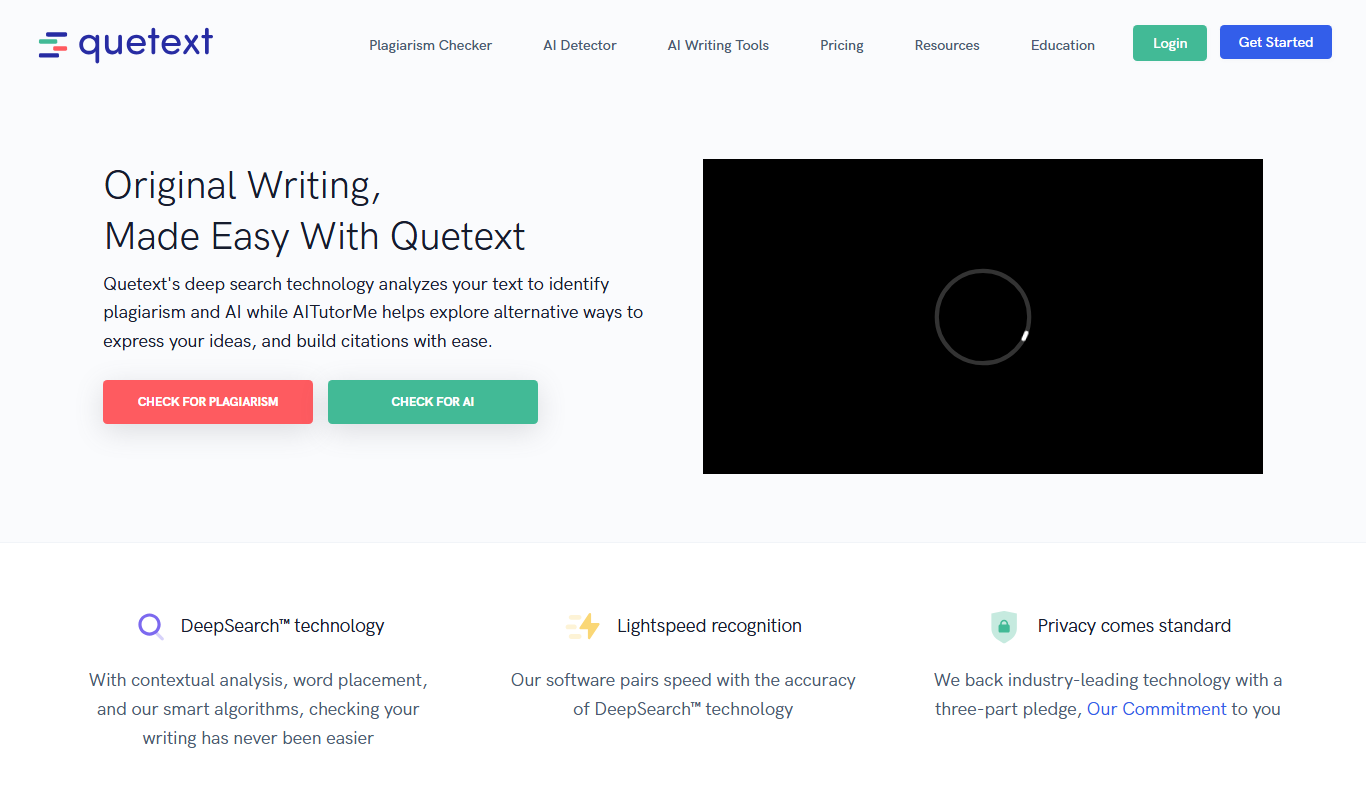
Quetext
Quetext is a plagiarism checker and AI detector that searches billions of sources to detect plagiarism and AI-written content.
NoPlagio
NoPlagio is an online plagiarism detection tool that scans documents for copied content in English and Italian, providing detailed similarity reports to help maintain academic and professional integrity.

Plag
Plag is an online plagiarism checker that scans text against internet sources and databases to detect copied content and ensure originality.
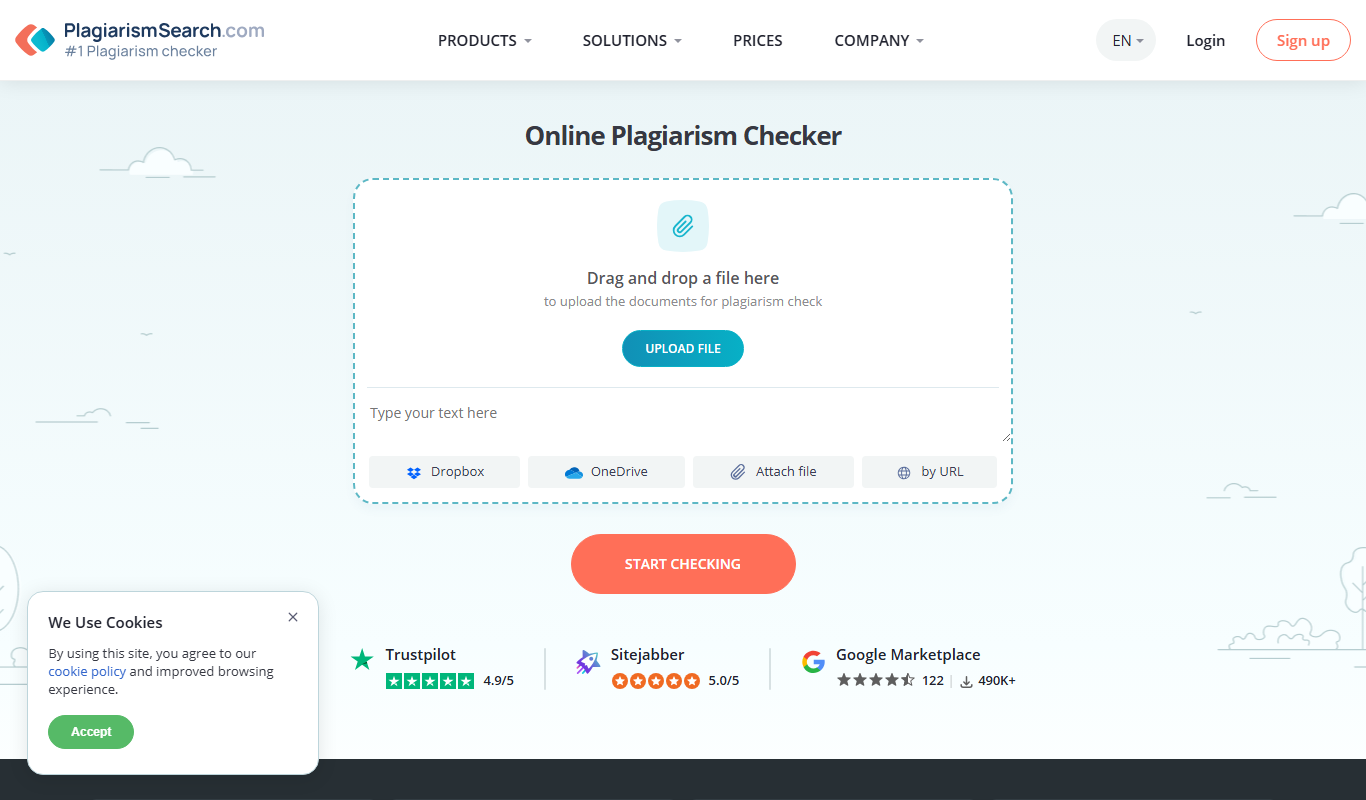
Plagiarismsearch.com
PlagiarismSearch.com is an online plagiarism detection tool that scans documents against extensive databases to identify copied content, supporting multiple languages and offering detailed similarity reports.

PlagiarismCheck
PlagiarismCheck is an online tool that scans documents against extensive databases to detect copied content and ensure originality, offering detailed reports and supporting multiple file formats.