

Quetext Plagiarism Checker and Citation Tool for Academic Writing
Quetext is a plagiarism checker and AI detector that searches billions of sources to detect plagiarism and AI-written content.
- Best for
- Academic Integrity Verification
- Key capability
- DeepSearch™ Plagiarism Detection
Save Quetext, follow its updates and vote on it — everything stays in your account.
Sign in or create a free account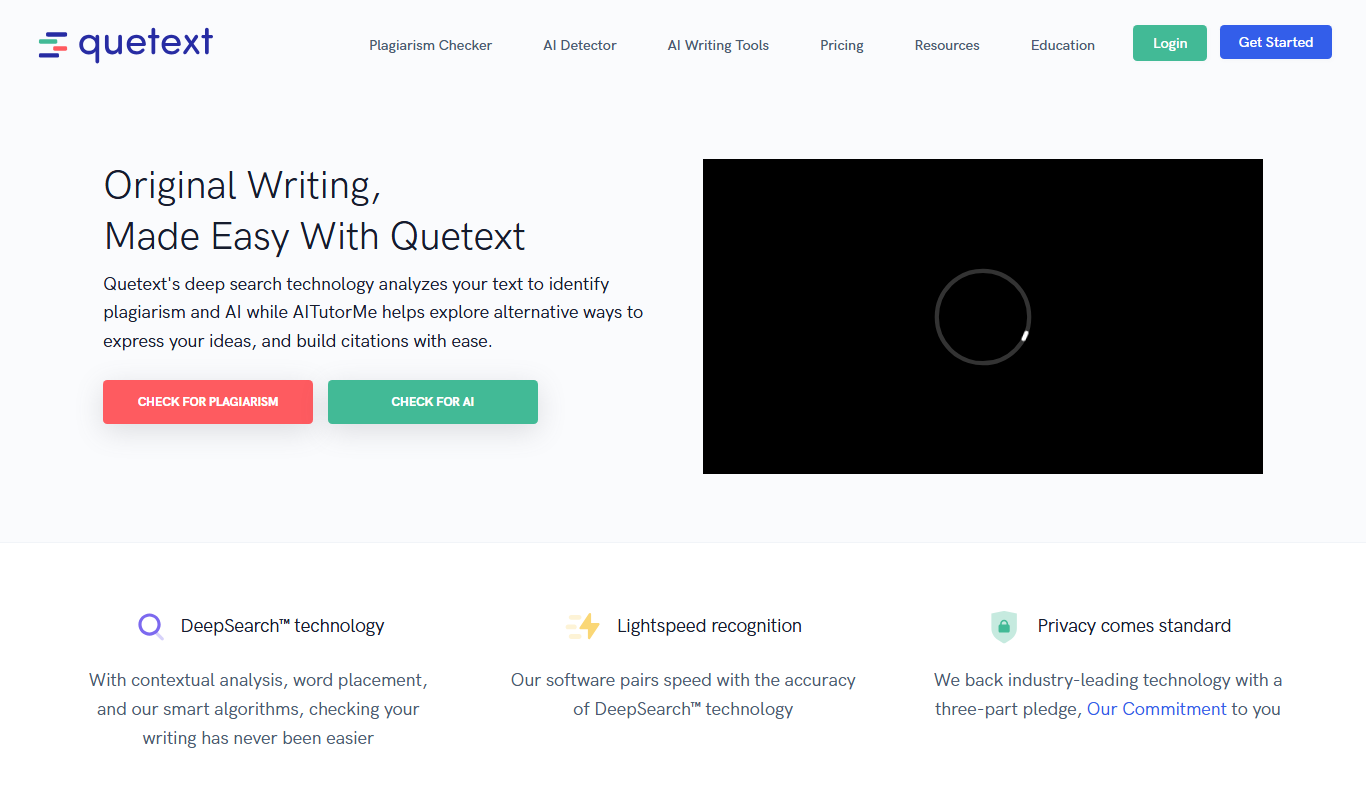
What is Quetext?
Quetext is an online writing integrity platform with an all-in-one Plagiarism Checker, AI Detector, Grammar Checker, AI Summarizer and AITutorMe paraphrasing tool. It scans text against billions of sources and helps users generate proper citations.
Key features of Quetext
Quetext offers deep search plagiarism detection, color-coded feedback for easy identification of issues, citation assistance, and a user-friendly interface. It supports both free and subscription-based plans, catering to casual users and professionals alike.
DeepSearch™ Plagiarism Detection
Advanced scanning technology that checks text against billions of sources for thorough plagiarism detection.
ColorGrade™ Feedback
Visual color-coded system that highlights the severity and location of potential plagiarism in the text.
Citation Assistant
Helps users generate accurate citations for detected sources to maintain academic integrity.
User-Friendly Interface
Clean and intuitive design that simplifies the plagiarism checking process for all user levels.
Multiple File Formats
Supports text input via copy-paste or file uploads for convenience.
AI Detector
Detects AI-generated content from ChatGPT, GPT-5, Gemini and more, flagging each line with confidence scores.
Developer API
Integrates plagiarism and AI detection into an LMS, CMS, publishing pipeline or workflow via a RESTful API.
Pros and cons of Quetext
Pros
- Easy to use with a clean interface
- Accurate plagiarism detection with DeepSearch™
- Helpful citation assistance feature
Cons
- Limited free plan word count
- No desktop or mobile app versions
Key use cases for Quetext
Academic Integrity Verification
Students and educators use Quetext to verify the originality of essays, research papers, and assignments to prevent plagiarism.
Content Originality for Writers
Authors and content creators check their work for unintentional plagiarism and ensure originality before publishing.
Citation Assistance
Quetext helps users identify sources and properly cite referenced material to maintain academic standards.
Professional Document Review
Businesses and professionals verify reports, proposals, and documents to ensure content authenticity.
How Quetext works
- 1
Submit Text
Users paste or upload their text into Quetext’s web interface.
- 2
Plagiarism Scan
The tool scans the text against a vast database of online and academic sources.
- 3
Review Results
Quetext highlights potential plagiarism with color-coded feedback and provides source links.
- 4
Use Citation Assistance
Users receive help generating proper citations for any matched sources.
Who is using Quetext
Quetext pricing
Free
$0/month
Plagiarism checker and AI content detector up to 1,000 words, AI Summarizer and AI Humanizer up to 2,000 words.
Essential
Starting from $14.99/mo
For individuals: 100k words/month for the plagiarism checker and AI detector, AI Humanizer and Summarizer, bulk uploads of 20 files, API access, AITutorMe (25k words/month), grammar and spell check.
Professional
Starting from $29.98/mo
Scalable word-based pricing for teams and schools: 200k words/month, API access plus Remarks Tool, bulk uploads of 100 files, AI Summarizer, AI Humanizer and AITutorMe (50k words/month each).
Plans and prices are as published by the vendor and can change. Check the official site before you buy. Open the pricing page (opens in a new tab)
Frequently asked questions about Quetext
Yes, Quetext offers a free plan with limited word count and basic plagiarism checking features.
Quetext uses DeepSearch™ technology to scan billions of sources, providing highly accurate plagiarism detection.
Yes, Quetext includes a citation assistant to help users properly attribute sources.
Users can paste text directly or upload documents in common formats such as .docx and .txt.
It depends on your specific needs and how you plan to use the tool. The official website and documentation are the best sources for the latest details.
Pricing depends on the plan and included features. For the most accurate and up-to-date details, check the official pricing page.
Conclusion
Pasted or uploaded text is scanned against billions of internet sources, and DeepSearch is built to flag paraphrased content by looking at context and phrasing, not just keywords. ColorGrade feedback separates exact matches from near-exact or fuzzy ones, and the citation generator covers MLA, APA and Chicago Style formats. The same account now includes an AI Detector with sentence-level confidence scores, plus a Grammar Checker, AI Summarizer and the AITutorMe paraphrasing tool.
The Essential plan targets individuals like students, teachers and copywriters, while Professional uses word-based pricing with remarks and bulk uploads for teams and schools. A Chrome extension runs checks on highlighted text in the browser, and a RESTful API embeds detection into an LMS, CMS or publishing pipeline. The free plan limits the plagiarism checker and AI content detector to 1,000 words.
Sources
Sign in to review this tool.
Sign In to ReviewNo reviews yet
Be the first to share how this tool worked for you.
Ask about pricing, limits, or how it compares — or answer someone else.
Sign In to AskNo questions yet
Have a question about using or paying for this tool? Be the first to ask.
Featured on TiorAI



Alternative Tools
Explore similar AI tools that might fit your needs
Copyscape
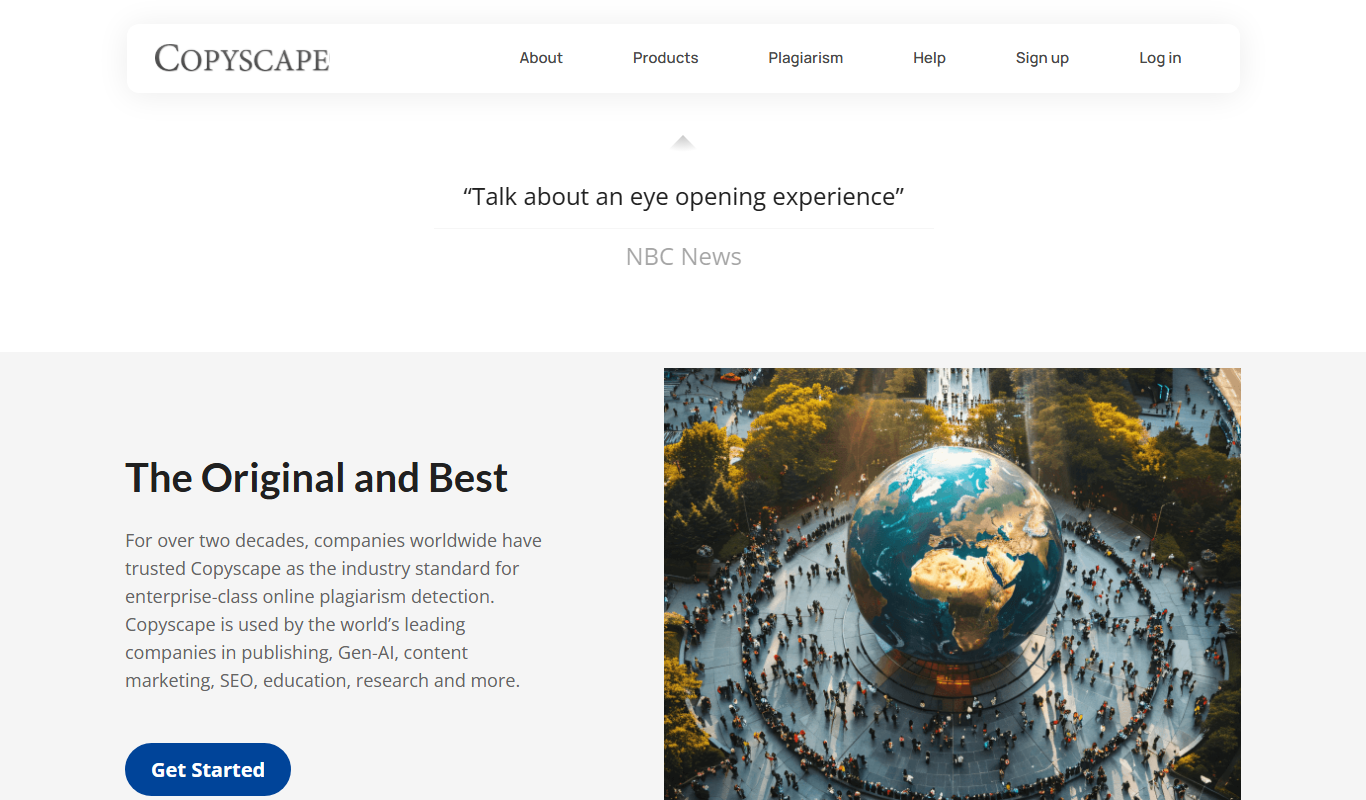
Copyscape is an online plagiarism detection tool that scans the web to find duplicate content and verify originality, widely used by writers, educators, and SEO professionals.
More Academic Tools tools
Other tools in the same category, for when this one is not quite the fit.
NoPlagio
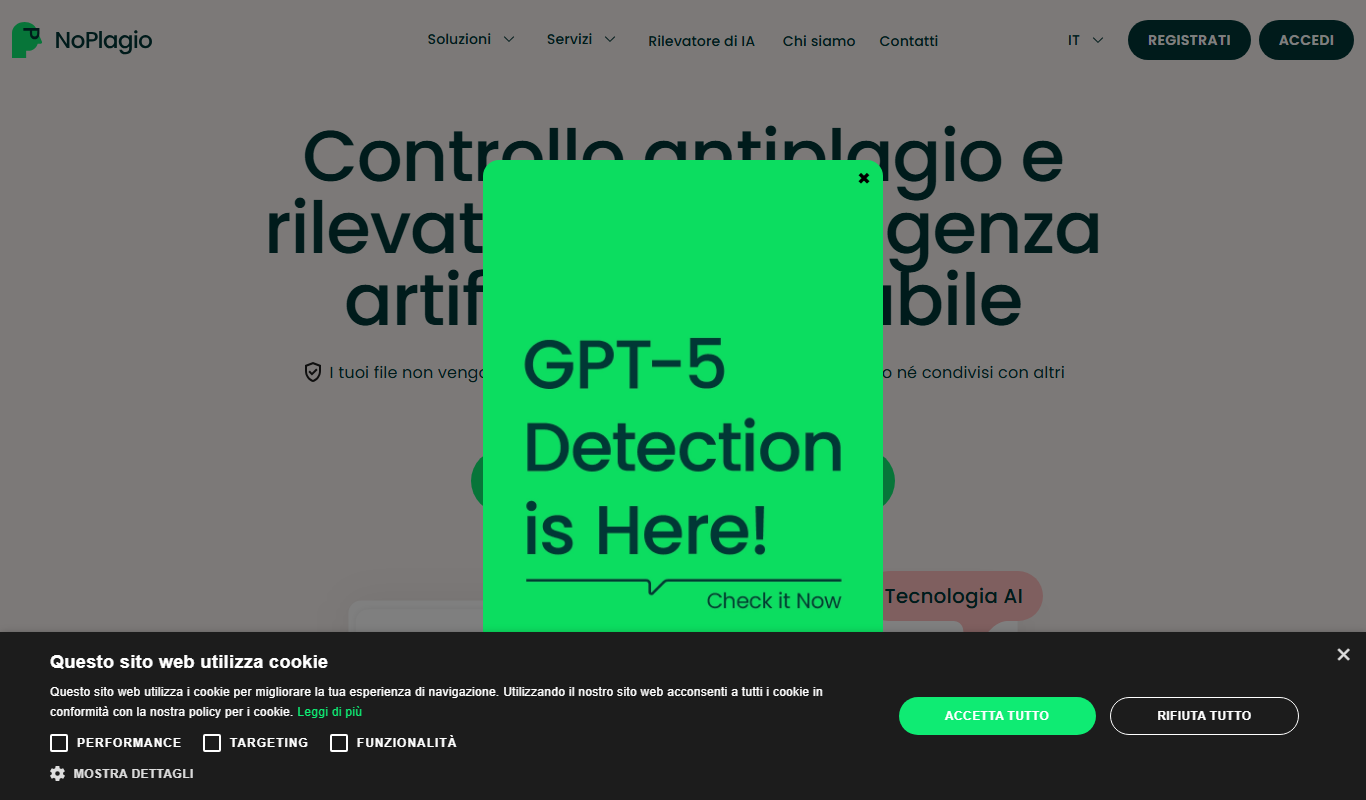
NoPlagio is an online plagiarism checker that supports 129 languages.

ResearchPal
ResearchPal is an AI-driven research assistant that streamlines academic and professional research by providing literature search, paper summarization, and citation management tools through a web platform.

PaperLens
PaperLens is an AI research assistant that gives evidence-backed answers grounded in millions of peer-reviewed papers from arXiv, Crossref and Semantic Scholar.

Plag
Plag is an online plagiarism checker that scans text against internet sources and databases to detect copied content and ensure originality.
Plagiarismsearch.com
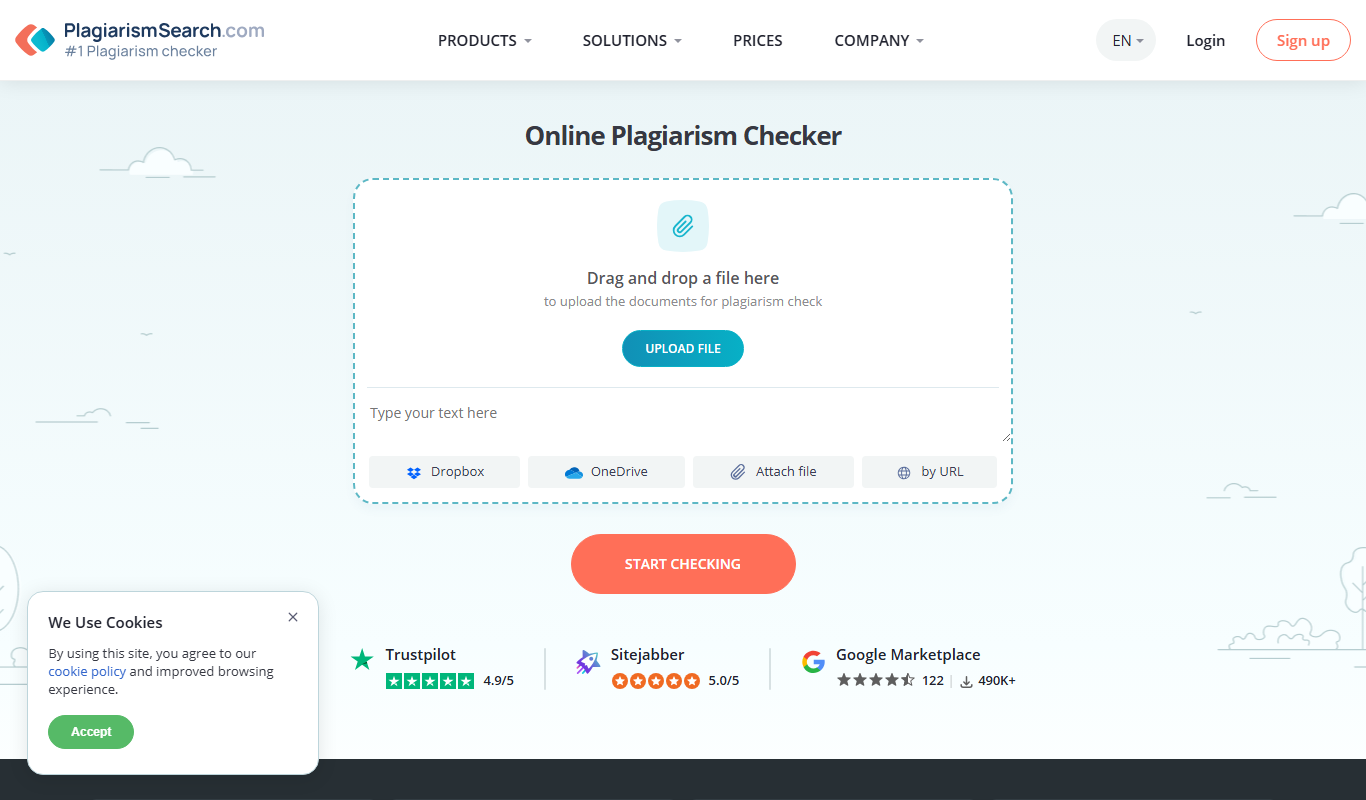
PlagiarismSearch.com is an online plagiarism detection tool that scans documents against extensive databases to identify copied content, supporting multiple languages and offering detailed similarity reports.

PlagiarismCheck
PlagiarismCheck is an online tool that scans documents against extensive databases to detect copied content and ensure originality, offering detailed reports and supporting multiple file formats.