

From my experience with PlagiarismCheck, I found it excels at providing clear and detailed plagiarism reports that help users easily identify and correct copied content. The platform’s straightforward web interface makes it accessible for students and professionals alike, without overwhelming complexity. However, the free plan’s limited word count can be restrictive for longer documents, and the lack of mobile apps means users must rely on desktop or web access. Overall, if you need a reliable, privacy-conscious plagiarism detection tool with solid reporting features, PlagiarismCheck is a practical choice.
PlagiarismCheck Review: Accurate Online Plagiarism Detection Tool for Writers
PlagiarismCheck is an online tool that scans documents against extensive databases to detect copied content and ensure originality, offering detailed reports and supporting multiple file formats.
- Best for
- Academic Integrity Verification
- Key capability
- Extensive Database Coverage
Your actions
Save PlagiarismCheck, follow its updates and vote on it — everything stays in your account.
Sign in or create a free account
What is PlagiarismCheck?
PlagiarismCheck is an online plagiarism detection service designed to help users verify the originality of their written content. It scans submitted texts against a vast database of sources, including academic papers, websites, and publications, to identify potential instances of copied or improperly cited material. The tool is widely used by students, educators, writers, and professionals to maintain content integrity and avoid plagiarism issues.
Key features of PlagiarismCheck
PlagiarismCheck offers comprehensive plagiarism scanning with detailed reports highlighting matched sources, similarity percentages, and suggestions for corrections. It supports multiple document formats and provides fast, accurate results through its web-based platform.
Extensive Database Coverage
Checks content against a wide range of academic papers, websites, and publications.
Detailed Similarity Reports
Provides clear, color-coded reports with matched text and source links.
Multiple File Format Support
Accepts various document types including DOC, DOCX, PDF, and TXT.
User-Friendly Interface
Simple web-based platform accessible without software installation.
Privacy and Security
Ensures uploaded documents are not stored or shared, maintaining user confidentiality.
Pros and cons of PlagiarismCheck
Pros
- Accurate and detailed plagiarism reports
- Supports multiple document formats
- User-friendly web interface
- Strong privacy policies
- Affordable subscription plans
Cons
- Limited free plan word count
- No mobile app available
- Primarily English language support
Key use cases for PlagiarismCheck
Academic Integrity Verification
Students and educators use PlagiarismCheck to ensure submitted papers are original and properly cited.
Content Authenticity for Writers
Authors and bloggers verify their content to avoid accidental plagiarism before publishing.
Professional Document Review
Businesses and professionals check reports and documents to maintain originality and compliance.
SEO Content Quality Assurance
Digital marketers use the tool to ensure website content is unique and not duplicated elsewhere.
How PlagiarismCheck works
- 1
Upload or Paste Text
Users submit their document by uploading a file or pasting text directly into the platform.
- 2
Initiate Plagiarism Scan
The system scans the content against extensive databases and online sources.
- 3
Review Detailed Report
Users receive a report showing similarity percentages, matched sources, and highlighted text.
- 4
Make Corrections
Based on the report, users can revise their content to improve originality.
Who is using PlagiarismCheck
Students and educators
Content writers and bloggers
Academic institutions
Digital marketing professionals
Business professionals
PlagiarismCheck pricing
Free
$0
Limited number of words per check with basic report features.
Standard
$9.95/month
Increased word limit per check and access to full detailed reports.
Premium
$19.95/month
Highest word limits, priority support, and advanced plagiarism detection features.
Plans and prices are as published by the vendor and can change. Check the official site before you buy. Open the pricing page (opens in a new tab)
Frequently asked questions about PlagiarismCheck
PlagiarismCheck offers a free plan with limited word count per scan and basic features.
It supports DOC, DOCX, PDF, and TXT file formats for plagiarism scanning.
The tool uses extensive databases and advanced algorithms to provide reliable and accurate plagiarism detection.
No, PlagiarismCheck does not store or share your documents, ensuring privacy and confidentiality.
It depends on your specific needs and how you plan to use the tool. The official website and documentation are the best sources for the latest details.
Yes, it can help with that use case depending on how you configure it and what features are available. You’ll get the best results with clear inputs and a defined goal.
It depends on your specific needs and how you plan to use the tool. The official website and documentation are the best sources for the latest details.
Sign in to review this tool.
Sign In to ReviewNo reviews yet
Be the first to share how this tool worked for you.
Ask about pricing, limits, or how it compares — or answer someone else.
Sign In to AskNo questions yet
Have a question about using or paying for this tool? Be the first to ask.
Featured on TiorAI



Alternative Tools
Explore similar AI tools that might fit your needs
Free
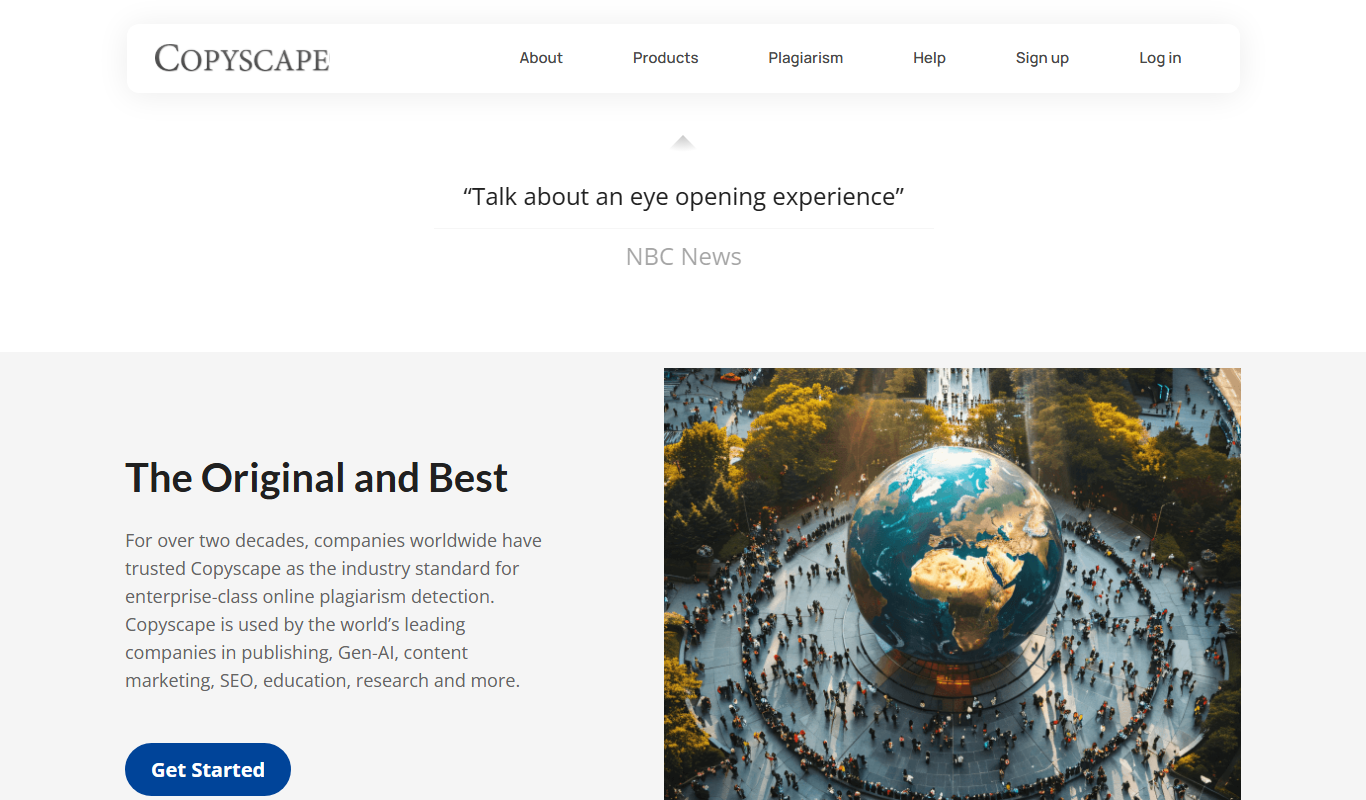
Copyscape
Copyscape is an online plagiarism detection tool that scans the web to find duplicate content and verify originality, widely used by writers, educators, and SEO professionals.
More Academic Tools tools
Other tools in the same category, for when this one is not quite the fit.

Free Trial
ResearchPal
ResearchPal is an AI-driven research assistant that streamlines academic and professional research by providing literature search, paper summarization, and citation management tools through a web platform.

Subscription
PaperLens
PaperLens is an AI research assistant that gives evidence-backed answers grounded in millions of peer-reviewed papers from arXiv, Crossref and Semantic Scholar.
Free
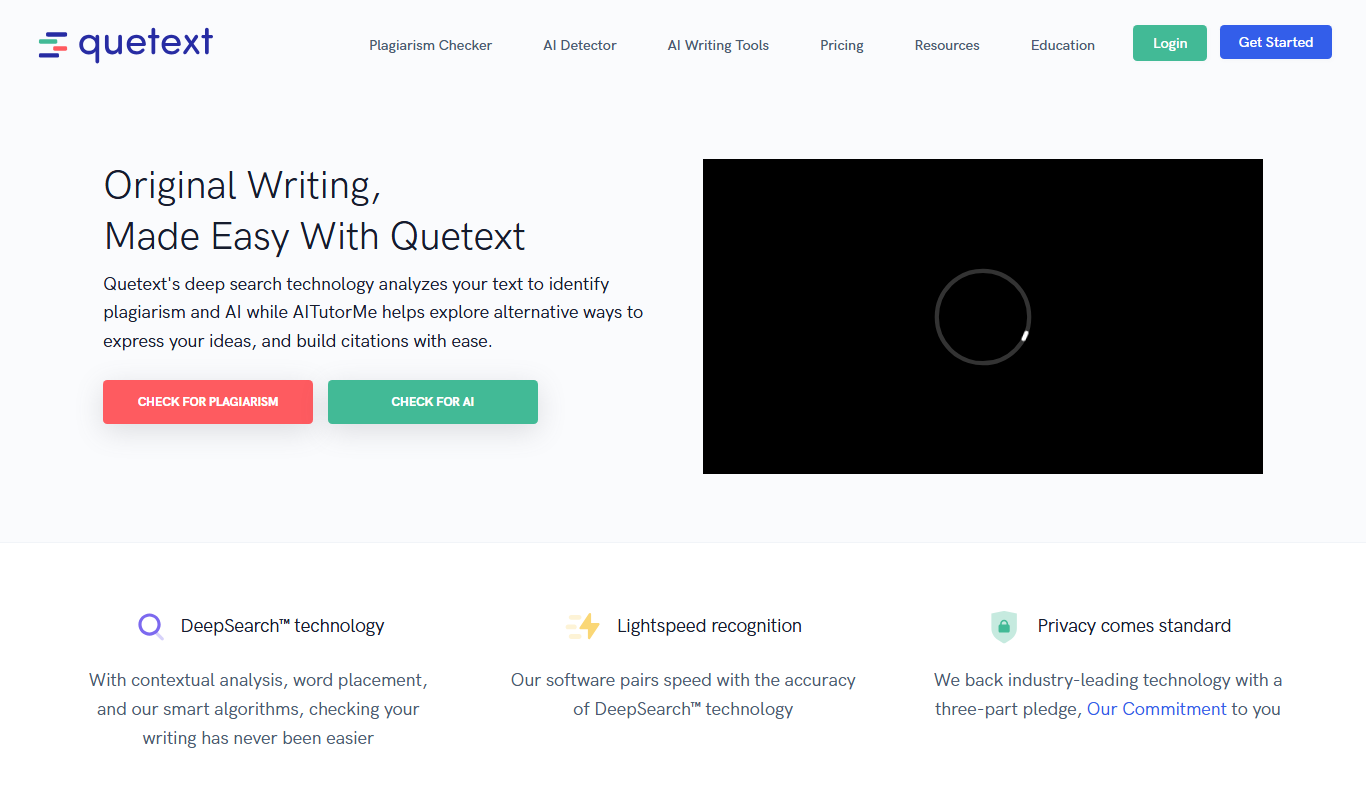
Quetext
Quetext is a plagiarism checker and AI detector that searches billions of sources to detect plagiarism and AI-written content.
Freemium
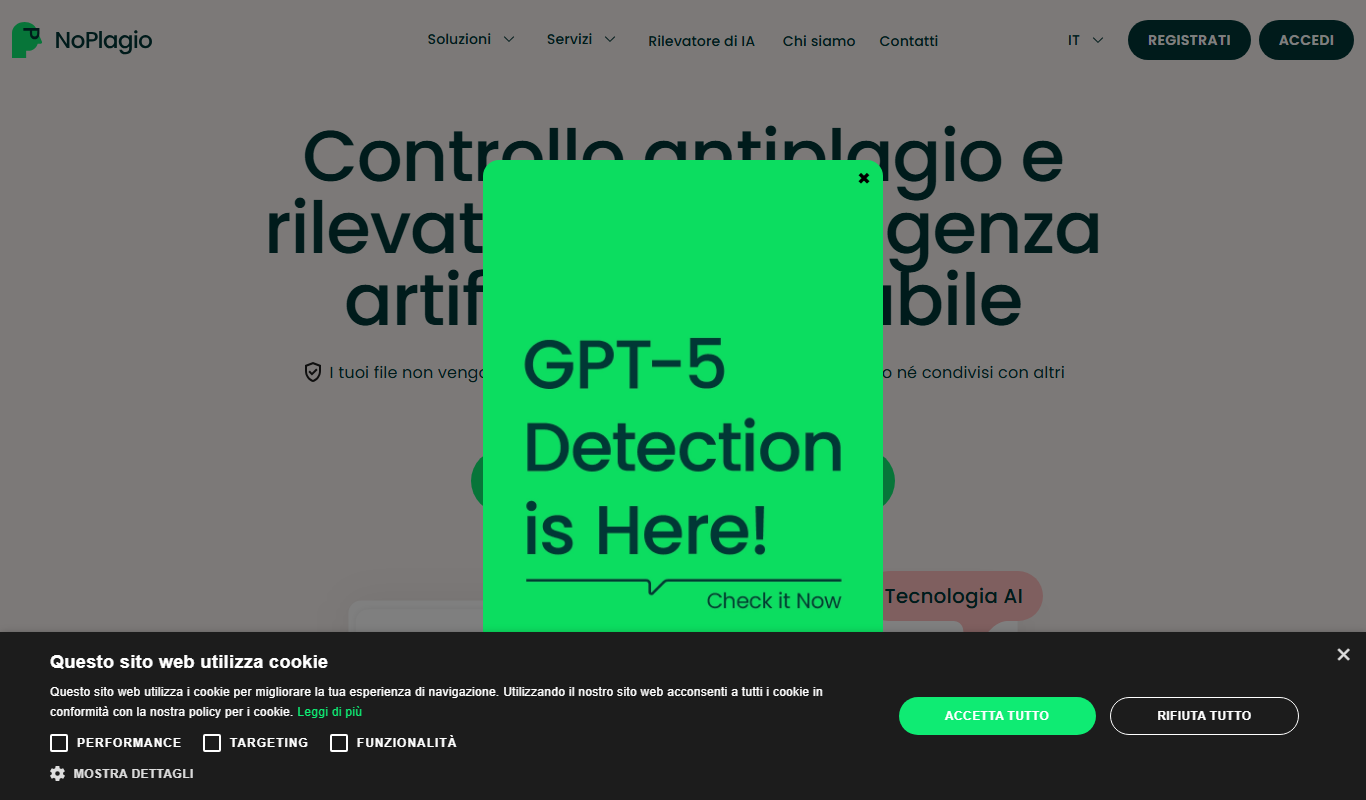
NoPlagio
NoPlagio is an online plagiarism detection tool that scans documents for copied content in English and Italian, providing detailed similarity reports to help maintain academic and professional integrity.

Free
Plag
Plag is an online plagiarism checker that scans text against internet sources and databases to detect copied content and ensure originality.
Freemium
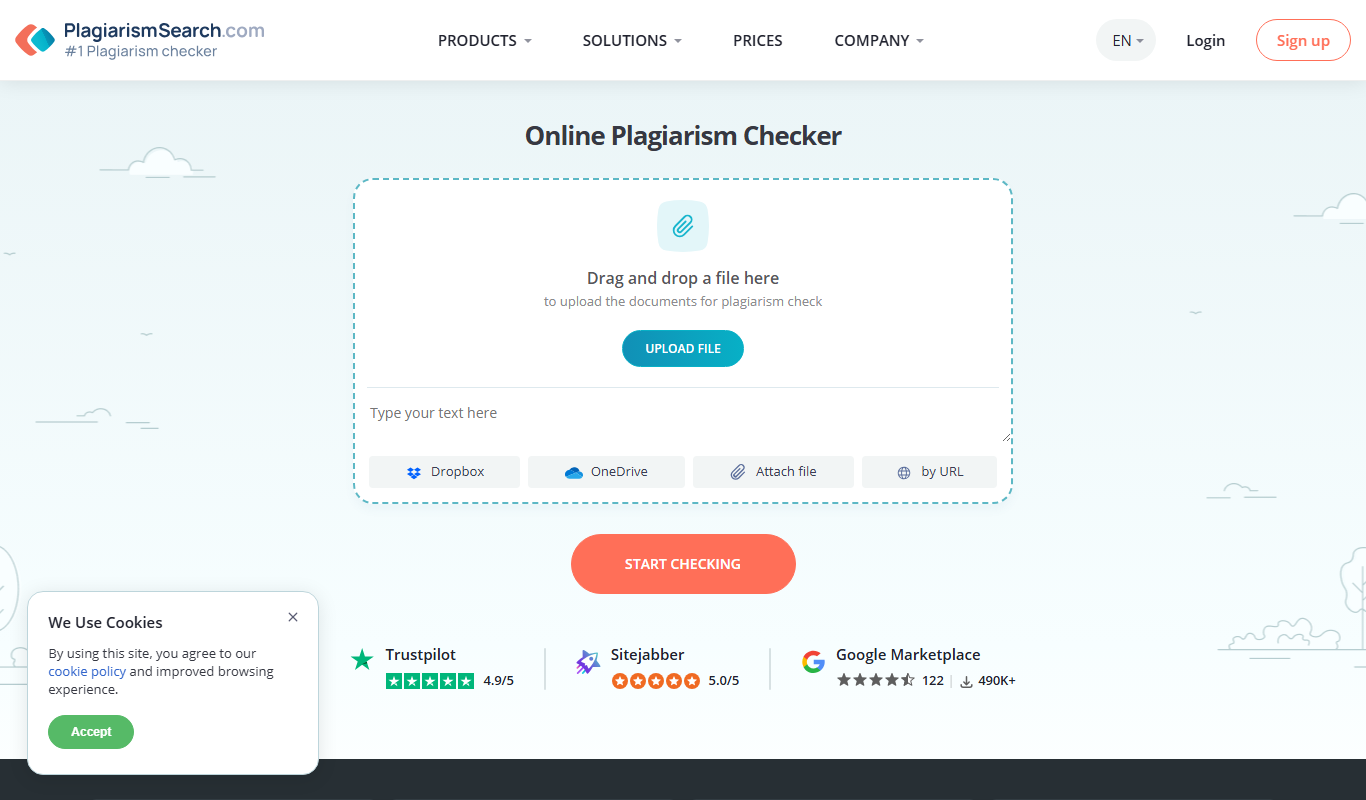
Plagiarismsearch.com
PlagiarismSearch.com is an online plagiarism detection tool that scans documents against extensive databases to identify copied content, supporting multiple languages and offering detailed similarity reports.