

Online Word Editor - Free Web-Based Word Processor for Documents
Online Word Editor presents itself as an AI writing assistant for generating, rephrasing, translating and summarizing, and it asks users to Sign Up.
- Best for
- Document Creation
- Key capability
- No Installation Required
Save online word editor, follow its updates and vote on it — everything stays in your account.
Sign in or create a free account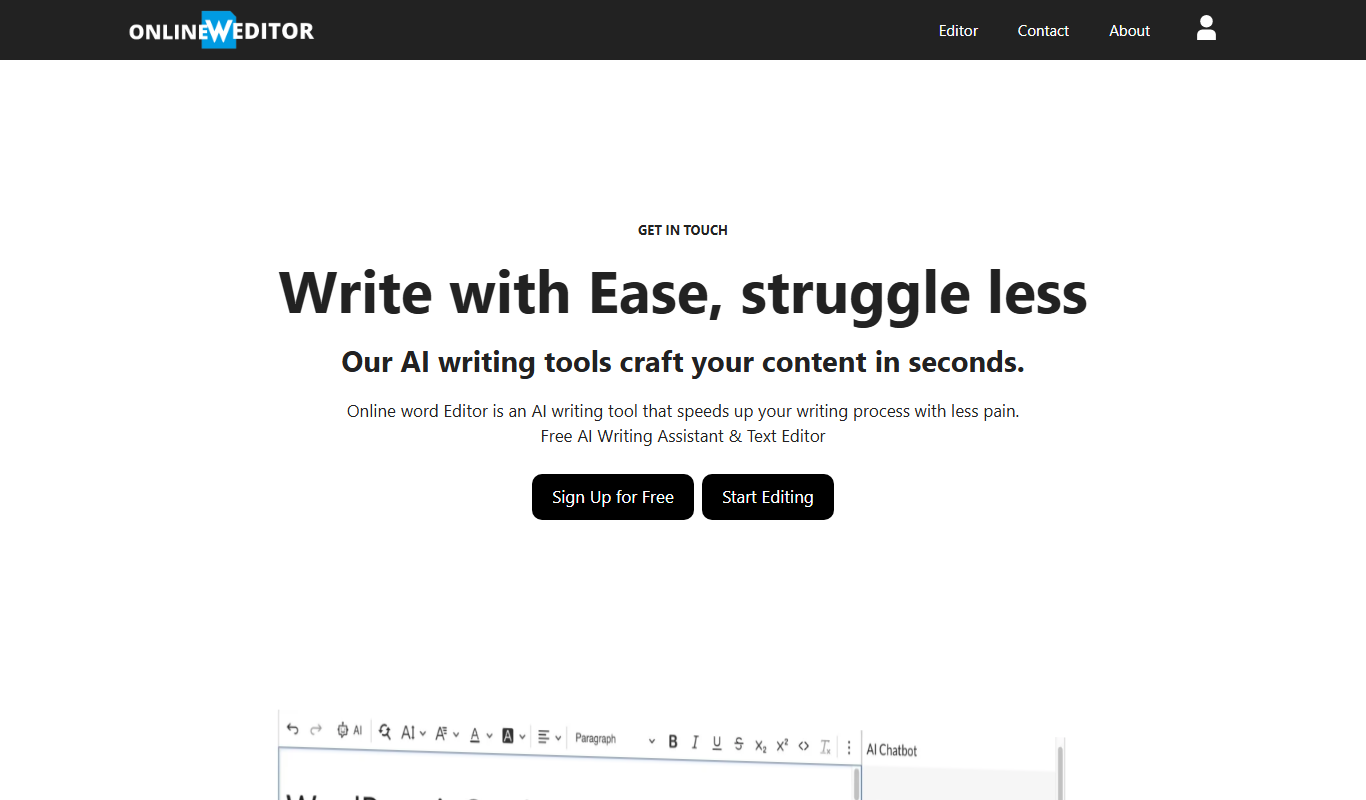

What is online word editor?
Online Word Editor is an AI tool that generates, rephrases, translates and summarizes documents and converts them to HTML.
Key features of online word editor
The tool offers essential word processing features including text formatting, paragraph alignment, bullet and numbered lists, undo/redo functionality, and the ability to save documents locally in various formats. Its simple interface focuses on ease of use and quick access.
No Installation Required
Works in the browser, and the site asks users to Sign Up for Free.
Basic Text Formatting
Supports common formatting options like bold, italic, underline, and lists.
Document Saving
Allows users to save their work locally in formats such as .doc or .txt.
User-Friendly Interface
Clean and simple design focused on ease of use for quick document editing.
AI Writing Assistant
Generates, rephrases, translates and summarizes documents and converts them to HTML.
Pros and cons of online word editor
Pros
- Completely free with no sign-up required
- Accessible from any device with internet
- Simple and intuitive user interface
Cons
- Limited advanced formatting and collaboration features
- No cloud storage or real-time collaboration
- No offline mode
Key use cases for online word editor
Document Creation
Create and edit text documents directly in the browser without installing software.
Quick Text Editing
Make fast edits to existing documents or notes on any device with internet access.
Collaborative Writing
Share documents easily by saving and exporting files for collaboration.
Formatting and Styling
Apply basic formatting such as bold, italics, underline, lists, and alignment to enhance document appearance.
How online word editor works
- 1
Access the Website
Open onlinewordeditor.com in any modern web browser.
- 2
Start Editing
Begin typing or paste existing text into the editor area.
- 3
Format Your Document
Use the toolbar to apply formatting such as bold, italics, lists, and alignment.
- 4
Save or Export
Download your document to your device in supported formats or copy the text for sharing.
Who is using online word editor
online word editor pricing
Free
$0
Full access to all features without any cost or subscription.
Plans and prices are as published by the vendor and can change. Check the official site before you buy. Open the pricing page (opens in a new tab)
Frequently asked questions about online word editor
Yes. The site asks users to Sign Up for Free.
Yes, you can save your documents locally in supported formats.
Yes, it works on any device with a modern web browser.
Some tools offer a free plan or trial with limited features. Availability can vary, so confirm on the official website.
Yes, it can help with that use case depending on how you configure it and what features are available. You’ll get the best results with clear inputs and a defined goal.
It depends on your specific needs and how you plan to use the tool. The official website and documentation are the best sources for the latest details.
Conclusion
Inside a document, the AI tool generates, rephrases, translates and summarizes text, and it converts documents to HTML. The site presents itself as an AI writing assistant, and use starts with a free sign up. Work happens in the browser at onlinewordeditor.com, where text is typed or pasted into the editor area.
Documents can then be downloaded to a device in supported formats or copied as text for sharing. It is aimed at students who need quick document editing as well as freelancers and remote workers.
Sources
Sign in to review this tool.
Sign In to ReviewNo reviews yet
Be the first to share how this tool worked for you.
Ask about pricing, limits, or how it compares — or answer someone else.
Sign In to AskNo questions yet
Have a question about using or paying for this tool? Be the first to ask.
Featured on TiorAI



More AI Word tools
Other tools in the same category, for when this one is not quite the fit.
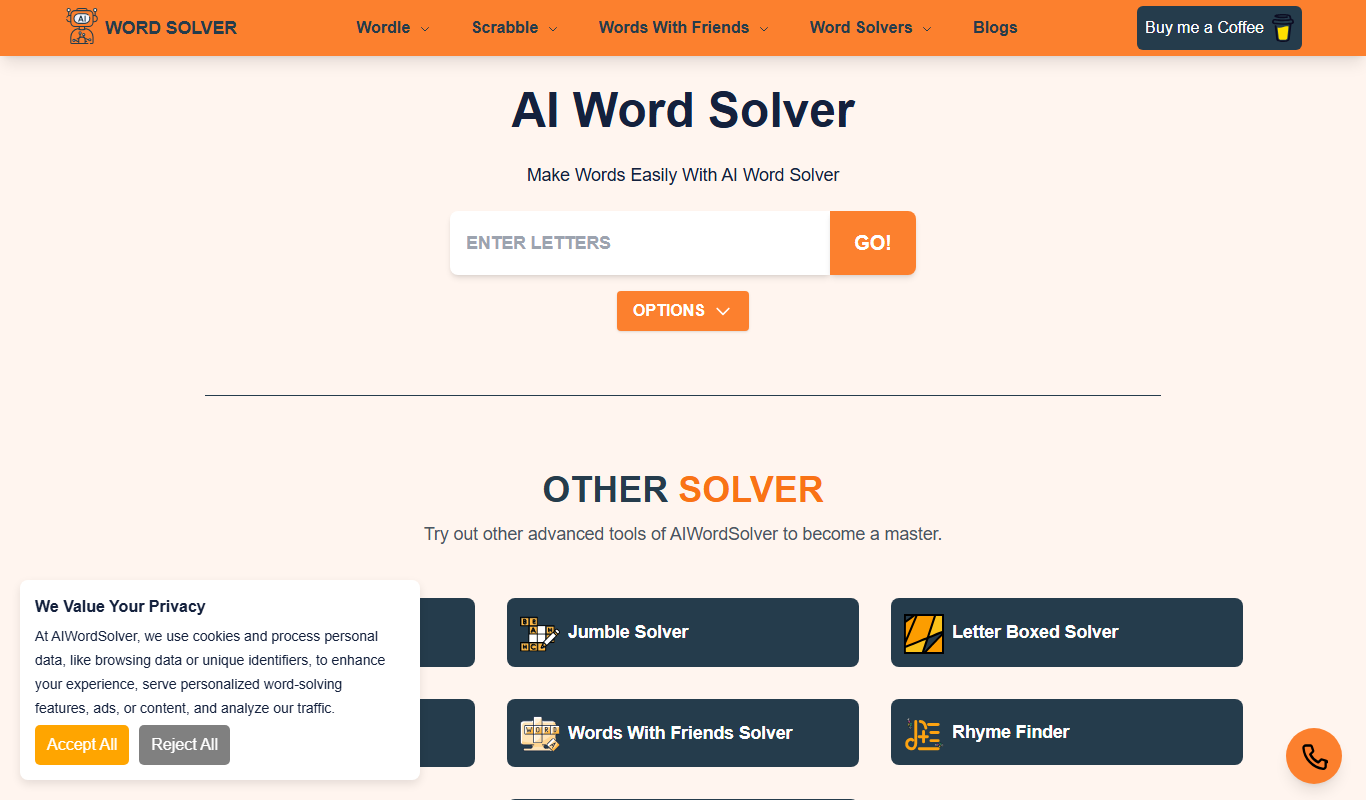
AI Word Solver
AI Word Solver is a free online tool that helps users solve word puzzles like crosswords and anagrams by generating possible word matches based on input letters or patterns.
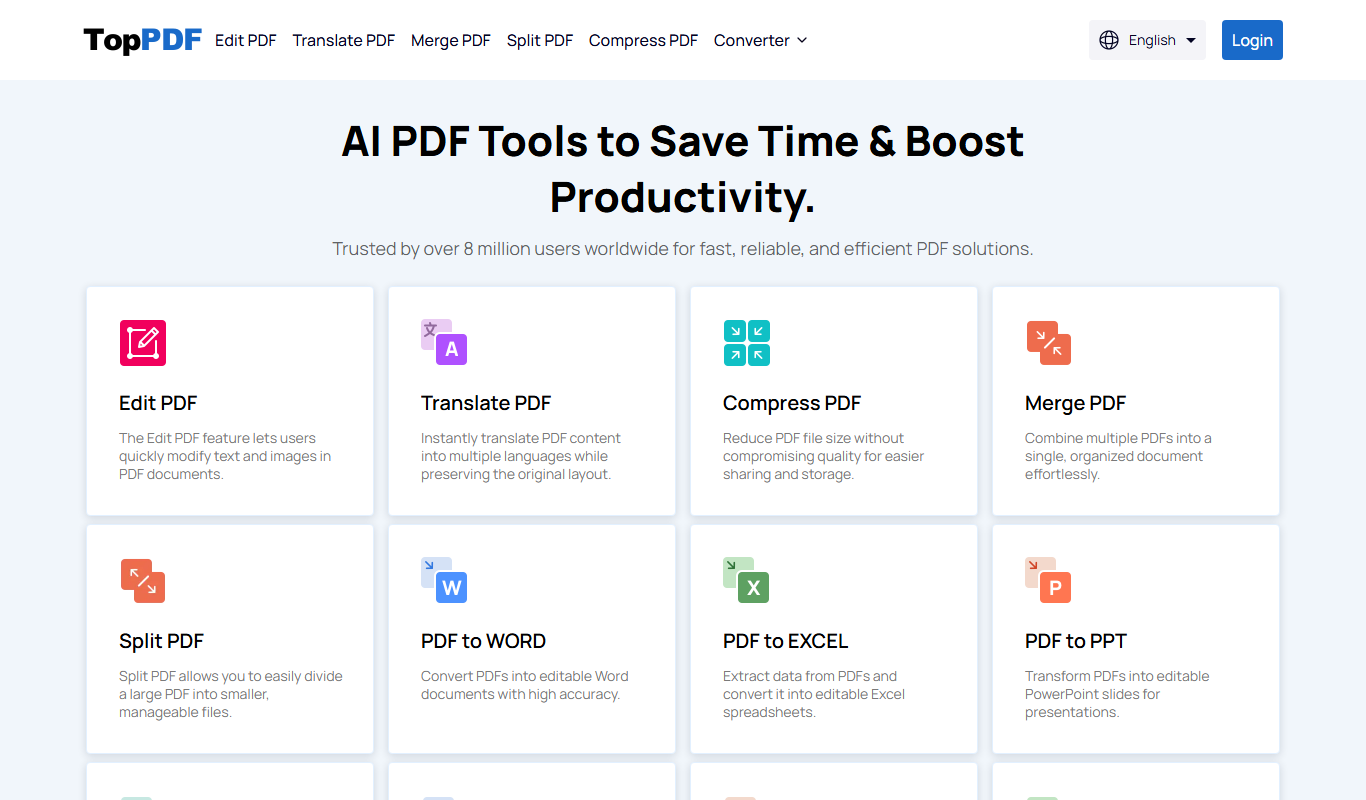
TopPDF
TopPDF is a web-based PDF tool that allows users to convert, edit, merge, split, compress, and secure PDF files easily online without software installation.

aidocmaker.com
Aidocmaker is a web-based AI tool that automates the creation of business documents using customizable templates and exports them as PDFs.
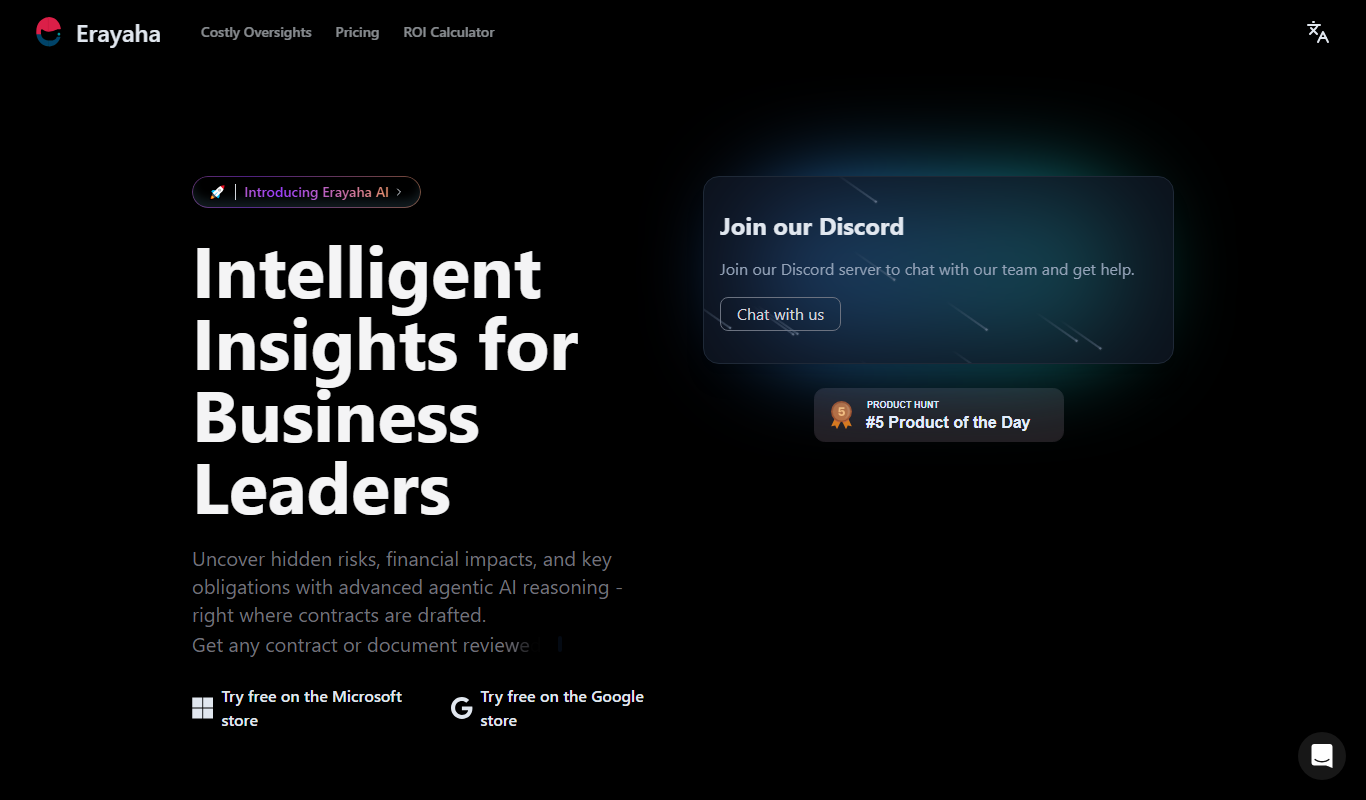
Erayaha.AI
Erayaha.AI is an AI writing assistant specialized in the Somali language, helping users generate, translate, and refine Somali text efficiently.

Corrector App
Corrector App is a web-based AI writing assistant that checks grammar, spelling, and style in multiple languages, offering free and premium plans for users to improve their writing quickly.

Monkt
Monkt is an AI writing assistant that helps users generate, edit, and optimize written content efficiently with real-time suggestions and grammar corrections.

MindPal for YouTube
MindPal for YouTube is an AI-powered tool that transcribes and summarizes YouTube videos, providing concise insights and keywords to help users save time and improve content understanding.

Paraphrasingtool.ai
ParaphrasingTool.ai is a free online AI-powered tool that rewrites and paraphrases English text instantly to improve uniqueness and readability.