

Thrivebase: custom AI chatbots trained on your data for customer support
Thrivebase helps businesses and individuals automate customer support on their website with custom AI chatbots trained on their own data.
- Best for
- Customer service
- Key capability
- Chatbot trained on your data
Save Thrivebase, follow its updates and vote on it — everything stays in your account.
Sign in or create a free account
What is Thrivebase?
Thrivebase is a no-code platform for custom AI chatbots trained on your own data. It helps businesses and individuals automate customer support on their website, answer visitor questions, and collect leads, feedback and requests.
Key features of Thrivebase
Thrivebase trains a ChatGPT chatbot on your text, webpages, sitemaps, CSVs or PDFs, lets you style it and add the chat widget to your website, and collects leads, feedback and requests with email notifications.
Chatbot trained on your data
Answer visitor questions with a ChatGPT chatbot trained on your data and added to your website as a chat widget.
Lead collection
Gather contact details such as phone numbers or email addresses through forms or intelligent data extraction.
Conversation history
Keep track of how your chatbot performs with detailed logs of each conversation.
Audio option
Users can interact with the chatbot using their voice.
Pros and cons of Thrivebase
Pros
- No credit card required to start for free
- Embeddable on an unlimited number of websites
- Lead export to CSV with email notifications
Cons
- Free plan data sources are deleted after 14 days of inactivity
- Plans are limited by monthly credits and storage for data sources
Key use cases for Thrivebase
Customer service
A 24/7 AI customer support agent trained on your business and products that talks with website visitors.
Sales assistant
Turn the chatbot into a sales assistant that answers customer questions and captures their contact info.
Personal assistant
Ask the chatbot anything about the web pages, sitemaps, files or text you uploaded and generate useful content for your work.
Feedback and requests
Give users a short form to send their feedback and requests.
How Thrivebase works
- 1
Upload your data
Upload your text, webpages, sitemaps, CSVs or PDFs.
- 2
Style and adjust settings
Style your chatbot and adjust its AI settings.
- 3
Add to your website
Once the chatbot is ready, add it to your website.
- 4
Generate Content
Let the AI produce optimized content based on your inputs.
- 5
Review and Edit
Review the generated content and make any necessary edits before publishing.
Who is using Thrivebase
Thrivebase pricing
Free
$0.00/month
30 credits every month across all chatbots, 100.35 KB of storage for data sources, deleted after 14 days of inactivity.
Essential
$17.00/month
2,000 credits every month across all chatbots, 25 MB of storage for data sources.
Standard
$49.00/month
6,000 credits every month across all chatbots, 50 MB of storage for data sources.
Premium
$89.00/month
10,000 credits every month across all chatbots, 100 MB of storage for data sources.
Ultimate
$375.00/month
40,000 credits every month across all chatbots, 300 MB of storage for data sources.
Plans and prices are as published by the vendor and can change. Check the official site before you buy. Open the pricing page (opens in a new tab)
Frequently asked questions about Thrivebase
A platform that helps businesses and individuals automate customer support on their website with custom chatbots trained on their data.
Text, webpages, sitemaps, CSVs or PDFs.
Yes. The Free plan gives 30 credits every month, and its data sources are deleted after 14 days of inactivity.
No. All subscription plans include the full range of features; they differ in monthly credits and storage.
Yes. It gathers contact details such as phone numbers or email addresses, and you are notified by email each time a lead is collected.
Yes. Plans include removing Thrivebase branding and complete UI customization.
Conclusion
Training material comes first: text, webpages, sitemaps, CSVs or PDFs are uploaded before the chatbot is styled and added to the website as a chat widget. Visitors then get ChatGPT-like answers trained on that data, and they can also talk to the bot by voice. Customer support is the main job, with a 24/7 agent that knows the business and its products.
The same widget can work as a sales assistant that captures contact details such as phone numbers or email addresses. Leads, feedback and requests can be exported to a CSV document, with an email notification each time one arrives. Every subscription tier includes the full feature set, so plans differ only in monthly credits and storage for data sources. A free plan exists, but its data sources are deleted after 14 days of inactivity.
Sources
Sign in to review this tool.
Sign In to ReviewNo reviews yet
Be the first to share how this tool worked for you.
Ask about pricing, limits, or how it compares — or answer someone else.
Sign In to AskNo questions yet
Have a question about using or paying for this tool? Be the first to ask.
Featured on TiorAI



More AI Chatbot tools
Other tools in the same category, for when this one is not quite the fit.

Modly
Modly.ai trains, fine-tunes and hosts custom large language models on your business data, delivered as a managed service with API access.

Voyageraid
VoyagerAid is end-to-end disruption management software that helps airlines handle rebooking, passenger communication and disruptions with predictive analytics.
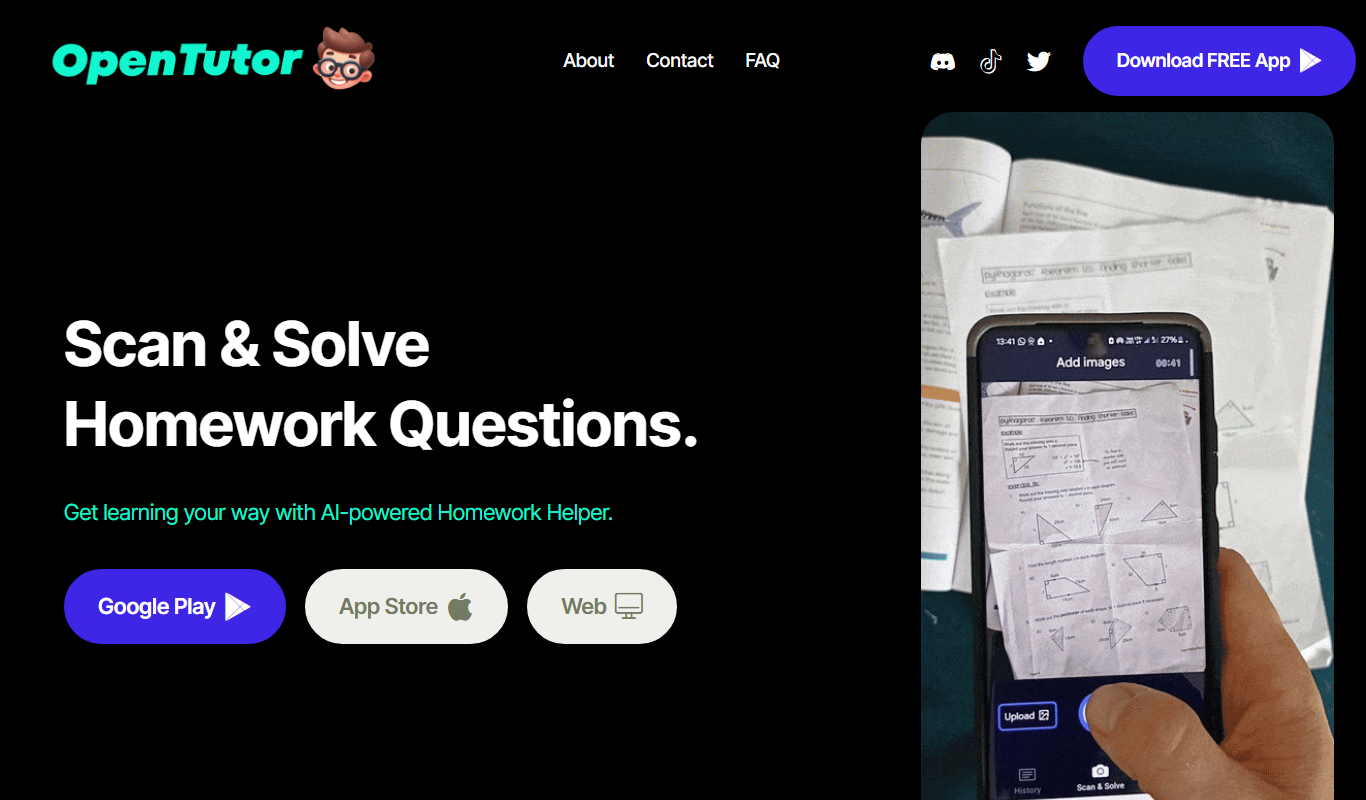
Open Tutor App
Open Tutor App is an AI homework helper app that scans a photo of a homework question and returns step-by-step solutions and explanations.
Wazgar – ChatGPT in Whatsapp
Wazgar is an AI assistant inside WhatsApp that can assist users at any time, from learning and writing to everyday conversation.

Chat Breezes 1.0
Chat Breezes is an AI-powered omnichannel conversation suite that unifies WhatsApp, Instagram, Facebook and Twitter/X messages in one dashboard for engagement and social selling.

chaterimo.com
Chaterimo is an AI chatbot platform that helps businesses automate customer support and engagement through customizable conversational bots on websites.

Pickaxe
Pickaxe is a no-code platform to build AI agents, package them into products and sell them through branded portals with billing and access control.

ChatHelp.ai
ChatHelp.ai is an AI chatbot platform that automates customer support by engaging website visitors with conversational AI, integrating with helpdesk tools, and providing analytics to optimize service.