

From my experience with ThinkTask, I found it excels at simplifying task prioritization through AI, which helps reduce the overwhelm of managing multiple deadlines. The platform’s intuitive interface and real-time collaboration features make it a practical choice for small to medium teams aiming to boost productivity without steep learning curves. However, the limited integrations and somewhat basic mobile app could be a drawback for users relying heavily on diverse tool ecosystems or mobile workflows. Overall, if your focus is on smart task organization with AI assistance, ThinkTask delivers solid, user-friendly functionality.
ThinkTask AI Task Management Software for Teams and Productivity
ThinkTask is an AI-driven task management platform that helps teams and individuals prioritize and track tasks efficiently through intelligent automation and real-time collaboration.
- Best for
- Team Task Coordination
- Key capability
- AI Task Prioritization
Your actions
Save ThinkTask, follow its updates and vote on it — everything stays in your account.
Sign in or create a free account

What is ThinkTask?
ThinkTask is an AI-powered task management platform designed to help individuals and teams organize, prioritize, and track their work more effectively. It integrates intelligent automation to streamline workflows, improve productivity, and enhance collaboration.
Key features of ThinkTask
ThinkTask offers AI-driven task prioritization, real-time collaboration tools, automated reminders, and project tracking dashboards to simplify task management for users of all sizes.
AI Task Prioritization
Automatically ranks tasks based on urgency, deadlines, and workload.
Real-Time Collaboration
Facilitates seamless communication and updates among team members.
Automated Reminders
Sends notifications to keep users on track with deadlines.
Project Dashboards
Visualizes project progress and key metrics for better decision-making.
Pros and cons of ThinkTask
Pros
- Intuitive AI-powered task prioritization
- User-friendly interface with real-time collaboration
- Affordable pricing with a free tier
- Automated reminders improve deadline adherence
Cons
- Limited integrations compared to competitors
- Mobile app features are less comprehensive than web
Key use cases for ThinkTask
Team Task Coordination
Organize and assign tasks efficiently across teams to improve collaboration and accountability.
Personal Productivity
Manage individual to-do lists and deadlines with AI assistance to stay focused and on track.
Project Tracking
Monitor project progress and milestones with real-time updates and AI-generated insights.
Automated Task Prioritization
Leverage AI to prioritize tasks based on deadlines, importance, and workload.
How ThinkTask works
- 1
Create an Account
Sign up on the ThinkTask platform using your email or social login.
- 2
Set Up Projects and Tasks
Define projects, add tasks, assign team members, and set deadlines.
- 3
Leverage AI Assistance
Use AI features to prioritize tasks and receive productivity insights.
- 4
Collaborate and Track Progress
Communicate with team members, monitor task status, and adjust plans as needed.
Who is using ThinkTask
Small to medium-sized teams
Project managers
Freelancers and individual professionals
Startups focused on productivity
ThinkTask pricing
Free
$0/month
Basic task management features with limited AI assistance and user seats.
Pro
$15/month
Full access to AI features, unlimited projects, and advanced collaboration tools.
Plans and prices are as published by the vendor and can change. Check the official site before you buy. Open the pricing page (opens in a new tab)
Frequently asked questions about ThinkTask
Yes, ThinkTask provides a 14-day free trial for the Pro plan to explore all premium features.
Currently, ThinkTask supports integrations with popular calendar and communication apps.
Yes, ThinkTask scales to support teams of various sizes with collaborative features.
It depends on your specific needs and how you plan to use the tool. The official website and documentation are the best sources for the latest details.
It depends on your specific needs and how you plan to use the tool. The official website and documentation are the best sources for the latest details.
It depends on your specific needs and how you plan to use the tool. The official website and documentation are the best sources for the latest details.
Sign in to review this tool.
Sign In to ReviewNo reviews yet
Be the first to share how this tool worked for you.
Ask about pricing, limits, or how it compares — or answer someone else.
Sign In to AskNo questions yet
Have a question about using or paying for this tool? Be the first to ask.
Featured on TiorAI



Alternative Tools
Explore similar AI tools that might fit your needs

Free
Trello
Trello is a visual project management tool that helps teams organize tasks and workflows using boards, lists, and cards, with automation and integrations to enhance productivity.
More AI Collaboration & Team Tools tools
Other tools in the same category, for when this one is not quite the fit.

Free
Alian hub – Project Management System
AlianHub is an open-source, self-hosted project management platform with boards, sprints, time tracking, chat and AI, free with unlimited users or hosted in the Cloud.

Free
Walling AI
Walling AI is a visual project management and idea organization platform that uses AI to help users organize tasks, notes, and files on flexible boards, supporting collaboration across web and mobile devices.

Freemium
MeetingCulture.ai from Decisions
MeetingCulture.ai by Decisions is an AI-powered platform that enhances meeting productivity by providing analytics, automated summaries, decision tracking, and integrations with Microsoft Teams, Outlook, and Slack.

Free
Miro
Miro is a cloud-based collaborative whiteboard platform that enables teams to brainstorm, plan, and collaborate visually in real time with an infinite canvas, templates, and integrations.

Free Trial
shufflrr.com
Shufflrr is a presentation management tool that centralizes PowerPoint slides, enabling teams to organize, collaborate, and deliver presentations efficiently with version control and analytics.

Free
Swift Board
Swift Board is a free, anonymous whiteboard for sprint retrospectives and team brainstorming that needs no sign-up and adds an instant AI-generated summary.
Free
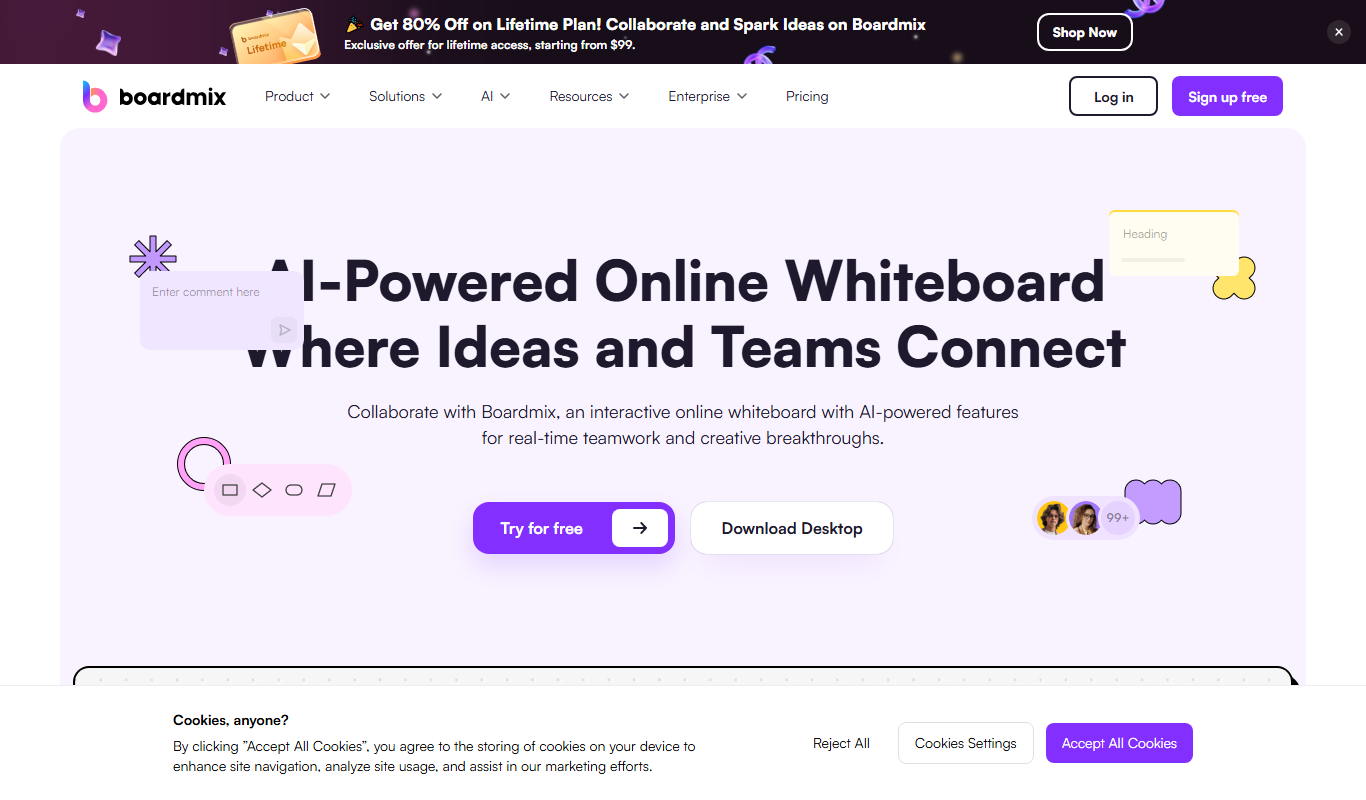
Boardmix online whiteboard
Boardmix is an online whiteboard tool designed for real-time team collaboration, brainstorming, and project planning accessible via web and mobile platforms.
Free Trial
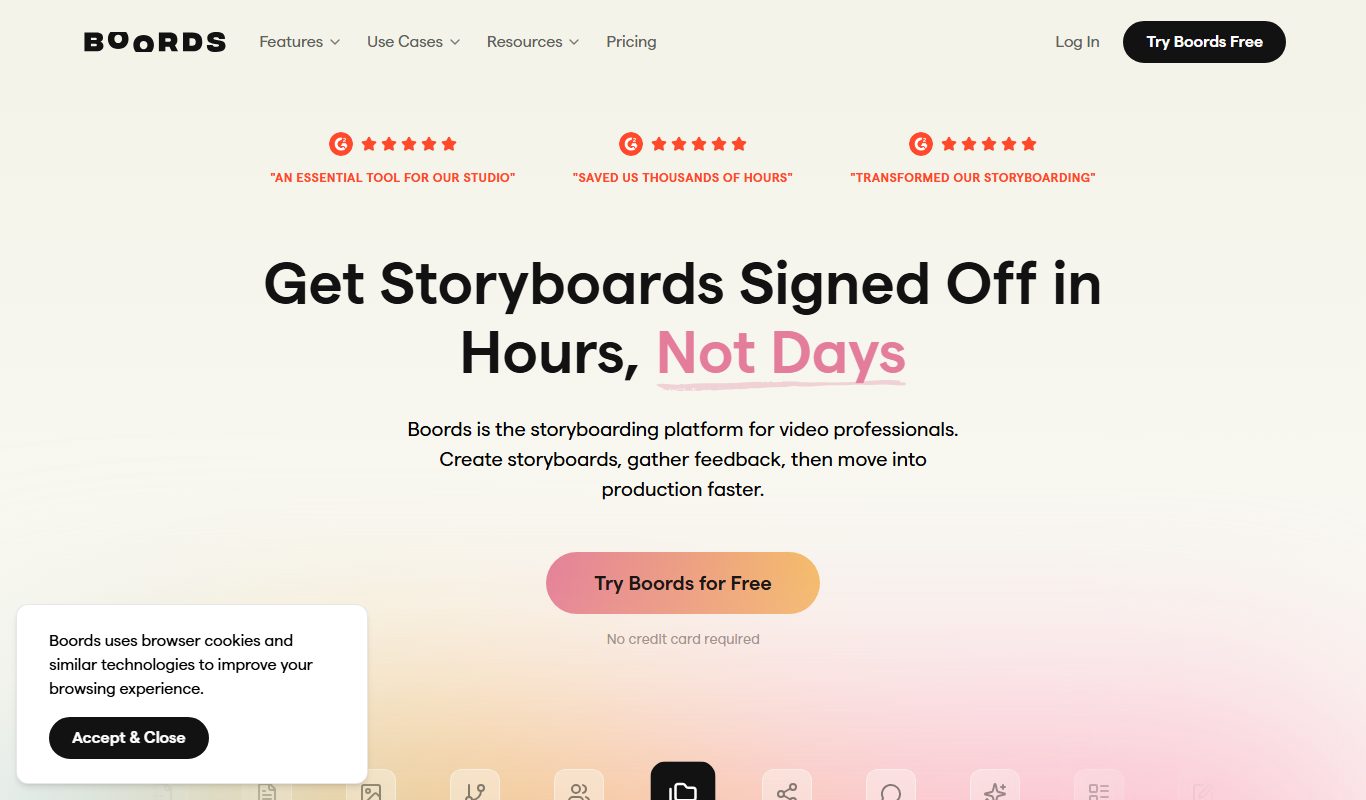
Boords
Boords is an online storyboarding software that helps video and animation teams create, collaborate on, and export detailed storyboards to streamline pre-production workflows.