

From my experience with Theneo 3.0, I found it excels at delivering precise semantic search capabilities that significantly improve how enterprises access and utilize their knowledge. The platform’s AI chatbot integration is particularly useful for automating customer support and internal queries, reducing response times. However, the limited language support and lack of a permanent free tier may be a consideration for some organizations. Overall, if your goal is to centralize knowledge and enhance search accuracy with AI, Theneo 3.0 offers a robust and scalable solution.
Theneo 3.0 AI Knowledge Base Platform for Enterprise Search Solutions
Theneo 3.0 is an AI-driven knowledge base platform that enables enterprises to organize, search, and automate access to their knowledge through semantic search and chatbot integration.
- Best for
- Enterprise Knowledge Management
- Key capability
- Semantic Search Engine
Your actions

Do you recommend this tool?
What is Theneo 3.0?
Theneo 3.0 is an AI-powered knowledge base platform designed to help enterprises organize, search, and utilize their internal and external knowledge effectively. It leverages semantic search and natural language processing to provide accurate and context-aware information retrieval. The platform supports building intelligent chatbots and documentation hubs that improve customer support and internal knowledge sharing.
Key features of Theneo 3.0
Theneo 3.0 offers semantic search, AI chatbot integration, document management, analytics, and customizable knowledge bases. It focuses on enhancing enterprise knowledge accessibility and automating support workflows.
Semantic Search Engine
Provides context-aware search results beyond keyword matching.
AI Chatbot Integration
Enables automated, intelligent responses using the knowledge base.
Document and FAQ Management
Centralizes content creation and updates within a single platform.
Analytics Dashboard
Tracks usage patterns and identifies knowledge gaps.
Customizable Knowledge Bases
Allows tailoring the knowledge structure to specific organizational needs.
Pros and cons of Theneo 3.0
Pros
- Powerful semantic search improves information retrieval accuracy
- Easy integration with AI chatbots for automated support
- Centralized platform for managing diverse knowledge assets
- Customizable knowledge base structure to fit organizational needs
- Insightful analytics to monitor usage and improve content
Cons
- Limited language support currently
- Pricing details require direct contact, which may slow decision-making
- No permanent free tier, only a trial period
Key use cases for Theneo 3.0
Enterprise Knowledge Management
Centralize and organize company knowledge to improve accessibility and reduce information silos.
AI-Powered Search
Enable semantic search capabilities across documents, FAQs, and internal data for faster information retrieval.
Customer Support Automation
Deploy AI chatbots that leverage the knowledge base to provide instant, accurate answers to customer queries.
Documentation Management
Create, maintain, and update technical and product documentation with AI assistance.
Internal Collaboration
Facilitate team collaboration by sharing and updating knowledge resources in a centralized platform.
How Theneo 3.0 works
- 1
Data Ingestion
Import documents, FAQs, and other knowledge assets into the platform.
- 2
Knowledge Structuring
Organize and tag content to create a structured knowledge base.
- 3
Semantic Indexing
Apply AI algorithms to enable semantic search and understanding.
- 4
Chatbot Deployment
Integrate AI chatbots that utilize the knowledge base to answer queries.
- 5
Continuous Improvement
Analyze user interactions and feedback to refine knowledge accuracy.
Who is using Theneo 3.0
Enterprise knowledge managers
Customer support teams
Product documentation specialists
IT and software development teams
Business analysts
Theneo 3.0 pricing
Free Trial
$0 for 14 days
Access to core features for evaluation purposes.
Professional
Contact for pricing
Full platform access with advanced features and support.
Plans and prices are as published by the vendor and can change. Check the official site before you buy. Open the pricing page (opens in a new tab)
Frequently asked questions about Theneo 3.0
You can import PDFs, Word documents, FAQs, web pages, and other text-based files.
Currently, Theneo primarily supports English.
Yes, Theneo provides APIs and integration options for chatbot platforms.
Theneo offers a free trial period but does not have a permanent free tier.
This tool is designed to help users accomplish its core tasks more efficiently. It is typically used by individuals or teams looking to improve productivity and workflow.
It depends on your specific needs and how you plan to use the tool. The official website and documentation are the best sources for the latest details.
Integration support depends on the tool and its available connectors or API. Check the official documentation or integrations page to confirm what is supported.
Some tools offer a free plan or trial with limited features. Availability can vary, so confirm on the official website.
Sign in to review this tool.
Sign In to ReviewNo reviews yet
Be the first to share how this tool worked for you.
Ask about pricing, limits, or how it compares — or answer someone else.
Sign In to AskNo questions yet
Have a question about using or paying for this tool? Be the first to ask.
Featured on TiorAI



Alternative Tools
Explore similar AI tools that might fit your needs

Free
Guru
Guru is a knowledge management platform that enables teams to capture, verify, and share accurate information in real time, improving collaboration and customer support.

Free Trial
Document360
Document360 is a cloud-based knowledge base software that helps businesses create, manage, and publish documentation and help centers for both internal teams and customers.
More AI Developer Docs tools
Other tools in the same category, for when this one is not quite the fit.

Free
Sphinx
Sphinx is an open-source documentation generator primarily for Python projects that converts reStructuredText and docstrings into multi-format technical documentation.
Free
MkDocs
MkDocs is an open-source static site generator written in Python that converts Markdown files into fast, easy-to-navigate documentation websites.

Free
ReadMe
ReadMe is a SaaS platform that enables companies to create, manage, and publish interactive API documentation and developer portals with features like API explorers, versioning, and user feedback collection.

Free
Docusaurus
Docusaurus is an open source static site generator built with React that helps developers create, version, and maintain documentation websites easily.
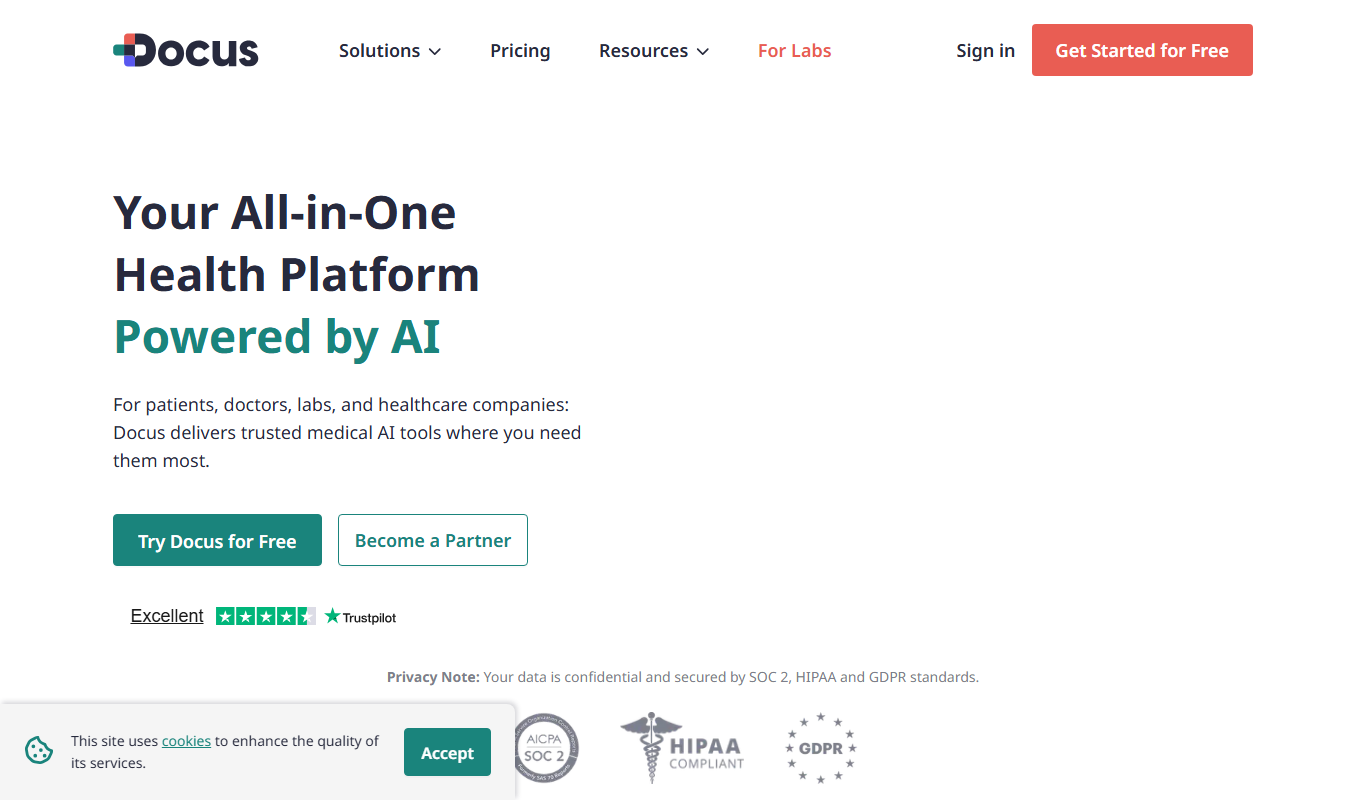
Freemium
Docus.ai
Docus.ai is an AI-powered platform that automates document processing by extracting key data, managing contracts, and optimizing workflows to save time and reduce errors.
Free
Accesssgpts
Accesssgpts is a no-code AI platform that enables users to create, customize, and deploy their own GPT-powered chatbots for various applications such as customer support and content generation.

Free Trial
LastMile AI
LastMile AI is a platform that automates the deployment and management of machine learning models, enabling scalable, reliable production environments with monitoring and integration capabilities.

Free
Mintlify
Mintlify is an AI-powered documentation platform that assists developers and technical writers in creating, managing, and publishing technical documentation with features like AI writing assistance, real-time collaboration, and automatic formatting.