

THE FABLE STUDIO AI Story Creation and Character Chat
THE FABLE STUDIO turns your ideas into visual stories with AI: upload your photo and get a story video with visuals, narration and music in minutes.
- Best for
- Faceless social videos
- Key capability
- Story video creation
Save THE FABLE STUDIO, follow its updates and vote on it — everything stays in your account.
Sign in or create a free account

What is THE FABLE STUDIO?
THE FABLE STUDIO (thefablestudio.co) is a consumer AI tool that turns ideas, or a user’s own photo, into narrated story videos with generated visuals, voice narration, music and subtitles. Viewers can chat with the characters of each story, and stories can be regenerated scene by scene. It is sold on monthly credit plans.
Key features of THE FABLE STUDIO
THE FABLE STUDIO generates story videos with visuals, narration and music from an idea or a photo, offers chat with each story’s characters, scene regeneration with character consistency, several image styles, subtitle styling and videos of up to 5 minutes.
Story video creation
Turn an idea or an uploaded photo into a story video with visuals, narration and music in minutes.
Character chat
Converse with the characters through an integrated chat in each video.
Scene regeneration
Regenerate specific scenes, with character consistency across scenes.
Subtitles and styles
Show full or brief subtitles with several fonts, and choose realistic, 3D or manga image styles.
Pros and cons of THE FABLE STUDIO
Pros
- Videos you create are yours, including for commercial use
- Chat with story characters
- Interface in several languages
Cons
- Story creations and chat interactions are capped by plan credits
- The latest listed update dates from September 2024
Key use cases for THE FABLE STUDIO
Faceless social videos
Faceless videos for YouTube, TikTok and Instagram.
Family and occasion stories
Bring stories to life to share with friends and family or on special occasions.
Educational videos
Turn complex concepts into narrative videos.
Personal entertainment
Create your own entertainment content in the style of TV, anime, manga and movies.
How THE FABLE STUDIO works
- 1
Start a story
Enter an idea, or upload a photo to appear in the story.
- 2
Generate the video
The AI creates visuals, narration and music for the story.
- 3
Refine scenes
Regenerate any scene and adjust subtitles.
- 4
Chat and share
Chat with the characters and download or share the video.
Who is using THE FABLE STUDIO
THE FABLE STUDIO pricing
Discover
$5 /month
50 credits, up to 10 story creations and 125 chat interactions.
Storyteller
$10 /month
100 credits, up to 20 story creations and 250 chat interactions.
Narrator
$19 /month
200 credits, up to 40 story creations and 500 chat interactions.
Novelist
$36 /month
400 credits, up to 80 story creations and 1000 chat interactions.
Plans and prices are as published by the vendor and can change. Check the official site before you buy. Open the pricing page (opens in a new tab)
Frequently asked questions about THE FABLE STUDIO
It turns ideas, or your photo, into story videos with visuals, narration and music.
Yes. Each video has an integrated chat with its characters.
Yes. The videos are yours and can be used commercially without additional restrictions.
Videos can be up to 5 minutes long.
By credits, story creation and chat limits, and extras such as uploading your own characters and no video-length limits.
Yes. New stories are added to a queue and generate automatically.
Conclusion
Short narrated films are the output: an idea, or an uploaded photo of the user or someone else, becomes a story video with generated visuals, voice narration and music in minutes. Users can converse with the characters through an integrated chat in each video, and specific scenes can be regenerated with character consistency between scenes.
The audience named on the site ranges from influencers making faceless social videos to parents, educators and fans of anime and manga. All videos created on the platform belong to their creators, who can use them for commercial purposes. Monthly credit plans cap story creations and chat interactions, and the newest entry in its update log is from September 2024, so the pace of development is unclear.
Sources
Sign in to review this tool.
Sign In to ReviewNo reviews yet
Be the first to share how this tool worked for you.
Ask about pricing, limits, or how it compares — or answer someone else.
Sign In to AskNo questions yet
Have a question about using or paying for this tool? Be the first to ask.
Featured on TiorAI



More AI Animated Video tools
Other tools in the same category, for when this one is not quite the fit.
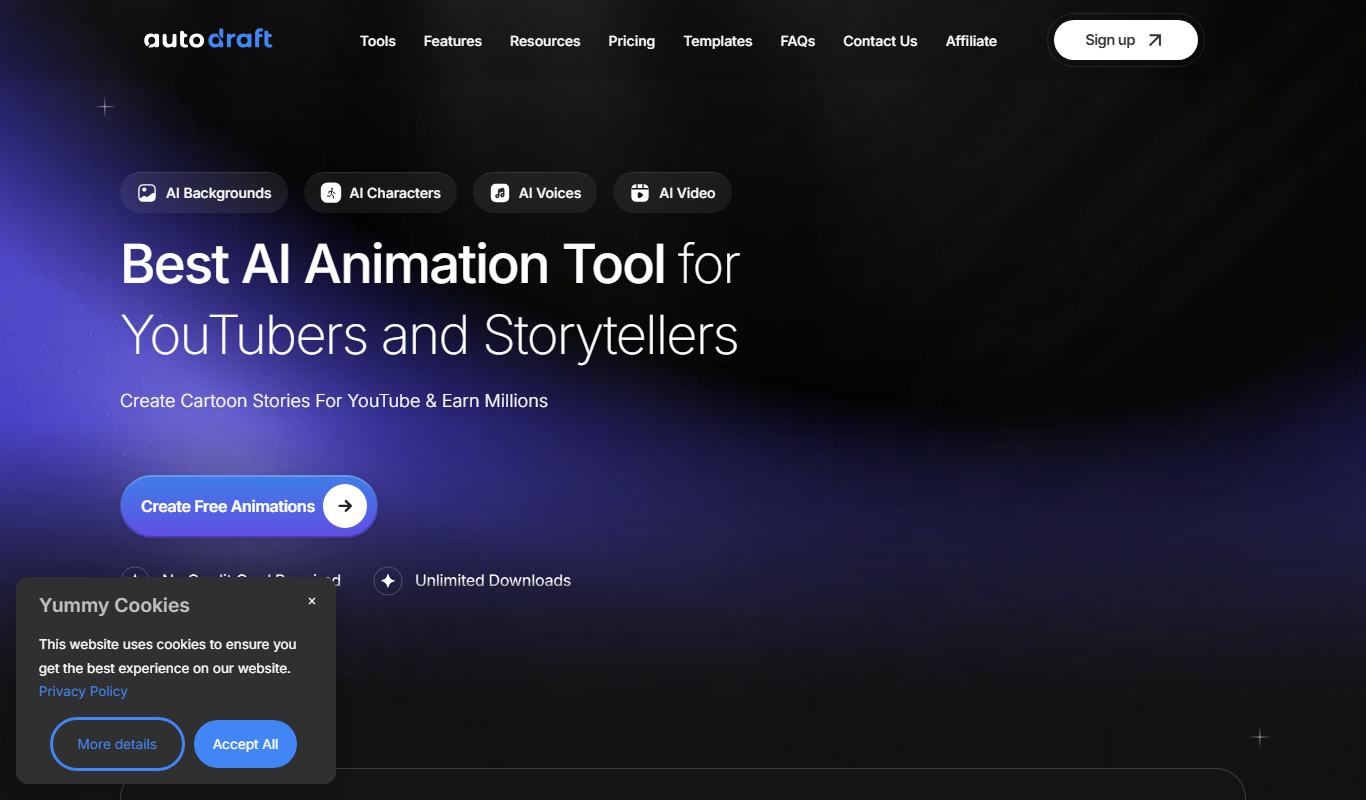
AutoDraft
AutoDraft is an AI animation tool for YouTubers that generates cartoon characters, backgrounds and voices for animated stories.

Gooey.AI
Gooey.AI is a low-code AI orchestration platform that is collaborative, model-agnostic, multi-lingual and measurable, used to build and deploy AI agents and workflows.

Melies
Melies is the all-in-one AI studio to go from idea to final cut: write stories, generate images, create videos, voices, music and sound effects.
Snowpixel App
Snowpixel App is an AI studio that turns a prompt or source image into video, music, sound effects, images and 3D objects, paid with credit packs.
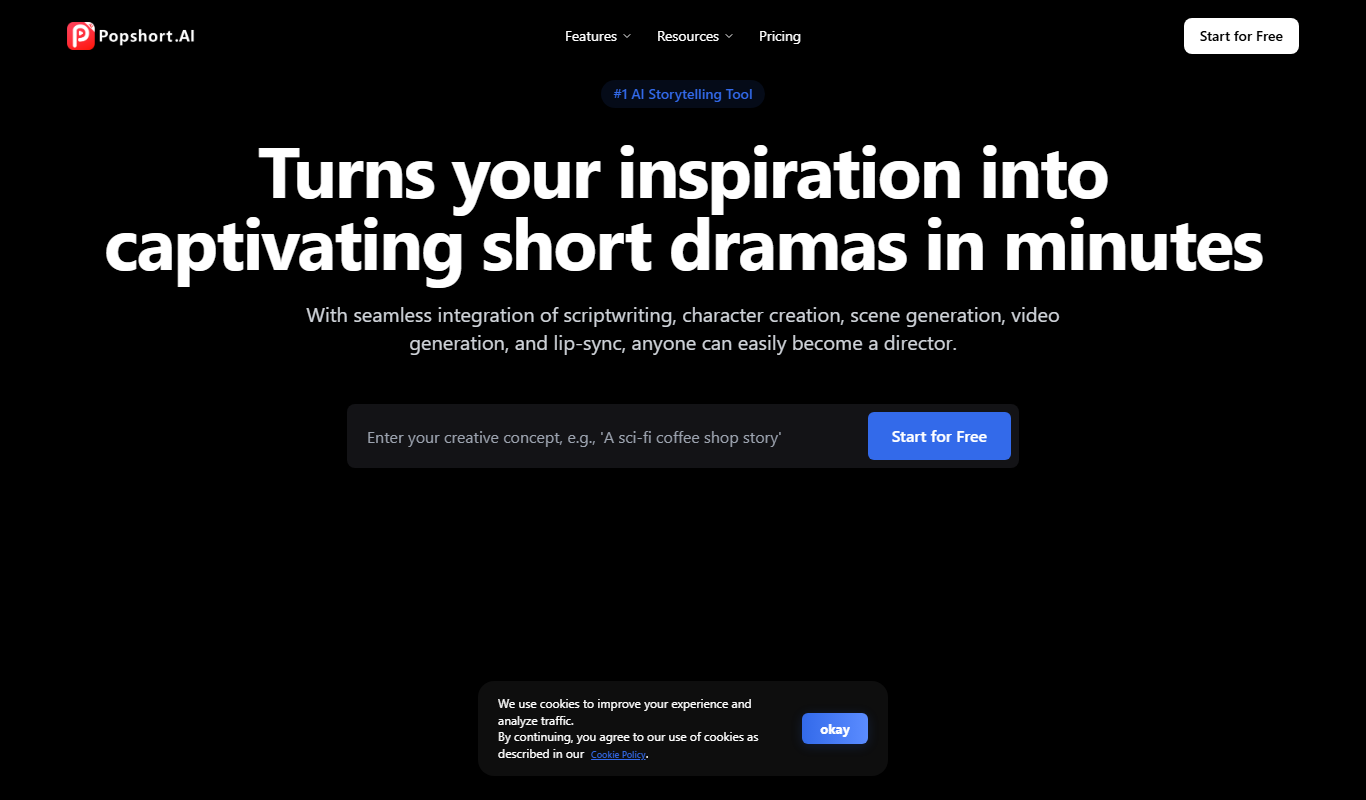
PopShort.AI
PopShort.AI turns an idea, script or novel into a complete short drama with AI-powered scripts, characters, storyboards, video, music and lip sync.
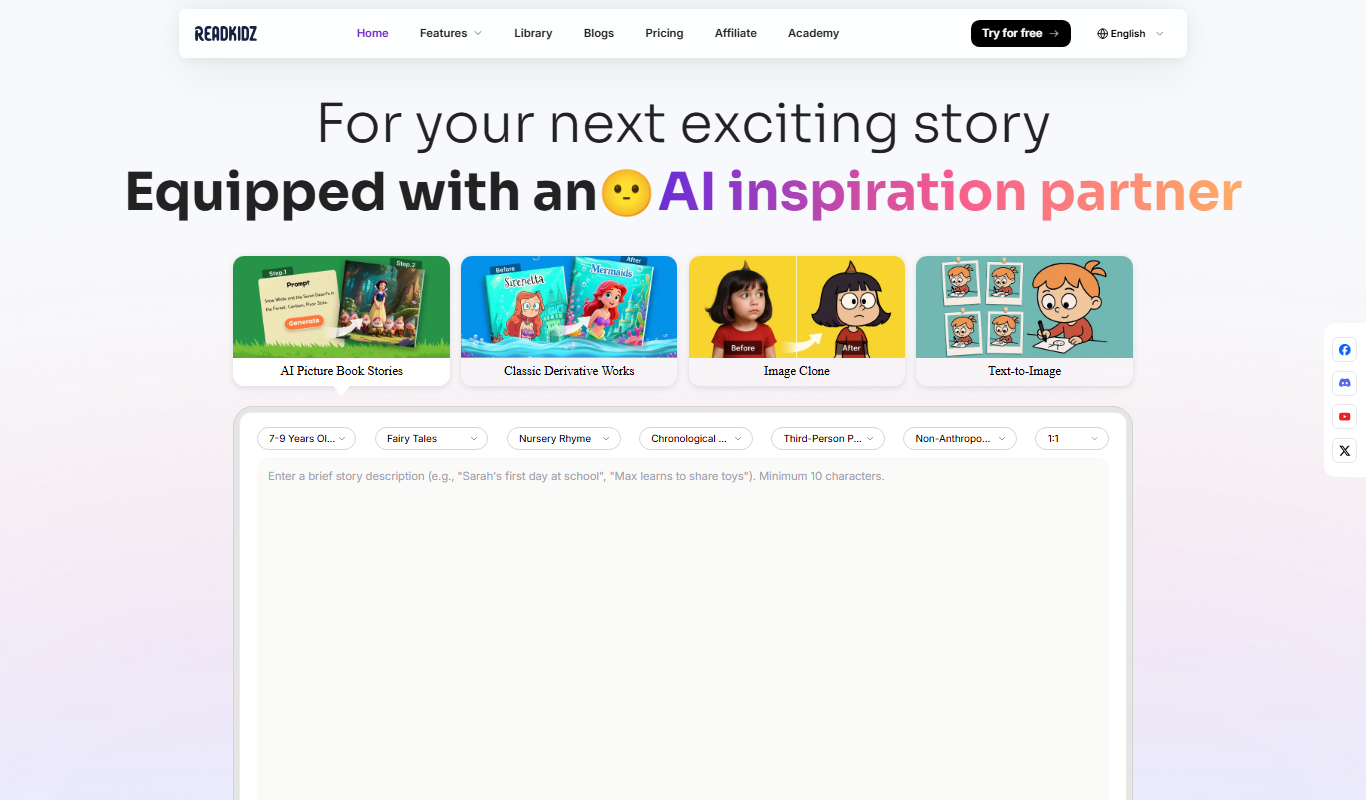
Readkidz
ReadKidz turns one sentence into a complete illustrated children's book: pick an age and story type and read your picture book in minutes, or paste a story you wrote.

Hashmeta AI
Hashmeta AI is an AI visibility and AI search optimisation agency in Singapore that helps brands get cited in AI answers, with its own AI Visibility, AI CMS and AI CRM platform.
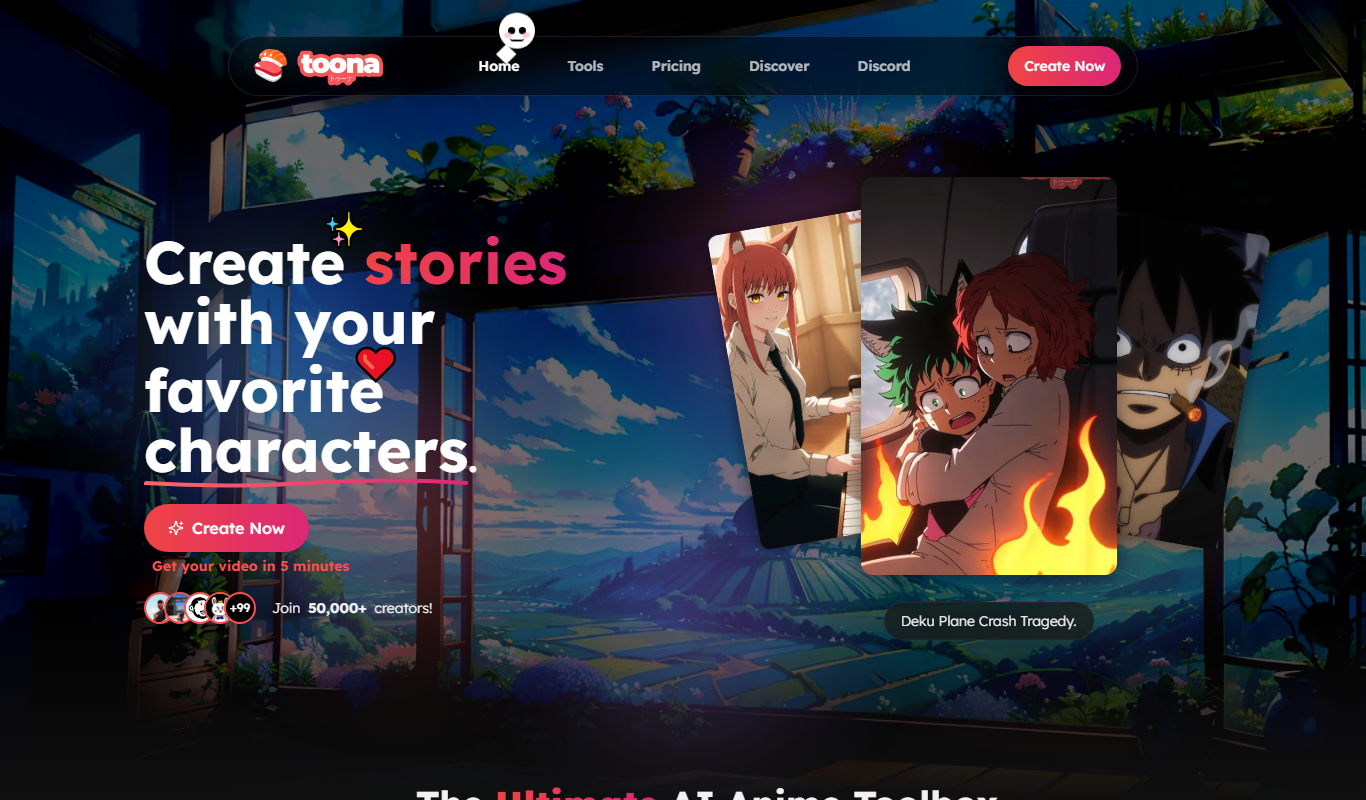
toona
toona is an AI anime toolbox to create and share animated manga and motion comics, with tools to colorize, upscale and animate manga and anime.