

Talkface - AI English Speak App, English & IELTS Speaking
Talkface is an AI English speaking app with immersive English speaking courses, a free AI English assistant and expert IELTS, TOEIC and TOEFL mock tests.
- Best for
- IELTS Speaking preparation
- Key capability
- IELTS Speaking Assistant
Save Talkface.AI, follow its updates and vote on it — everything stays in your account.
Sign in or create a free account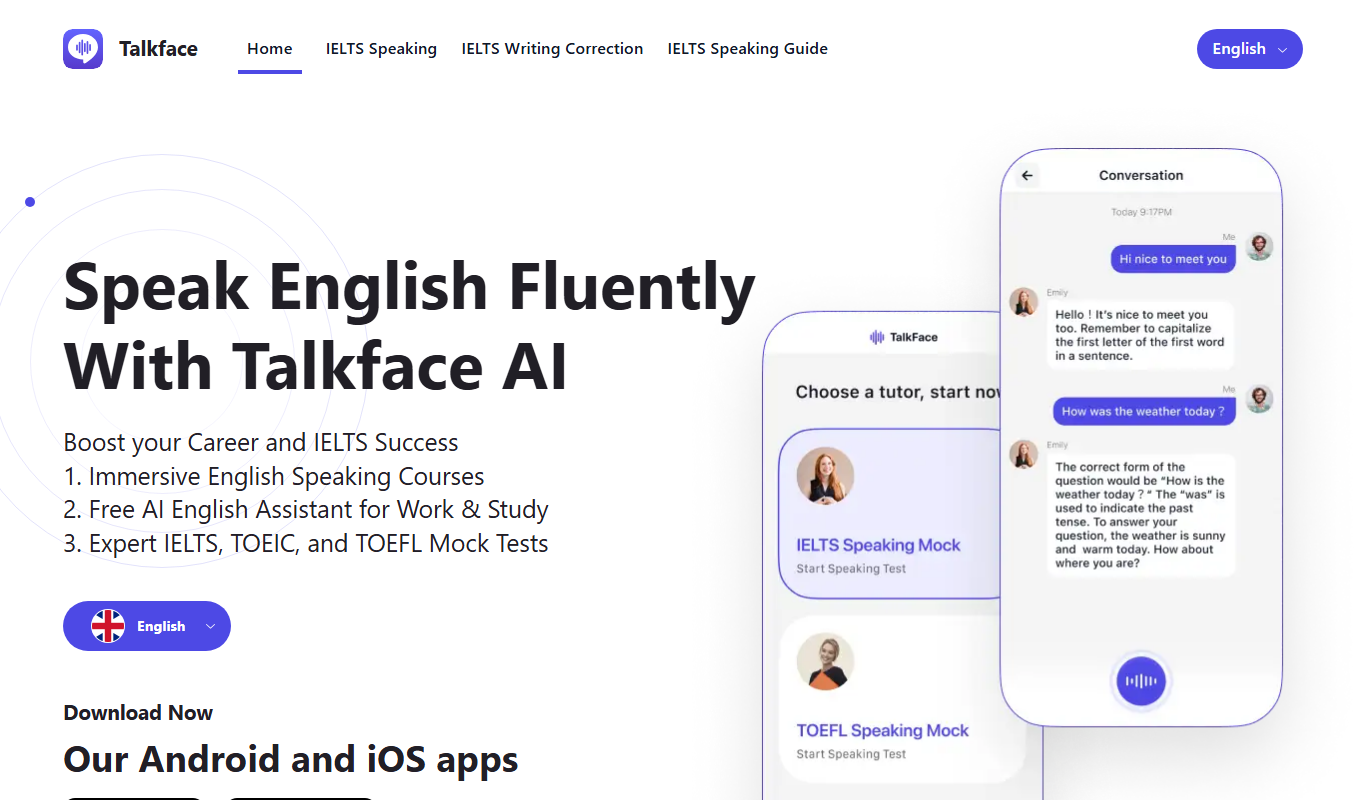
What is Talkface.AI?
Talkface is an AI-powered IELTS Speaking & Writing coach and English speaking app: it offers English speaking courses, a free AI English assistant and IELTS, TOEIC and TOEFL mock tests, with apps for iOS and Android.
Key features of Talkface.AI
Practice the latest IELTS Speaking topics and questions with sample answers, get an instant IELTS Speaking Band Report and feedback on pronunciation, fluency and structure, and score IELTS essays.
IELTS Speaking Assistant
Practice the latest IELTS Speaking Topics & Questions with Sample Answers and receive an instant IELTS Speaking Band Report.
IELTS Writing Tutor
Expert feedback and band score on IELTS Essays.
English conversation courses
Interactive conversation courses covering levels from A1 to C2, about 10 minutes a day.
Mock tests
Simulate IELTS Speaking and Writing exams with realistic mock tests and instant scoring and feedback.
Pros and cons of Talkface.AI
Pros
- Instant feedback on pronunciation, fluency and structure
- Realistic mock tests with instant scoring
- Android and iOS apps
Cons
- Unlimited IELTS practice and exclusive mock exams require Premium Max
- Focused mainly on IELTS Speaking & Writing
Key use cases for Talkface.AI
IELTS Speaking preparation
Practice the latest IELTS Speaking topics with sample answers and band reports.
IELTS Writing practice
Practice IELTS Writing Task 1 and Task 2 online with AI scoring and model essays.
Everyday English fluency
Conversation courses from A1 to C2 in about 10 minutes a day.
TOEFL and TOEIC preparation
Prepare for TOEFL or TOEIC as well as IELTS.
How Talkface.AI works
- 1
Download the app
Install the Android or iOS app.
- 2
Practice speaking
Answer the latest IELTS Speaking topics and questions.
- 3
Get feedback
Receive instant feedback on English pronunciation, fluency and structure.
- 4
Take a mock test
Simulate the IELTS Speaking and Writing exams with instant scoring.
Who is using Talkface.AI
Talkface.AI pricing
Free
Free
Free download with In-App Purchases.
Premium Max 1 month
$29.99
500 English Speaking dialogues per day, unlimited IELTS Speaking Practice Assistant and IELTS Writing Tutor, exclusive mock exams.
Premium Max 1 Year
$229.99
Premium Max for 1 Year.
Premium Max Lifetime
$99.99
Premium Max Lifetime purchase.
Plans and prices are as published by the vendor and can change. Check the official site before you buy. Open the pricing page (opens in a new tab)
Frequently asked questions about Talkface.AI
An AI English speaking app with English speaking courses, a free AI English assistant for work and study, and IELTS, TOEIC and TOEFL mock tests.
The app is free to download, with in-app purchases.
IELTS, TOEFL and TOEIC.
Android and iOS apps.
Yes. IELTS Writing Task 1 and Task 2 can be practised online with AI scoring and model essays.
Some tools offer a free plan or trial with limited features. Availability can vary, so confirm on the official website.
Conclusion
Exam candidates practise speaking out loud on the latest IELTS Speaking topics, and the app returns sample answers plus an instant band report with feedback on pronunciation, fluency and structure. Essays get the same treatment, with a band score and expert-style feedback, and the IELTS Writing tasks can also be practised in a browser. Full mock tests simulate both exam papers with instant scoring.
Talkface is not only about IELTS: TOEFL and TOEIC preparation is covered, and conversation courses from A1 to C2 aim at everyday fluency in about 10 minutes a day. It ships as Android and iOS apps from Gravity Tech, Inc., free to download with in-app purchases. The Premium Max membership adds unlimited speaking and writing practice and exclusive mock exams.
Sources
Sign in to review this tool.
Sign In to ReviewNo reviews yet
Be the first to share how this tool worked for you.
Ask about pricing, limits, or how it compares — or answer someone else.
Sign In to AskNo questions yet
Have a question about using or paying for this tool? Be the first to ask.
Featured on TiorAI



More AI Chatbot tools
Other tools in the same category, for when this one is not quite the fit.

Modly
Modly.ai trains, fine-tunes and hosts custom large language models on your business data, delivered as a managed service with API access.

Voyageraid
VoyagerAid is end-to-end disruption management software that helps airlines handle rebooking, passenger communication and disruptions with predictive analytics.
Open Tutor App
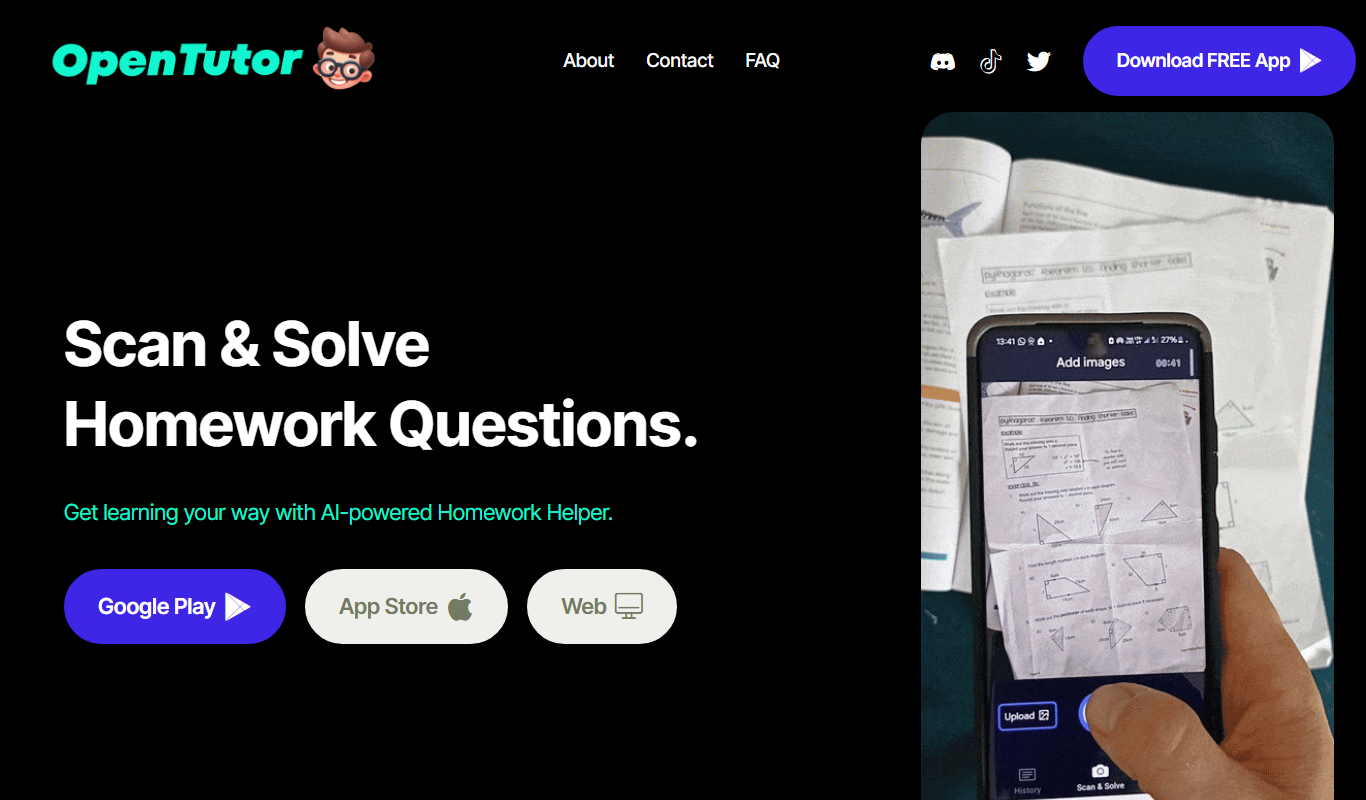
Open Tutor App is an AI homework helper app that scans a photo of a homework question and returns step-by-step solutions and explanations.
Wazgar – ChatGPT in Whatsapp
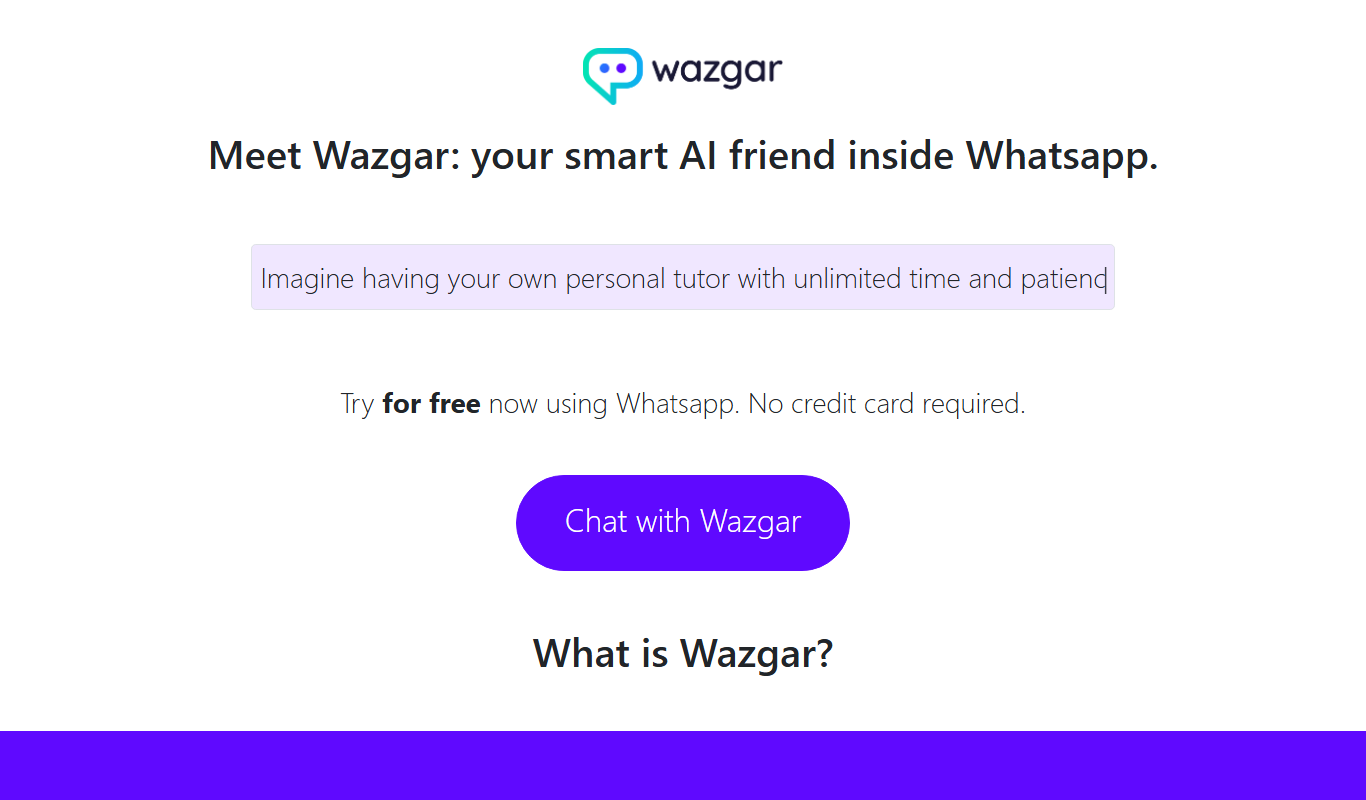
Wazgar is an AI assistant inside WhatsApp that can assist users at any time, from learning and writing to everyday conversation.

Chat Breezes 1.0
Chat Breezes is an AI-powered omnichannel conversation suite that unifies WhatsApp, Instagram, Facebook and Twitter/X messages in one dashboard for engagement and social selling.

chaterimo.com
Chaterimo is an AI chatbot platform that helps businesses automate customer support and engagement through customizable conversational bots on websites.

Pickaxe
Pickaxe is a no-code platform to build AI agents, package them into products and sell them through branded portals with billing and access control.

ChatHelp.ai
ChatHelp.ai is an AI chatbot platform that automates customer support by engaging website visitors with conversational AI, integrating with helpdesk tools, and providing analytics to optimize service.