

From my experience with SyncStudy, I found it excels at enabling students to collaborate seamlessly in real-time, which is crucial for effective group study. The app’s integration of note sharing, task management, and scheduling makes coordinating study sessions straightforward and productive. It’s particularly well-suited for students who prefer structured, interactive study environments and need to stay organized across devices. However, the reliance on an internet connection limits offline usability, which could be a drawback for some users. Overall, if you want a dedicated platform to enhance group study productivity, SyncStudy offers a balanced set of features at an accessible price.
SyncStudy Review: Collaborative Study App for Students and Teams
SyncStudy is a collaborative study platform that allows students to work together in real-time by sharing notes, managing tasks, scheduling sessions, and creating quizzes accessible on web and mobile devices.
- Best for
- Group Study Sessions
- Key capability
- Real-Time Collaborative Notes
Your actions
Save SyncStudy, follow its updates and vote on it — everything stays in your account.
Sign in or create a free account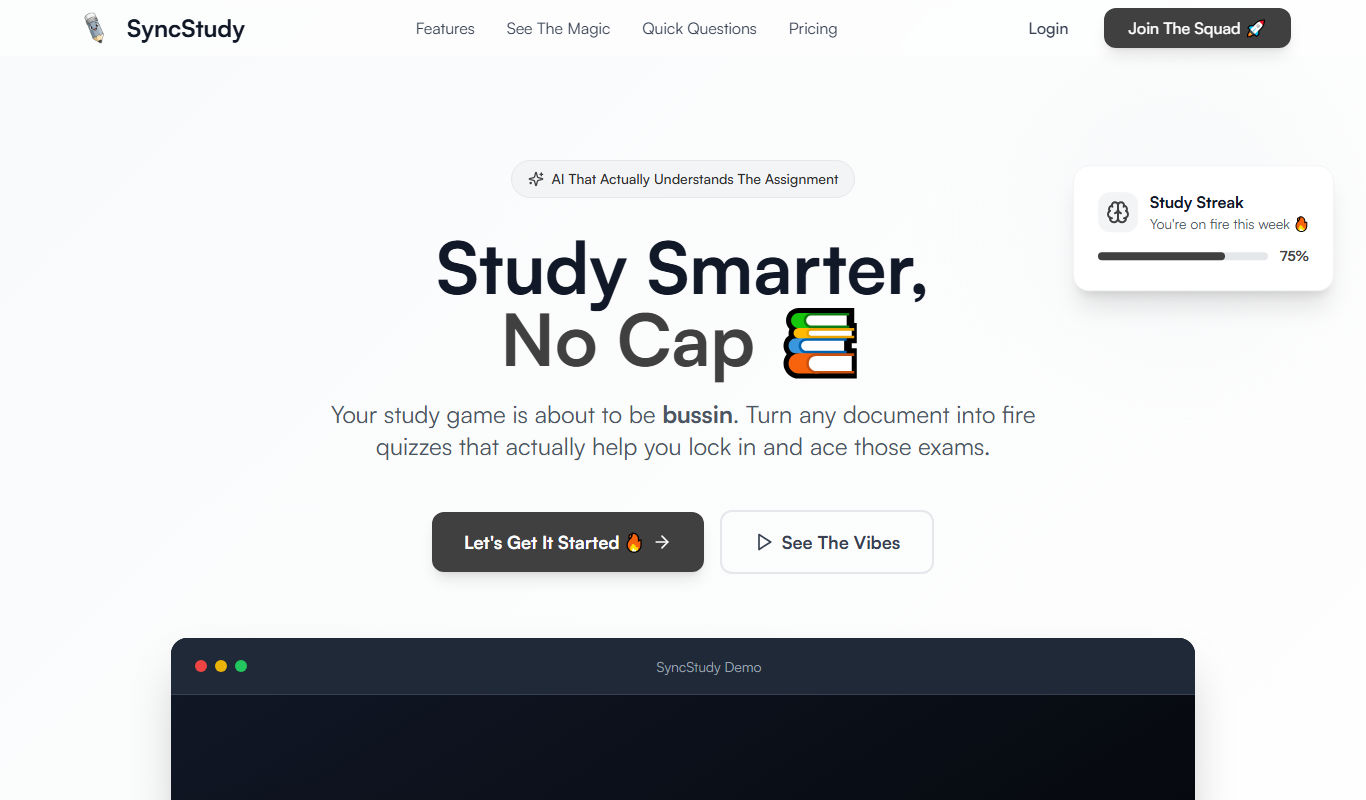

What is SyncStudy?
SyncStudy is a collaborative study application designed to enhance group learning experiences by enabling students to study together in real-time, share notes, organize tasks, and manage schedules efficiently. It aims to improve productivity and engagement in academic environments through seamless collaboration.
Key features of SyncStudy
SyncStudy offers real-time collaboration tools, shared note-taking, task management, scheduling features, and interactive study aids such as quizzes, all accessible via web and mobile platforms.
Real-Time Collaborative Notes
Multiple users can edit and view notes simultaneously, ensuring everyone stays updated.
Task and Deadline Management
Assign tasks within groups and monitor deadlines to keep study plans on track.
Integrated Scheduling
Coordinate study sessions with calendar integration and reminders.
Interactive Quizzes
Create and share quizzes to reinforce learning and assess understanding.
Cross-Platform Accessibility
Access SyncStudy on web browsers, iOS, and Android devices for flexible study options.
Pros and cons of SyncStudy
Pros
- Enables seamless real-time collaboration among students
- Cross-platform support for flexible access
- Integrated task and schedule management
- Interactive quizzes enhance learning engagement
Cons
- Limited offline functionality
- Premium features require subscription
Key use cases for SyncStudy
Group Study Sessions
Facilitates real-time collaboration among students studying together remotely or in person.
Note Sharing and Organization
Allows users to create, share, and organize notes collectively for better knowledge retention.
Task and Schedule Management
Helps students coordinate study schedules and track tasks within study groups.
Exam Preparation
Supports collaborative quiz creation and review to prepare effectively for exams.
How SyncStudy works
- 1
Create an Account
Sign up on SyncStudy using email or social login to start creating or joining study groups.
- 2
Form or Join Study Groups
Invite classmates or friends to collaborate by creating a study group or joining an existing one.
- 3
Collaborate in Real-Time
Use shared notes, chat, and task boards to study together and stay organized.
- 4
Schedule and Track Progress
Set study sessions, deadlines, and track group progress towards academic goals.
Who is using SyncStudy
High school and college students
Study groups and academic teams
Educational institutions
Tutors and educators
SyncStudy pricing
Free
$0/month
Basic features including note sharing and group collaboration with limited storage.
Premium
$5/month
Enhanced storage, advanced task management, priority support, and additional collaboration tools.
Plans and prices are as published by the vendor and can change. Check the official site before you buy. Open the pricing page (opens in a new tab)
Frequently asked questions about SyncStudy
Yes, SyncStudy offers a free plan with essential features, and a premium subscription for advanced tools.
Yes, SyncStudy is available on both iOS and Android platforms, as well as via web browsers.
Study groups can include multiple users, with no strict limit specified, suitable for small to medium-sized groups.
Currently, SyncStudy requires an internet connection for real-time collaboration and syncing.
It depends on your specific needs and how you plan to use the tool. The official website and documentation are the best sources for the latest details.
It depends on your specific needs and how you plan to use the tool. The official website and documentation are the best sources for the latest details.
Yes, it can help with that use case depending on how you configure it and what features are available. You’ll get the best results with clear inputs and a defined goal.
Sign in to review this tool.
Sign In to ReviewNo reviews yet
Be the first to share how this tool worked for you.
Ask about pricing, limits, or how it compares — or answer someone else.
Sign In to AskNo questions yet
Have a question about using or paying for this tool? Be the first to ask.
Featured on TiorAI



More AI Collaboration & Team Tools tools
Other tools in the same category, for when this one is not quite the fit.

Free
Alian hub – Project Management System
AlianHub is an open-source, self-hosted project management platform with boards, sprints, time tracking, chat and AI, free with unlimited users or hosted in the Cloud.

Free
Walling AI
Walling AI is a visual project management and idea organization platform that uses AI to help users organize tasks, notes, and files on flexible boards, supporting collaboration across web and mobile devices.

Freemium
MeetingCulture.ai from Decisions
MeetingCulture.ai by Decisions is an AI-powered platform that enhances meeting productivity by providing analytics, automated summaries, decision tracking, and integrations with Microsoft Teams, Outlook, and Slack.

Free
Miro
Miro is a cloud-based collaborative whiteboard platform that enables teams to brainstorm, plan, and collaborate visually in real time with an infinite canvas, templates, and integrations.

Free Trial
shufflrr.com
Shufflrr is a presentation management tool that centralizes PowerPoint slides, enabling teams to organize, collaborate, and deliver presentations efficiently with version control and analytics.

Free
Swift Board
Swift Board is a free, anonymous whiteboard for sprint retrospectives and team brainstorming that needs no sign-up and adds an instant AI-generated summary.
Free
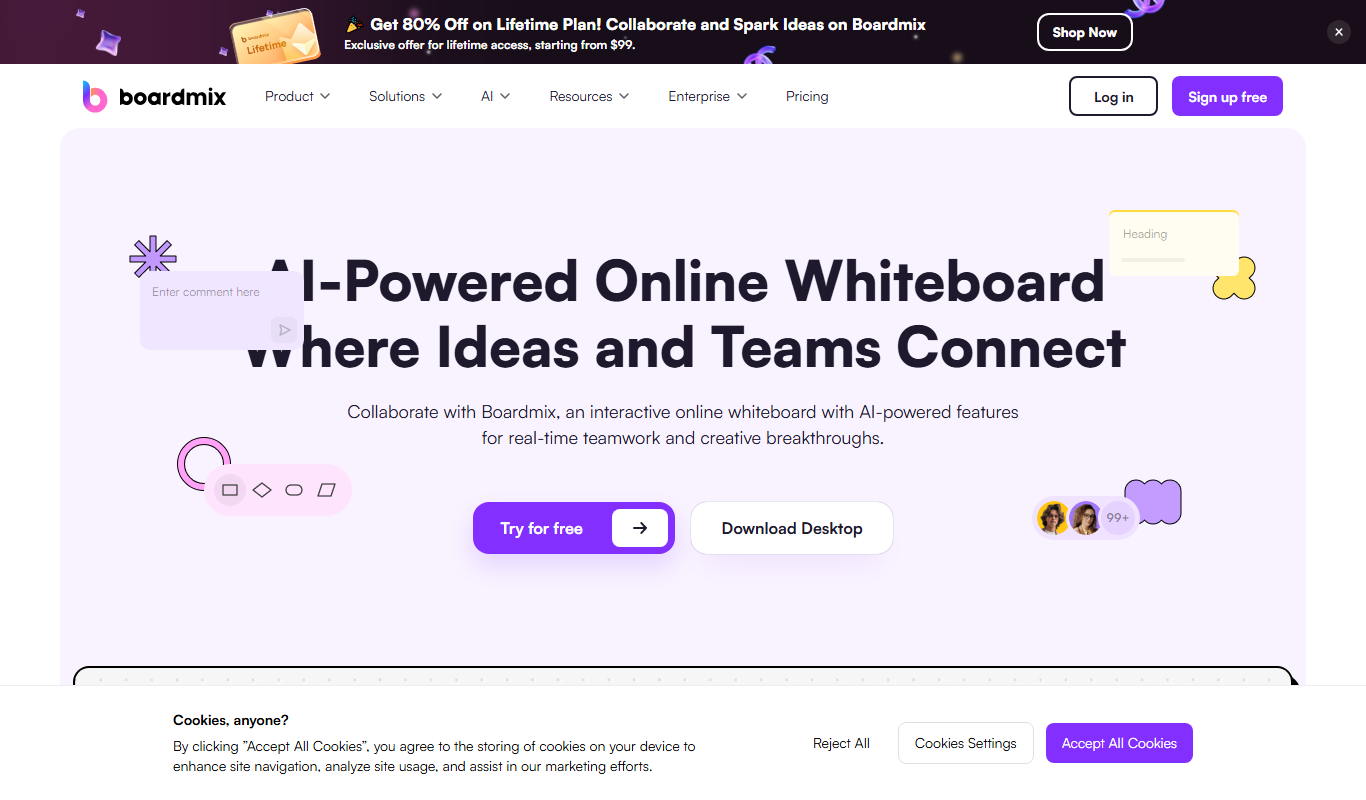
Boardmix online whiteboard
Boardmix is an online whiteboard tool designed for real-time team collaboration, brainstorming, and project planning accessible via web and mobile platforms.
Free Trial
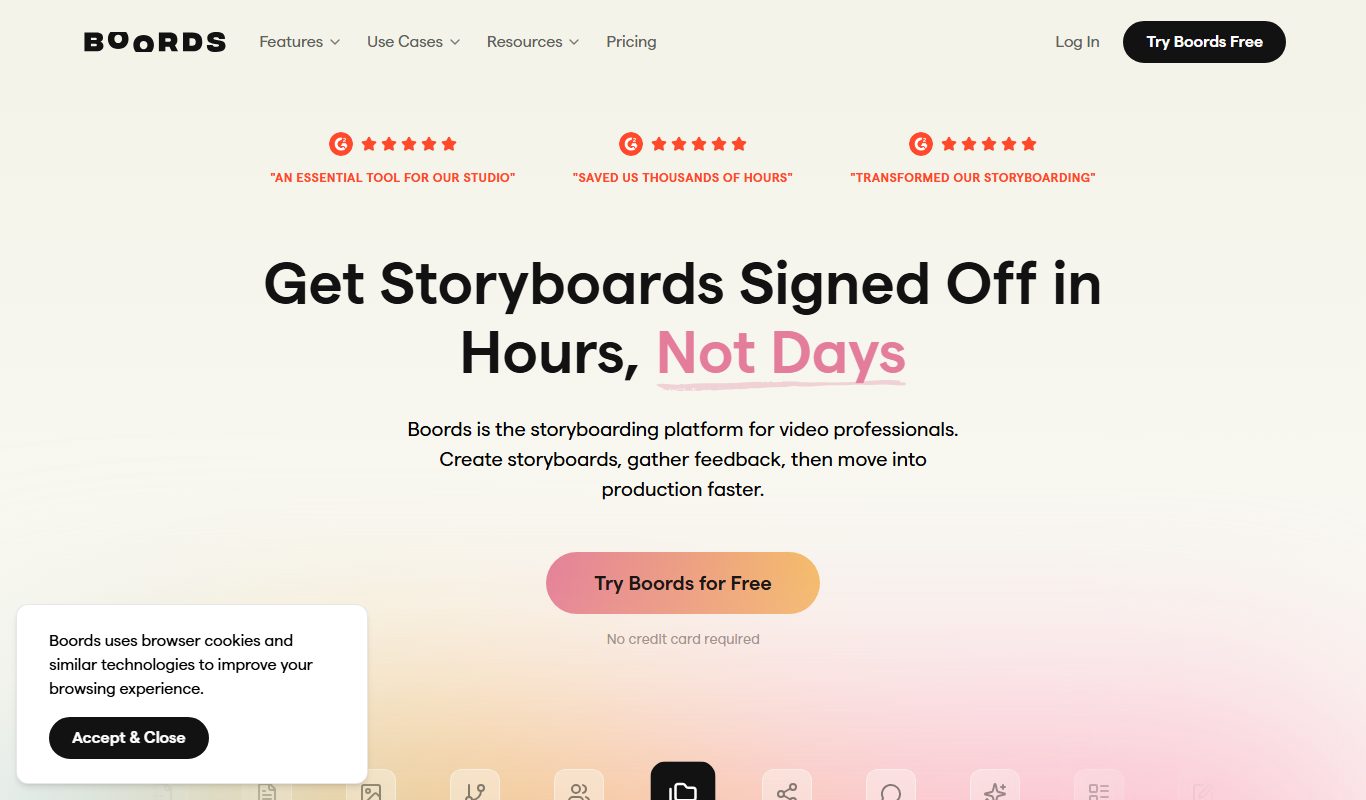
Boords
Boords is an online storyboarding software that helps video and animation teams create, collaborate on, and export detailed storyboards to streamline pre-production workflows.