

From my experience with SummaVerse, I found it excels at quickly generating clear and concise summaries that retain the essential meaning of lengthy texts. The platform’s straightforward interface makes it easy to upload documents and customize summary length, which is particularly helpful for students and professionals who need to digest information efficiently. However, the tool currently supports only English and lacks mobile apps, which might limit accessibility for some users. Overall, if you need a reliable AI summarization tool for web use, SummaVerse offers a balanced mix of accuracy and usability.
SummaVerse AI Text Summarization Tool for Efficient Content Review
SummaVerse is an AI-based summarization tool that condenses long texts into concise summaries, saving time and enhancing content comprehension.
- Best for
- Content Summarization
- Key capability
- AI-Powered Summarization
Your actions
Save SummaVerse, follow its updates and vote on it — everything stays in your account.
Sign in or create a free account
What is SummaVerse?
SummaVerse is an AI-powered text summarization platform designed to help users quickly distill lengthy documents into concise, meaningful summaries. Leveraging advanced natural language processing techniques, it reduces reading time while preserving essential information, making it ideal for professionals, students, and content creators who need efficient content review.
Key features of SummaVerse
SummaVerse offers automated summarization with customizable summary lengths, supports various document formats, and provides a clean, user-friendly web interface. It emphasizes accuracy and readability, enabling users to grasp key points without wading through entire texts.
AI-Powered Summarization
Uses advanced NLP models to create accurate and coherent summaries.
Customizable Summary Length
Allows users to control how brief or detailed the summary should be.
Supports Multiple Document Types
Accepts plain text, PDFs, and other common document formats.
User-Friendly Interface
Clean web design focused on ease of use and quick access.
Export Options
Summaries can be saved or shared in various formats for convenience.
Pros and cons of SummaVerse
Pros
- Accurate and coherent AI-generated summaries
- Simple and intuitive web interface
- Flexible summary length options
- Supports multiple document formats
- Affordable pricing with free tier
Cons
- Limited language support (English only)
- No mobile app available
- Free plan has usage limits and watermarks
Key use cases for SummaVerse
Content Summarization
Automatically generate concise summaries of long articles, reports, or documents to save reading time.
Research Review
Quickly extract key points from academic papers or research materials for efficient study and analysis.
Business Intelligence
Summarize lengthy business reports or market analysis to facilitate faster decision-making.
Content Creation Support
Assist writers and marketers by providing summarized versions of source materials to streamline content production.
How SummaVerse works
- 1
Upload or Paste Text
Users input the content by uploading documents or pasting text directly into the platform.
- 2
Select Summary Length
Choose the desired summary length or compression ratio to tailor the output.
- 3
Generate Summary
The AI processes the input and produces a concise summary highlighting the main ideas.
- 4
Review and Export
Users can review the summary, make edits if needed, and export it in preferred formats.
Who is using SummaVerse
Students and researchers
Content creators and marketers
Business professionals
Educators and trainers
Anyone needing quick content review
SummaVerse pricing
Free
$0/month
Limited daily summaries with basic features and watermark.
Pro
$15/month
Unlimited summaries, priority processing, and no watermarks.
Enterprise
Custom pricing
Tailored solutions with API access, dedicated support, and advanced features.
Plans and prices are as published by the vendor and can change. Check the official site before you buy. Open the pricing page (opens in a new tab)
Frequently asked questions about SummaVerse
SummaVerse supports plain text, PDFs, and common document formats for summarization.
Yes, users can select how brief or detailed they want their summaries to be.
Yes, SummaVerse offers a free plan with limited daily summaries and basic features.
Currently, SummaVerse supports English only.
It depends on your specific needs and how you plan to use the tool. The official website and documentation are the best sources for the latest details.
Some tools offer a free plan or trial with limited features. Availability can vary, so confirm on the official website.
Yes, it can help with that use case depending on how you configure it and what features are available. You’ll get the best results with clear inputs and a defined goal.
Yes, it can help with that use case depending on how you configure it and what features are available. You’ll get the best results with clear inputs and a defined goal.
Sign in to review this tool.
Sign In to ReviewNo reviews yet
Be the first to share how this tool worked for you.
Ask about pricing, limits, or how it compares — or answer someone else.
Sign In to AskNo questions yet
Have a question about using or paying for this tool? Be the first to ask.
Featured on TiorAI



More AI Article Summarizer tools
Other tools in the same category, for when this one is not quite the fit.

Free
Free AI Article Summarizer
Free AI Article Summarizer is a free tool that works without registration, supports 80+ languages and accepts file uploads up to 30MB.
Free Trial
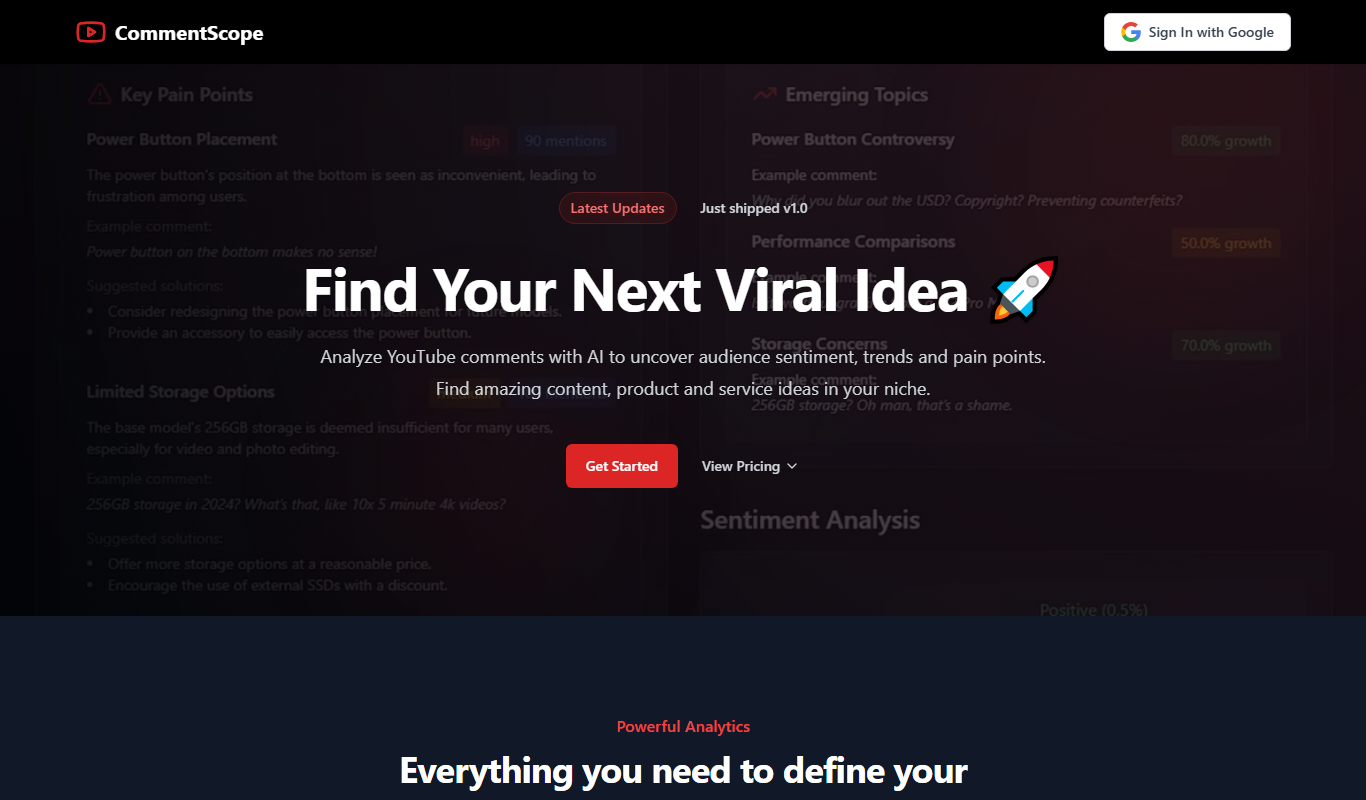
CommentScope
CommentScope is an AI tool that analyzes YouTube comments to provide sentiment insights, summaries, and trending topics, helping creators understand their audience better.
Free
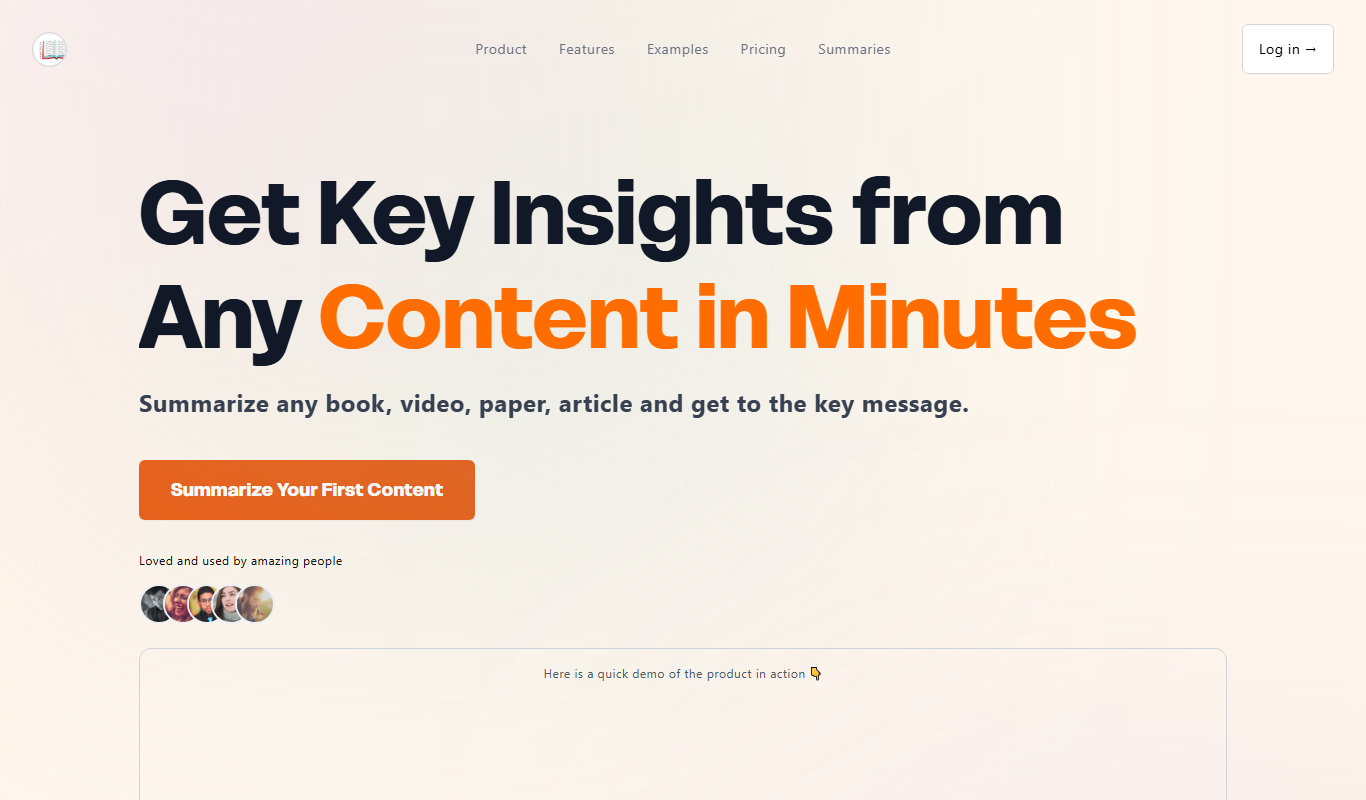
Free AI Text Summarizer
Free AI Text Summarizer is a web-based tool that uses artificial intelligence to create concise summaries from longer texts quickly and for free, without requiring user registration.
Free Trial
Chapterize
Chapterize is an AI-driven web tool that automatically segments videos into chapters, enhancing viewer experience and video SEO by creating navigable timestamps and titles.

Custom Pricing
Kome AI
Kome AI is a conversational intelligence platform that transcribes and analyzes sales and customer calls to provide actionable insights, improve coaching, and enhance customer experience.
Free
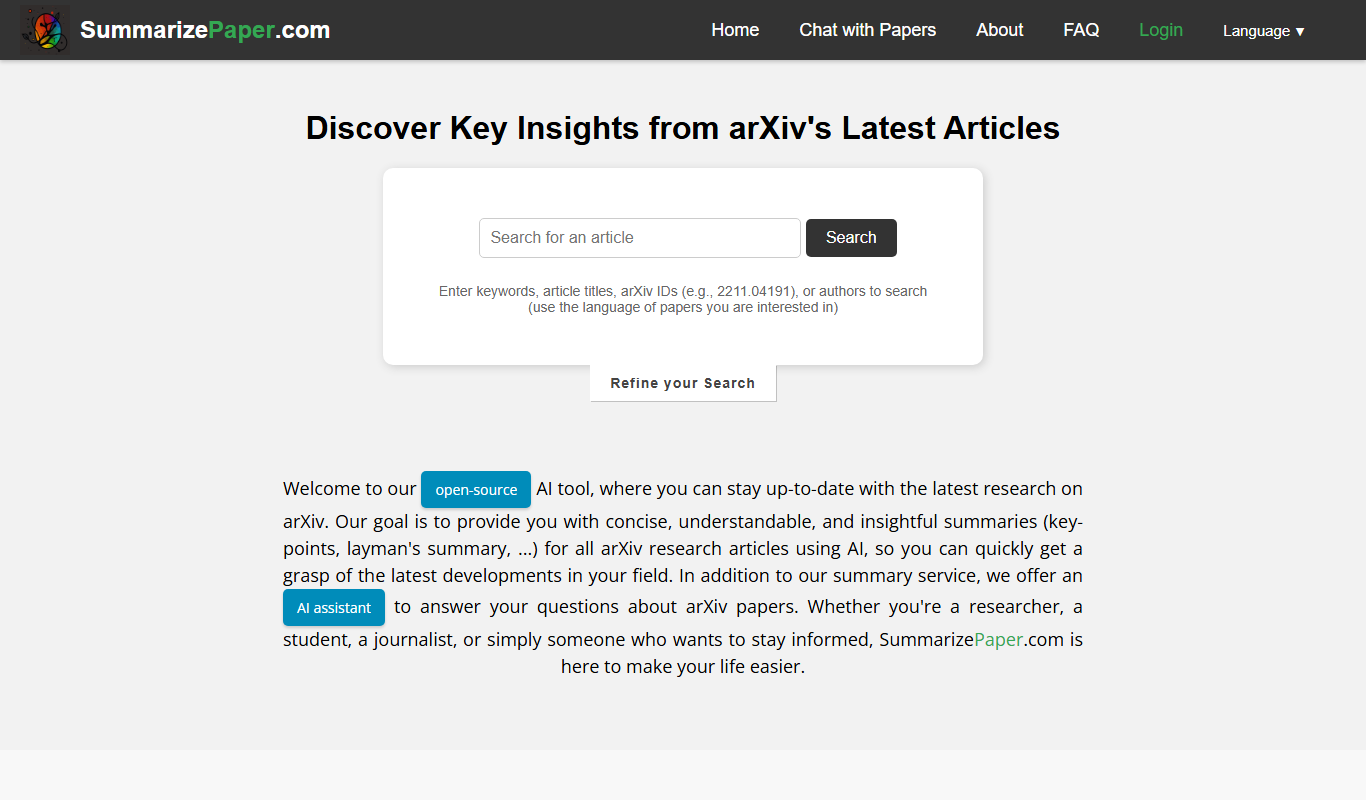
SummarizePaper
SummarizePaper is an AI-driven web tool that generates clear, concise summaries of academic papers to help users quickly understand research content.
Free
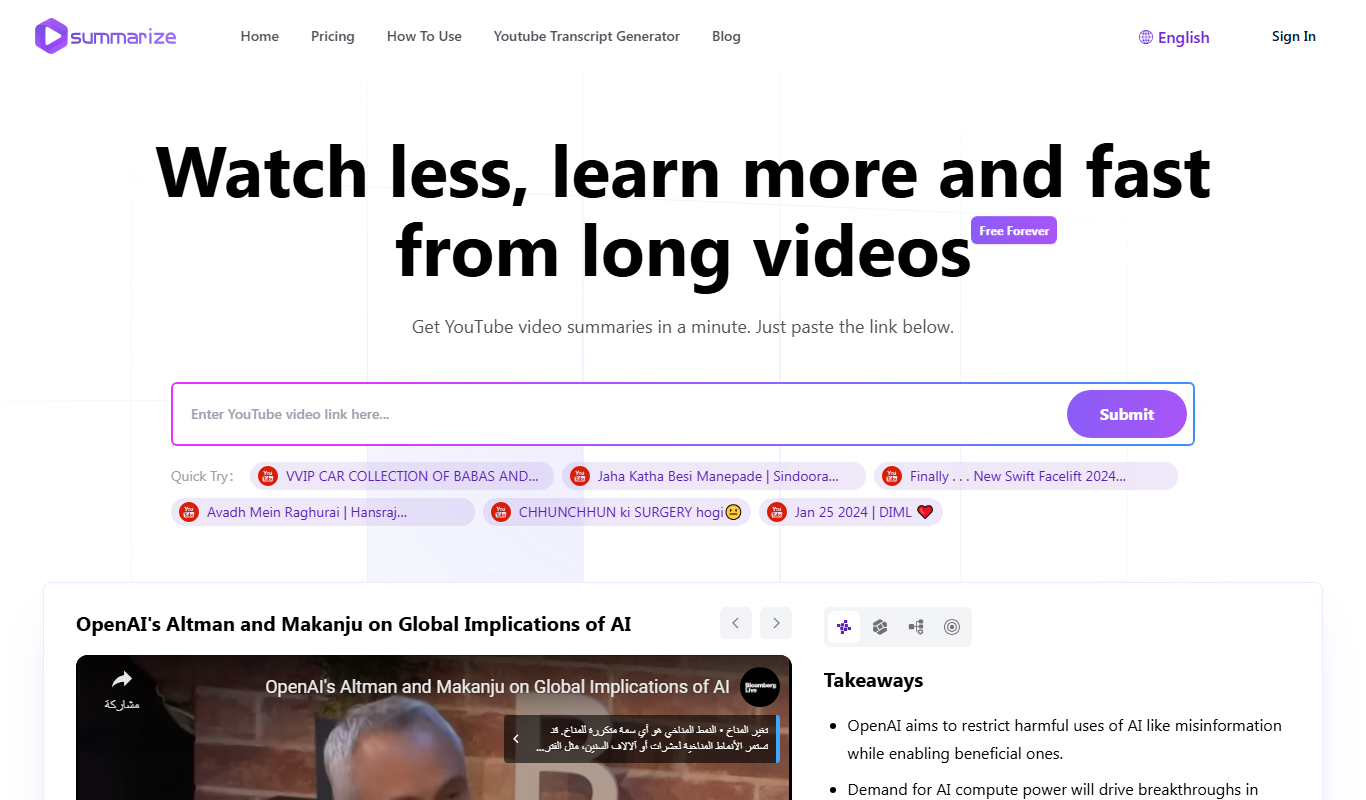
Summarize-Youtube Video Summarizer
Summarize YouTube Video Summarizer is a web tool that uses AI to extract and condense YouTube video transcripts into brief summaries, helping users quickly understand video content without watching the full length.

Free
Notamify
Notamify is an AI-powered tool that automatically transcribes and summarizes virtual meetings, extracting key points and action items to improve team productivity.