

CommentScope AI for Efficient YouTube Comment Analysis and Insights
CommentScope is an AI tool that analyzes YouTube comments to provide sentiment insights, summaries, and trending topics, helping creators understand their audience better.
- Best for
- YouTube Comment Analysis
- Key capability
- Automated Comment Summarization
Save CommentScope, follow its updates and vote on it — everything stays in your account.
Sign in or create a free account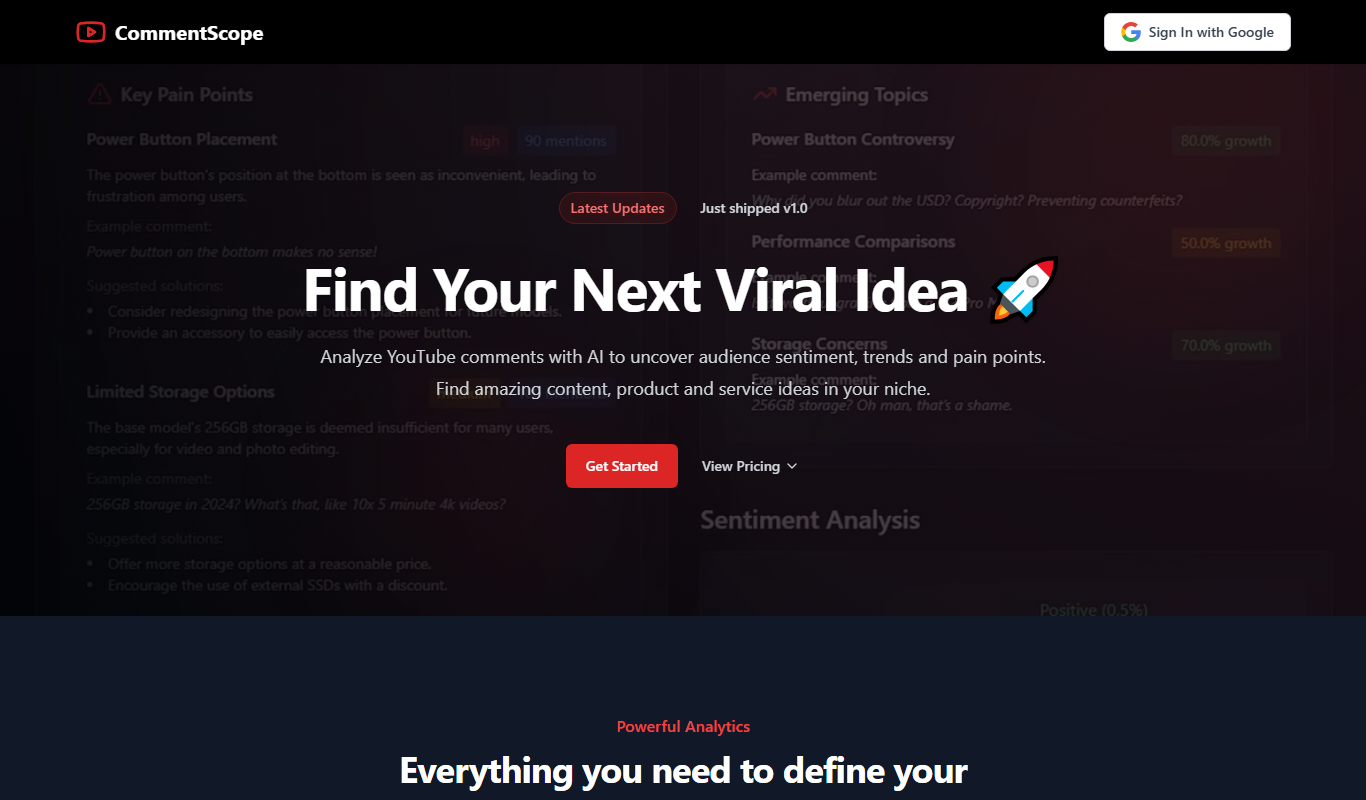
What is CommentScope?
CommentScope is an AI-powered web application designed to analyze YouTube video comments at scale. It helps creators, marketers, and brands extract meaningful insights from viewer feedback by summarizing comments, detecting sentiment, and highlighting key topics. This enables users to better understand their audience, optimize content strategies, and engage more effectively with their community.
Key features of CommentScope
CommentScope offers automated comment summarization, sentiment analysis, keyword extraction, and trend detection within YouTube comments. Its intuitive dashboard allows users to quickly grasp audience opinions and identify actionable insights without manually sifting through thousands of comments.
Automated Comment Summarization
Condenses thousands of comments into concise summaries highlighting main points.
Sentiment Analysis
Classifies comments as positive, negative, or neutral to gauge audience mood.
Keyword and Topic Extraction
Identifies frequently mentioned keywords and trending topics within comments.
User-Friendly Dashboard
Visualizes data with charts and summaries for quick comprehension.
Exportable Reports
Allows users to download insights for presentations or further analysis.
Pros and cons of CommentScope
Pros
- Simplifies large-scale YouTube comment analysis
- Provides clear sentiment and topic insights
- User-friendly and intuitive interface
- Saves time compared to manual comment review
Cons
- Limited to YouTube comments only
- No bulk multi-video analysis in one session
- Pricing may be high for casual users
Key use cases for CommentScope
YouTube Comment Analysis
Analyze and summarize large volumes of YouTube comments to understand audience sentiment and feedback.
Content Strategy Optimization
Identify trending topics and viewer interests from comments to tailor future video content.
Community Engagement Monitoring
Track and respond to viewer questions, concerns, and feedback efficiently to improve channel engagement.
Sentiment and Emotion Detection
Detect positive, negative, or neutral sentiments in comments to gauge audience reactions.
Influencer and Brand Reputation Management
Monitor public perception and manage brand reputation through comment insights.
How CommentScope works
- 1
Connect YouTube Channel or Video
Link your YouTube channel or specific video URL to import comments for analysis.
- 2
AI Processes Comments
The AI engine analyzes comments for sentiment, topics, and key themes.
- 3
View Summaries and Insights
Access summarized reports and visualizations to understand audience feedback.
- 4
Export or Act on Data
Download reports or use insights to refine content and engagement strategies.
Who is using CommentScope
CommentScope pricing
Free Trial
$0 for 7 days
Access to core features with limited comment analysis volume.
Pro
$29/month
Full access with higher comment limits, priority support, and advanced analytics.
Plans and prices are as published by the vendor and can change. Check the official site before you buy. Open the pricing page (opens in a new tab)
Frequently asked questions about CommentScope
Currently, CommentScope analyzes comments on a per-video basis, but you can analyze multiple videos separately.
Yes, limits depend on your subscription plan, with higher tiers allowing more comments.
Yes, reports can be exported in common formats for offline use.
No, you only need to provide video URLs; no channel login is required.
It depends on your specific needs and how you plan to use the tool. The official website and documentation are the best sources for the latest details.
Yes, it can help with that use case depending on how you configure it and what features are available. You’ll get the best results with clear inputs and a defined goal.
Some tools offer a free plan or trial with limited features. Availability can vary, so confirm on the official website.
It depends on your specific needs and how you plan to use the tool. The official website and documentation are the best sources for the latest details.
Conclusion
Comments from a YouTube video are imported through its video URL and processed by an AI engine. The analysis condenses thousands of comments into concise summaries, classifies them as positive, negative or neutral and identifies frequently mentioned keywords and trending topics. Summarized reports and visualizations of the audience feedback can then be viewed or downloaded.
For YouTube content creators, one stated aim is spotting viewer interests to tailor future videos, while brand reputation teams monitor public perception through the same comment insights. Comments are analyzed on a per-video basis, so several videos have to be analyzed separately.
Sources
Sign in to review this tool.
Sign In to ReviewNo reviews yet
Be the first to share how this tool worked for you.
Ask about pricing, limits, or how it compares — or answer someone else.
Sign In to AskNo questions yet
Have a question about using or paying for this tool? Be the first to ask.
Featured on TiorAI



More AI Article Summarizer tools
Other tools in the same category, for when this one is not quite the fit.

Free AI Article Summarizer
Free AI Article Summarizer is a free tool that works without registration, supports 80+ languages and accepts file uploads up to 30MB.
Free AI Text Summarizer
Free AI Text Summarizer is a web-based tool that uses artificial intelligence to create concise summaries from longer texts quickly and for free, without requiring user registration.

Chapterize
Chapterize is an AI-driven web tool that automatically segments videos into chapters, enhancing viewer experience and video SEO by creating navigable timestamps and titles.

Kome AI
Kome AI is a conversational intelligence platform that transcribes and analyzes sales and customer calls to provide actionable insights, improve coaching, and enhance customer experience.
SummarizePaper
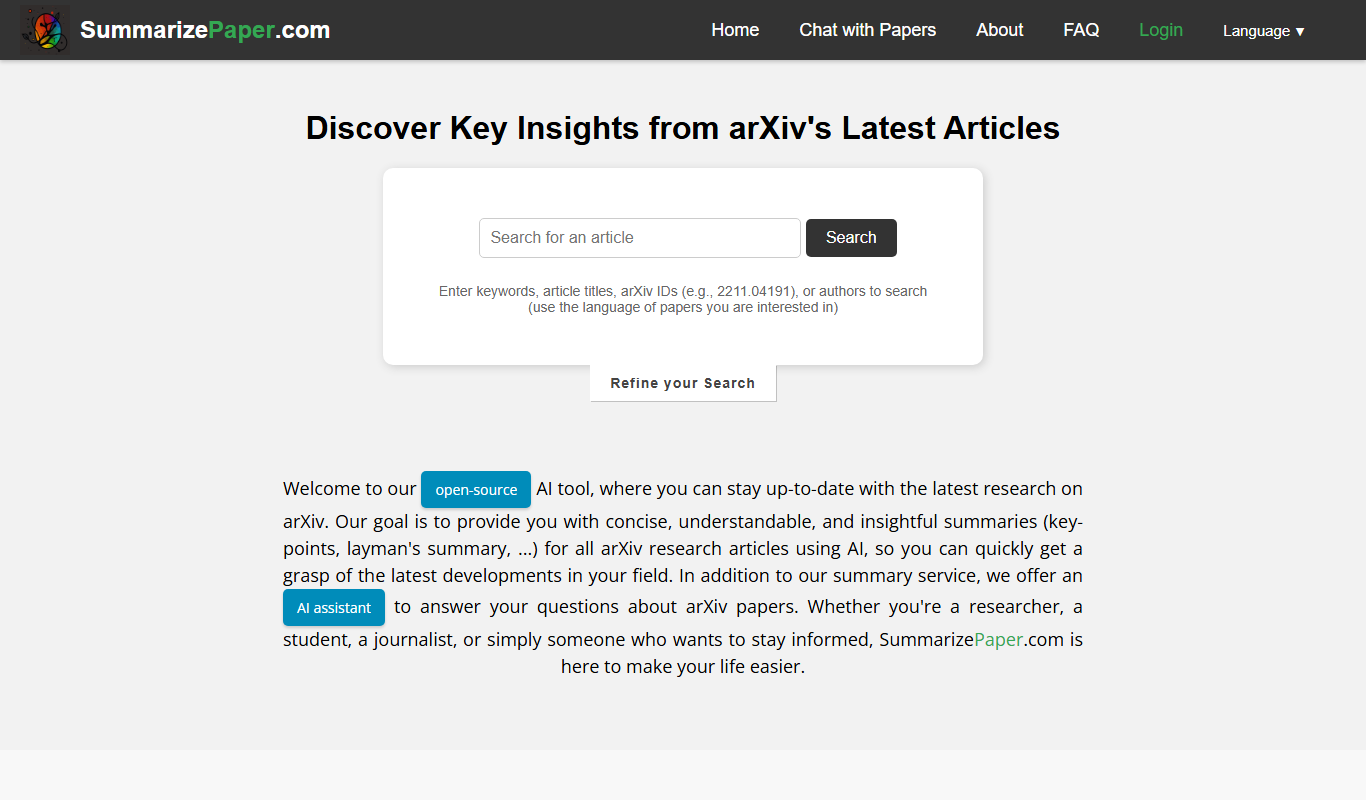
SummarizePaper is an AI-driven web tool that generates clear, concise summaries of academic papers to help users quickly understand research content.
Summarize-Youtube Video Summarizer
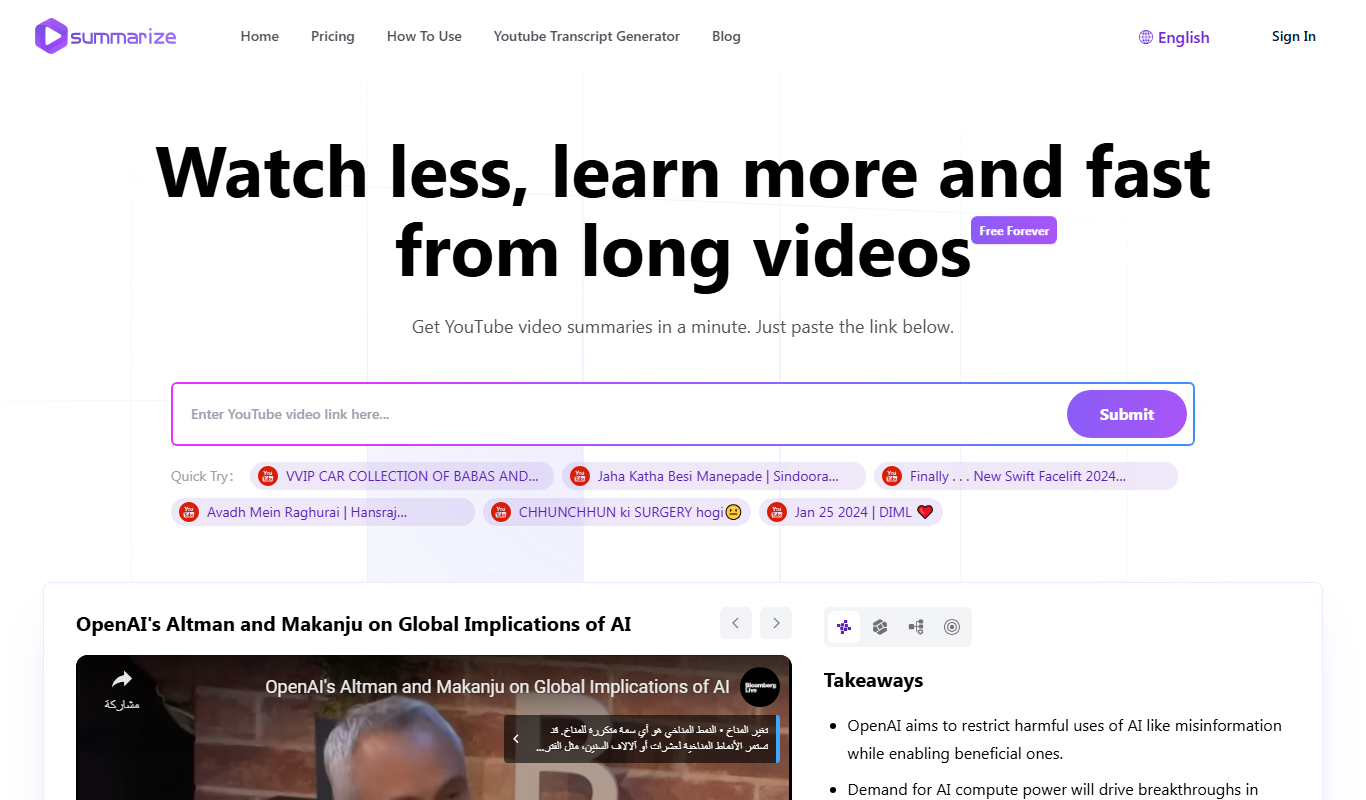
Summarize YouTube Video Summarizer is a web tool that uses AI to extract and condense YouTube video transcripts into brief summaries, helping users quickly understand video content without watching the full length.

Notamify
Notamify is an AI-powered tool that automatically transcribes and summarizes virtual meetings, extracting key points and action items to improve team productivity.

Samurai
Samurai AI is an AI writing assistant designed to help marketers and content creators generate SEO-optimized marketing content, blog posts, and product descriptions efficiently through an easy-to-use web platform.