

Free AI Article Summarizer Tool for Quick and Accurate Text Summaries
Free AI Article Summarizer is a free tool that works without registration, supports 80+ languages and accepts file uploads up to 30MB.
- Best for
- Quick Article Summaries
- Key capability
- Free to Use
Save Free AI Article Summarizer, follow its updates and vote on it — everything stays in your account.
Sign in or create a free account
What is Free AI Article Summarizer?
Free AI Article Summarizer is a web-based tool that uses artificial intelligence to condense lengthy articles or texts into brief, coherent summaries. It helps users quickly understand the main points without reading the entire content.
Key features of Free AI Article Summarizer
The tool is free without registration, supports 80+ languages and accepts file uploads up to 30MB.
Free to Use
No cost or signup required to access summarization features.
URL and Text Input
Supports summarizing content from both direct text input and web URLs.
Instant Results
Generates summaries quickly to save users’ time.
Clean, Minimal Interface
User-friendly design focused on simplicity and ease of use.
PDF, DOCX, TXT, PPTX, EPUB and FB2
Accepts PDF, DOCX, TXT, PPTX, EPUB and FB2 files up to 30MB.
Summary Options and AI Chat
Produces three summary formats (paragraph, key points, key quotes) and includes an AI chat.
Pros and cons of Free AI Article Summarizer
Pros
- Completely free with no signup
- Simple and fast to use
- Supports both URL and text input
Cons
- No advanced customization options
- May struggle with very long or complex texts
Key use cases for Free AI Article Summarizer
Quick Article Summaries
Generate concise summaries of long articles to save reading time.
Research Assistance
Extract key points from research papers or reports efficiently.
Content Review
Review large volumes of text by focusing on summarized content.
Study Aid
Help students grasp main ideas from textbooks or study materials.
How Free AI Article Summarizer works
- 1
Input Text or URL
Paste the article text or enter the URL of the article you want summarized.
- 2
Process with AI
The AI analyzes the content to identify key points and condense information.
- 3
Receive Summary
Get a concise summary displayed instantly for quick reading or copying.
Who is using Free AI Article Summarizer
Free AI Article Summarizer pricing
Free
$0
Unlimited access to article summarization without any fees.
Plans and prices are as published by the vendor and can change. Check the official site before you buy. Open the pricing page (opens in a new tab)
Frequently asked questions about Free AI Article Summarizer
There is no length limit on the text itself; books, reports and other PDFs can be uploaded up to a maximum file size of 30 MB.
No, the Free AI Article Summarizer does not require any registration.
More than 80 languages are supported, and the interface itself is offered in 14 languages.
It depends on your specific needs and how you plan to use the tool. The official website and documentation are the best sources for the latest details.
Some tools offer a free plan or trial with limited features. Availability can vary, so confirm on the official website.
Yes, it can help with that use case depending on how you configure it and what features are available. You’ll get the best results with clear inputs and a defined goal.
Conclusion
Summarizing works from direct text input or from the web URL of an article. Uploads can be PDF, DOCX, TXT, PPTX, EPUB or FB2 files up to 30MB. Output comes in three summary formats, a paragraph, key points or key quotes, and an AI chat is included. More than 80 languages are supported, and the interface itself is offered in 14 languages.
No cost or signup is required. The summaries target students, researchers reviewing multiple papers and busy professionals seeking quick insights. Extracting key points from research papers or reports is another listed use.
Sources
Sign in to review this tool.
Sign In to ReviewNo reviews yet
Be the first to share how this tool worked for you.
Ask about pricing, limits, or how it compares — or answer someone else.
Sign In to AskNo questions yet
Have a question about using or paying for this tool? Be the first to ask.
Featured on TiorAI



More AI Article Summarizer tools
Other tools in the same category, for when this one is not quite the fit.

Chapterize
Chapterize.ai summarizes any book, video, paper or article with AI and gets you to the key message in minutes.
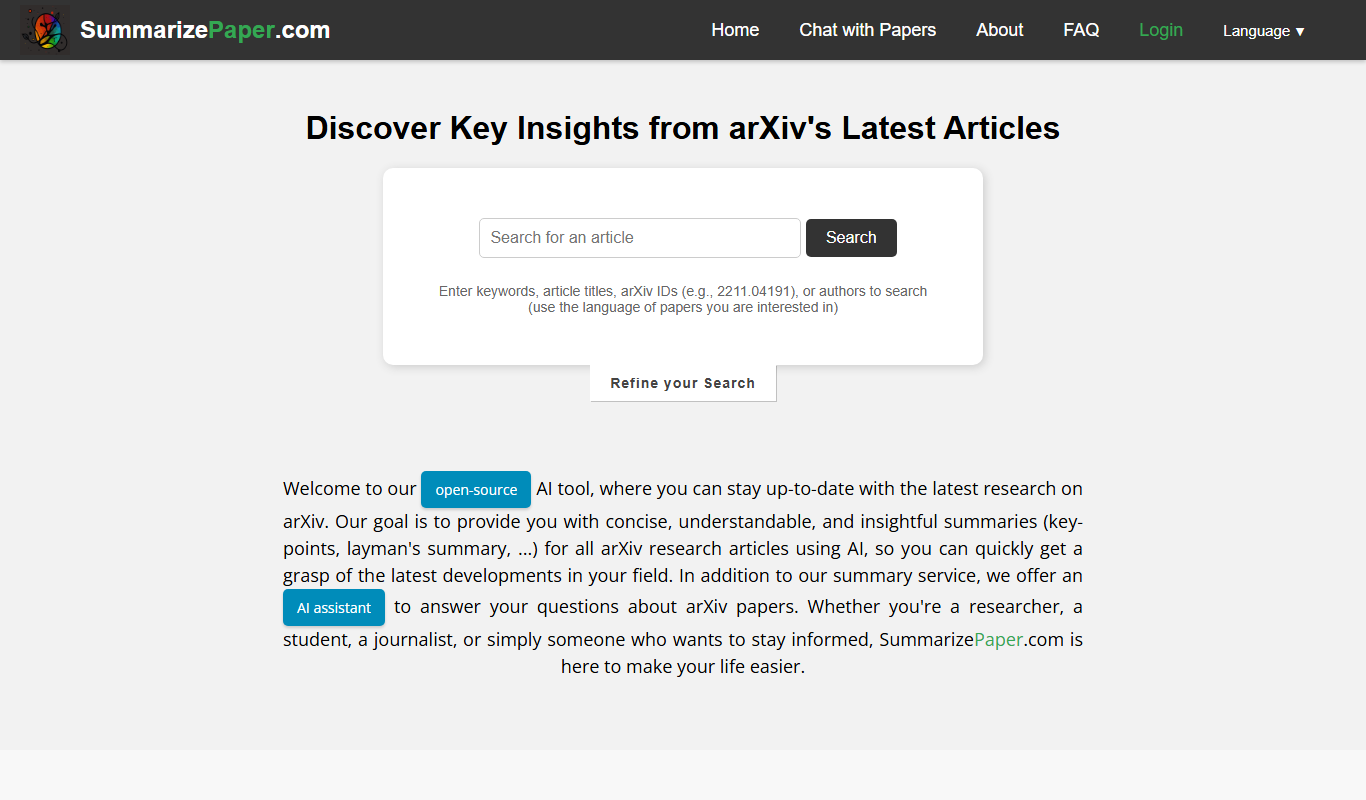
SummarizePaper
SummarizePaper is a free, open-source AI tool that summarizes scientific papers from arXiv and answers questions about them through a virtual assistant.
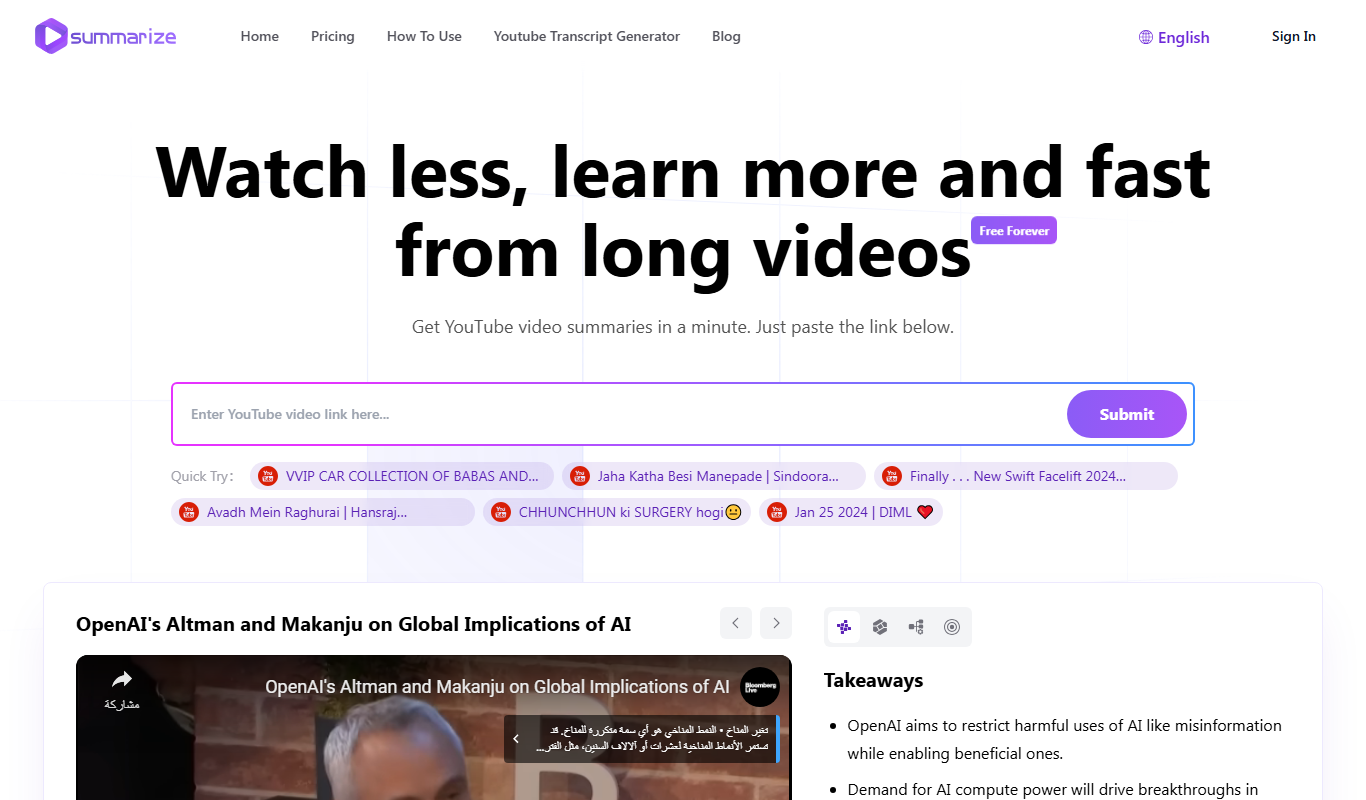
Summarize.ing
Summarize.ing provides instant, AI-powered summaries of YouTube videos, with highlights, mind maps and segmented summaries.

Notamify
Notamify transforms complex NOTAMs into clear, actionable briefings tailored to your flights, delivered in seconds and by email.
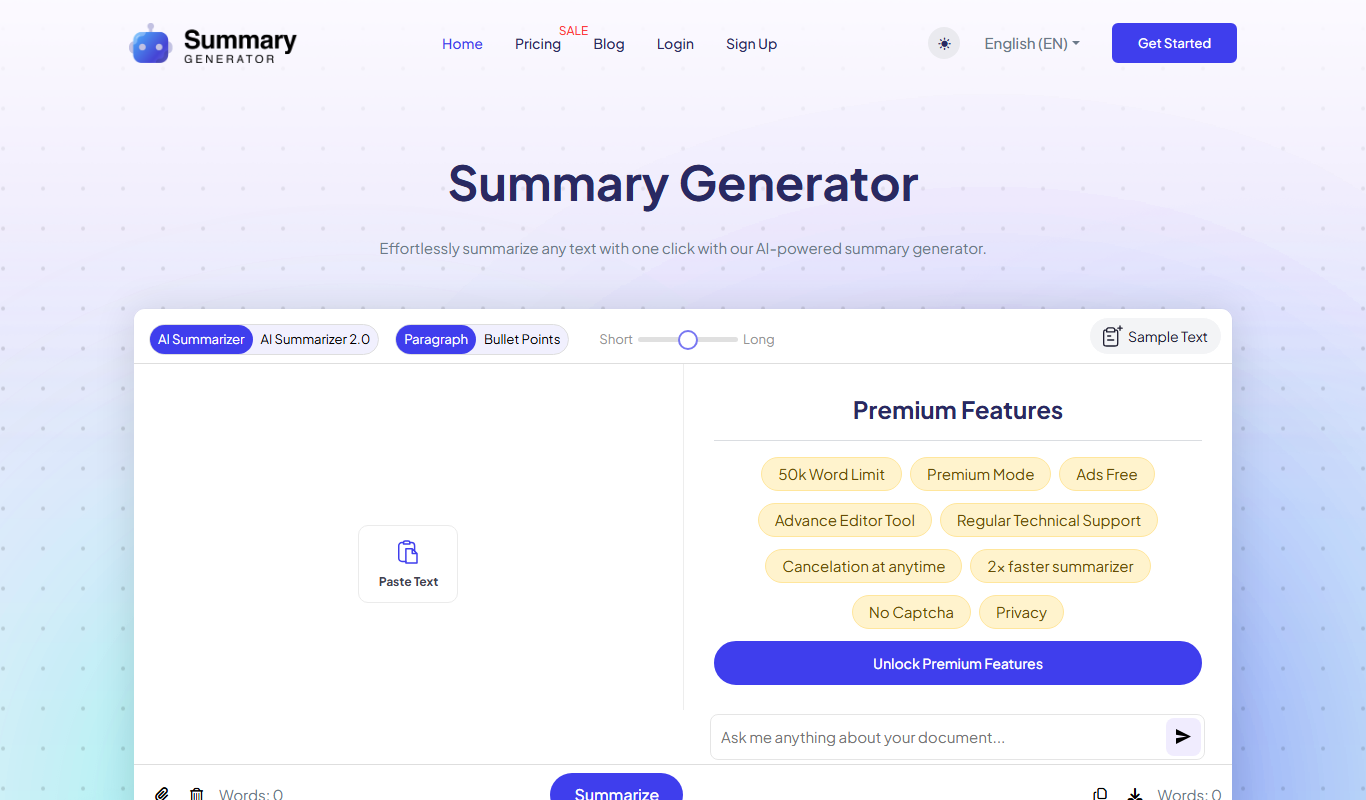
AI Summary Generator
AI Summary Generator is an online AI summarizer for pasted text and Doc or PDF files, with adjustable summary length, paragraph or bullet point output, a free plan and paid plans.

Too long; didn’t watch AI
TL;DW AI summarizes local video files and online videos into concise, easy to digest content.

tl;dr AI Summarizer
tl;dr AI Summarizer is an AI-driven tool that condenses lengthy text into brief, clear summaries to save reading time and improve comprehension.
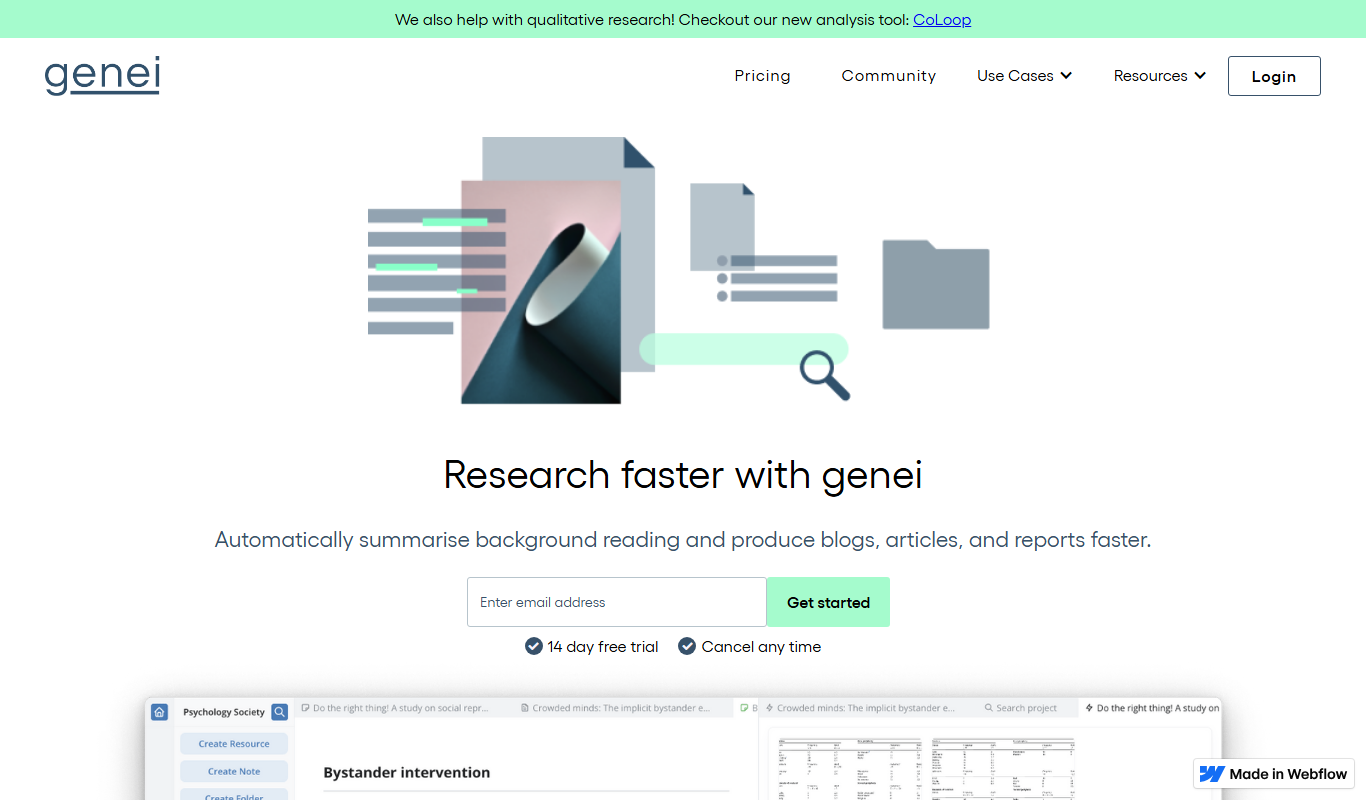
Genei
Genei is an AI-driven research summarization tool that quickly condenses lengthy documents into concise summaries, helping users save time and extract key insights efficiently.