

STAAD.Pro Structural Analysis Software for Civil Engineering Projects
STAAD.Pro is a structural analysis and design software by Bentley Systems used by civil engineers to model, analyze, and design buildings and infrastructure according to international codes.
- Best for
- Structural Analysis
- Key capability
- Multi-Code Design Support
Save STAAD.Pro, follow its updates and vote on it — everything stays in your account.
Sign in or create a free account
What is STAAD.Pro?
STAAD.Pro is a comprehensive structural analysis and design software developed by Bentley Systems. It enables civil and structural engineers to model, analyze, and design a wide range of structures including buildings, bridges, towers, and industrial facilities. The software supports multiple international design codes and provides advanced finite element analysis capabilities to ensure safety, compliance, and efficiency in engineering projects.
Key features of STAAD.Pro
STAAD.Pro offers advanced 3D modeling, multi-material support, dynamic analysis, automated design checks, and integration with other Bentley applications. It supports various load types and combinations, enabling engineers to simulate real-world conditions accurately.
Multi-Code Design Support
Supports over 90 international design codes for steel, concrete, timber, and aluminum structures.
Advanced Finite Element Analysis
Includes linear, nonlinear, buckling, and dynamic analysis capabilities.
Integrated BIM Workflow
Seamlessly integrates with Bentley’s BIM applications for enhanced project collaboration.
Automated Load Generation
Automatically generates wind, seismic, and moving loads based on regional standards.
Customizable Reporting
Flexible report templates to tailor output for different stakeholders.
Pros and cons of STAAD.Pro
Pros
- Comprehensive multi-code design support
- Robust finite element analysis capabilities
- Strong integration with BIM workflows
- Automated load generation saves time
- Detailed and customizable reporting
Cons
- Steep learning curve for beginners
- Primarily Windows-based with limited Mac support
- Pricing details require direct contact
Key use cases for STAAD.Pro
Structural Analysis
Perform comprehensive structural analysis for buildings, bridges, towers, and other infrastructure using finite element methods.
Design Code Compliance
Design structures in compliance with international codes and standards including AISC, Eurocode, IS, and others.
3D Modeling and Visualization
Create detailed 3D models of structural systems and visualize load effects and design outcomes.
Seismic and Wind Load Analysis
Analyze structures for seismic and wind loads to ensure safety and performance under dynamic conditions.
Bridge and Infrastructure Design
Specialized tools for bridge design and analysis, including cable-stayed and suspension bridges.
How STAAD.Pro works
- 1
Model Creation
Users create a detailed 3D structural model by defining geometry, materials, and member properties.
- 2
Load Application
Apply various loads such as dead, live, wind, seismic, and temperature loads according to project requirements.
- 3
Analysis Execution
Run finite element analysis to calculate stresses, displacements, and internal forces within the structure.
- 4
Design Verification
Check the structure against applicable design codes and standards to ensure compliance.
- 5
Report Generation
Generate detailed analysis and design reports for documentation and client communication.
Who is using STAAD.Pro
STAAD.Pro pricing
Annual license
From about $3,210/year
Sold online on Virtuosity.
Enterprise Licensing
Contact Bentley for pricing
Custom licensing options for large organizations with volume discounts.
Plans and prices are as published by the vendor and can change. Check the official site before you buy. Open the pricing page (opens in a new tab)
Frequently asked questions about STAAD.Pro
STAAD.Pro can analyze buildings, bridges, towers, industrial structures, and more.
Yes, it supports over 90 international codes including AISC, Eurocode, IS, and others.
Yes, it integrates with Bentley’s BIM applications for streamlined workflows.
STAAD.Pro primarily runs on Windows desktop and offers cloud-based services.
This tool is designed to help users accomplish its core tasks more efficiently. It is typically used by individuals or teams looking to improve productivity and workflow.
Yes, it can help with that use case depending on how you configure it and what features are available. You’ll get the best results with clear inputs and a defined goal.
Integration support depends on the tool and its available connectors or API. Check the official documentation or integrations page to confirm what is supported.
Yes, it can help with that use case depending on how you configure it and what features are available. You’ll get the best results with clear inputs and a defined goal.
Conclusion
Every analysis begins with a 3D structural model defined by geometry, materials and member properties, and loads such as wind and seismic are then applied. Finite element analysis then calculates stresses, displacements and internal forces within the structure. Design checks draw on over 90 international codes, including AISC, Eurocode and IS. Wind, seismic and moving loads can also be generated automatically based on regional standards.
Developed by Bentley Systems, it integrates with Bentley’s BIM applications and serves structural engineers, civil engineering firms and infrastructure designers. A license is sold online on Virtuosity, starting from about $3,210 per year.
Sources
Sign in to review this tool.
Sign In to ReviewNo reviews yet
Be the first to share how this tool worked for you.
Ask about pricing, limits, or how it compares — or answer someone else.
Sign In to AskNo questions yet
Have a question about using or paying for this tool? Be the first to ask.
Featured on TiorAI



Alternative Tools
Explore similar AI tools that might fit your needs
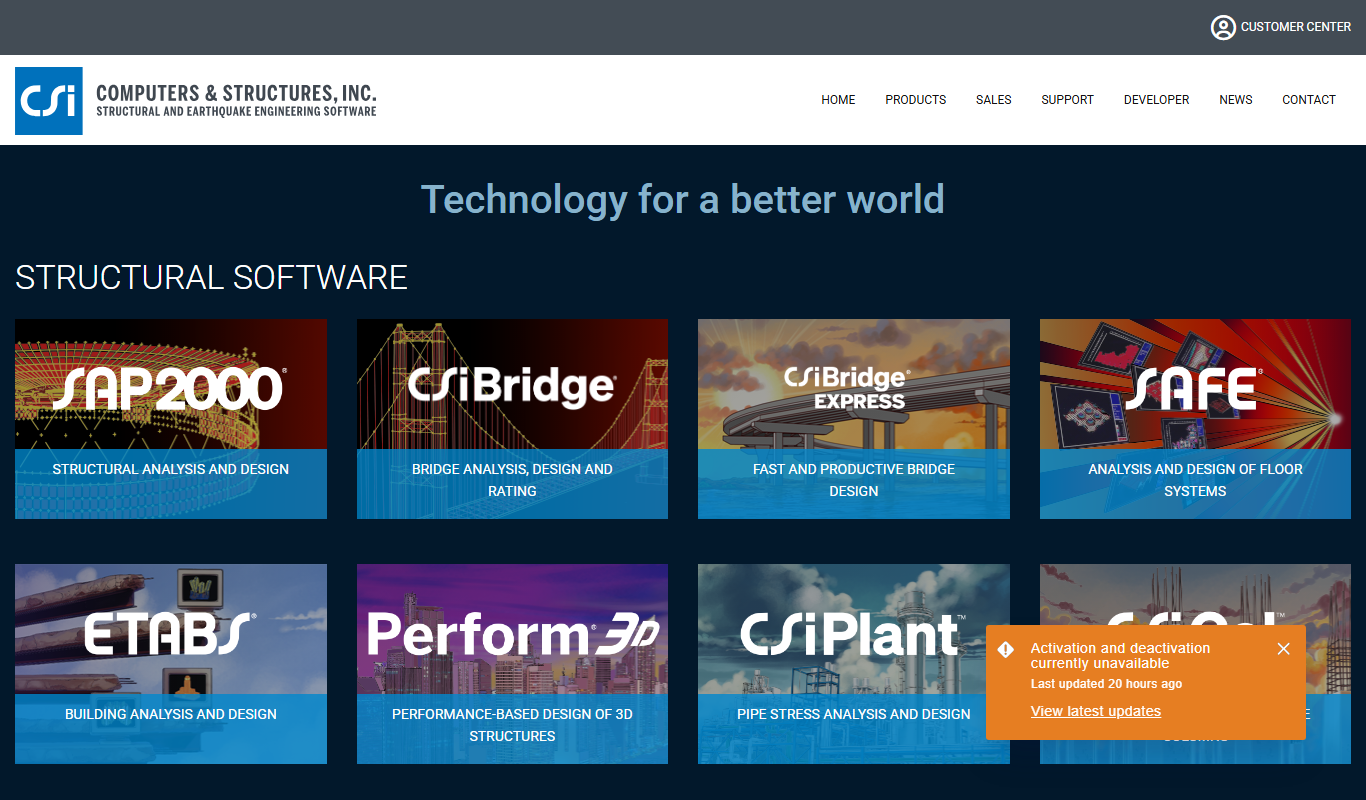
ETABS
ETABS is a specialized structural analysis and design software used by engineers to model, analyze, and design building structures with advanced seismic and wind analysis capabilities.
More AI Developer Tools tools
Other tools in the same category, for when this one is not quite the fit.

Fiorino.AI
Fiorino.AI is an open-source tool that helps SaaS owners track per-user LLM usage and costs, set pricing tiers and automate usage-based billing.

NeoBase
NeoBase is an open-source AI copilot for databases: connect PostgreSQL, MySQL, MongoDB and more, and query and analyze your data in natural language.

Amadeus Travel API
Amadeus Travel API is a developer platform offering RESTful APIs to access global flight, hotel, and travel data for building travel booking and itinerary management applications.

Zyte
Zyte is a web scraping platform that enables businesses and developers to extract structured data from websites using smart crawlers, proxy rotation, and API integration to automate data collection at scale.

UnoCSS
UnoCSS is an open-source, utility-first atomic CSS engine that generates CSS on-demand based on the classes used in your code, optimizing performance by minimizing CSS bundle size.

CockroachDB
CockroachDB is a distributed SQL database designed for cloud-native applications that require strong consistency, high availability, and horizontal scalability across multiple regions.

JSON Editor Online
JSON Editor Online is a free web tool that allows users to view, edit, format, validate, and compare JSON data easily without installation or signup.
Snipe-IT
Snipe-IT is an open source IT asset management tool that helps organizations track hardware assets, software licenses, and manage inventory through a web-based platform with self-hosted and cloud options.