

From my experience with Spectate, I found it excels at delivering real-time, low-latency streaming that truly enhances the multiplayer spectating experience. The platform’s web-based access makes it easy to jump into live games without any setup, and the developer API opens up exciting possibilities for game creators to embed spectating directly into their titles. However, the platform currently supports a limited selection of games and lacks a dedicated mobile app, which could restrict accessibility for some users. Overall, if you want a seamless way to watch multiplayer games live or integrate spectating into your game, Spectate offers a solid, free solution.
Spectate Game Streaming Platform for Real-Time Multiplayer Viewing
Spectate is a free web-based platform that enables real-time, low-latency streaming of multiplayer games, allowing users to watch live matches and developers to integrate spectating features via API.
- Best for
- Real-Time Multiplayer Spectating
- Key capability
- Low-Latency Streaming
Do you recommend this tool?
What is Spectate?
Spectate is a web-based platform designed to provide real-time, low-latency streaming of multiplayer games. It allows users to watch live gameplay as it happens, offering an immersive spectator experience. The platform is also geared towards game developers who want to integrate live spectating capabilities into their games through an API.
Key features of Spectate
Spectate offers real-time game streaming with minimal latency, an easy-to-use web interface, and developer-friendly APIs for embedding spectating features. It supports multiple multiplayer games and focuses on enhancing community engagement and esports broadcasting.
Low-Latency Streaming
Delivers near real-time game streams to viewers, reducing delay between gameplay and viewing.
Web-Based Interface
Accessible through any modern web browser without the need for additional software.
Developer API
Provides tools for game developers to integrate spectating capabilities into their own games.
Multiplayer Game Support
Supports a variety of multiplayer games, enhancing the spectator experience.
Pros and cons of Spectate
Pros
- Real-time low-latency streaming enhances spectator experience
- Easy web access without installation
- Developer-friendly API for integration
- Free to use with no hidden costs
Cons
- Limited to supported multiplayer games
- No dedicated mobile app currently available
Key use cases for Spectate
Real-Time Multiplayer Spectating
Allows users to watch live multiplayer games in real time without latency issues.
Game Developer Integration
Enables game developers to embed live spectating features directly into their games via API.
Community Engagement
Facilitates community building by allowing players and fans to watch matches and interact.
Esports Broadcasting
Supports esports events by providing a platform for live game viewing with minimal delay.
How Spectate works
- 1
Access the Platform
Users visit the Spectate website to browse and select live games to watch.
- 2
Select a Game or Match
Choose from available multiplayer games or ongoing matches to spectate in real time.
- 3
Watch Live Gameplay
Stream the game with minimal latency, experiencing the action as it unfolds.
- 4
Developers Integrate API
Game developers use Spectate’s API to embed live spectating features directly into their games.
Who is using Spectate
Multiplayer game players
Game developers
Esports organizers
Gaming communities
Content creators focusing on game streaming
Spectate pricing
Free
$0
Access to all spectating features and API usage with no cost.
Plans and prices are as published by the vendor and can change. Check the official site before you buy. Open the pricing page (opens in a new tab)
Frequently asked questions about Spectate
Yes, Spectate offers free access to its game streaming platform and API.
Yes, Spectate provides an API for developers to embed live spectating features.
Spectate is accessible via web browsers and offers an API for integration.
Spectate supports multiple popular multiplayer games, with ongoing expansion.
It depends on your specific needs and how you plan to use the tool. The official website and documentation are the best sources for the latest details.
Yes, it can help with that use case depending on how you configure it and what features are available. You’ll get the best results with clear inputs and a defined goal.
It depends on your specific needs and how you plan to use the tool. The official website and documentation are the best sources for the latest details.
Integration support depends on the tool and its available connectors or API. Check the official documentation or integrations page to confirm what is supported.
Sign in to review this tool.
Sign In to ReviewNo reviews yet
Be the first to share how this tool worked for you.
Ask about pricing, limits, or how it compares — or answer someone else.
Sign In to AskNo questions yet
Have a question about using or paying for this tool? Be the first to ask.
Featured on TiorAI



Alternative Tools
Explore similar AI tools that might fit your needs

Free
Twitch
Twitch is a live streaming platform focused on gaming and creative content, allowing users to broadcast and watch live video with interactive chat and monetization options.

Free
Streamlabs
Streamlabs is a live streaming software that enables gamers and content creators to broadcast live video and audio with customizable overlays, alerts, and multi-platform support.

Free
Parsec
Parsec is a remote desktop application that enables low-latency streaming of games and desktops from a powerful host PC to any device, supporting multi-user collaboration and secure connections.
More AI Live Streaming Tools tools
Other tools in the same category, for when this one is not quite the fit.
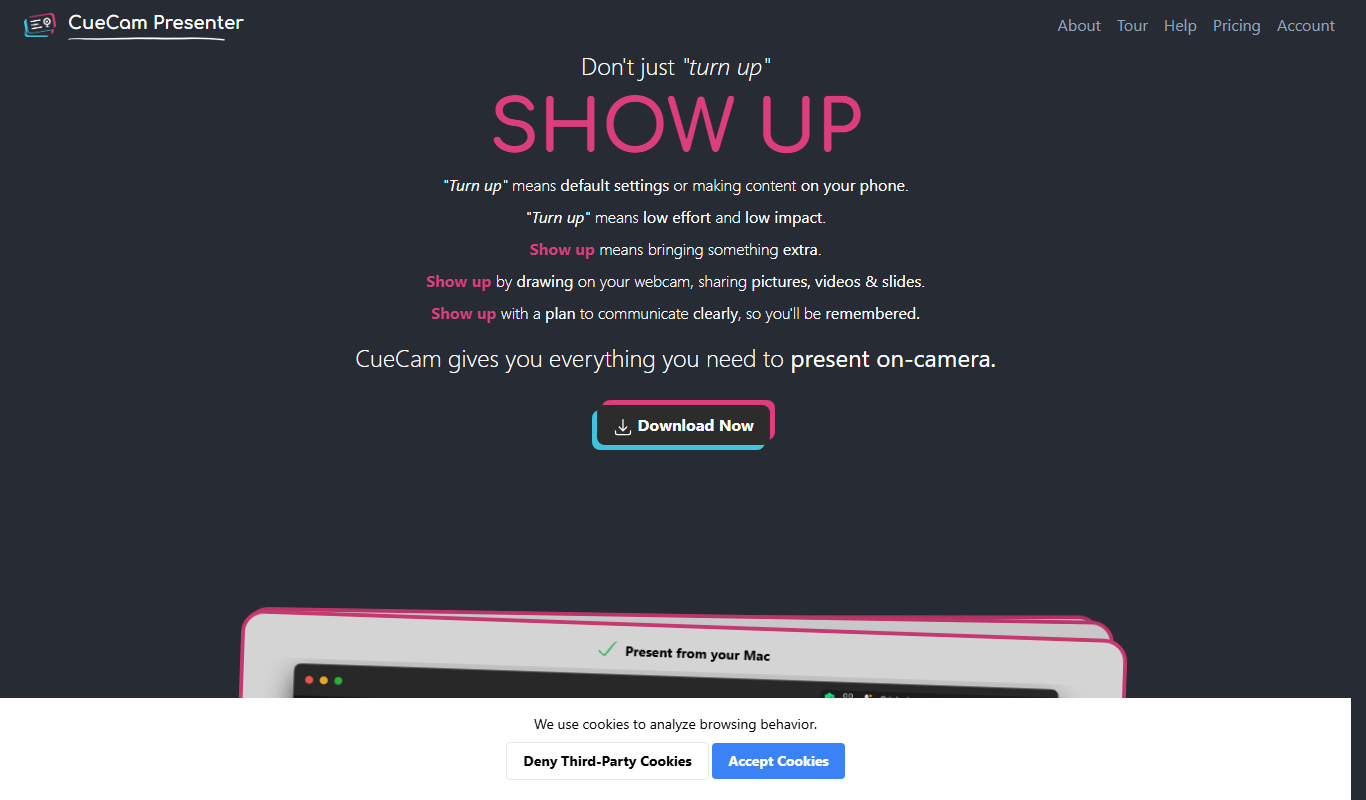
Free Trial
CueCam Presenter
CueCam Presenter is a wireless camera app that streams HD video from iOS devices to Mac computers over Wi-Fi, ideal for live streaming and presentations without cables.

Free
EarlyBird
EarlyBird is a live streaming platform that allows creators to broadcast live video, engage audiences with chat and reactions, and monetize content across web and mobile devices.
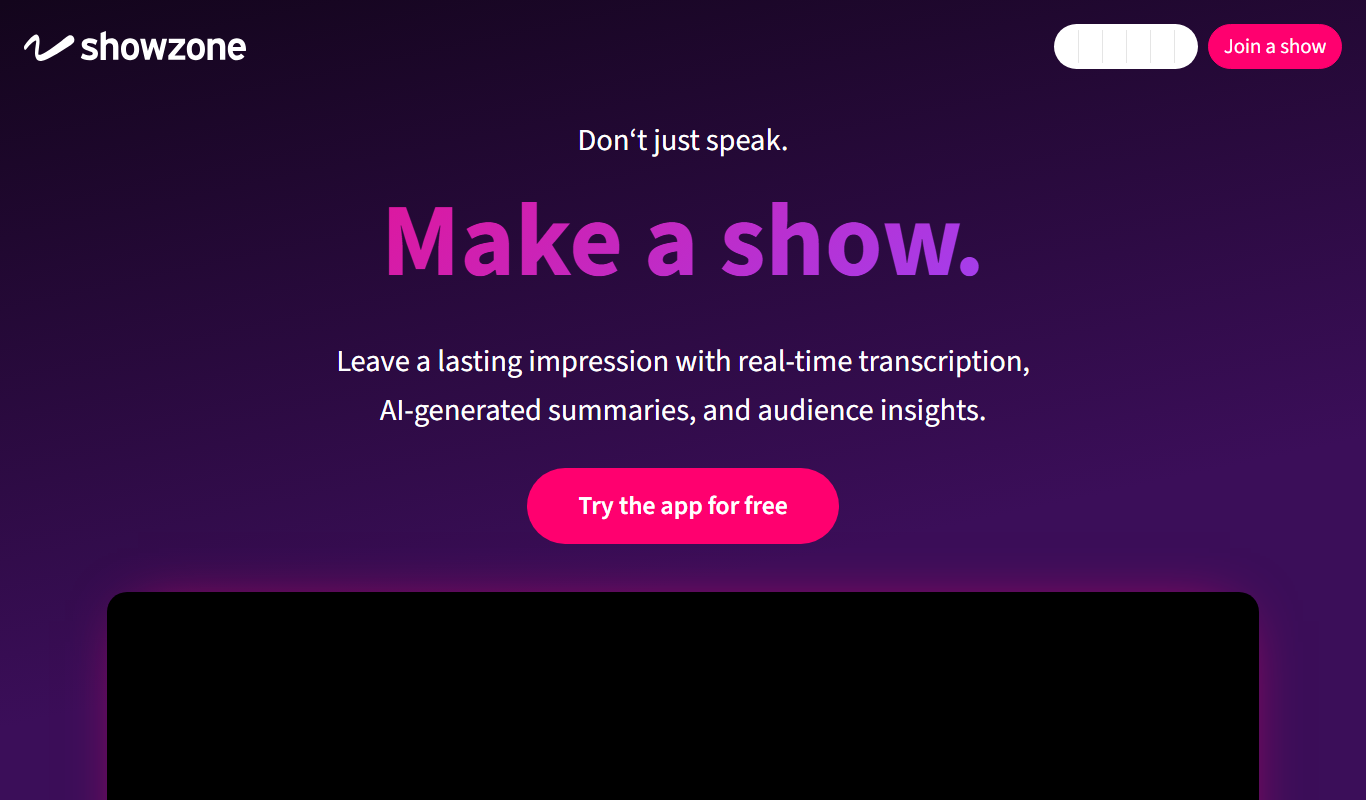
Free
Showzone
Showzone is an interactive live streaming platform that allows creators to engage their audiences through real-time chat, polls, and subscription monetization across web and mobile devices.

Free
Kick
Kick is a live streaming platform designed for gamers and content creators, offering low latency streaming and competitive revenue sharing to help streamers monetize their content effectively.
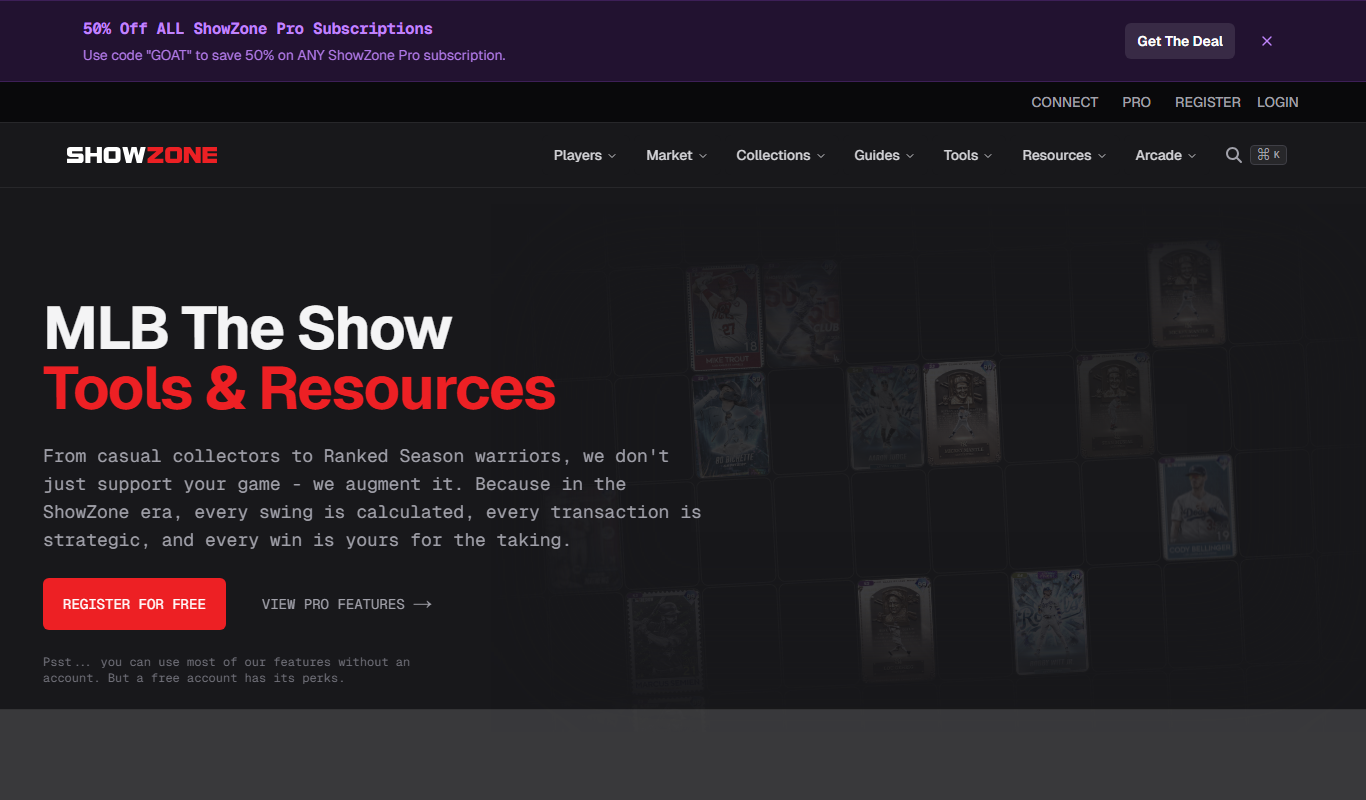
Free
showzone.gg
Showzone.gg is a free web-based platform for live streaming gameplay, engaging with gaming communities, and hosting esports events.
Free
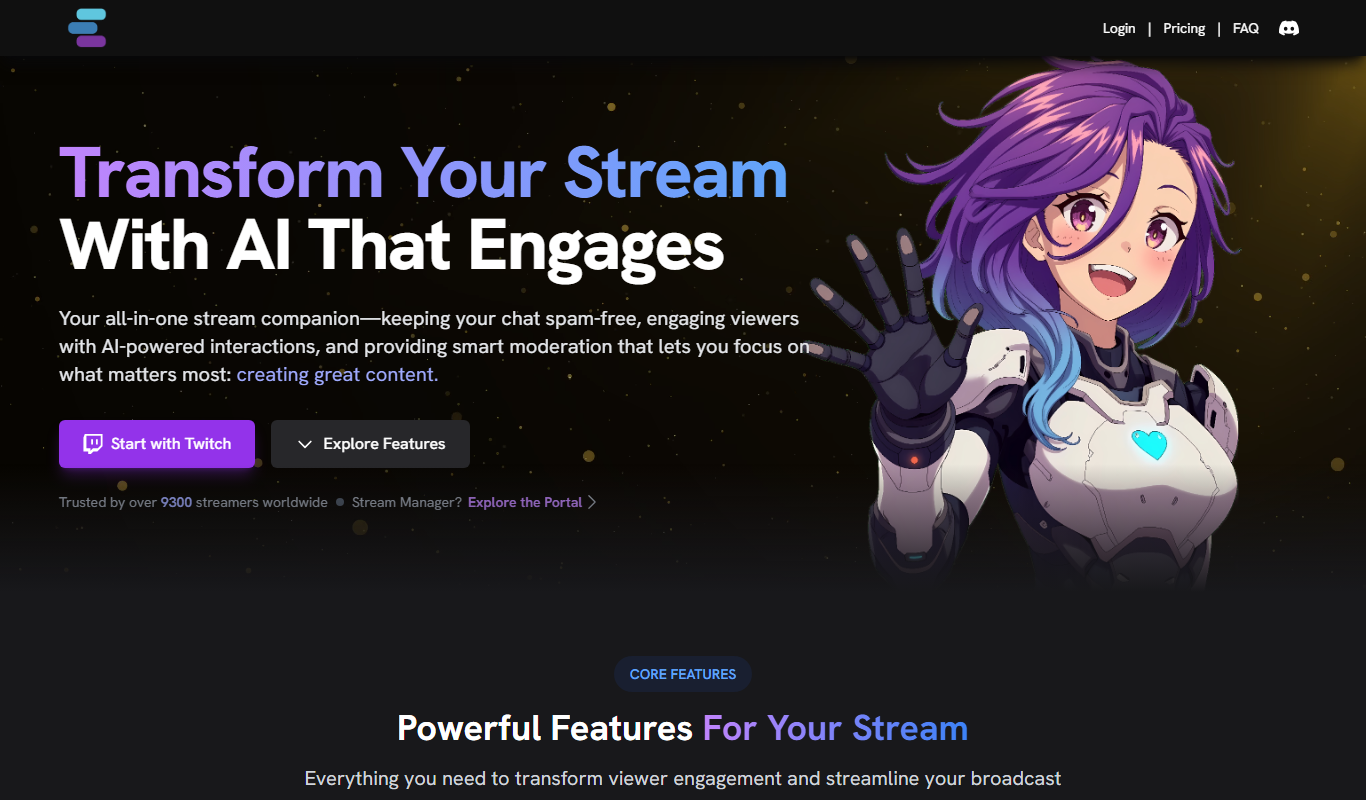
Stream Chat A.I.
Stream Chat A.I. is an AI-driven tool for Twitch that automates chat moderation and viewer engagement through customizable chatbots and spam filtering.

Free Trial
VMagic
VMagic Studio is a Windows application that enables real-time animation of 3D virtual avatars using VR controllers, keyboard/mouse, and webcam facial tracking, primarily used by VTubers and streamers.

Contact for pricing
Thundr
Thundr is a web-based interactive live streaming platform that enables creators and brands to engage audiences with real-time polls, quizzes, and chat during live broadcasts.