

Parsec Remote Desktop Software for Low-Latency Gaming and Collaboration
Parsec is a remote desktop application that enables low-latency streaming of games and desktops from a powerful host PC to any device, supporting multi-user collaboration and secure connections.
- Best for
- Cloud Gaming
- Key capability
- Ultra-Low Latency Streaming
Save Parsec, follow its updates and vote on it — everything stays in your account.
Sign in or create a free account
What is Parsec?
Parsec is a remote desktop and streaming software designed to provide ultra-low latency connections for gaming, creative work, and professional collaboration. It enables users to stream their desktop or applications from a powerful host machine to any device, allowing seamless remote access with minimal lag. Originally popularized for cloud gaming, Parsec has expanded to support various remote work and collaboration scenarios.
Key features of Parsec
Parsec offers high-performance remote desktop streaming with low latency, multi-user collaboration, cross-platform support, and secure connections. Its technology leverages WebRTC and custom protocols to optimize video and input streaming for smooth real-time interaction.
Ultra-Low Latency Streaming
Optimized protocols deliver near real-time responsiveness for gaming and interactive tasks.
Multi-User Sessions
Supports multiple users connecting simultaneously for collaborative workflows.
Cross-Platform Support
Available on Windows, macOS, Linux, Android, and iOS devices.
High-Quality Video and Audio
Streams up to 60 FPS with 4K resolution support and clear audio.
Secure Connections
End-to-end encryption ensures privacy and data security during remote sessions.
Pros and cons of Parsec
Pros
- Extremely low latency streaming ideal for gaming and interactive tasks
- Cross-platform compatibility including mobile devices
- Supports multi-user collaboration sessions
- High-quality video and audio streaming
- Secure and encrypted connections
Cons
- Requires a powerful host PC for best performance
- Dependent on stable and fast internet connections
Key use cases for Parsec
Cloud Gaming
Stream high-performance games from a remote PC to any device with minimal latency.
Remote Work Collaboration
Enable teams to remotely access powerful workstations for software development, design, and other tasks.
Creative Collaboration
Allow multiple users to connect and collaborate on creative projects like video editing and 3D rendering.
Software Testing and Development
Developers can remotely access test environments and powerful hardware for coding and debugging.
Virtual Desktop Access
Access your desktop and applications securely from anywhere with high responsiveness.
How Parsec works
- 1
Install Parsec
Download and install the Parsec client on both the host (remote PC) and client devices.
- 2
Create an Account
Sign up for a Parsec account to manage your connections and settings.
- 3
Host Setup
Configure your host machine to allow remote connections and optimize streaming settings.
- 4
Connect Remotely
Use the client app to connect to your host PC and start streaming your desktop or applications.
- 5
Collaborate or Play
Invite others to join your session for multiplayer gaming or collaborative work.
Who is using Parsec
Parsec pricing
Free
$0/month
Basic remote access with standard features suitable for personal use.
Warp
$9.99/month ($8.33 annual)
Individual plan with multi-monitor displays, 4:4:4 color mode, virtual monitors, privacy mode and Wacom tablet support with pressure and tilt.
Teams
$35/user/month ($30 annual)
Adds secure access to team computers, SAML single sign-on, granular permissions, team computer management and 7-day audit logs.
Plans and prices are as published by the vendor and can change. Check the official site before you buy. Open the pricing page (opens in a new tab)
Frequently asked questions about Parsec
Yes, Parsec streams the game from a powerful host PC, so your client device only needs to handle video decoding.
Parsec uses end-to-end encryption and secure protocols to protect your data during remote sessions.
A stable broadband connection with at least 10 Mbps upload and download speeds is recommended for optimal performance.
Yes, Parsec supports multi-user sessions for collaborative work or multiplayer gaming.
It depends on your specific needs and how you plan to use the tool. The official website and documentation are the best sources for the latest details.
This tool is designed to help users accomplish its core tasks more efficiently. It is typically used by individuals or teams looking to improve productivity and workflow.
Yes, it can help with that use case depending on how you configure it and what features are available. You’ll get the best results with clear inputs and a defined goal.
Some tools offer a free plan or trial with limited features. Availability can vary, so confirm on the official website.
Conclusion
The client is installed on both the host PC and the devices that connect to it, and the host is configured to allow remote connections. From the client app, users stream the host’s desktop or applications and can invite others into the session for multiplayer gaming or collaborative work. Because the game runs on the host, the client device only needs to handle video decoding.
Originally popularized for cloud gaming, it has expanded into remote work, where teams access powerful workstations for software development and design. A powerful host PC and a stable connection are listed as requirements, with broadband of at least 10 Mbps upload and download recommended. Beyond the free plan, Warp costs $9.99 a month and Teams $35 per user a month.
Sources
Sign in to review this tool.
Sign In to ReviewNo reviews yet
Be the first to share how this tool worked for you.
Ask about pricing, limits, or how it compares — or answer someone else.
Sign In to AskNo questions yet
Have a question about using or paying for this tool? Be the first to ask.
Featured on TiorAI



Alternative Tools
Explore similar AI tools that might fit your needs

Shadow
Shadow PC is a full Windows PC in the cloud that brings the power of a gaming PC to your devices to play, create, work and install anything you want.
More Business Management tools
Other tools in the same category, for when this one is not quite the fit.

TwinMind
TwinMind is an AI second brain that transcribes and summarizes your day, organizes it into memory and powers any AI with the context of your life.

Wren AI Cloud
Wren AI is one governed data agent for people and AI agents: ask your data in plain language with the GenBI agent, or call it from Claude, ChatGPT or your own agents over MCP.
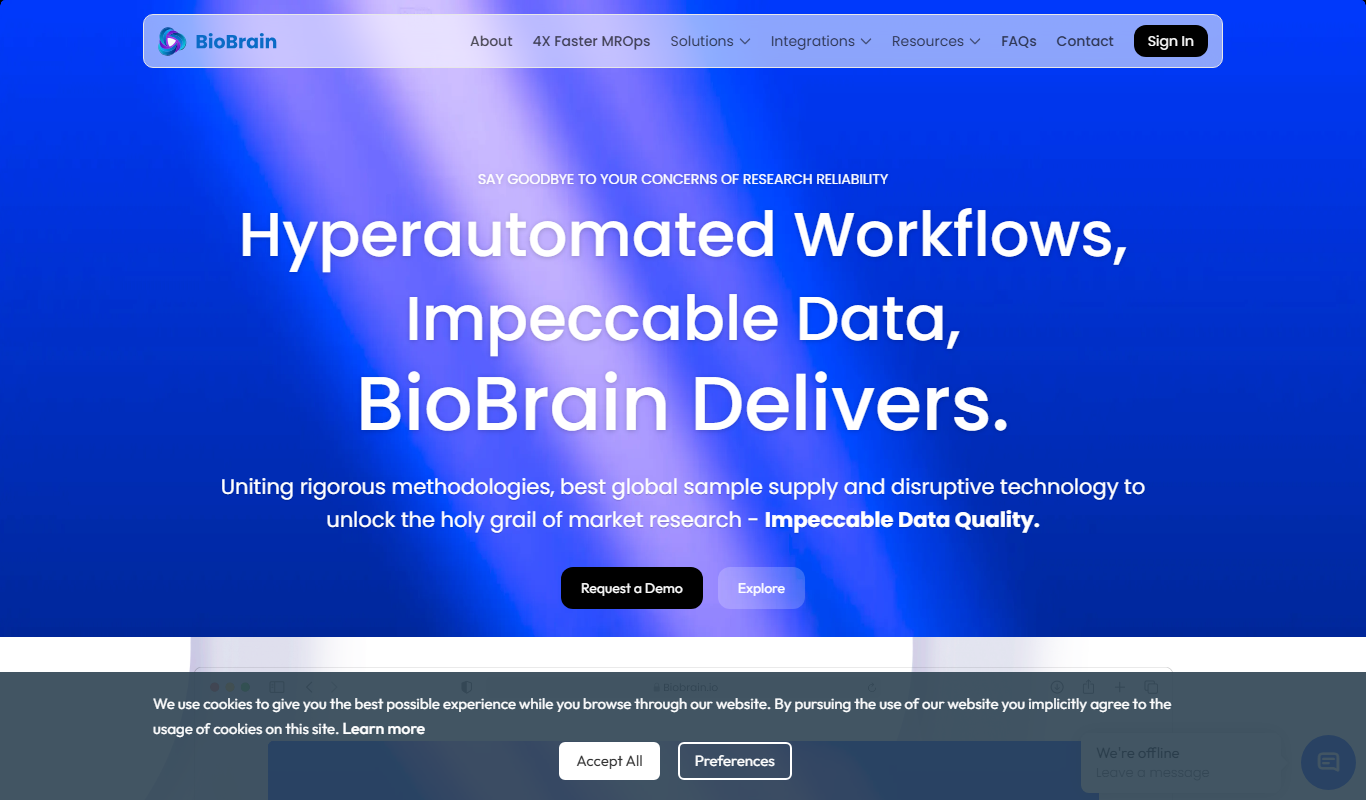
BioBrain Insights MROps Platform
BioBrain Insights unifies all of market research operations in one platform powered by AI and automation, from automated survey programming to boardroom reports.

Justmatch
Justmatch is an AI-driven platform that provides personalized job matching, resume optimization, and career insights to help job seekers find relevant opportunities and grow professionally.

Storytide.io – Corporate Influencing
Storytide is a LinkedIn content workflow platform with strategy, writing with AI support, structured processes and analytics for ghostwriters, communications teams and corporate influencer programs.

TIL bot for Slack
TIL bot for Slack is an AI assistant that gets insights from conversations, summarizes threads, finds action items, sets one time and recurring reminders and gets answers with AI.

VenueLog
VenueLog is restaurant management software that connects POS, rostering and accounting systems for automated reporting, real-time insights and AI-powered tools.

Fiorino.AI
Fiorino.AI is an open-source tool that helps SaaS owners track per-user LLM usage and costs, set pricing tiers and automate usage-based billing.