

From my experience with VMagic Studio, it stands out as an accessible and affordable solution for real-time virtual avatar animation, especially for VTubers and streamers who want to avoid complex setups. The software’s support for multiple input devices, including VR controllers and webcams, makes it flexible for various users. However, it is limited to Windows and lacks some advanced motion capture features found in professional-grade tools. Overall, if you need a lightweight, user-friendly avatar animation tool for live streaming or content creation, VMagic delivers solid performance without a steep learning curve.
VMagic Virtual Avatar Software for Real-Time Motion Capture and Streaming
VMagic Studio is a Windows application that enables real-time animation of 3D virtual avatars using VR controllers, keyboard/mouse, and webcam facial tracking, primarily used by VTubers and streamers.
- Best for
- VTubing and Live Streaming
- Key capability
- Real-Time Motion Capture
Your actions
Save VMagic, follow its updates and vote on it — everything stays in your account.
Sign in or create a free account
What is VMagic?
VMagic Studio is a Windows-based software that enables users to animate 3D virtual avatars in real time using simple input devices such as VR controllers or webcams. It is designed primarily for VTubers, streamers, and content creators who want to bring their digital characters to life without expensive motion capture setups.
Key features of VMagic
VMagic offers real-time motion capture using VR controllers or keyboard/mouse input, facial expression tracking, customizable avatars, and seamless integration with streaming platforms. It supports various avatar formats and provides intuitive controls for natural avatar movement.
Real-Time Motion Capture
Capture and animate avatar movements live using VR controllers or standard input devices.
Facial Expression Tracking
Track facial expressions via webcam to add natural emotion to avatars.
Customizable Avatars
Supports importing various 3D avatar models with customizable features.
Streaming Integration
Easily integrate with popular streaming platforms for live VTubing.
Lightweight and User-Friendly
Designed for ease of use without requiring high-end hardware or complex setup.
Pros and cons of VMagic
Pros
- Affordable one-time purchase pricing
- Supports multiple input methods including VR and webcam
- User-friendly interface suitable for beginners
- Good real-time avatar animation quality
- Lightweight software with low system requirements
Cons
- Windows only, no Mac or Linux support
- Limited advanced motion capture features compared to professional tools
- Facial tracking accuracy depends on webcam quality
Key use cases for VMagic
VTubing and Live Streaming
Use VMagic to create and animate virtual avatars for live streaming on platforms like YouTube and Twitch.
Virtual Meetings and Presentations
Enhance online meetings by representing yourself with a customizable virtual avatar that mimics your movements.
Content Creation and Video Production
Produce engaging videos using real-time avatar animation without the need for complex motion capture equipment.
Game Development and Testing
Utilize VMagic avatars for prototyping character animations or testing avatar interactions in game environments.
How VMagic works
- 1
Install and Launch
Download and install VMagic Studio on a Windows PC and launch the application.
- 2
Load or Create Avatar
Import your 3D avatar model or use pre-made avatars available within the software.
- 3
Connect Input Devices
Use VR controllers, keyboard, mouse, or webcam to control avatar movements and facial expressions.
- 4
Configure Settings
Adjust tracking sensitivity, expression mapping, and streaming output settings.
- 5
Start Streaming or Recording
Use the virtual avatar in live streams, video recordings, or virtual meetings.
Who is using VMagic
VTubers and live streamers
Content creators and YouTubers
Virtual meeting participants
Indie game developers
Hobbyists interested in avatar animation
VMagic pricing
Free Trial
$0
Try VMagic Studio with limited features and time restrictions.
Full License
Approximately $30 (one-time)
Unlock all features with a one-time purchase license.
Plans and prices are as published by the vendor and can change. Check the official site before you buy. Open the pricing page (opens in a new tab)
Frequently asked questions about VMagic
VMagic supports VR controllers, keyboard and mouse, and webcam for facial tracking.
Yes, VMagic allows importing custom 3D avatar models compatible with the software.
No, VMagic Studio currently supports only Windows operating systems.
No, it works with affordable VR controllers or even keyboard and mouse inputs.
It depends on your specific needs and how you plan to use the tool. The official website and documentation are the best sources for the latest details.
It depends on your specific needs and how you plan to use the tool. The official website and documentation are the best sources for the latest details.
Yes, it can help with that use case depending on how you configure it and what features are available. You’ll get the best results with clear inputs and a defined goal.
Some tools offer a free plan or trial with limited features. Availability can vary, so confirm on the official website.
Sign in to review this tool.
Sign In to ReviewNo reviews yet
Be the first to share how this tool worked for you.
Ask about pricing, limits, or how it compares — or answer someone else.
Sign In to AskNo questions yet
Have a question about using or paying for this tool? Be the first to ask.
Featured on TiorAI



Alternative Tools
Explore similar AI tools that might fit your needs
Free Trial
Luppet
Luppet is an AI avatar generator that creates customizable 3D virtual characters animated in real time using motion capture technology, popular among VTubers and content creators.
More AI Live Streaming Tools tools
Other tools in the same category, for when this one is not quite the fit.
Free Trial
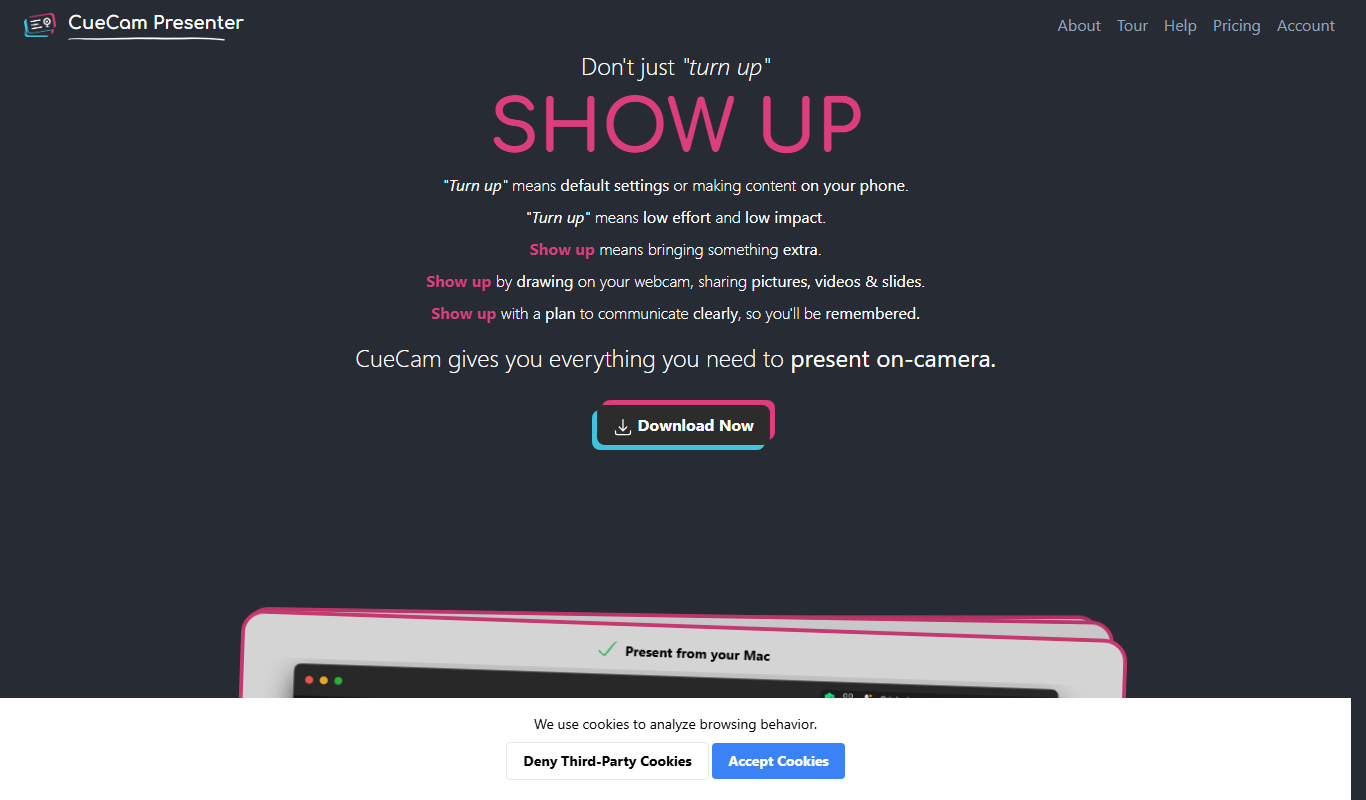
CueCam Presenter
CueCam Presenter is a wireless camera app that streams HD video from iOS devices to Mac computers over Wi-Fi, ideal for live streaming and presentations without cables.

Free
EarlyBird
EarlyBird is a live streaming platform that allows creators to broadcast live video, engage audiences with chat and reactions, and monetize content across web and mobile devices.

Free
Kick
Kick is a live streaming platform designed for gamers and content creators, offering low latency streaming and competitive revenue sharing to help streamers monetize their content effectively.
Free
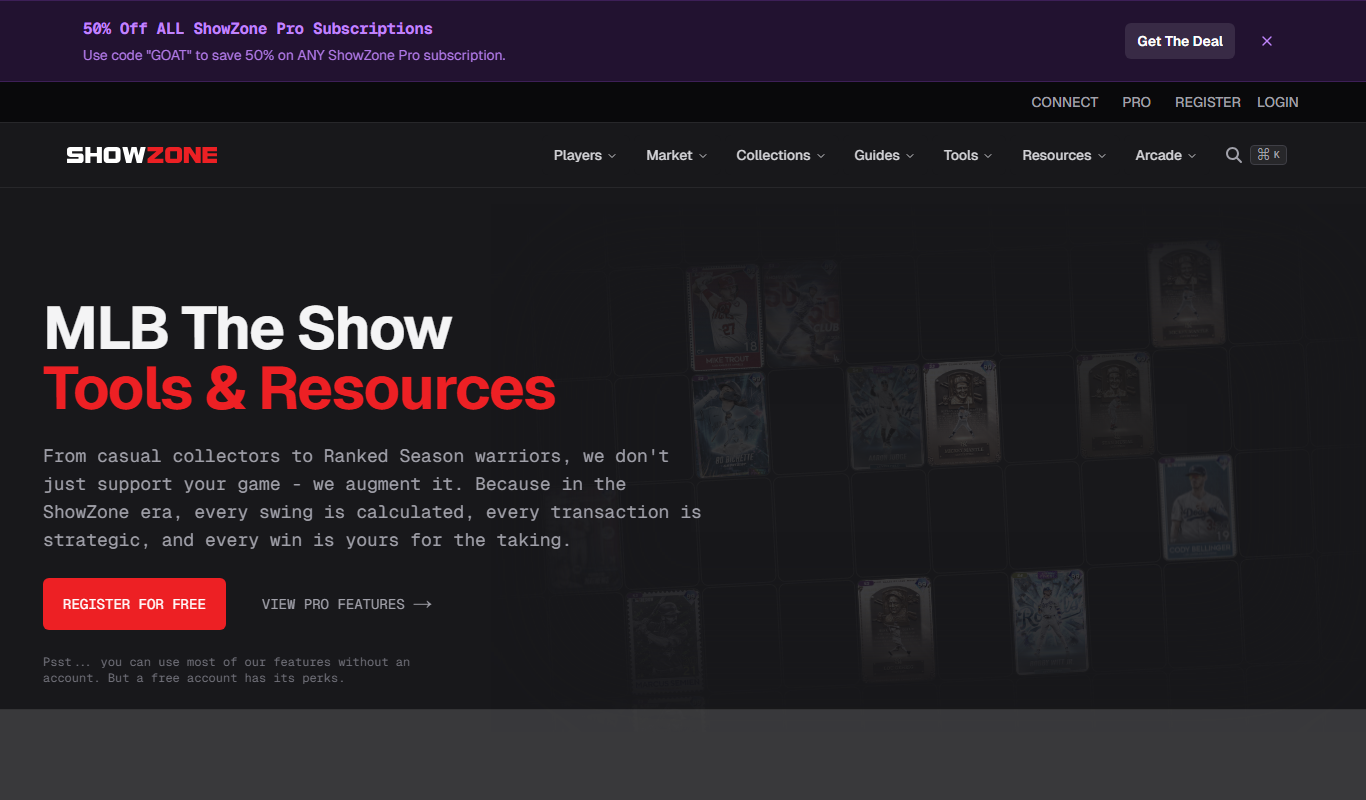
showzone.gg
Showzone.gg is a free web-based platform for live streaming gameplay, engaging with gaming communities, and hosting esports events.
Free
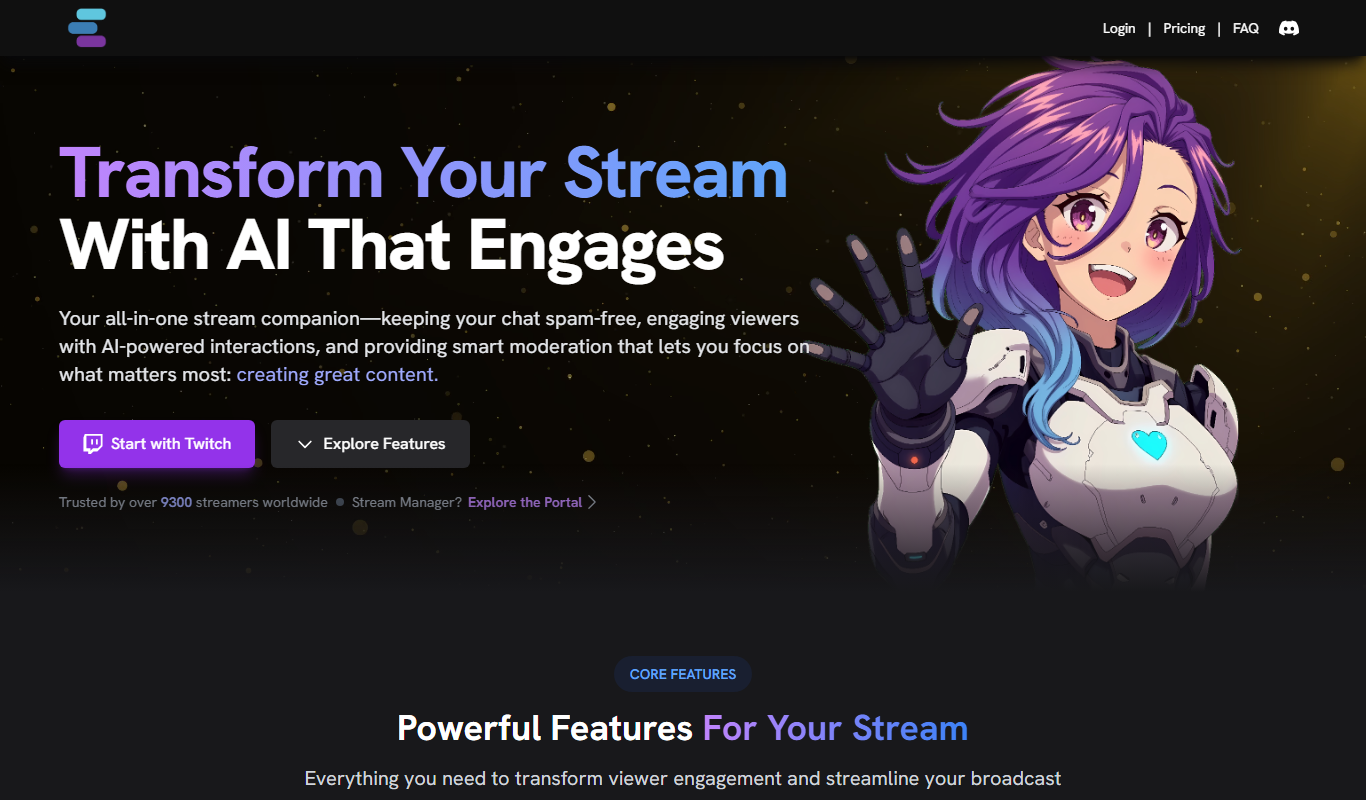
Stream Chat A.I.
Stream Chat A.I. is an AI-driven tool for Twitch that automates chat moderation and viewer engagement through customizable chatbots and spam filtering.

Contact for pricing
Thundr
Thundr is a web-based interactive live streaming platform that enables creators and brands to engage audiences with real-time polls, quizzes, and chat during live broadcasts.

Free Trial
Made Live
Made Live is a web-based platform that enables real-time video collaboration and live streaming with low latency, allowing creators and remote teams to produce interactive live content together without software installation.