

From my experience with Made Live, I found it excels at simplifying real-time video collaboration without the need for complex software installations. The browser-based approach makes it accessible and quick to start, which is a huge advantage for remote teams and content creators who want to produce live streams together efficiently. However, the platform currently offers a more streamlined feature set compared to heavyweight production tools, which might limit advanced customization. Overall, if you need an easy-to-use, interactive live streaming platform for collaborative content creation, Made Live delivers solid performance and user-friendly workflows.
Made Live - Real-Time Video Collaboration and Streaming Platform for Creators
Made Live is a web-based platform that enables real-time video collaboration and live streaming with low latency, allowing creators and remote teams to produce interactive live content together without software installation.
- Best for
- Live Video Production
- Key capability
- Low Latency Streaming
Your actions
Save Made Live, follow its updates and vote on it — everything stays in your account.
Sign in or create a free account

What is Made Live?
Made Live is a web-based platform designed for real-time video collaboration and live streaming. It allows creators, producers, and remote teams to work together on live video projects with low latency and interactive features. The platform leverages WebRTC technology to enable seamless video communication and production directly from the browser without the need for complex setups.
Key features of Made Live
Made Live offers real-time video collaboration, multi-user streaming, interactive audience engagement tools, and an intuitive web interface that simplifies live video production for creators and teams working remotely.
Low Latency Streaming
Delivers near real-time video streaming to ensure smooth collaboration and audience interaction.
Multi-User Collaboration
Supports multiple participants joining a live session simultaneously for co-creation.
Browser-Based Platform
No downloads required; users can join and produce live streams directly from their web browsers.
Interactive Audience Tools
Includes chat and engagement features to foster real-time interaction with viewers.
Pros and cons of Made Live
Pros
- Easy browser-based setup with no downloads
- Low latency for real-time collaboration
- Supports multiple collaborators and guests
- Interactive tools for audience engagement
Cons
- Limited advanced production features compared to specialized software
- Currently supports only English language interface
Key use cases for Made Live
Live Video Production
Enables creators and teams to produce live video content collaboratively with real-time interaction.
Remote Collaboration
Facilitates remote teams to work together on video projects without geographic constraints.
Interactive Streaming
Supports interactive live streams where hosts can engage with audiences and guests seamlessly.
Content Creation Workflow
Streamlines the workflow for content creators by integrating live video tools and collaboration features.
How Made Live works
- 1
Create an Account
Sign up on the Made Live platform to access the dashboard and collaboration tools.
- 2
Set Up a Live Session
Start a new live video session and invite collaborators or guests via shareable links.
- 3
Collaborate in Real-Time
Use the platform’s tools to communicate, stream, and manage live video content together.
- 4
Engage Your Audience
Interact with viewers through chat and other engagement features during the live stream.
Who is using Made Live
Content creators and streamers
Remote video production teams
Marketing agencies producing live events
Educators conducting live online sessions
Podcasters and interview hosts
Made Live pricing
Free Trial
$0 for 14 days
Access to core features with limited session duration and participant count.
Pro
$29/month
Extended session times, higher participant limits, and advanced collaboration tools.
Plans and prices are as published by the vendor and can change. Check the official site before you buy. Open the pricing page (opens in a new tab)
Frequently asked questions about Made Live
No, Made Live is entirely browser-based and requires no software installation.
Yes, you can invite multiple guests via shareable links to join your live video sessions.
The maximum depends on your subscription plan; the Pro plan supports more participants than the free trial.
It depends on your specific needs and how you plan to use the tool. The official website and documentation are the best sources for the latest details.
Some tools offer a free plan or trial with limited features. Availability can vary, so confirm on the official website.
Yes, it can help with that use case depending on how you configure it and what features are available. You’ll get the best results with clear inputs and a defined goal.
Sign in to review this tool.
Sign In to ReviewNo reviews yet
Be the first to share how this tool worked for you.
Ask about pricing, limits, or how it compares — or answer someone else.
Sign In to AskNo questions yet
Have a question about using or paying for this tool? Be the first to ask.
Featured on TiorAI



Alternative Tools
Explore similar AI tools that might fit your needs

Free
StreamYard
StreamYard is a web-based live streaming platform that allows users to host multi-guest broadcasts, add custom branding, and stream simultaneously to multiple social media platforms without software downloads.

Free
Restream
Restream is a live streaming platform that allows users to broadcast their video content simultaneously to multiple streaming services, manage chats in one place, and access real-time analytics to grow their audience.

Free Trial
Be.Live
Be.Live is a web-based platform that enables users to create interactive live streams with multiple guests, screen sharing, and direct social media integration for Facebook and YouTube.
More AI Book Writing tools
Other tools in the same category, for when this one is not quite the fit.

Subscription
Sumizeit
Sumizeit is an AI-powered platform that generates concise summaries of nonfiction books to help users quickly understand key concepts without reading the full text.

One-time payment
Sqribble
Sqribble is a web-based AI ebook generator that enables users to create professional ebooks quickly using customizable templates, drag-and-drop editing, and content import features, exporting in multiple formats like PDF and Kindle.

Free
Campfire
Campfire is writing and worldbuilding software for authors, with modules such as Manuscript, Characters, Timeline, Maps, Calendar and Encyclopedia.

Free
KidsAIStory
KidsAIStory is a tool for parents to create personalized illustrated children's books, not a platform where children write their own stories.
Free
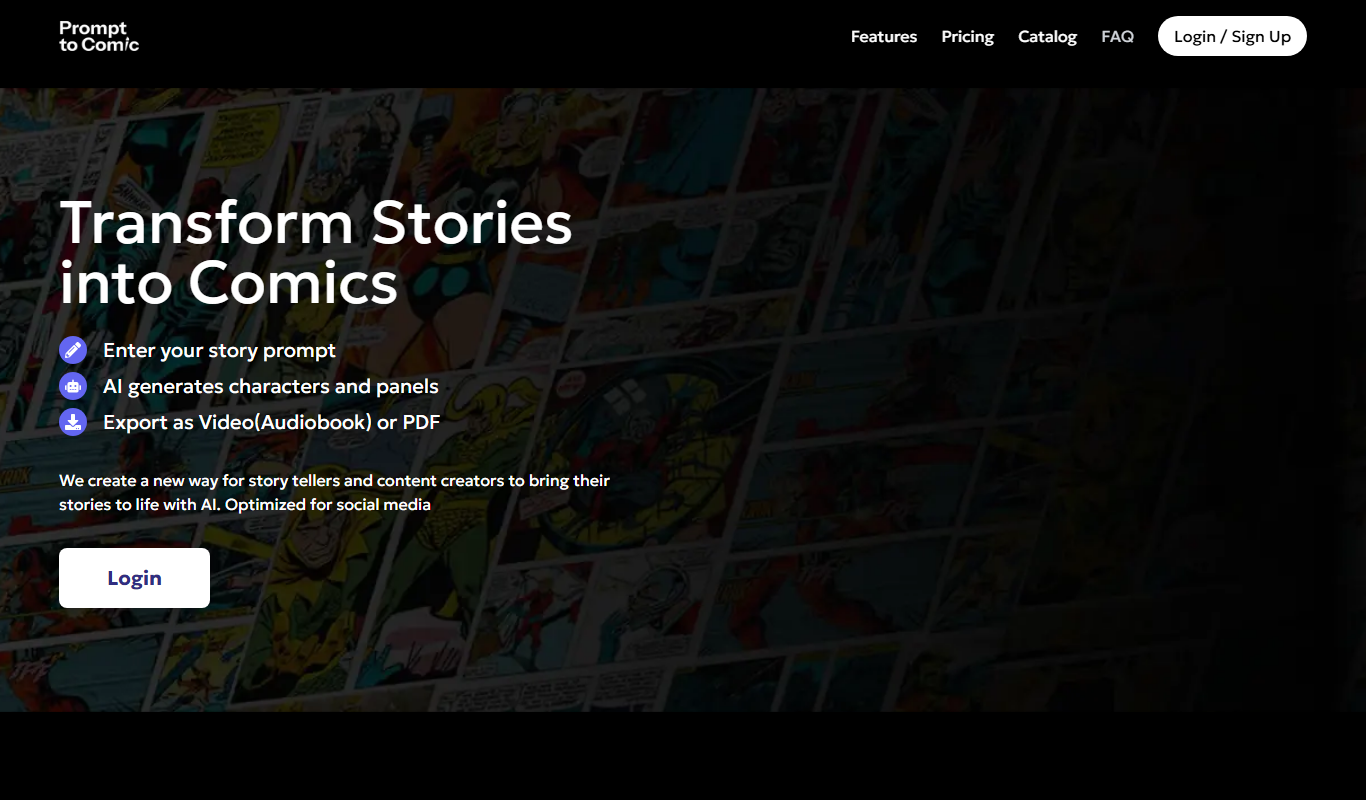
PromptToComicAI
PromptToComicAI is an AI-powered web tool that converts text prompts into comic-style images, enabling users to create visual stories without drawing skills.

Free
InstaNovel AI
InstaNovel AI is a mini-novel generator that produces 4-6 chapters with illustrations, with a waiting queue for free users.

Free
Book AI
Book AI generates a complete book (10 thousand to 150 thousand words) in one request, intended for sale, rather than acting as a writing assistant that gives suggestions.

Free
Notebook.ai
Notebook.ai is an online worldbuilding and writing tool that helps authors and creatives organize fictional worlds, characters, and stories using modular templates, cross-referencing, and collaboration features.