

From my experience with Showzone, I found it excels at providing an intuitive and interactive live streaming environment that fosters real-time audience engagement. The platform’s multi-device support and monetization options make it particularly well-suited for content creators and virtual event hosts looking to build communities and generate revenue. However, the platform is relatively new and currently supports only English, which might limit reach for some users. Overall, if you want a straightforward tool to host engaging live shows with monetization capabilities, Showzone delivers a solid and user-friendly solution.
Showzone App - Interactive Live Streaming Platform for Creators and Audiences
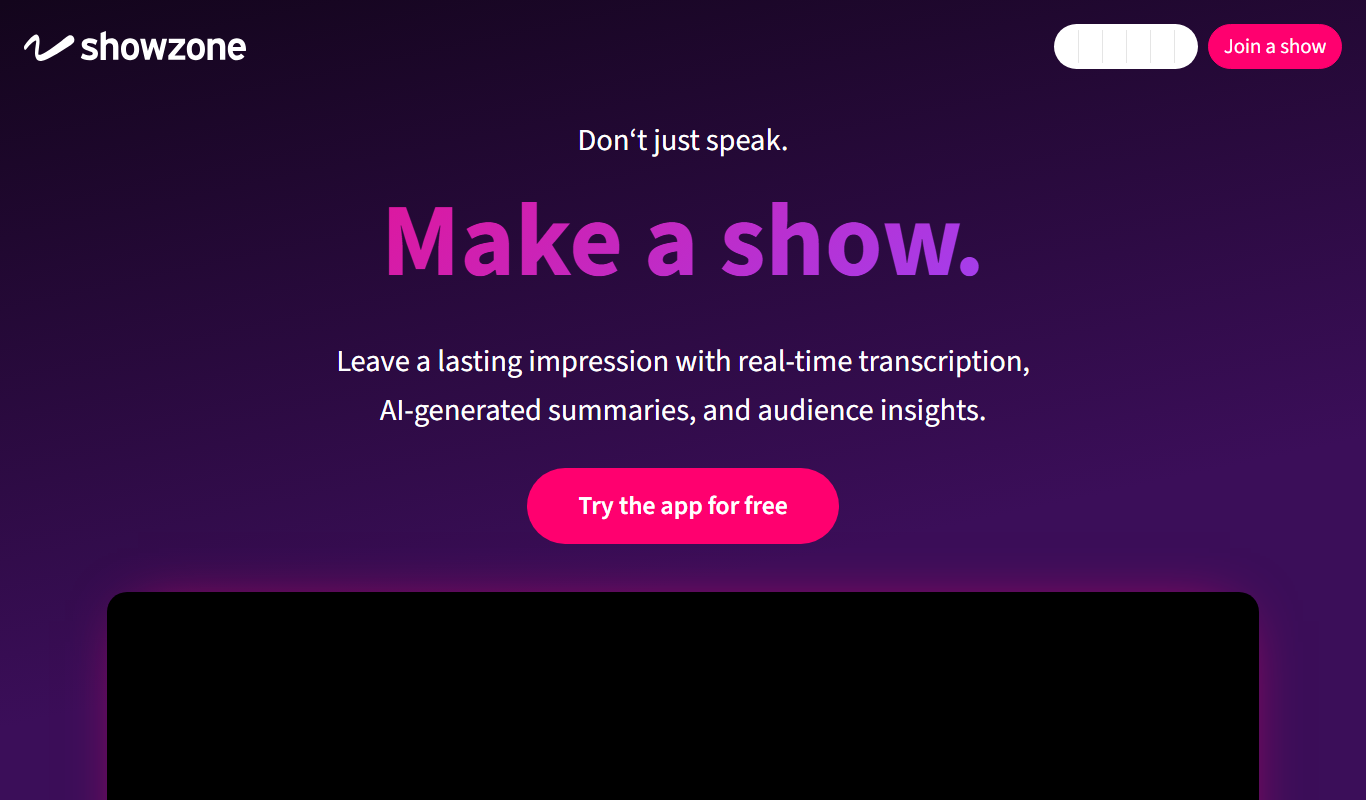
Showzone is an interactive live streaming platform that allows creators to engage their audiences through real-time chat, polls, and subscription monetization across web and mobile devices.
- Best for
- Interactive Live Shows
- Key capability
- Real-Time Audience Interaction
Do you recommend this tool?
What is Showzone?
Showzone is an interactive live streaming platform designed to connect creators with their audiences in real-time. It offers tools that allow hosts to engage viewers through chat, polls, and other interactive elements, fostering a dynamic and participatory experience. The platform supports both casual and professional live shows, virtual events, and community engagement.
Key features of Showzone
Showzone provides a suite of features including real-time audience interaction, customizable live shows, subscription-based monetization, and multi-platform accessibility. Its user-friendly interface allows creators to easily manage live content and engage viewers effectively.
Real-Time Audience Interaction
Engage viewers instantly with chat, polls, and interactive elements during live streams.
Multi-Platform Support
Access Showzone on web browsers, iOS, and Android devices for flexible streaming and viewing.
Subscription Monetization
Enable creators to earn revenue through subscription plans integrated into the platform.
Customizable Live Shows
Tailor live streams with various interactive tools to suit different content styles and audience needs.
Pros and cons of Showzone
Pros
- Easy-to-use interface for live streaming and interaction
- Supports multiple platforms including mobile and web
- Offers monetization options for creators
- Real-time engagement tools enhance audience participation
Cons
- Limited language support currently (English only)
- Advanced features require subscription
- Relatively new platform with smaller user base
Key use cases for Showzone
Interactive Live Shows
Creators can host live shows with real-time audience participation through chat, polls, and other interactive features.
Virtual Events
Organize virtual events that engage viewers with interactive content and seamless streaming.
Community Building
Build and nurture communities by enabling direct communication and engagement between creators and fans.
Monetization for Creators
Enable creators to monetize their live streams through subscriptions and other integrated tools.
How Showzone works
- 1
Create an Account
Sign up on Showzone via the website or mobile app to start hosting or watching live streams.
- 2
Set Up Your Live Show
Configure your live stream with interactive features like chat, polls, and audience participation tools.
- 3
Go Live
Start broadcasting your live show to your audience across supported platforms.
- 4
Engage Your Audience
Interact with viewers in real-time using chat, polls, and other engagement features.
- 5
Monetize Your Content
Use subscription options and other monetization tools to generate revenue from your live streams.
Who is using Showzone
Content creators and influencers
Virtual event organizers
Community managers
Small to medium-sized businesses
Social media marketers
Showzone pricing
Free
$0/month
Basic access to watch and host live streams with limited features.
Pro
$15/month
Access to advanced interactive tools, higher streaming quality, and monetization options.
Plans and prices are as published by the vendor and can change. Check the official site before you buy. Open the pricing page (opens in a new tab)
Frequently asked questions about Showzone
Yes, Showzone offers a free plan with basic features for hosting and watching live streams.
Showzone is available on web browsers, iOS, and Android devices.
Creators can monetize through subscription plans and other integrated tools offered on the platform.
Yes, Showzone supports virtual events with interactive features suitable for professional and casual use.
This tool is designed to help users accomplish its core tasks more efficiently. It is typically used by individuals or teams looking to improve productivity and workflow.
It depends on your specific needs and how you plan to use the tool. The official website and documentation are the best sources for the latest details.
Some tools offer a free plan or trial with limited features. Availability can vary, so confirm on the official website.
Yes, it can help with that use case depending on how you configure it and what features are available. You’ll get the best results with clear inputs and a defined goal.
Sign in to review this tool.
Sign In to ReviewNo reviews yet
Be the first to share how this tool worked for you.
Ask about pricing, limits, or how it compares — or answer someone else.
Sign In to AskNo questions yet
Have a question about using or paying for this tool? Be the first to ask.
Featured on TiorAI



Alternative Tools
Explore similar AI tools that might fit your needs

Free
StreamYard
StreamYard is a web-based live streaming platform that allows users to host multi-guest broadcasts, add custom branding, and stream simultaneously to multiple social media platforms without software downloads.

Free
Restream
Restream is a live streaming platform that allows users to broadcast their video content simultaneously to multiple streaming services, manage chats in one place, and access real-time analytics to grow their audience.

Free
Be.Live
Be.Live is a web-based platform that enables users to create interactive live streams with multiple guests, screen sharing, and direct social media integration for Facebook and YouTube.
More AI Live Streaming Tools tools
Other tools in the same category, for when this one is not quite the fit.
Free Trial
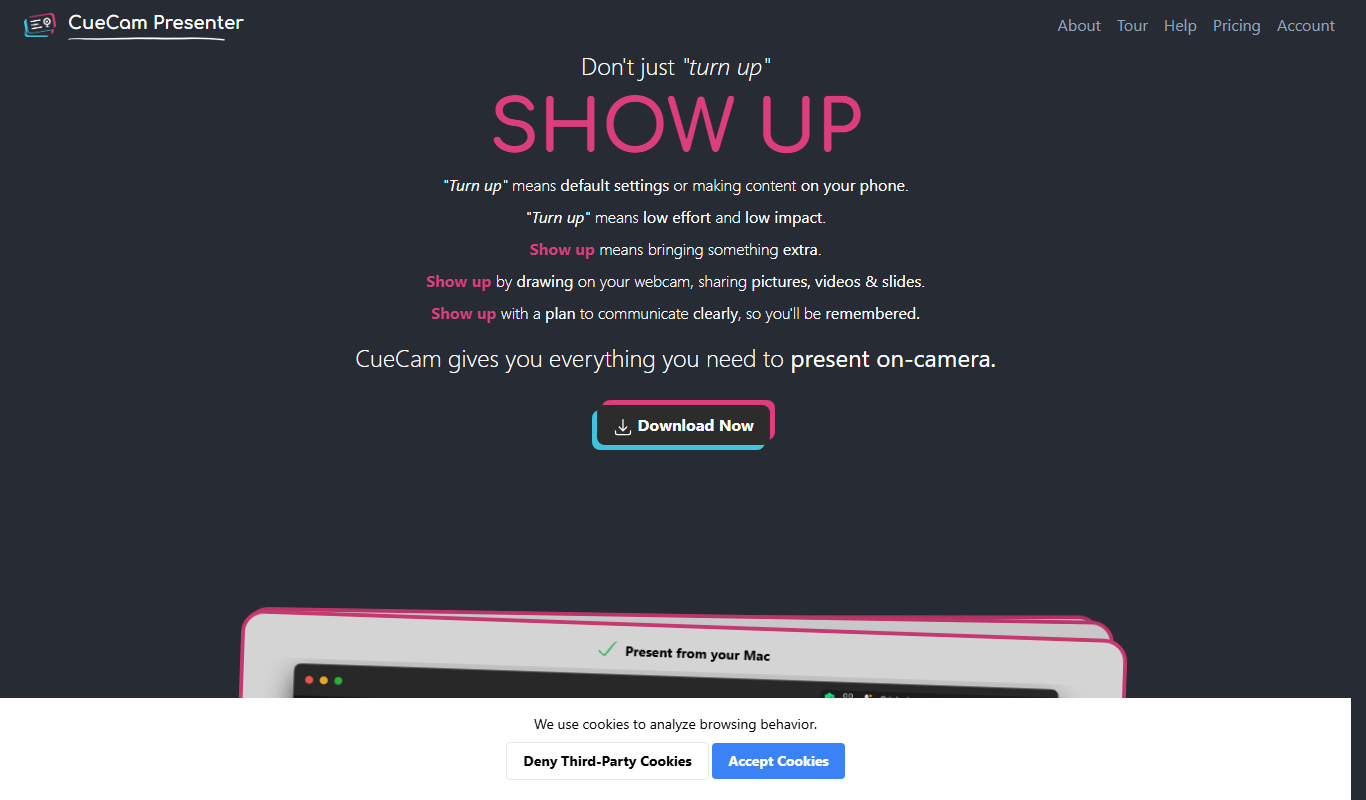
CueCam Presenter
CueCam Presenter is a wireless camera app that streams HD video from iOS devices to Mac computers over Wi-Fi, ideal for live streaming and presentations without cables.

Free
EarlyBird
EarlyBird is a live streaming platform that allows creators to broadcast live video, engage audiences with chat and reactions, and monetize content across web and mobile devices.
Free
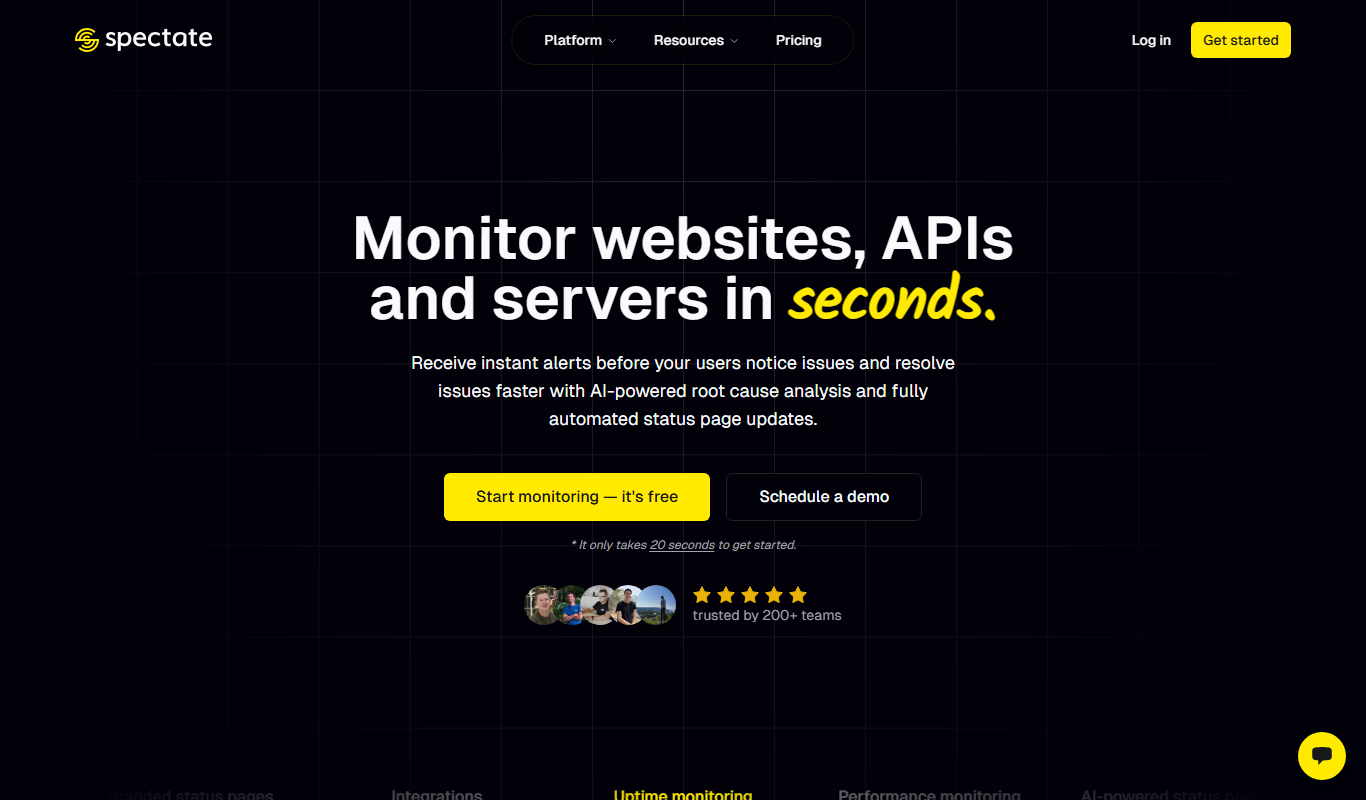
Spectate
Spectate is a free web-based platform that enables real-time, low-latency streaming of multiplayer games, allowing users to watch live matches and developers to integrate spectating features via API.

Free
Kick
Kick is a live streaming platform designed for gamers and content creators, offering low latency streaming and competitive revenue sharing to help streamers monetize their content effectively.
Free
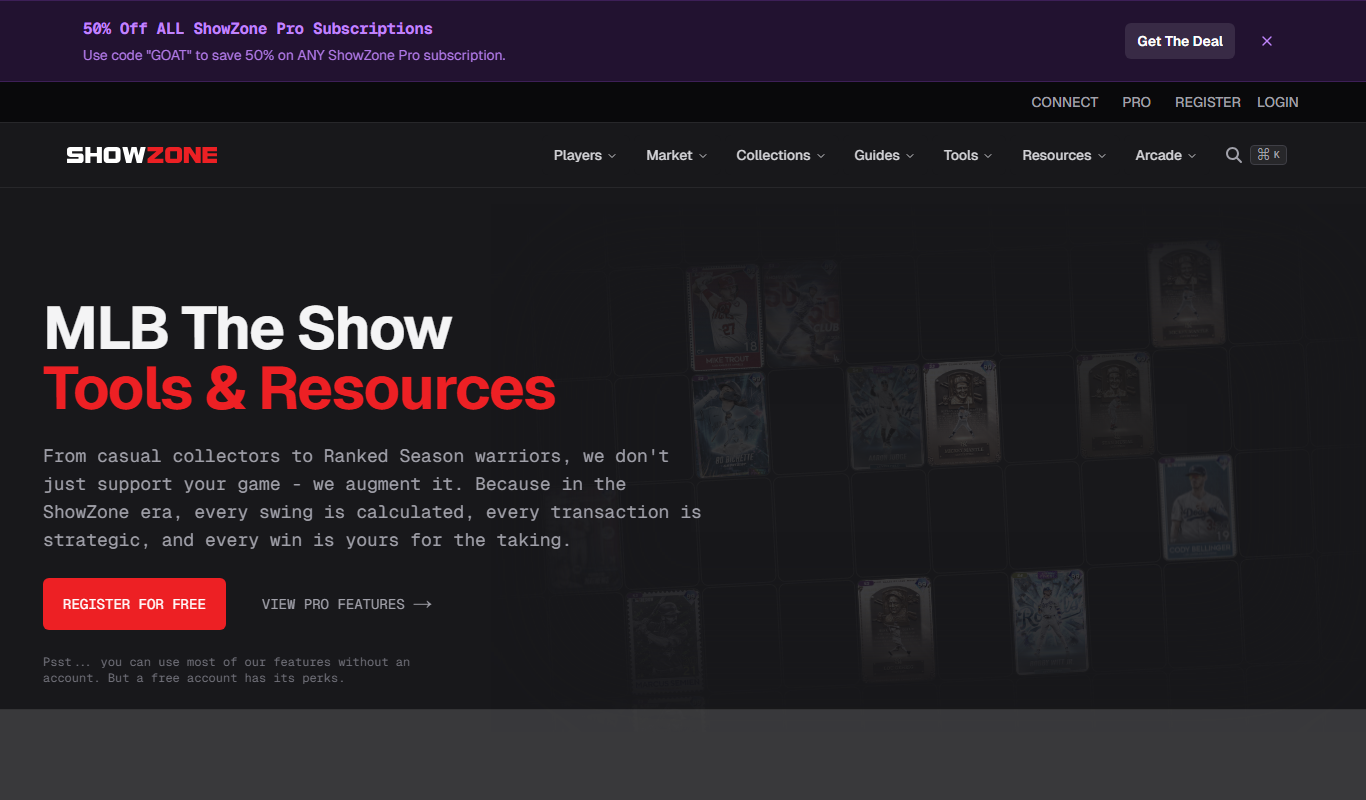
showzone.gg
Showzone.gg is a free web-based platform for live streaming gameplay, engaging with gaming communities, and hosting esports events.
Free
Stream Chat A.I.
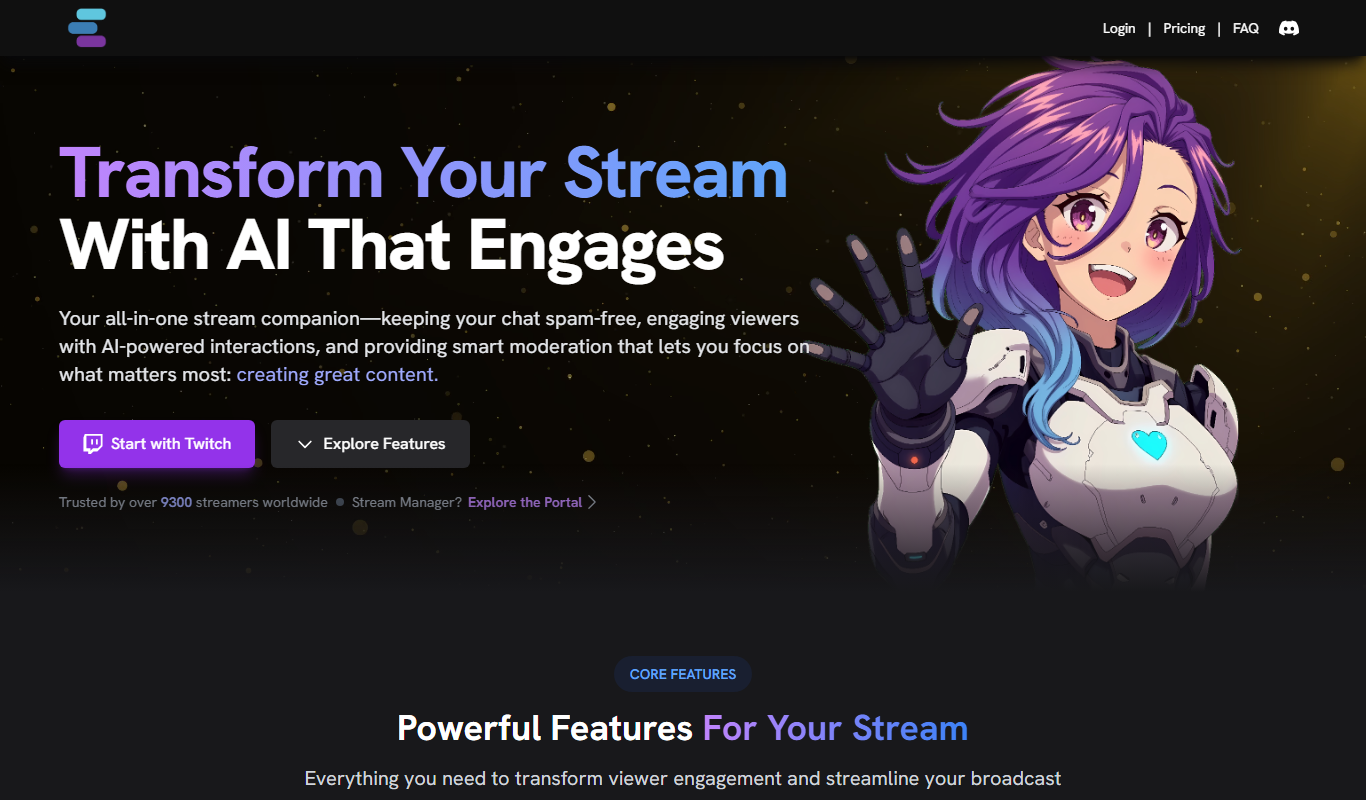
Stream Chat A.I. is an AI-driven tool for Twitch that automates chat moderation and viewer engagement through customizable chatbots and spam filtering.

Free Trial
VMagic
VMagic Studio is a Windows application that enables real-time animation of 3D virtual avatars using VR controllers, keyboard/mouse, and webcam facial tracking, primarily used by VTubers and streamers.

Contact for pricing
Thundr
Thundr is a web-based interactive live streaming platform that enables creators and brands to engage audiences with real-time polls, quizzes, and chat during live broadcasts.