

From my experience with Spacely AI, I found it excels at creating immersive and interactive virtual environments that truly enhance remote collaboration. The platform’s support for both VR headsets and desktop access makes it flexible for different users, while its customizable spaces allow for tailored experiences. However, the full potential requires VR hardware, which might limit accessibility for some teams. Overall, if you need a versatile VR platform for meetings, events, or training, Spacely AI delivers a robust and engaging solution.
Spacely AI Virtual Reality Platform for Immersive 3D Experiences
Spacely AI is a virtual reality platform that creates immersive 3D environments for collaboration, events, training, and metaverse experiences accessible via VR headsets and desktop devices.
- Best for
- Remote Collaboration
- Key capability
- Immersive 3D Environments
Your actions


Do you recommend this tool?
What is Spacely AI?
Spacely AI is a virtual reality platform designed to create immersive 3D environments for collaboration, events, training, and metaverse experiences. It enables users to interact in shared virtual spaces using VR headsets or desktop devices, enhancing remote communication and engagement.
Key features of Spacely AI
Spacely AI offers customizable 3D spaces, multi-user support, real-time interaction, and integration capabilities to facilitate immersive virtual experiences across various industries.
Immersive 3D Environments
High-quality virtual spaces that simulate real-world settings for enhanced presence.
Multi-User Support
Allows multiple participants to join and interact simultaneously.
Cross-Platform Access
Supports VR headsets and desktop devices for flexible participation.
Customizable Spaces
Users can tailor environments to fit specific needs and branding.
Real-Time Communication
Integrated voice chat and avatar gestures facilitate natural interactions.
Pros and cons of Spacely AI
Pros
- Enables immersive remote collaboration
- Supports both VR and desktop access
- Customizable virtual spaces
- Real-time multi-user interaction
- Suitable for diverse use cases
Cons
- Limited free trial duration
- Advanced features require paid plans
- VR hardware needed for full experience
Key use cases for Spacely AI
Remote Collaboration
Enable teams to collaborate in immersive 3D spaces regardless of physical location.
Virtual Events
Host conferences, workshops, and meetups in engaging virtual environments.
Training and Simulation
Create realistic training scenarios for education and professional development.
Product Visualization
Showcase products in 3D for marketing, design reviews, and client presentations.
Metaverse Experiences
Build and explore interactive metaverse spaces for entertainment and socializing.
How Spacely AI works
- 1
Create an Account
Sign up on the Spacely AI website to access the platform.
- 2
Design or Choose a Space
Select from pre-built virtual environments or customize your own 3D space.
- 3
Invite Participants
Send invitations to team members or attendees to join the virtual space.
- 4
Join via VR or Desktop
Access the space using compatible VR headsets or desktop computers.
- 5
Collaborate and Interact
Engage with others through avatars, voice chat, and interactive objects.
Who is using Spacely AI
Remote teams and businesses
Event organizers
Educators and trainers
Product designers and marketers
Metaverse developers
Spacely AI pricing
Free Trial
$0 for 14 days
Access to core features with limited users and session duration.
Professional
$49/month
Extended user capacity, longer sessions, and advanced customization.
Enterprise
Custom pricing
Tailored solutions with dedicated support and integrations.
Plans and prices are as published by the vendor and can change. Check the official site before you buy. Open the pricing page (opens in a new tab)
Frequently asked questions about Spacely AI
Spacely AI supports major VR headsets like Oculus Quest and desktop computers via web browsers.
Yes, users can modify existing spaces or create new ones to suit their requirements.
Participant limits vary by plan, with higher tiers allowing more simultaneous users.
Yes, it offers integration options to connect with collaboration and communication platforms.
This tool is designed to help users accomplish its core tasks more efficiently. It is typically used by individuals or teams looking to improve productivity and workflow.
It depends on your specific needs and how you plan to use the tool. The official website and documentation are the best sources for the latest details.
Yes, it can help with that use case depending on how you configure it and what features are available. You’ll get the best results with clear inputs and a defined goal.
Yes, it can help with that use case depending on how you configure it and what features are available. You’ll get the best results with clear inputs and a defined goal.
Sign in to review this tool.
Sign In to ReviewNo reviews yet
Be the first to share how this tool worked for you.
Ask about pricing, limits, or how it compares — or answer someone else.
Sign In to AskNo questions yet
Have a question about using or paying for this tool? Be the first to ask.
Featured on TiorAI



Alternative Tools
Explore similar AI tools that might fit your needs

Custom Pricing
Virbela
Virbela is a virtual worlds platform that enables remote teams and organizations to collaborate, host events, and engage socially through customizable 3D avatars and immersive virtual environments accessible via web and desktop.
More AI Interior Room Design tools
Other tools in the same category, for when this one is not quite the fit.
Freemium
Remodeled AI
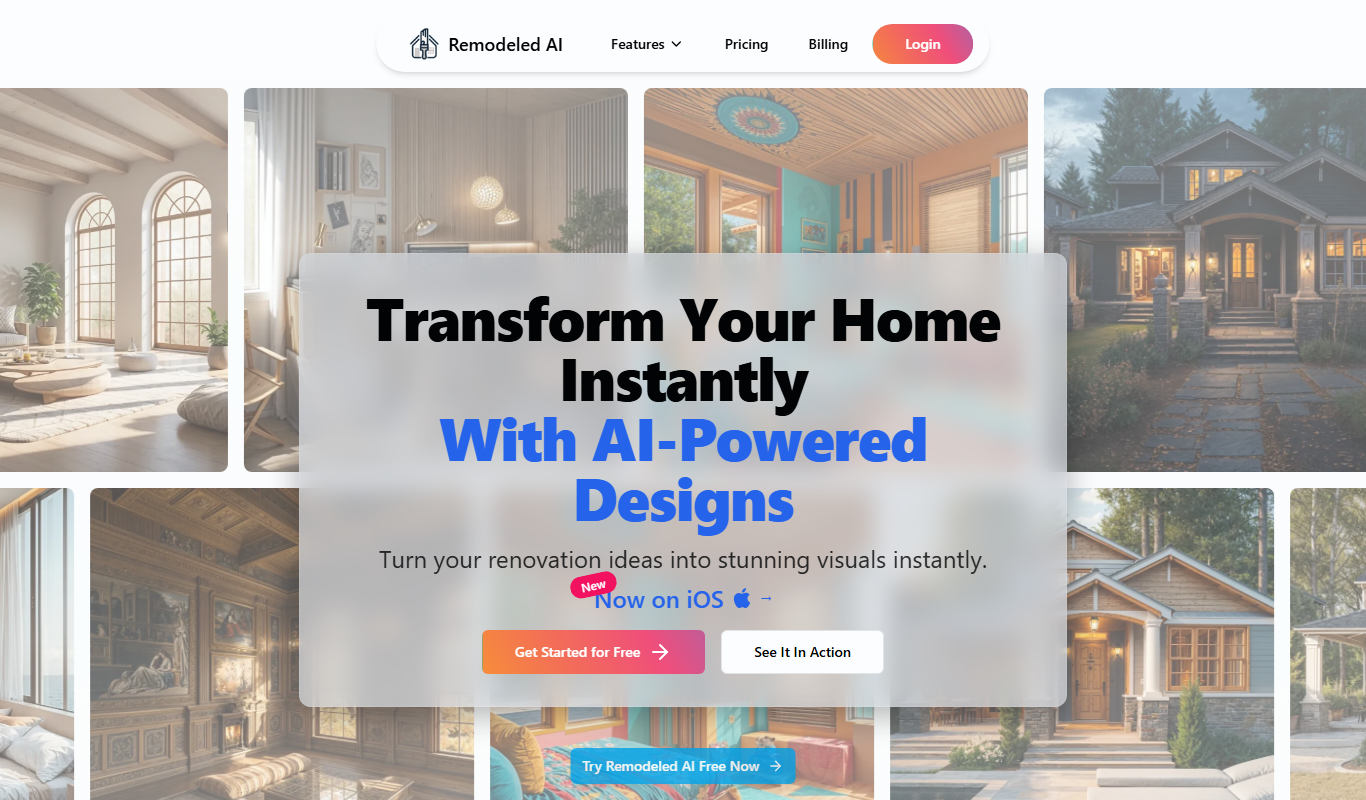
Remodeled AI is a web-based platform that uses artificial intelligence to generate interior design concepts, floor plans, and 3D visualizations for home renovation projects, making it easier for homeowners and designers to plan and visualize changes.

Freemium
xona.ai
Xona.ai is an AI-driven content generation tool designed for marketing teams to automate copywriting tasks, producing ads, emails, and social media posts with customizable templates and brand voice consistency.

Freemium
Style Home
Style Home is an AI-driven interior design tool that transforms your room photos into styled spaces with personalized furniture and decor suggestions.

Free
AI Two
AI Two is an AI-driven platform that helps users create various types of written content quickly using customizable templates and automation tools.

Freemium
Kanai
Kanai is an AI-powered meeting assistant that transcribes meetings in real-time and generates automated summaries and action items to improve team productivity.

Freemium
Imaginary Interiors
Imaginary Interiors is a web-based virtual room design tool that helps users create 3D interior layouts to visualize furniture and decor before making changes or purchases.

Freemium
Renovate AI app 2.0
Renovate AI App 2.0 is a web-based AI video editing tool that automates video editing and enhancement, enabling users to create polished videos quickly without advanced skills.

Free
RoomDog
RoomDog is an AI-powered meeting assistant that transcribes and summarizes video meetings in real time, helping teams save time and improve collaboration.