

From my experience with AI Two, I found it excels at simplifying content creation for users who need quick, AI-generated text without a steep learning curve. The platform’s straightforward interface and useful templates make it an excellent choice for small businesses and marketers looking to automate routine writing tasks. However, the tool currently supports only English and lacks advanced customization features, which may limit its use for more specialized content needs. Overall, if you want an affordable, easy-to-use AI writing assistant for common content types, AI Two delivers solid, practical results.
AI Two - AI-Powered Content Creation and Automation Platform
AI Two is an AI-driven platform that helps users create various types of written content quickly using customizable templates and automation tools.
- Best for
- Content Writing
- Key capability
- AI-Powered Templates
Your actions
Save AI Two, follow its updates and vote on it — everything stays in your account.
Sign in or create a free account

What is AI Two?
AI Two is a web-based AI content creation and automation platform designed to help businesses and individuals generate high-quality written content efficiently. It leverages advanced AI models to assist users in producing articles, social media posts, emails, and product descriptions with minimal effort.
Key features of AI Two
The platform offers a variety of AI-powered templates, an intuitive interface for content customization, and automation tools to streamline content workflows. It supports multiple content types and focuses on enhancing productivity for marketers, writers, and business owners.
AI-Powered Templates
Pre-built templates for various content types to speed up creation.
Content Customization
Edit generated text easily to fit your brand voice and style.
Automation Tools
Automate repetitive content tasks to save time and effort.
SEO-Friendly Output
Generate content optimized for search engines to improve visibility.
User-Friendly Interface
Clean and intuitive design that simplifies content creation workflows.
Pros and cons of AI Two
Pros
- Easy-to-use interface suitable for beginners
- Variety of AI templates for different content needs
- Affordable pricing with a free tier
- Good for quick content generation and automation
Cons
- Supports English language only
- Limited advanced customization options
- No mobile app available
Key use cases for AI Two
Content Writing
Generate blog posts, articles, and marketing copy quickly using AI-powered templates.
Social Media Management
Create engaging social media posts and captions to boost online presence.
Email Campaigns
Automate email content creation for newsletters and outreach campaigns.
SEO Optimization
Produce SEO-friendly content that helps improve search engine rankings.
Product Descriptions
Generate compelling product descriptions for e-commerce platforms.
How AI Two works
- 1
Sign Up
Create a free account on AI Two’s website to access the platform.
- 2
Select Content Type
Choose from various templates such as blog posts, social media content, or emails.
- 3
Input Details
Provide key information or keywords related to your content needs.
- 4
Generate Content
AI Two processes your input and generates tailored content suggestions.
- 5
Edit and Export
Customize the generated content as needed and export it for use.
Who is using AI Two
Content marketers
Small business owners
Social media managers
Freelance writers
E-commerce sellers
AI Two pricing
Free
$0/month
Access to basic templates and limited monthly content generation.
Pro
$29/month
Unlimited content generation, advanced templates, and priority support.
Plans and prices are as published by the vendor and can change. Check the official site before you buy. Open the pricing page (opens in a new tab)
Frequently asked questions about AI Two
Currently, AI Two supports content generation in English only.
Yes, you can cancel your subscription at any time without penalties.
AI Two offers a free plan with limited features but does not currently provide a separate free trial for Pro.
This tool is designed to help users accomplish its core tasks more efficiently. It is typically used by individuals or teams looking to improve productivity and workflow.
Pricing depends on the plan and included features. For the most accurate and up-to-date details, check the official pricing page.
Yes, it can help with that use case depending on how you configure it and what features are available. You’ll get the best results with clear inputs and a defined goal.
Sign in to review this tool.
Sign In to ReviewNo reviews yet
Be the first to share how this tool worked for you.
Ask about pricing, limits, or how it compares — or answer someone else.
Sign In to AskNo questions yet
Have a question about using or paying for this tool? Be the first to ask.
Featured on TiorAI



More AI Automation & Workflow Tools tools
Other tools in the same category, for when this one is not quite the fit.

Free Trial
Low-Code Development and AI
Amoga's Low-Code Development and AI platform enables rapid application building with drag-and-drop tools and AI automation, suitable for users with minimal coding skills.

Freemium
Legal Assist AI 2.5
Legal Assist AI 2.5 is an AI legal tool that helps legal professionals draft documents and review contracts.

Freemium
Hookle
Hookle is a social media management platform designed for small businesses to schedule, publish, and analyze posts across multiple social networks from one place.
Custom Pricing
allganize.ai
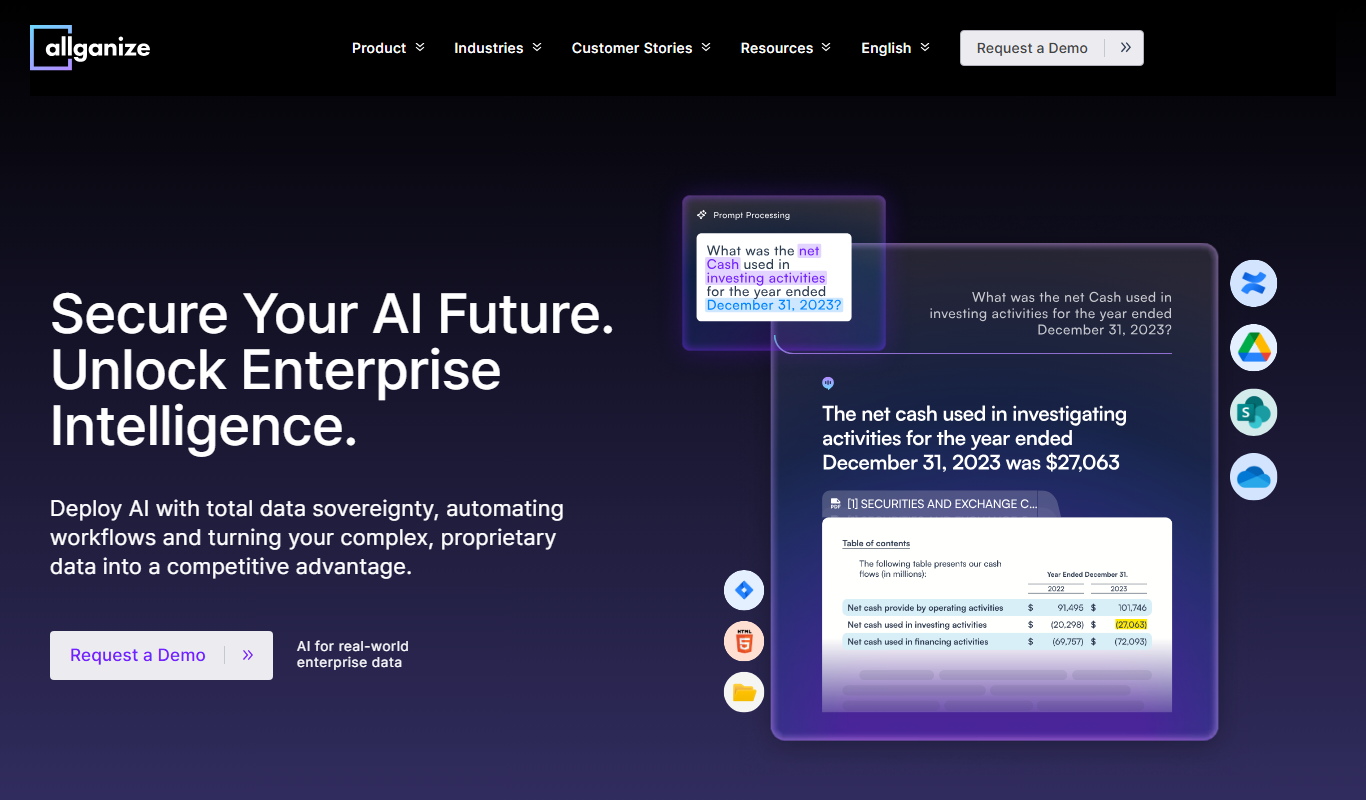
Allganize.ai is an enterprise AI platform specializing in natural language processing to automate document understanding, semantic search, and customer support through AI chatbots.

Free
Alian hub – Project Management System
AlianHub is an open-source, self-hosted project management platform with boards, sprints, time tracking, chat and AI, free with unlimited users or hosted in the Cloud.

Free Trial
Fonada
Fonada is a CPaaS platform with a VoiceBot, ChatBot and IVR, and its voice bot page announces multilingual support.

Free Trial
SWMS AI
SWMS AI is an AI-driven platform that automates the creation of Safe Work Method Statements, helping construction and high-risk industries quickly produce compliant safety documentation.

Free Trial
Smartlead
Smartlead is an AI-driven sales automation platform that helps businesses automate lead generation, personalized email outreach, follow-ups, and CRM integration to improve sales efficiency.