
From my experience with Fonada, I found it excels at automating voice-based customer interactions, especially for businesses looking to reduce manual call handling. The platform’s support for English and Hindi makes it particularly valuable in the Indian market, and its integration capabilities allow for seamless workflows with existing CRMs. However, the limited language options and lack of publicly detailed pricing may require potential users to contact sales for clarity. Overall, if your business needs to automate customer support or sales calls with conversational AI, Fonada offers a practical and scalable solution.
Fonada AI Voice Assistant for Customer Support and Sales Automation
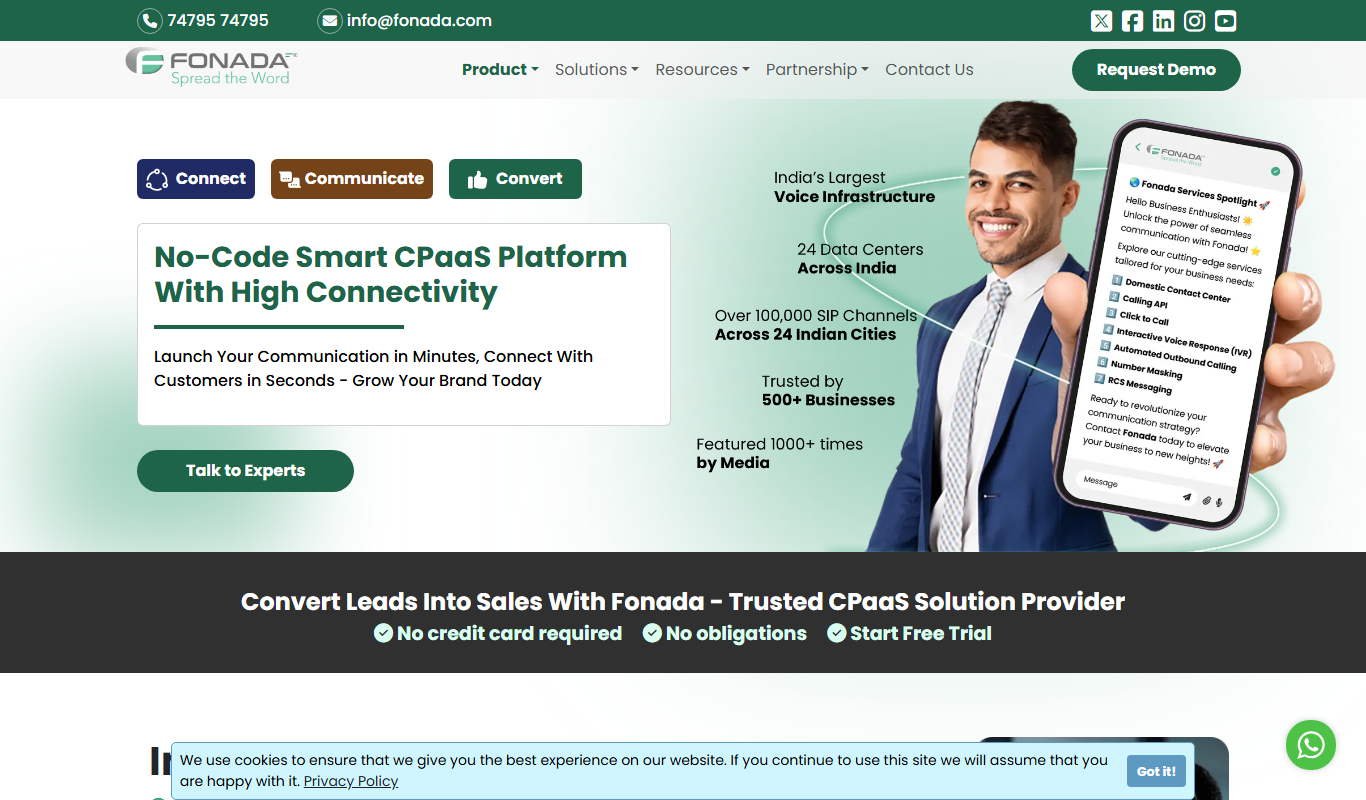
Fonada is an AI-powered voice assistant platform that automates customer interactions over phone calls, supporting English and Hindi, designed to improve customer support and sales efficiency.
What is Fonada?
Fonada is an AI-powered voice assistant platform designed to automate customer interactions over phone calls. It leverages conversational AI to understand and respond to customer queries, enabling businesses to reduce manual call handling and improve efficiency in customer support, sales, and appointment scheduling.
Key Features of Fonada
Natural Language Processing
Understands and processes customer speech in multiple languages for smooth conversations.
Multi-Channel Integration
Integrates with phone systems, CRMs, and other platforms to automate workflows.
Customizable Conversational Flows
Allows businesses to tailor voice bot scripts to their specific use cases.
Real-Time Analytics
Provides insights into call metrics, customer interactions, and bot performance.
Outbound Campaign Automation
Enables automated calling for surveys, lead generation, and reminders.
Pros and Cons of Fonada
Pros
- Automates repetitive voice interactions effectively
- Supports multiple languages including Hindi
- Customizable conversational workflows
- Integrates with CRM and telephony systems
- Provides real-time analytics for monitoring
Cons
- Limited language support beyond English and Hindi
- Pricing details are not publicly transparent
Key Use Cases for Fonada
Customer Support Automation
Automate inbound customer calls with AI-powered voice bots to handle queries, complaints, and support requests efficiently.
Sales Lead Qualification
Use AI voice assistants to engage prospects, qualify leads, and schedule appointments without human intervention.
Appointment Scheduling
Automate appointment booking and reminders through natural voice conversations, reducing manual follow-ups.
Outbound Calling Campaigns
Run automated outbound calls for surveys, feedback collection, and promotional campaigns using conversational AI.
Order Taking and Processing
Enable customers to place orders via voice calls handled by AI, streamlining order management.
How Fonada Works
-
1
Sign Up and Setup
Create an account on Fonada and configure your voice assistant according to your business needs.
-
2
Customize Voice Bot
Design conversational flows and train the AI to handle specific queries and tasks.
-
3
Integrate Systems
Connect Fonada with your CRM, telephony, or other business tools for seamless data exchange.
-
4
Launch and Monitor
Deploy the voice assistant for inbound or outbound calls and monitor performance through analytics dashboards.
Who's Using Fonada
Customer support teams
Sales and marketing departments
Small and medium businesses
Call centers
Healthcare providers
Fonada Pricing
Free Trial
$0 for limited usage
Try Fonada with limited calls and features to evaluate the platform.
Standard
Custom pricing
Full access to features with scalable call volumes and support.
Frequently Asked Questions About Fonada
Yes, Fonada currently supports English and Hindi, with plans to add more languages.
Yes, Fonada offers integration capabilities with popular CRM and telephony platforms.
Yes, Fonada provides a free trial with limited usage to test the platform.
Fonada is suitable for industries like banking, insurance, healthcare, retail, and telecom.
This tool is designed to help users accomplish its core tasks more efficiently. It is typically used by individuals or teams looking to improve productivity and workflow.
Yes, it can help with that use case depending on how you configure it and what features are available. You’ll get the best results with clear inputs and a defined goal.
Yes, it can help with that use case depending on how you configure it and what features are available. You’ll get the best results with clear inputs and a defined goal.
Integration support depends on the tool and its available connectors or API. Check the official documentation or integrations page to confirm what is supported.
Share your review
Reviews are limited to one per logged-in user and are published after moderation.
You need an account to review this tool.
0.0
★
★
★
★
★
0 reviews
5 star
0
4 star
0
3 star
0
2 star
0
1 star
0
No reviews yet
Be the first to share how this tool worked for you.
Questions from the community
Read questions and answers about this tool, or ask your own.
No questions yet
Start the conversation by asking the first question about this tool.
Is this tool helpful?

Freemium
Sadako
Sadako AI is a web-based platform that uses artificial intelligence to automate code generation, refactoring, and bug fixing, helping developers write better code faster.

Free Trial
VisFlow
VisFlow is a web-based tool that enables users to interactively visualize and analyze data through customizable dashboards and collaboration features.

Free
MarketGPT
MarketGPT is an AI-powered marketing assistant that helps businesses generate marketing strategies, content, and market insights through an easy-to-use web platform.

Custom Pricing
primeai.co.uk
PrimeAI is a UK-based AI platform specializing in predictive analytics, data automation, and custom AI model development for enterprises.

Freemium
Robofy AI Chatbot
Robofy AI Chatbot is an AI-driven conversational platform that automates customer support and sales processes primarily through WhatsApp and web chat, enabling businesses to engage customers, generate leads, and manage orders efficiently.

Free Trial
Bara Platform
Bara Platform is a low-code development environment that allows users to build custom web applications and automate workflows quickly using a visual drag-and-drop interface without needing deep coding skills.
Custom Pricing
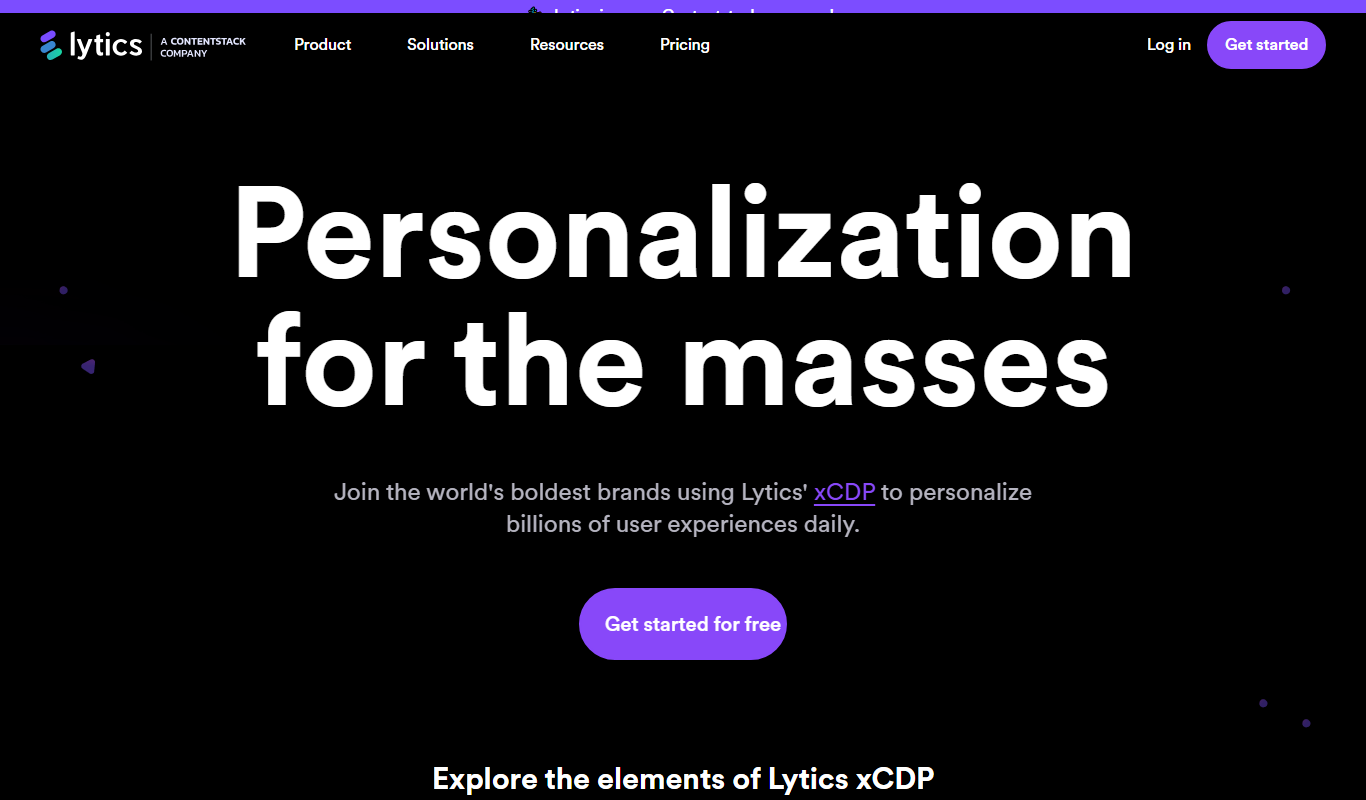
Lytics Customer Data Platform (CDP)
Lytics Customer Data Platform unifies customer data from multiple sources to create detailed profiles, enabling marketers to segment audiences precisely, deliver personalized campaigns, and leverage predictive analytics for improved marketing outcomes.

Free Trial
LeedGen
LeedGen is a web-based lead generation tool that automates prospecting, integrates with CRMs, and helps B2B sales and marketing teams capture and qualify leads efficiently.