

From my experience with Sembly AI, it stands out for its ability to deliver accurate real-time transcription combined with concise AI-generated meeting summaries. The seamless integration with popular video conferencing platforms like Zoom and Microsoft Teams makes it a practical choice for remote teams and project managers who want to reduce manual note-taking and improve meeting productivity. However, the tool currently supports only English, and some advanced features require a paid subscription, which might limit its accessibility for smaller teams. Overall, if you need an efficient way to capture and summarize meetings automatically, Sembly AI offers a reliable and user-friendly solution.
Sembly AI Meeting Assistant for Automated Transcripts and Summaries
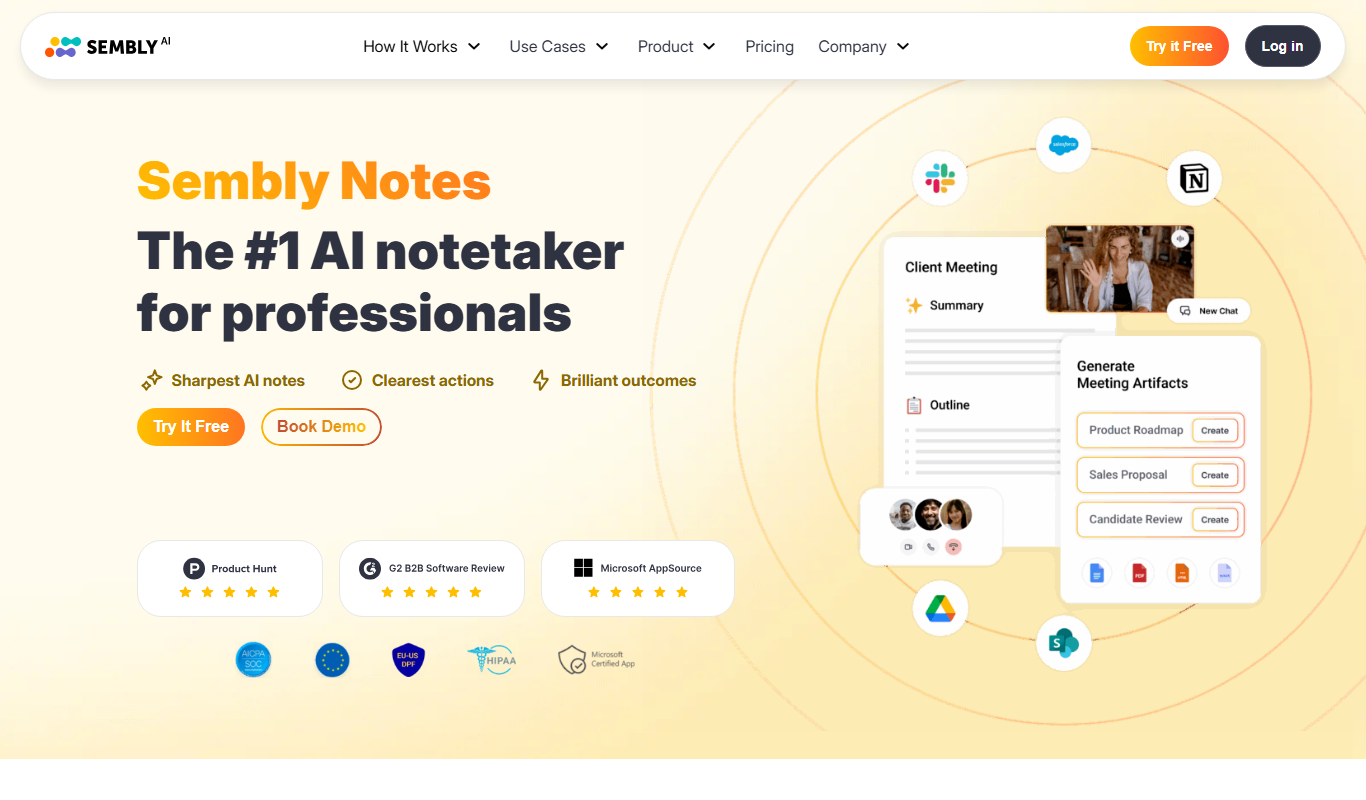
Sembly AI is an AI meeting assistant that automatically transcribes and summarizes meetings in real-time, integrates with major video conferencing platforms, and helps teams save time by generating actionable meeting notes.
- Best for
- Meeting Transcription
- Key capability
- Real-Time Transcription
Do you recommend this tool?
What is Sembly AI?
Sembly AI is an AI-powered meeting assistant designed to automatically transcribe, summarize, and analyze virtual meetings. It leverages advanced natural language processing and machine learning to capture spoken content, identify key insights, and generate actionable summaries, helping teams save time and improve productivity.
Key features of Sembly AI
The tool offers real-time transcription, intelligent summarization, speaker identification, keyword extraction, and integrations with popular video conferencing platforms. It also provides searchable meeting archives and collaboration features to streamline team workflows.
Real-Time Transcription
Captures spoken words during meetings with high accuracy and displays live transcripts.
AI-Generated Summaries
Creates brief summaries that highlight decisions, tasks, and key discussion points.
Speaker Identification
Differentiates speakers in the transcript to provide clear context.
Integration with Video Conferencing
Works seamlessly with Zoom, Microsoft Teams, Google Meet, and others.
Searchable Meeting Archives
Stores transcripts and summaries in a searchable database for easy retrieval.
Pros and cons of Sembly AI
Pros
- Accurate real-time transcription
- Concise AI-generated meeting summaries
- Easy integration with major conferencing tools
- Searchable and shareable meeting archives
Cons
- Limited language support (English only)
- Some advanced features require paid plans
- Occasional inaccuracies with heavy accents or crosstalk
Key use cases for Sembly AI
Meeting Transcription
Automatically transcribe audio from meetings and calls to create accurate text records.
Meeting Summarization
Generate concise summaries highlighting key points, decisions, and action items from meetings.
Collaboration and Sharing
Share transcripts and summaries with team members to improve communication and follow-up.
Note Taking Automation
Reduce manual note-taking by capturing important information during virtual meetings.
Integration with Video Conferencing
Seamlessly integrate with platforms like Zoom, Microsoft Teams, and Google Meet for real-time assistance.
How Sembly AI works
- 1
Connect Your Meeting Platform
Integrate Sembly AI with your preferred video conferencing tool such as Zoom or Microsoft Teams.
- 2
Start or Join a Meeting
Begin your meeting as usual; Sembly AI automatically joins to record and transcribe the conversation.
- 3
Automatic Transcription and Summarization
The AI processes the audio in real-time or post-meeting to generate transcripts and concise summaries.
- 4
Review and Share
Access the meeting notes, highlight important points, and share them with your team for follow-up.
Who is using Sembly AI
Remote teams
Project managers
Sales and customer success teams
Content creators and journalists
Small to medium businesses
Sembly AI pricing
Free
$0/month
Basic transcription and summarization with limited meeting hours per month.
Pro
$19/month
Extended meeting hours, advanced features, and priority support.
Business
Custom pricing
Tailored solutions with team management, integrations, and dedicated support.
Plans and prices are as published by the vendor and can change. Check the official site before you buy. Open the pricing page (opens in a new tab)
Compare similar tools
How Sembly AI lines up against the tools people weigh it against.
 Fireflies.ai
Sembly AI
fireflies.ai vs Sembly AI: For Teams: Collaboration & Workflow Fit
 Otter.ai
Sembly AI
otter.ai vs Sembly AI: Free Tier, Storage & Export Options
Frequently asked questions about Sembly AI
Sembly AI supports Zoom, Microsoft Teams, Google Meet, and other popular platforms via integrations.
Yes, you can upload recorded meeting audio or video files for transcription and summarization.
Sembly AI follows industry-standard security practices to protect your data and ensure privacy.
Currently, Sembly AI primarily supports English transcription and summarization.
It depends on your specific needs and how you plan to use the tool. The official website and documentation are the best sources for the latest details.
Yes, it can help with that use case depending on how you configure it and what features are available. You’ll get the best results with clear inputs and a defined goal.
Integration support depends on the tool and its available connectors or API. Check the official documentation or integrations page to confirm what is supported.
Some tools offer a free plan or trial with limited features. Availability can vary, so confirm on the official website.
Sign in to review this tool.
Sign In to ReviewNo reviews yet
Be the first to share how this tool worked for you.
Ask about pricing, limits, or how it compares — or answer someone else.
Sign In to AskNo questions yet
Have a question about using or paying for this tool? Be the first to ask.
Featured on TiorAI



More AI Assistants tools
Other tools in the same category, for when this one is not quite the fit.
Free
Dubo
Dubo is an AI assistant designed for game streamers to automate chat moderation, manage alerts, and enhance viewer engagement on platforms like Twitch and YouTube Gaming.
Freemium
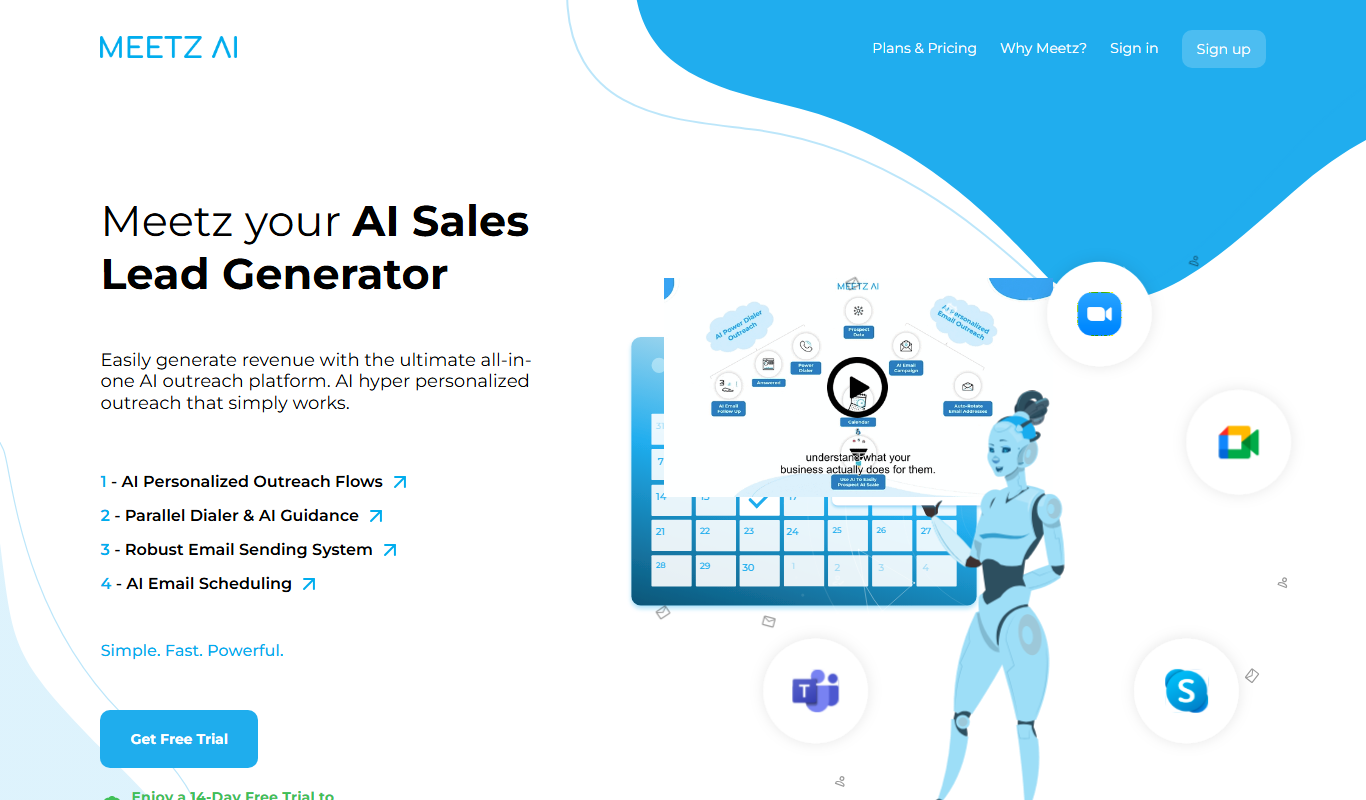
Meetz AI
Meetz AI is an AI-driven meeting assistant that provides real-time transcription, automated meeting summaries, and action item extraction to streamline meeting documentation and collaboration.
Free
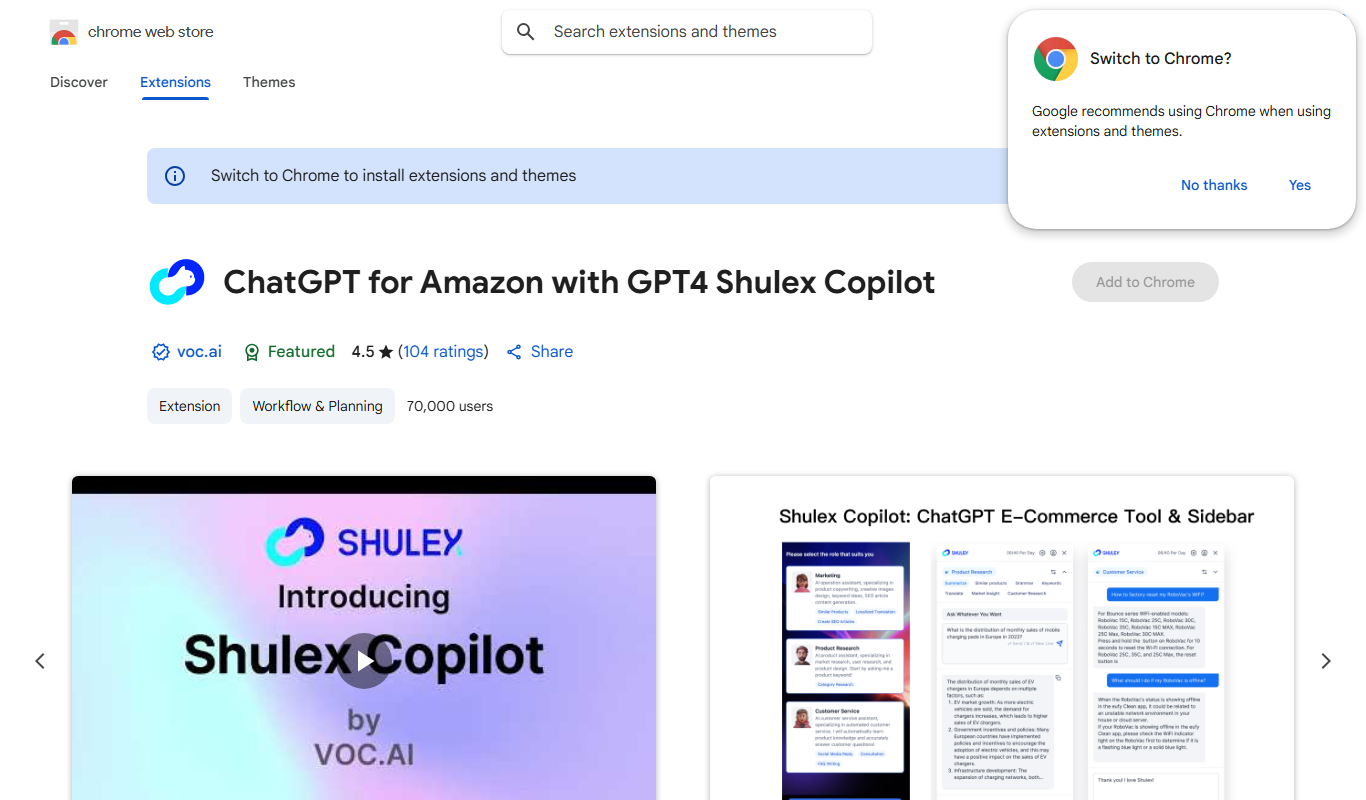
ChatGPT for Amazon – Shulex VOC
ChatGPT for Amazon - Shulex VOC is a free Chrome extension that integrates AI-powered tools directly into Amazon product pages to assist sellers with research, review summarization, and listing optimization.

Free
PokerGPT
PokerGPT is an AI assistant that helps poker players analyze hands, improve strategies, and receive real-time advice primarily for Texas Hold'em games.

Free
LangPDF
LangPDF is an AI-driven web tool that extracts text from PDFs, summarizes documents, and enables interactive Q&A to help users efficiently analyze PDF content.
Free Trial
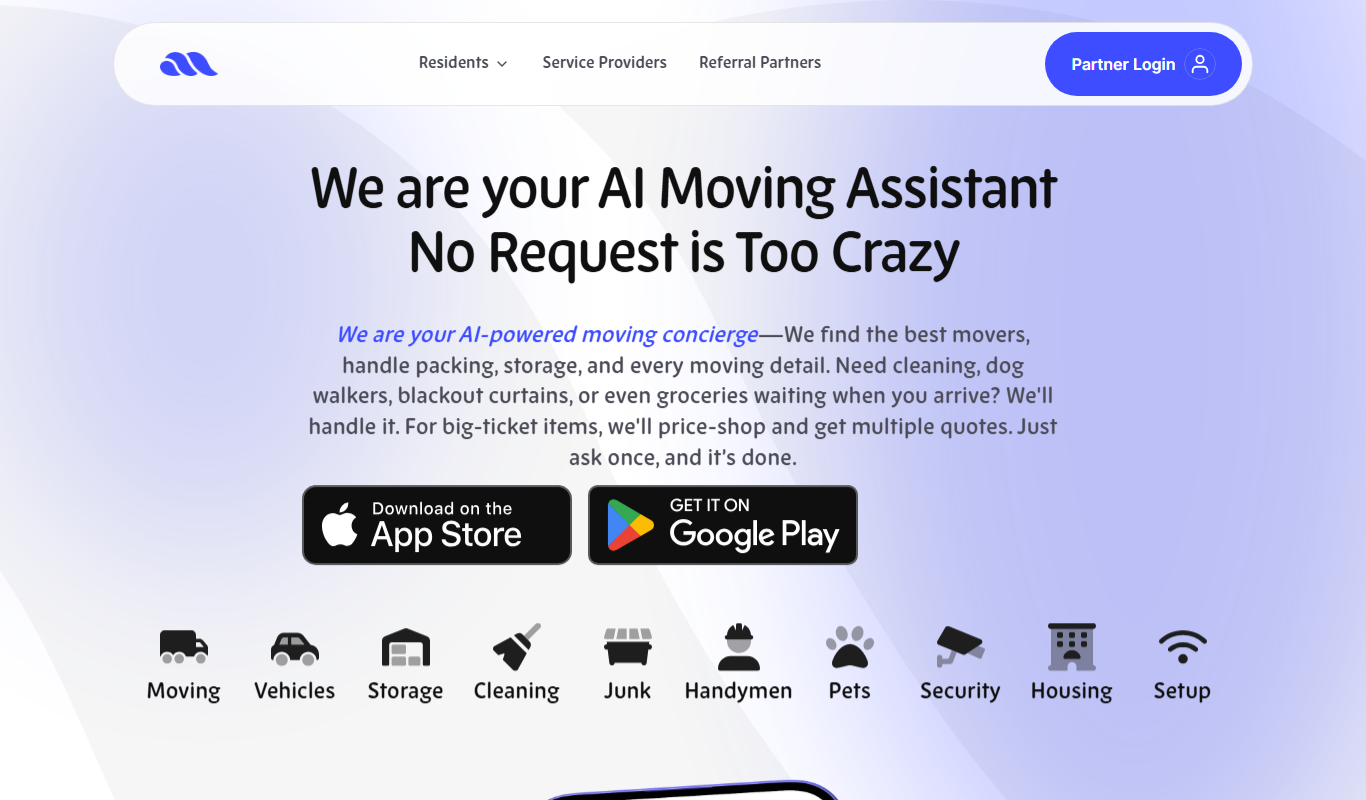
Move AI – Your AI Moving Assistant
Move AI is an AI-driven moving assistant that helps users plan, organize, and execute moves efficiently through personalized recommendations, inventory tracking, and cost estimation.
Freemium
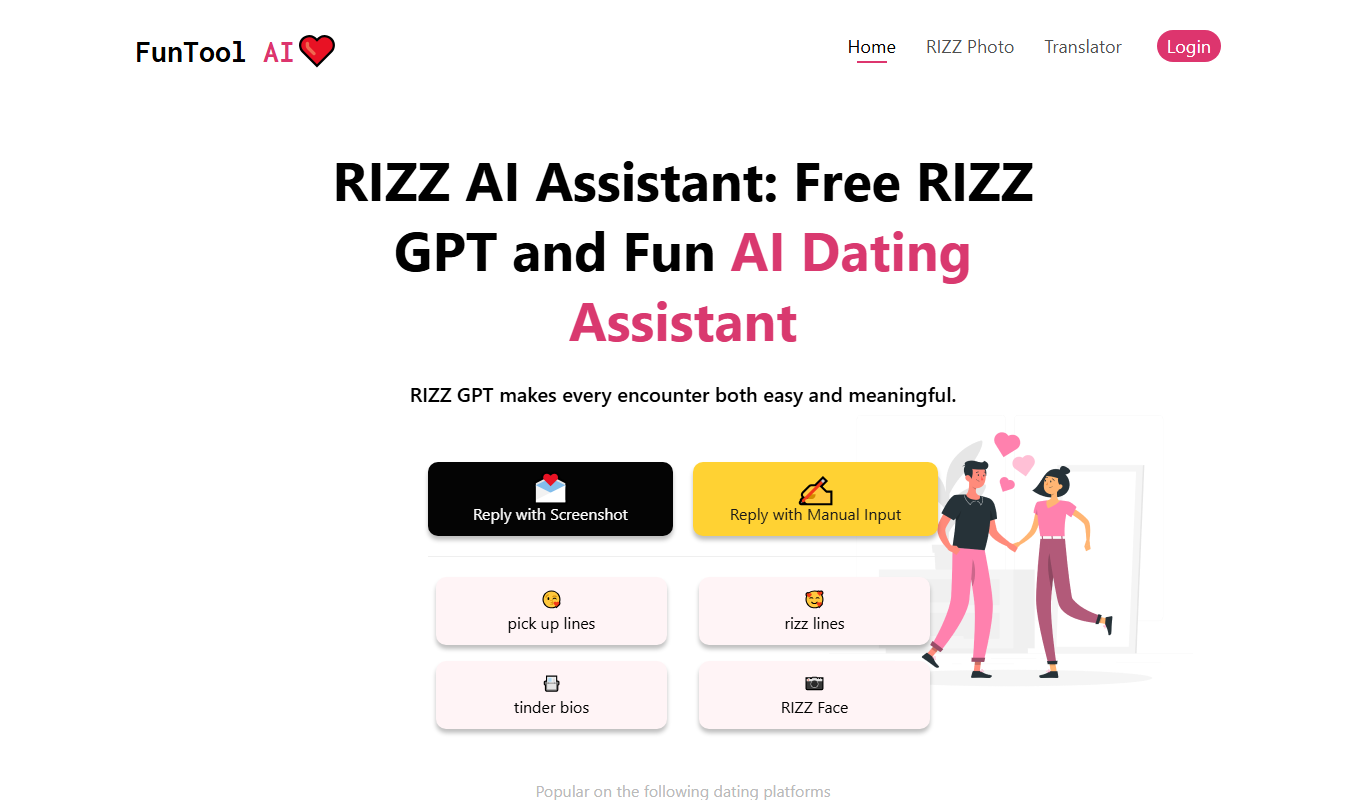
RIZZ AI
RIZZ AI is an AI-powered assistant that generates personalized messages for social media and dating platforms via a Chrome extension, helping users improve engagement and conversations.

Free Trial
ResearchPal
ResearchPal is an AI-driven research assistant that streamlines academic and professional research by providing literature search, paper summarization, and citation management tools through a web platform.