

From my experience with Move AI, I found it excels at simplifying the complex and often stressful moving process by leveraging AI to provide personalized plans and accurate cost estimates. The platform’s inventory management and task scheduling features help keep everything organized, which is a huge time saver. It’s particularly well-suited for individuals and families who want a structured, guided approach to relocation without the overwhelm. However, the lack of a dedicated mobile app and limited language options may be a drawback for some users. Overall, if you need an intelligent assistant to streamline your move, Move AI delivers practical and reliable support.
Move AI - AI-Powered Moving Assistant for Efficient Relocation Planning
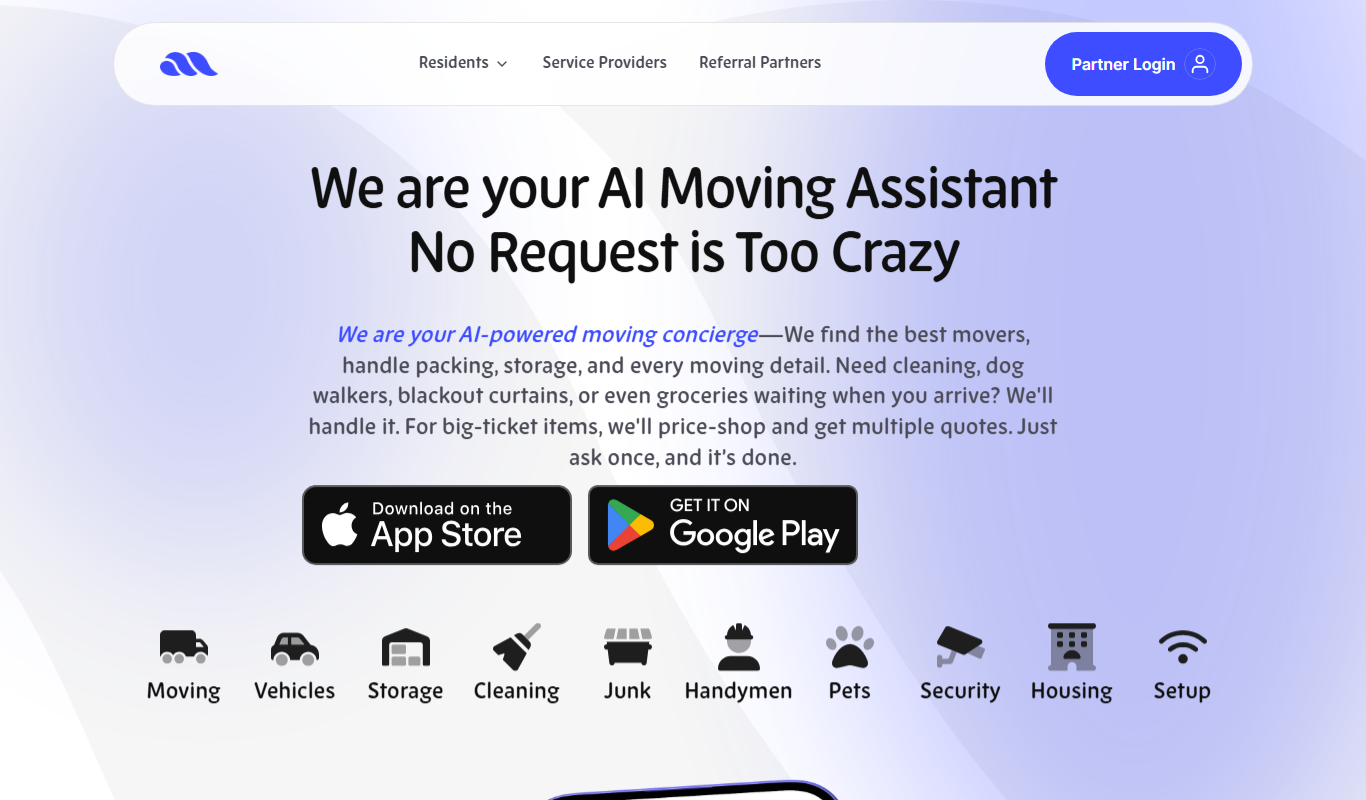
Move AI is an AI-driven moving assistant that helps users plan, organize, and execute moves efficiently through personalized recommendations, inventory tracking, and cost estimation.
- Best for
- Moving Planning
- Key capability
- AI-Powered Moving Plans
Do you recommend this tool?
What is Move AI – Your AI Moving Assistant?
Move AI is an AI-powered moving assistant designed to simplify and optimize the relocation process. It leverages artificial intelligence to help users plan, organize, and execute their moves efficiently by providing personalized recommendations, inventory management, cost estimations, and task scheduling. The platform aims to reduce the stress and complexity commonly associated with moving by automating key steps and offering actionable insights.
Key features of Move AI – Your AI Moving Assistant
Move AI offers a comprehensive suite of features including AI-driven moving plans, interactive inventory lists, real-time cost estimates, task reminders, and integration with moving service providers. These features work together to streamline the entire moving experience from start to finish.
AI-Powered Moving Plans
Generates customized moving schedules and checklists based on user inputs.
Interactive Inventory Management
Helps users catalog and organize belongings for efficient packing and unpacking.
Accurate Cost Estimation
Provides detailed moving cost breakdowns to help budget effectively.
Task Scheduling and Reminders
Keeps users on track with timely notifications for important moving tasks.
Moving Company Integration
Facilitates seamless communication and booking with professional movers.
Pros and cons of Move AI – Your AI Moving Assistant
Pros
- Simplifies complex moving processes with AI assistance
- Comprehensive inventory and task management
- Accurate cost estimation helps budget planning
- Integrates with moving companies for streamlined coordination
- User-friendly interface accessible on multiple devices
Cons
- No dedicated mobile app yet
- Limited language support (English only)
- Subscription required for full feature access
Key use cases for Move AI – Your AI Moving Assistant
Moving Planning
Helps users organize and plan their relocation process efficiently using AI-powered recommendations.
Inventory Management
Allows users to create and manage an inventory of items to be moved, streamlining packing and unpacking.
Cost Estimation
Provides accurate moving cost estimates based on user inputs and AI analysis.
Task Scheduling
Assists in scheduling moving-related tasks and reminders to keep the relocation on track.
Moving Company Coordination
Facilitates communication and coordination with moving companies through the platform.
How Move AI – Your AI Moving Assistant works
- 1
Create an Account
Sign up on the Move AI platform to start your personalized moving plan.
- 2
Input Moving Details
Provide information about your current home, destination, and belongings.
- 3
Receive AI Recommendations
Get tailored moving plans, cost estimates, and packing suggestions generated by AI.
- 4
Manage Inventory and Tasks
Use the platform to track your items and schedule moving-related tasks.
- 5
Coordinate with Movers
Connect and communicate with moving companies directly through the app.
Who is using Move AI – Your AI Moving Assistant
Individuals planning residential moves
Families relocating locally or long-distance
Small businesses managing office moves
Real estate agents assisting clients
Moving companies seeking client coordination tools
Move AI – Your AI Moving Assistant pricing
Free Trial
$0 for 7 days
Access to basic moving planning features to try the platform.
Premium
$14.99/month
Full access to all features including advanced AI recommendations and moving company coordination.
Plans and prices are as published by the vendor and can change. Check the official site before you buy. Open the pricing page (opens in a new tab)
Frequently asked questions about Move AI – Your AI Moving Assistant
Yes, Move AI is designed to assist with local, long-distance, and international moves.
Absolutely, the tool helps with planning and organization regardless of whether you hire movers.
Yes, Move AI follows industry-standard security practices to protect user data.
Currently, Move AI is accessible via mobile web browsers; a dedicated app is in development.
It depends on your specific needs and how you plan to use the tool. The official website and documentation are the best sources for the latest details.
Pricing depends on the plan and included features. For the most accurate and up-to-date details, check the official pricing page.
It depends on your specific needs and how you plan to use the tool. The official website and documentation are the best sources for the latest details.
Sign in to review this tool.
Sign In to ReviewNo reviews yet
Be the first to share how this tool worked for you.
Ask about pricing, limits, or how it compares — or answer someone else.
Sign In to AskNo questions yet
Have a question about using or paying for this tool? Be the first to ask.
Featured on TiorAI



More AI Assistants tools
Other tools in the same category, for when this one is not quite the fit.

Free
Dubo
Dubo is an AI assistant designed for game streamers to automate chat moderation, manage alerts, and enhance viewer engagement on platforms like Twitch and YouTube Gaming.
Freemium
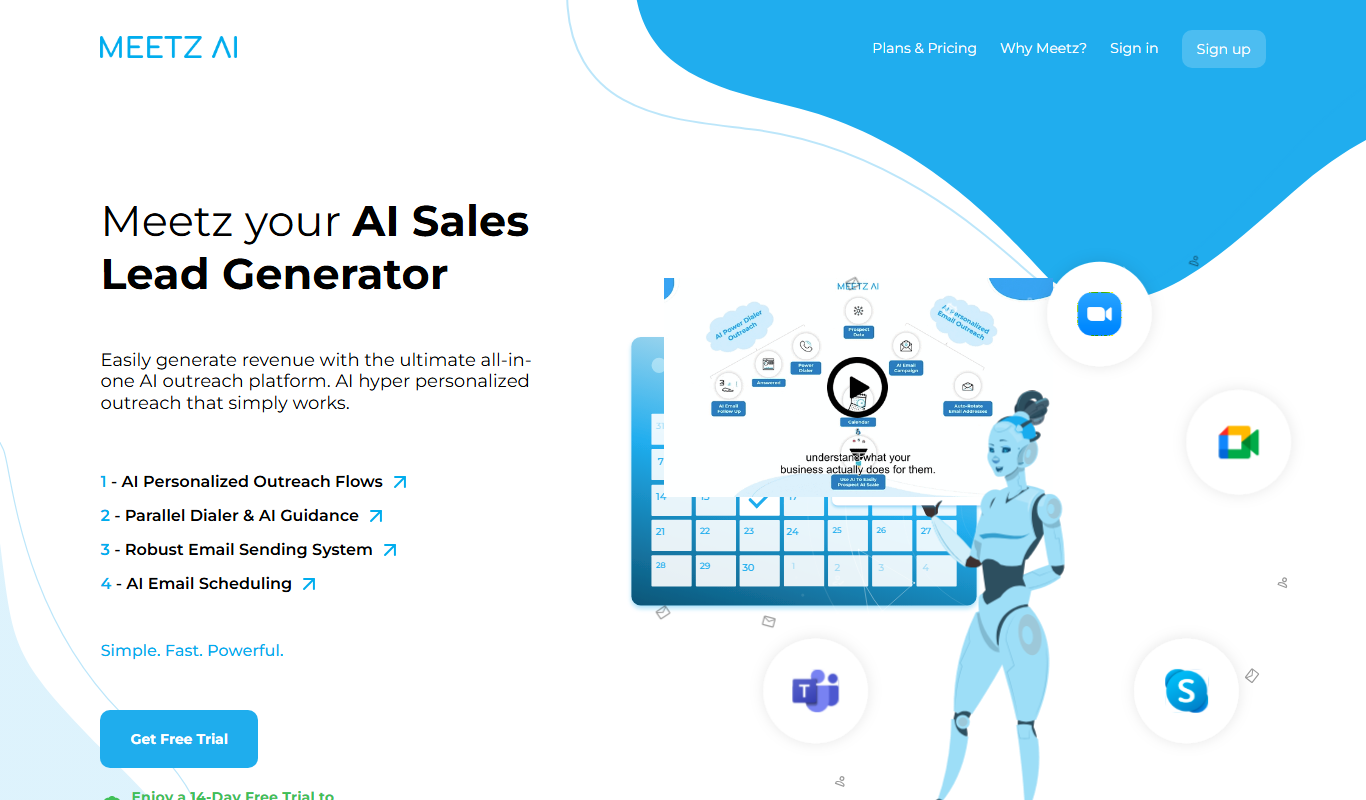
Meetz AI
Meetz AI is an AI-driven meeting assistant that provides real-time transcription, automated meeting summaries, and action item extraction to streamline meeting documentation and collaboration.
Free
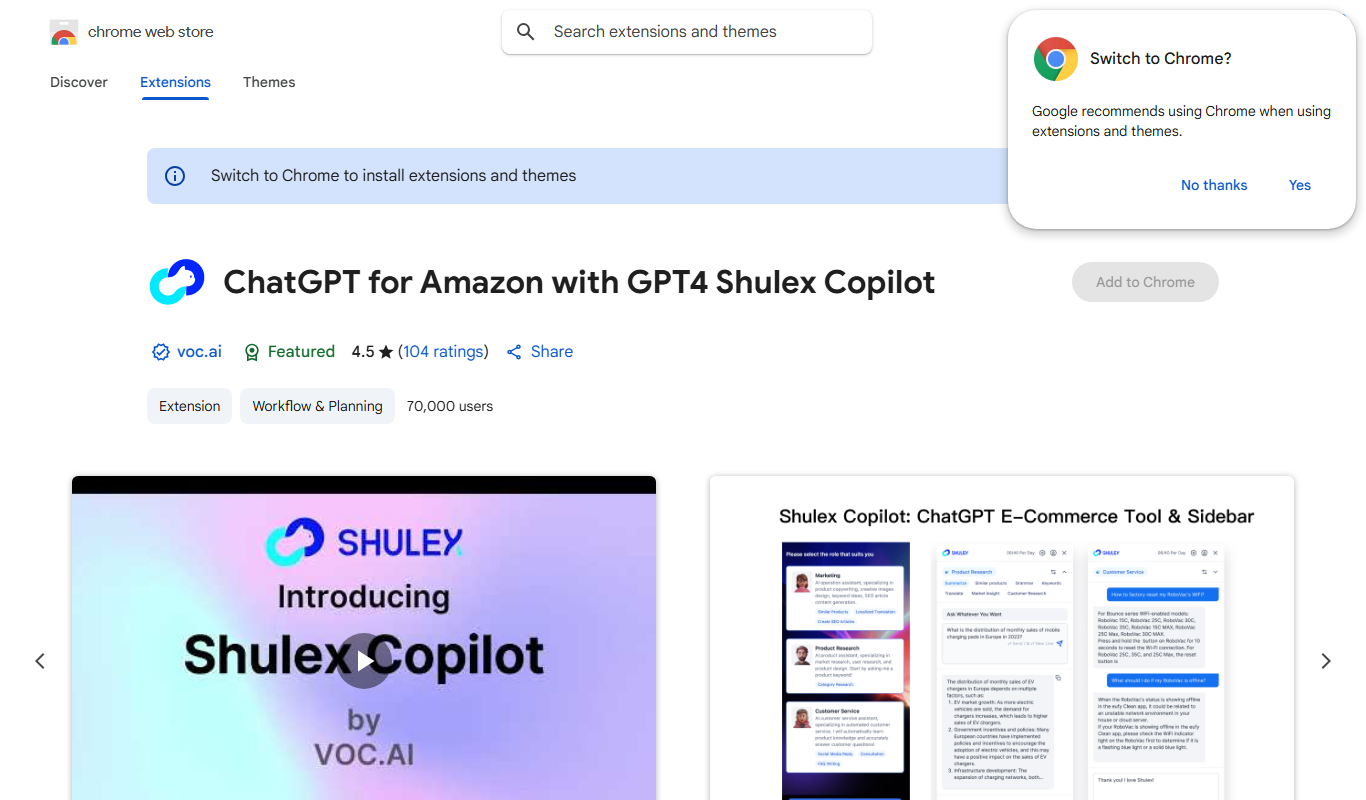
ChatGPT for Amazon – Shulex VOC
ChatGPT for Amazon - Shulex VOC is a free Chrome extension that integrates AI-powered tools directly into Amazon product pages to assist sellers with research, review summarization, and listing optimization.

Free
PokerGPT
PokerGPT is an AI assistant that helps poker players analyze hands, improve strategies, and receive real-time advice primarily for Texas Hold'em games.

Free
LangPDF
LangPDF is an AI-driven web tool that extracts text from PDFs, summarizes documents, and enables interactive Q&A to help users efficiently analyze PDF content.
Freemium
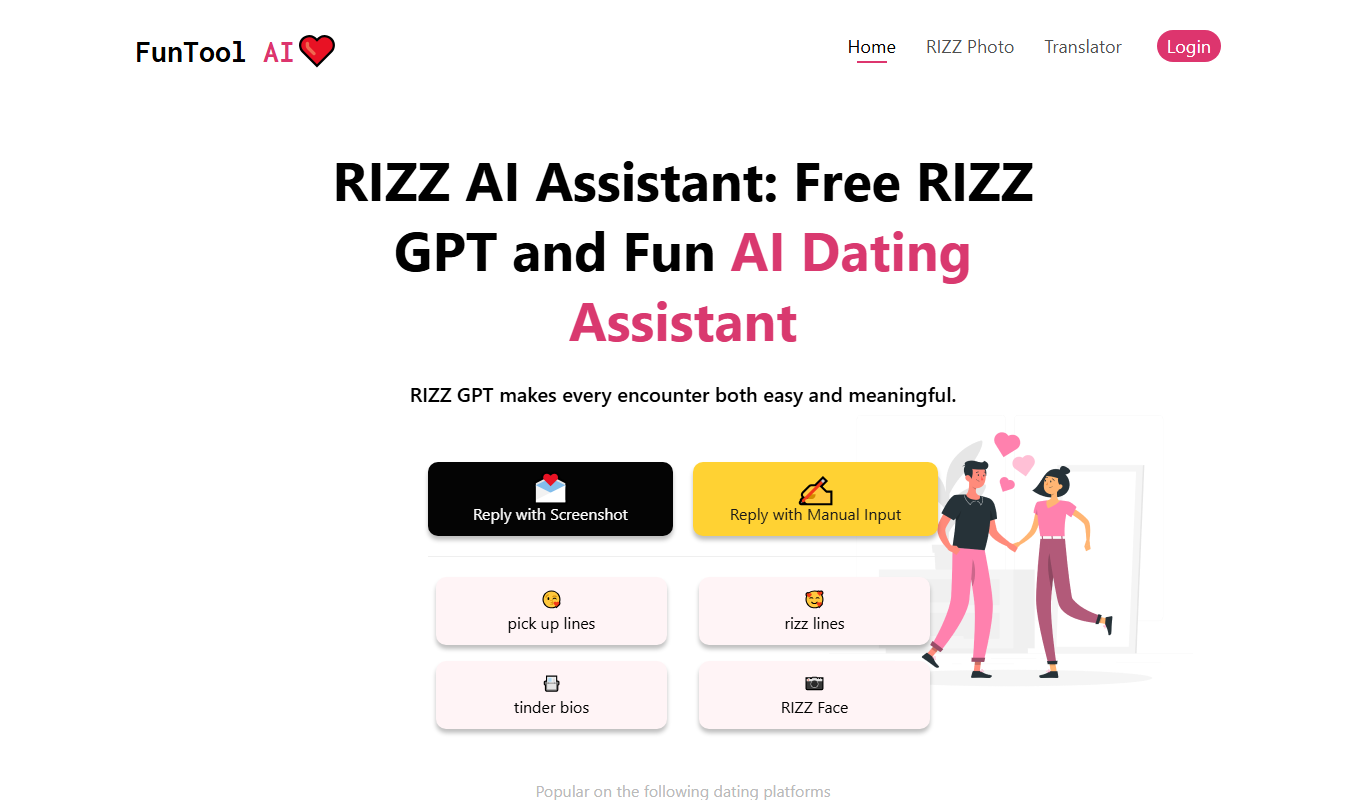
RIZZ AI
RIZZ AI is an AI-powered assistant that generates personalized messages for social media and dating platforms via a Chrome extension, helping users improve engagement and conversations.

Free Trial
ResearchPal
ResearchPal is an AI-driven research assistant that streamlines academic and professional research by providing literature search, paper summarization, and citation management tools through a web platform.
Freemium
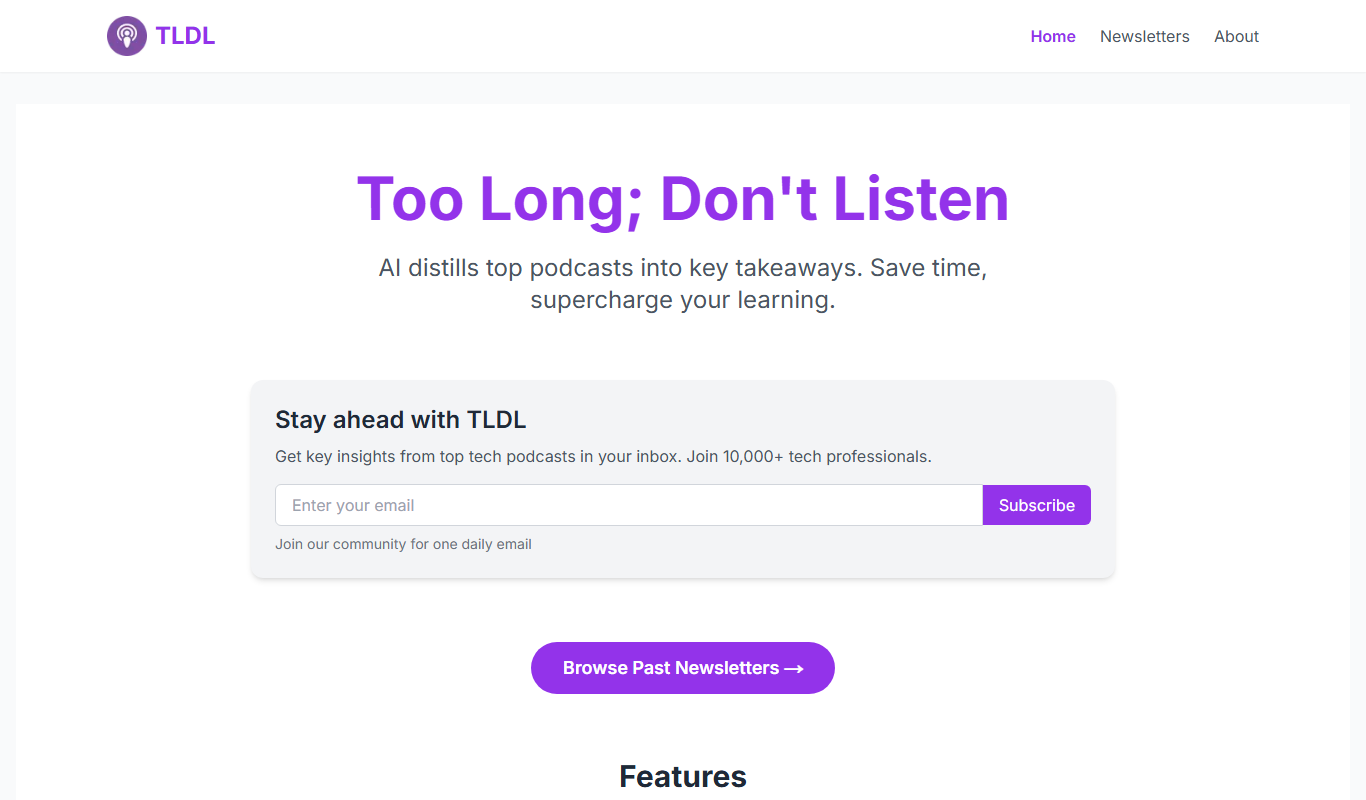
TLDL
TLDL is an AI-powered meeting assistant that records, transcribes, and summarizes online meetings automatically to save time and improve collaboration.