otter.ai vs Sembly AI: Free Tier, Storage & Export Options
Compare Otter.ai and Sembly AI on free plan limits, transcript storage, export formats, and pricing value.
- Category
- AI Productivity Tools
- Format
- Head-to-head
- Updated
- April 19, 2026


How they compare
| Feature |
Otter.ai
|
Sembly AI
|
|---|---|---|
| Made by | AISense, Inc. | Sembly AI |
| Category | AI Transcription Video Transcription Voice Generation & Conversion Writing & Editing | AI Assistants AI Meeting Tools AI Productivity Tools AI Video Recording |
| Pricing model | Free Freemium Subscription | Freemium Subscription |
| Platforms | Android iOS Web | API Chrome Extension Web |
| Built with | JavaScript Machine Learning Python | JavaScript Machine Learning Natural Language Processing Python |
| Languages | Chinese English French German +2 more | English |
| Based in | United States | United States |
Greyed rows are the same for both tools.
What each one is
Otter.ai
Otter.ai is an AI-powered speech-to-text transcription service designed to convert spoken language into accurate, searchable text in real time. It leverages advanced machine learning algorithms to capture conversations, meetings, lectures, and interviews, making it easier to review and share spoken content. Otter.ai supports multiple languages and integrates with popular video conferencing platforms to enhance productivity and collaboration.
Sembly AI
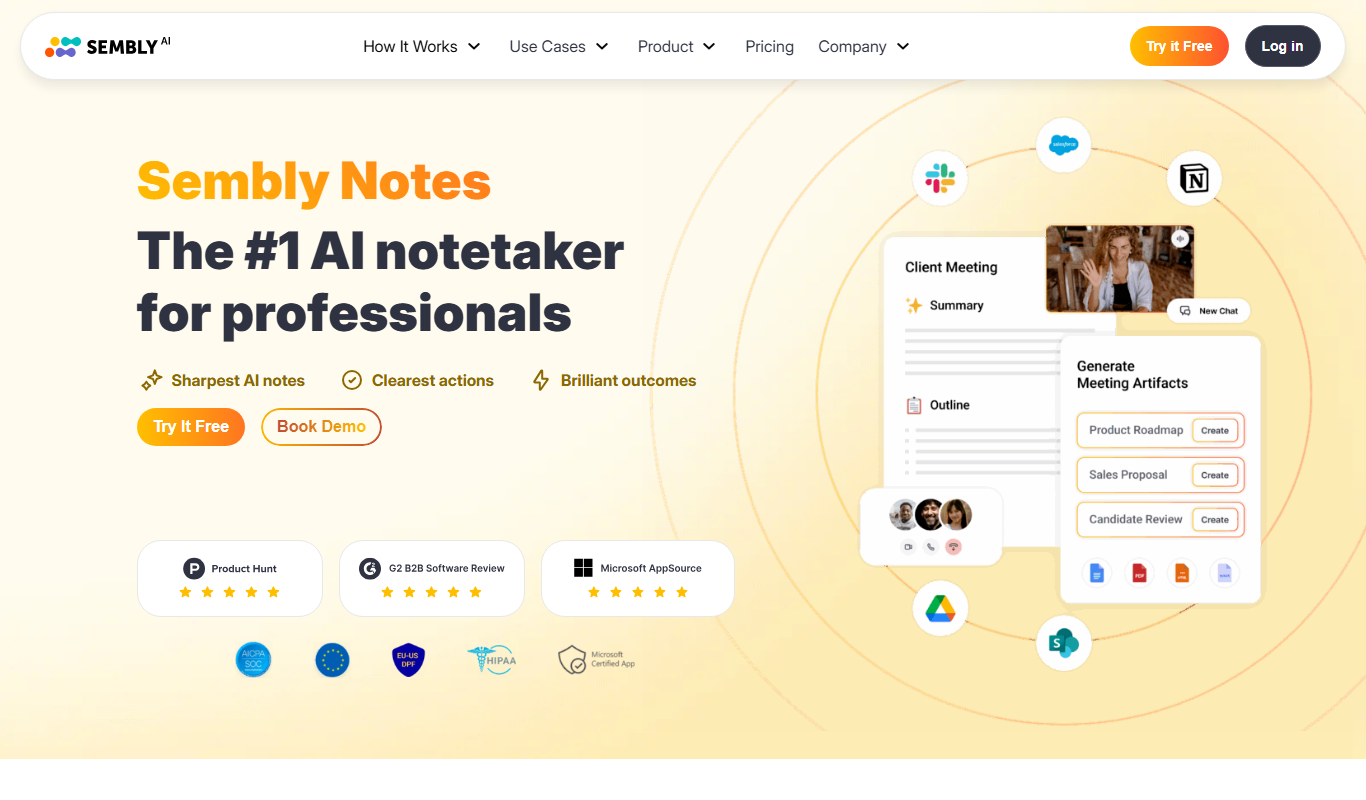
Sembly AI is an AI-powered meeting assistant designed to automatically transcribe, summarize, and analyze virtual meetings. It leverages advanced natural language processing and machine learning to capture spoken content, identify key insights, and generate actionable summaries, helping teams save time and improve productivity.
Key features
Otter.ai
-
Real-Time Transcription
Instantly transcribe conversations as they happen with high accuracy.
-
Speaker Identification
Automatically distinguish and label different speakers in the transcript.
-
Searchable and Editable Notes
Search keywords within transcripts and make edits to improve accuracy.
-
Collaboration Tools
Share transcripts with others, add comments, and collaborate in real time.
-
Integration with Conferencing Apps
Seamlessly connect with Zoom, Microsoft Teams, and Google Meet for live transcription.
Sembly AI
-
Real-Time Transcription
Captures spoken words during meetings with high accuracy and displays live transcripts.
-
AI-Generated Summaries
Creates brief summaries that highlight decisions, tasks, and key discussion points.
-
Speaker Identification
Differentiates speakers in the transcript to provide clear context.
-
Integration with Video Conferencing
Works seamlessly with Zoom, Microsoft Teams, Google Meet, and others.
-
Searchable Meeting Archives
Stores transcripts and summaries in a searchable database for easy retrieval.
Pricing
Plans as published by each vendor. Check the vendor site before buying — pricing changes.
Otter.ai
Basic $0/month
Free plan with 600 minutes of transcription per month and basic features.
Pro $16.99/month
Extended transcription minutes, advanced export options, and priority support.
Business $30/user/month
Team collaboration features, centralized billing, and enterprise-level support.
Enterprise Custom pricing
Sembly AI
Free $0/month
Basic transcription and summarization with limited meeting hours per month.
Pro $19/month
Extended meeting hours, advanced features, and priority support.
Business Custom pricing
Tailored solutions with team management, integrations, and dedicated support.
Strengths and trade-offs
Otter.ai
Strengths
- Accurate real-time transcription with speaker differentiation
- Easy-to-use interface with collaborative editing
- Integrates with popular video conferencing platforms
- Supports multiple languages
- Free plan available for casual users
Trade-offs
- Accuracy can vary with heavy accents or noisy environments
- Advanced features require paid subscription
- Limited transcription minutes on free plan
Sembly AI
Strengths
- Accurate real-time transcription
- Concise AI-generated meeting summaries
- Easy integration with major conferencing tools
- Searchable and shareable meeting archives
Trade-offs
- Limited language support (English only)
- Some advanced features require paid plans
- Occasional inaccuracies with heavy accents or crosstalk
Who it is for
Otter.ai
- Business professionals
- Journalists and interviewers
- Students and educators
- Content creators and podcasters
- Remote teams and meeting organizers
Sembly AI
- Remote teams
- Project managers
- Sales and customer success teams
- Content creators and journalists
- Small to medium businesses
What people use it for
Otter.ai
-
Meeting Transcriptions
Automatically transcribe meetings, interviews, and conferences in real time for accurate records.
-
Note Taking
Generate searchable, editable notes from spoken content to improve productivity and information retention.
-
Content Creation
Convert audio and video recordings into text for content repurposing, blogging, and documentation.
-
Collaboration
Share transcripts with teams to facilitate collaboration and ensure everyone stays aligned.
-
Accessibility
Provide captions and transcripts to improve accessibility for hearing-impaired users.
Sembly AI
-
Meeting Transcription
Automatically transcribe audio from meetings and calls to create accurate text records.
-
Meeting Summarization
Generate concise summaries highlighting key points, decisions, and action items from meetings.
-
Collaboration and Sharing
Share transcripts and summaries with team members to improve communication and follow-up.
-
Note Taking Automation
Reduce manual note-taking by capturing important information during virtual meetings.
-
Integration with Video Conferencing
Seamlessly integrate with platforms like Zoom, Microsoft Teams, and Google Meet for real-time assistance.
Getting started
Otter.ai
Create an Account
Sign up on Otter.ai via web or mobile app to access transcription services.
Record or Import Audio
Start recording live audio or upload pre-recorded files for transcription.
Automatic Transcription
Otter.ai processes the audio using AI to generate text transcripts with speaker labels.
Edit and Share
Review, edit, highlight, and share transcripts with your team or export them.
Sembly AI
Connect Your Meeting Platform
Integrate Sembly AI with your preferred video conferencing tool such as Zoom or Microsoft Teams.
Start or Join a Meeting
Begin your meeting as usual; Sembly AI automatically joins to record and transcribe the conversation.
Automatic Transcription and Summarization
The AI processes the audio in real-time or post-meeting to generate transcripts and concise summaries.
Review and Share
Access the meeting notes, highlight important points, and share them with your team for follow-up.
Common questions
Yes, Otter.ai supports multiple languages including Spanish, French, German, Japanese, and Chinese.
Sembly AI supports Zoom, Microsoft Teams, Google Meet, and other popular platforms via integrations.
Yes, Otter.ai integrates directly with Zoom to provide live transcription during meetings.
Yes, you can upload recorded meeting audio or video files for transcription and summarization.
The free Basic plan includes 600 minutes of transcription per month.
Sembly AI follows industry-standard security practices to protect your data and ensure privacy.
Yes, transcripts are fully editable and searchable within the Otter.ai platform.
Currently, Sembly AI primarily supports English transcription and summarization.
More comparisons with these tools

Assemblyai vs otter.ai: Best for Content Creators & Developers?
AssemblyAI or Otter.ai? Compare voice quality, API access, cloning speed, and pricing for creators and developers.
- AssemblyAI: From $0.65/hr Starts at Otter.ai: $16.99/month
- AssemblyAI: 2 Platforms Otter.ai: 3
-
Krisp AI vs otter.ai: Pricing, Languages & Studio Features
Krisp AI vs Otter.ai — compare pricing plans, supported languages, studio editing tools, and which fits your workflow.
- Krisp AI: $16/month Starts at Otter.ai: $16.99/month
- Krisp AI: 7 Platforms Otter.ai: 3
-
Podcastle vs otter.ai: Voice Cloning, API Access & Pricing
Compare Podcastle and Otter.ai on voice cloning quality, API features, response latency, pricing tiers, and enterprise support.
- Podcastle: $14.99/month Starts at Otter.ai: $16.99/month
- Podcastle: 1 Platforms Otter.ai: 3
Whisper AI vs otter.ai: Accuracy, Speed & Pricing Compared
Whisper AI vs Otter.ai — compare transcription accuracy, processing speed, speaker detection, and pricing.
- Whisper AI: $0.006/minute Starts at Otter.ai: $16.99/month
- Whisper AI: 3 Platforms Otter.ai: 3
-
fireflies.ai vs Sembly AI: For Teams: Collaboration & Workflow Fit
Fireflies.ai or Sembly AI for team meetings? Compare collaboration features, CRM integrations, accuracy, and pricing.
- Fireflies.ai: $18/seat/month Starts at Sembly AI: $19/month
- Fireflies.ai: 4 Platforms Sembly AI: 3
-
fireflies.ai vs otter.ai: Accuracy, Speed & Pricing Compared
Fireflies.ai vs Otter.ai — compare transcription accuracy, processing speed, speaker detection, and pricing.
- Fireflies.ai: $18/seat/month Starts at Otter.ai: $16.99/month
- Fireflies.ai: 4 Platforms Otter.ai: 3