

Salesforce Platform for AI-Powered App Development
Salesforce Platform lets businesses build apps, connect data and create AI agents, with low code and pro code app development tools that work natively with Salesforce CRM data.
- Best for
- Custom AI-Powered CRM Applications
- Key capability
- Unified Data Layer
Save Salesforce Platform for AI App Development, follow its updates and vote on it — everything stays in your account.
Sign in or create a free accountWhat is Salesforce Platform for AI App Development?
Salesforce Platform is the Salesforce foundation to build apps, connect data and create AI agents. Its app development tools give business users, admins and developers low code and pro code options to build, test and deploy apps that work natively with Salesforce CRM data.
Key features of Salesforce Platform for AI App Development
The platform offers a comprehensive suite of AI services including machine learning, natural language processing, and computer vision, integrated seamlessly with Salesforce’s cloud infrastructure. Developers and business users can create custom AI models, automate workflows, and embed AI insights directly into applications.
Unified Data Layer
Aggregates data from Salesforce CRM and external sources to provide a single source of truth for AI applications.
Pre-built AI Services
Includes ready-to-use AI capabilities such as sentiment analysis, image recognition, and predictive scoring.
Low-Code Development
Enables users with minimal coding experience to build and customize AI models and applications.
Seamless Salesforce Integration
Deep integration with Salesforce products ensures AI insights are embedded directly into business workflows.
Scalable Cloud Infrastructure
Built on Salesforce’s secure and scalable cloud platform to support enterprise-grade applications.
Pros and cons of Salesforce Platform for AI App Development
Pros
- Deep integration with Salesforce ecosystem
- Supports low-code and pro developer workflows
- Comprehensive AI capabilities including NLP and predictive analytics
- Scalable and secure cloud infrastructure
Cons
- Pricing is not transparent and requires consultation
- Primarily designed for Salesforce users, less suitable for non-Salesforce environments
- Learning curve for users unfamiliar with Salesforce platform
Key use cases for Salesforce Platform for AI App Development
Custom AI-Powered CRM Applications
Build intelligent CRM applications that leverage AI to automate workflows, predict customer behavior, and personalize interactions.
Data Integration and Automation
Integrate data from multiple sources and automate business processes using AI models and Salesforce’s low-code tools.
Predictive Analytics
Develop predictive models to forecast sales trends, customer churn, and other key business metrics.
Natural Language Processing Applications
Create chatbots and virtual assistants that understand and respond to customer inquiries using NLP capabilities.
Mobile AI Solutions
Deploy AI-powered applications on mobile devices to enable field teams with real-time insights and recommendations.
How Salesforce Platform for AI App Development works
- 1
Connect Data Sources
Connect, federate and harmonize data from any product and system with Data 360 into a complete view of every customer.
- 2
Build AI Models
Use pre-built AI services or create custom models with low-code tools and APIs.
- 3
Develop Applications
Leverage Salesforce’s development environment to build AI-powered apps tailored to business needs.
- 4
Deploy and Monitor
Test new work in sandboxes that mirror production, then deploy with DevOps tools on Salesforce.
Who is using Salesforce Platform for AI App Development
Salesforce Platform for AI App Development pricing
Custom Pricing
Contact Salesforce
Pricing varies based on usage, features, and enterprise requirements.
Plans and prices are as published by the vendor and can change. Check the official site before you buy. Open the pricing page (opens in a new tab)
Frequently asked questions about Salesforce Platform for AI App Development
It is the Salesforce foundation to build apps, connect data and create AI agents, with app development tools that work natively with Salesforce CRM data.
No. It offers low code tools for business users and admins alongside pro code tools for developers.
Yes, the platform supports integration of external data alongside Salesforce data for comprehensive AI models.
Yes. Mobile App Builder provides an intelligent mobile app that lets employees access Salesforce from anywhere.
It depends on your specific needs and how you plan to use the tool. The official website and documentation are the best sources for the latest details.
It depends on your specific needs and how you plan to use the tool. The official website and documentation are the best sources for the latest details.
Integration support depends on the tool and its available connectors or API. Check the official documentation or integrations page to confirm what is supported.
Conclusion
App building on the Salesforce Platform gives business users, admins and developers both low code and pro code tools on one foundation. App Builder creates dynamic experiences with clicks, and Mobile App Builder gives employees mobile access from anywhere. Prompt Builder grounds generative AI prompts in the organization’s own data, while Agentforce Builder configures Agentforce with clicks.
Data comes in through Data 360, which connects and harmonizes data from any product and system into a complete view of every customer. For releases, sandboxes mirror the production environment for risk-free testing, and DevOps Center tracks project work across the ALM process.
Apps built this way work natively with the CRM, analytics and automation of the wider ecosystem, and the existing tool data notes that the platform is primarily designed for Salesforce users. A 30-day trial of the Platform Services needs no credit card or installation.
Sources
Sign in to review this tool.
Sign In to ReviewNo reviews yet
Be the first to share how this tool worked for you.
Ask about pricing, limits, or how it compares — or answer someone else.
Sign In to AskNo questions yet
Have a question about using or paying for this tool? Be the first to ask.
Featured on TiorAI


More AI App Builder tools
Other tools in the same category, for when this one is not quite the fit.

BuildAI space
BuildAI is a no-code platform that turns a described idea into a working AI app with database, users, payments and digital employees built in.

Reetail
Reetail is a Stripe app that turns a Stripe account into an online store for small businesses, with a custom domain, local pickup and 0% transaction fees.

Aasaan
Aasaan is an ecommerce platform and growth team for Indian D2C brands: storefront, WhatsApp commerce and a zero-fee checkout with RTO protection.
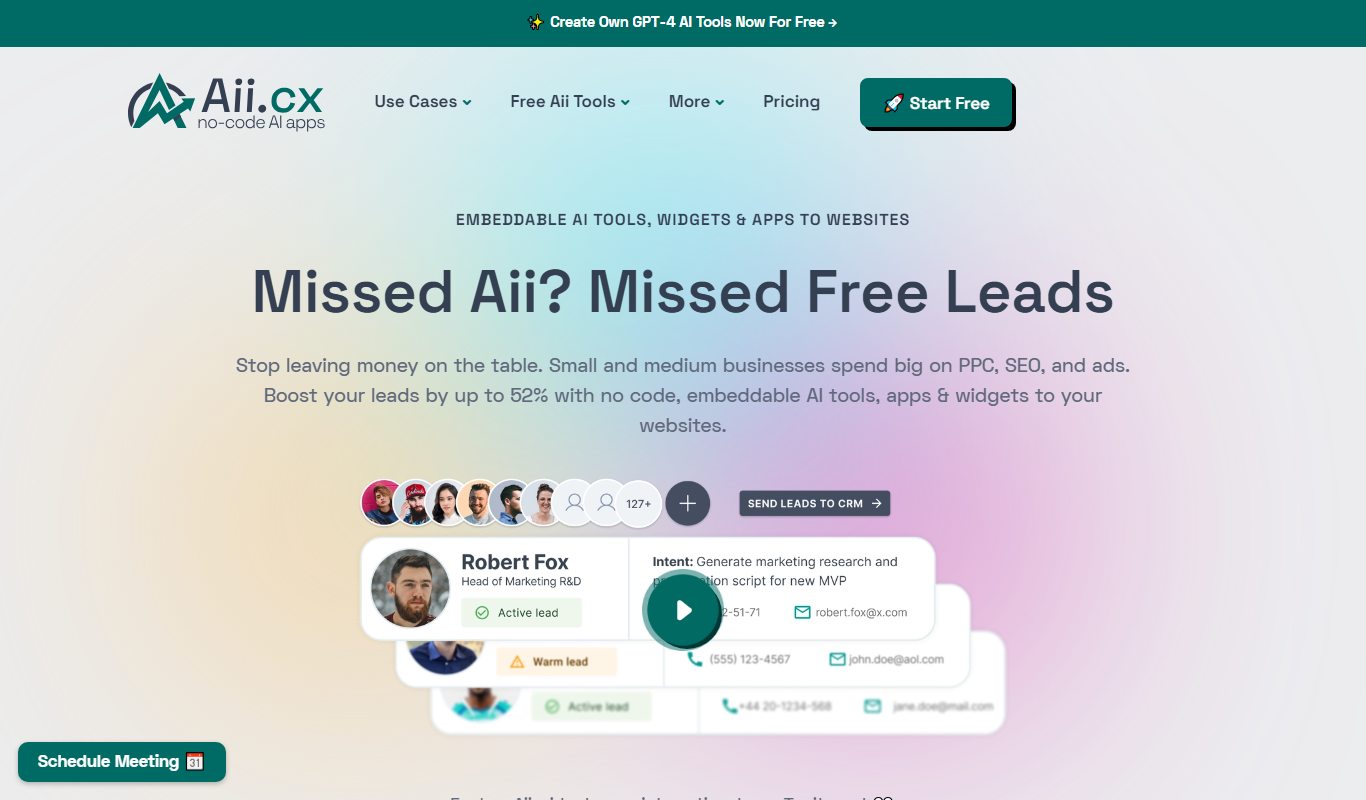
Aii.CX
Aii.CX lets businesses create no-code AI tools, widgets and apps and embed them on their websites to generate more leads.

Butternut AI
Butternut AI is a website builder for small business that creates a website in 20 seconds with AI, with free domain, chatbot and AI blogs included.

Genatron
Genatron creates ready-to-use business applications in a few minutes from plain English requirements; its AI model produces the entire app, no code or tools needed.

Linguisticat
Linguisticat is a Safari extension and iPhone app for language learning that replaces words on websites you read with vocabulary from your target language.

Universe
Universe is a mobile-first no-code website builder that enables users to create simple, responsive websites using a block-based editor optimized for phones and desktops.