

From my experience with BuildAI Space, I found it excels at simplifying AI application development for users without deep coding skills. The drag-and-drop interface combined with pre-built and custom AI model support makes it practical for rapid prototyping and deploying AI-powered apps. It’s particularly well-suited for startups and small businesses looking to automate workflows or integrate AI quickly. However, the platform is primarily web-based and lacks detailed public information on its technology stack, which might concern some developers. Overall, if you want to build AI apps efficiently with minimal coding, BuildAI Space offers a solid, user-friendly solution.
BuildAI Space Low-Code AI App Builder Platform for Developers and Businesses
BuildAI Space is a web-based low-code platform that enables users to build, customize, and deploy AI applications quickly using drag-and-drop tools and pre-built AI models, suitable for developers and businesses with limited coding experience.
- Best for
- AI Application Development
- Key capability
- Low-Code AI Builder
Your actions
Save BuildAI space, follow its updates and vote on it — everything stays in your account.
Sign in or create a free account

What is BuildAI space?
BuildAI Space is a low-code AI application development platform designed to simplify the creation and deployment of AI-powered apps. It provides an intuitive web-based interface where users can build, customize, and launch AI applications without extensive programming skills. The platform targets developers, startups, and businesses aiming to leverage AI capabilities efficiently.
Key features of BuildAI space
BuildAI Space offers drag-and-drop AI model integration, pre-built AI components, workflow automation, and deployment tools. It supports rapid prototyping and scalable AI app development with minimal coding, enabling users to focus on business logic and user experience.
Low-Code AI Builder
Simplifies AI app creation with drag-and-drop tools requiring minimal coding.
Pre-Built AI Models
Includes ready-to-use AI components for common tasks like NLP, image recognition, and data analysis.
Custom Model Integration
Allows users to upload and integrate their own machine learning models seamlessly.
Workflow Automation
Enables automation of business logic and processes within AI applications.
Cloud Deployment
Supports easy deployment and scaling of AI apps on cloud infrastructure.
Pros and cons of BuildAI space
Pros
- User-friendly low-code interface simplifies AI app development
- Supports both pre-built and custom AI models
- Facilitates rapid prototyping and deployment
- Cloud-based platform with scalable infrastructure
- Good for users with limited coding experience
Cons
- Limited information on underlying tech stack
- Pricing details beyond trial are not fully transparent
- Primarily web-based, no mobile or desktop apps
Key use cases for BuildAI space
AI Application Development
Enables developers and businesses to build AI-powered applications quickly using low-code tools.
Automation of Business Processes
Allows automation of workflows and tasks by integrating AI models without deep coding knowledge.
Prototype and MVP Creation
Facilitates rapid prototyping of AI solutions to validate ideas and accelerate product development.
Custom AI Model Integration
Supports integration of custom machine learning models into applications for tailored AI functionality.
How BuildAI space works
- 1
Sign Up
Create an account on BuildAI Space’s web platform to access the development environment.
- 2
Select AI Components
Choose from pre-built AI models or upload custom models to include in your application.
- 3
Design Application Workflow
Use the low-code interface to drag and drop components, define logic, and automate processes.
- 4
Test and Deploy
Run tests within the platform and deploy your AI application to production with built-in tools.
Who is using BuildAI space
Developers seeking faster AI app development
Startups building AI-powered products
Small to medium businesses automating workflows
Product managers prototyping AI features
Data scientists integrating models without coding
BuildAI space pricing
Free Trial
$0 for 14 days
Access to core features with usage limits to evaluate the platform.
Pro
$49/month
Full feature access with higher usage limits and priority support.
Enterprise
Custom pricing
Tailored solutions with dedicated support and advanced integrations.
Plans and prices are as published by the vendor and can change. Check the official site before you buy. Open the pricing page (opens in a new tab)
Frequently asked questions about BuildAI space
No, BuildAI Space is designed as a low-code platform, allowing users with minimal coding skills to build AI applications.
Yes, the platform supports uploading and integrating custom machine learning models.
Yes, BuildAI Space offers a 14-day free trial with access to core features.
Applications can be deployed directly through the platform’s cloud infrastructure.
This tool is designed to help users accomplish its core tasks more efficiently. It is typically used by individuals or teams looking to improve productivity and workflow.
Yes, it can help with that use case depending on how you configure it and what features are available. You’ll get the best results with clear inputs and a defined goal.
Yes, it can help with that use case depending on how you configure it and what features are available. You’ll get the best results with clear inputs and a defined goal.
Pricing depends on the plan and included features. For the most accurate and up-to-date details, check the official pricing page.
Sign in to review this tool.
Sign In to ReviewNo reviews yet
Be the first to share how this tool worked for you.
Ask about pricing, limits, or how it compares — or answer someone else.
Sign In to AskNo questions yet
Have a question about using or paying for this tool? Be the first to ask.
Featured on TiorAI



Alternative Tools
Explore similar AI tools that might fit your needs

Free
Bubble
Bubble is a no-code AI app builder for creating web and mobile apps visually, switching between AI prompting and visual editing for design, database, logic and privacy rules.
More AI App Builder tools
Other tools in the same category, for when this one is not quite the fit.

Subscription
AppSheet
AppSheet is a Google-owned no-code platform that enables users to build custom mobile and web apps with AI-powered automation, connecting to various data sources without programming skills.

Free
Next.js
Next.js is an open-source React framework by Vercel that enables server-side rendering, static site generation, and API routes to build fast, SEO-friendly web applications.

Freemium
Avalonia
Avalonia is an open source, cross-platform UI framework for .NET that enables developers to build desktop and mobile apps with a single codebase using C# and XAML.

Free Trial
BuildFire
BuildFire is a no-code mobile app development platform that enables users to build custom iOS and Android apps using an easy drag-and-drop interface without coding skills.

Free
NoCode.tech
NoCode.tech is a platform offering a curated directory of no-code tools and educational resources to help users build applications and automate workflows without programming skills.

Free
Flutter
Flutter is an open-source UI toolkit by Google that allows developers to build native mobile, web, and desktop applications from a single Dart codebase with high performance and expressive UIs.

Custom Pricing
Cleveroad
Cleveroad is a software development company specializing in custom mobile and web applications, offering end-to-end services including design, development, and support.
Free
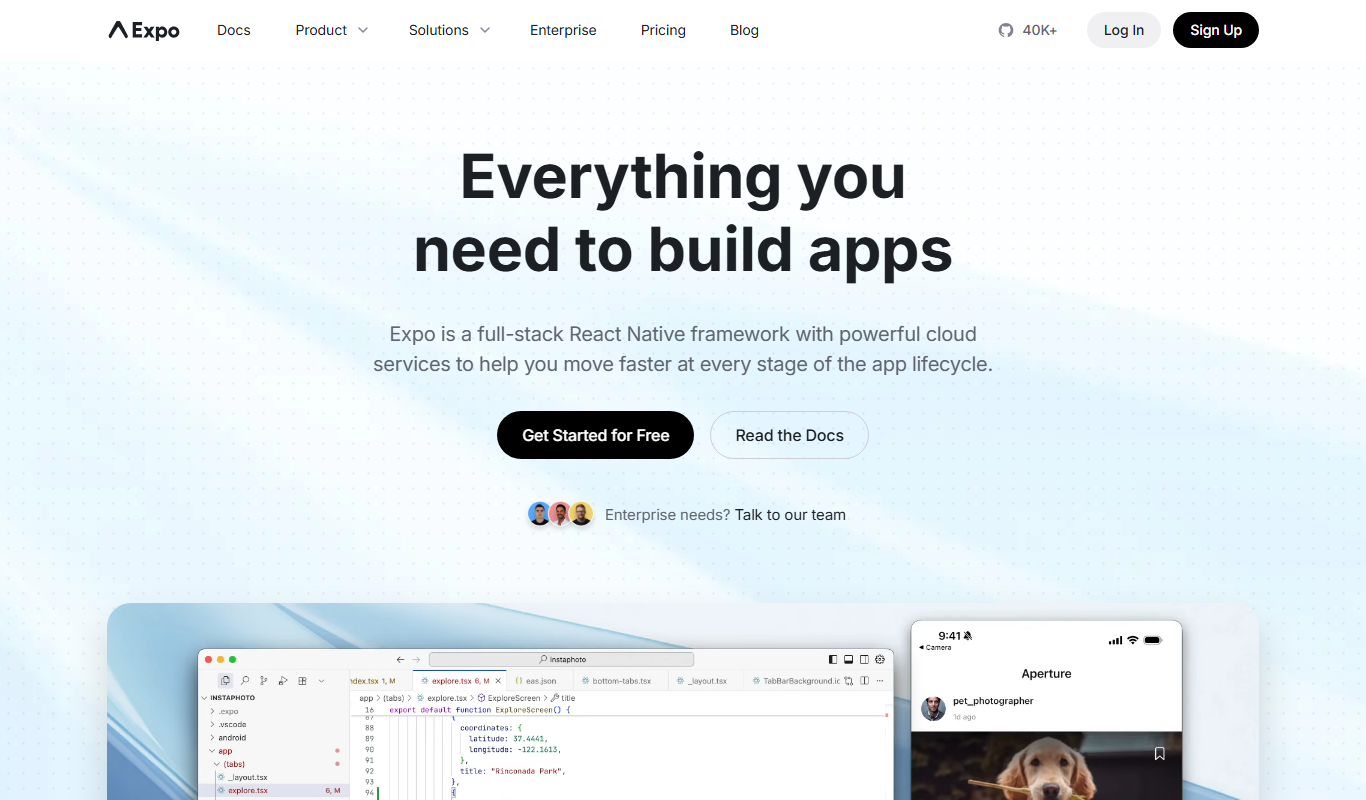
Expo
Expo is an open-source platform that simplifies building and deploying React Native mobile apps using JavaScript, offering managed workflows, cloud builds, and over-the-air updates.