

From my experience with Renderfire, it stands out as a straightforward no-code platform that truly lowers the barrier to mobile app development. Its drag-and-drop interface and customizable templates make it accessible for users without technical backgrounds, especially small business owners and event organizers. The ability to publish directly to both iOS and Android app stores streamlines the launch process significantly. However, the platform’s customization options are somewhat limited compared to fully custom development, and pricing can be a consideration for very small projects. Overall, Renderfire is a solid choice if you want to quickly build and publish native mobile apps without coding.
Renderfire App Builder Platform for No-Code Mobile App Creation and Publishing
Renderfire is a no-code platform that lets users create and publish native iOS and Android apps using a drag-and-drop interface without programming skills.
- Best for
- Create Mobile Apps Without Coding
- Key capability
- Drag-and-Drop Builder
Your actions
Save Renderfire, follow its updates and vote on it — everything stays in your account.
Sign in or create a free account

What is Renderfire?
Renderfire is a no-code mobile app builder platform that allows users to create, customize, and publish native iOS and Android apps without writing any code. It offers an intuitive drag-and-drop interface, pre-built templates, and direct publishing capabilities, making mobile app development accessible to non-technical users and businesses.
Key features of Renderfire
Renderfire’s main features include a visual drag-and-drop app builder, customizable templates, real-time content updates, and seamless publishing to major app stores. It supports native app development for both iOS and Android platforms, enabling users to launch professional mobile apps quickly.
Drag-and-Drop Builder
Intuitive visual editor that requires no coding skills.
Customizable Templates
Pre-designed templates tailored for various industries and use cases.
Native iOS and Android Support
Build apps that run natively on both major mobile platforms.
Direct App Store Publishing
Publish apps to Apple App Store and Google Play Store from the platform.
Real-Time Content Updates
Update app content dynamically without needing to resubmit to app stores.
Pros and cons of Renderfire
Pros
- No coding required, easy drag-and-drop interface
- Supports native iOS and Android app creation
- Direct publishing to major app stores
- Customizable templates for quick app building
- Real-time content updates without republishing
Cons
- Limited advanced customization compared to custom development
- Pricing may be high for very small projects
- Some features require higher-tier plans
Key use cases for Renderfire
Create Mobile Apps Without Coding
Renderfire enables users to build native iOS and Android apps using a drag-and-drop interface without any programming knowledge.
Publish Apps to App Stores
Users can publish their apps directly to Apple App Store and Google Play Store through Renderfire’s platform.
Customize App Design and Features
The platform offers customizable templates and components to tailor app appearance and functionality to specific needs.
Manage App Content Easily
Renderfire provides tools to update app content dynamically without republishing, streamlining maintenance.
Build Apps for Business and Events
Ideal for businesses, event organizers, and marketers to create apps for customer engagement, event schedules, and promotions.
How Renderfire works
- 1
Sign Up
Create an account on Renderfire’s website to access the app builder.
- 2
Choose a Template
Select from a variety of customizable app templates suited for different industries and purposes.
- 3
Customize Your App
Use the drag-and-drop editor to add features, modify design elements, and configure app settings.
- 4
Preview and Test
Preview your app on different devices and test its functionality before publishing.
- 5
Publish Your App
Submit your app to Apple App Store and Google Play Store directly through Renderfire’s platform.
- 6
Manage and Update
Easily update app content and features without republishing, keeping your app fresh and relevant.
Who is using Renderfire
Small business owners
Event organizers
Marketing professionals
Non-technical entrepreneurs
Content creators
Renderfire pricing
Free Trial
$0 for 14 days
Access to core features to build and test your app.
Basic
$29/month
Includes app publishing and basic customization options.
Pro
$59/month
Advanced features, priority support, and enhanced customization.
Plans and prices are as published by the vendor and can change. Check the official site before you buy. Open the pricing page (opens in a new tab)
Frequently asked questions about Renderfire
No, Renderfire is designed for users without programming knowledge using a drag-and-drop interface.
Yes, Renderfire supports publishing to Apple App Store and Google Play Store.
Yes, Renderfire offers a 14-day free trial to explore the platform.
Yes, you can update app content dynamically without republishing.
It depends on your specific needs and how you plan to use the tool. The official website and documentation are the best sources for the latest details.
Yes, it can help with that use case depending on how you configure it and what features are available. You’ll get the best results with clear inputs and a defined goal.
It depends on your specific needs and how you plan to use the tool. The official website and documentation are the best sources for the latest details.
Sign in to review this tool.
Sign In to ReviewNo reviews yet
Be the first to share how this tool worked for you.
Ask about pricing, limits, or how it compares — or answer someone else.
Sign In to AskNo questions yet
Have a question about using or paying for this tool? Be the first to ask.
Featured on TiorAI



Alternative Tools
Explore similar AI tools that might fit your needs

Free
Adalo
Adalo is a no-code platform that lets you create mobile and web applications visually without programming, supporting native app publishing and database integration.

Free
Thunkable
Thunkable is a no-code platform with AI-powered app generation for building and publishing native iOS and Android apps, refined with a drag-and-drop interface and logic blocks.
More AI Avatar Video Generator tools
Other tools in the same category, for when this one is not quite the fit.

Enterprise
Studio Neiro AI
Studio Neiro AI turns text into videos presented by AI avatars, with natural AI voices, text to speech, script generation and automatic captions.
Custom Pricing
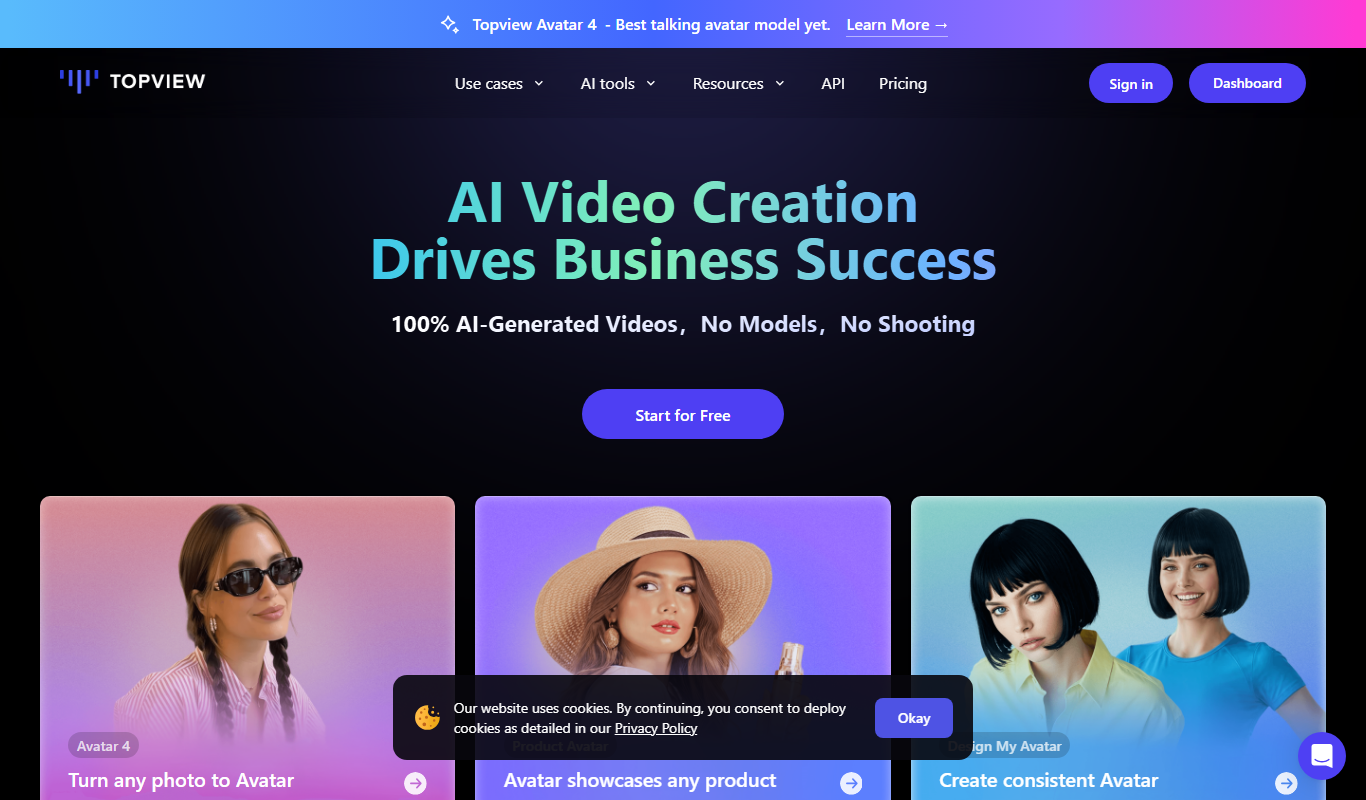
TopView.ai
TopView.ai is an AI video agent that creates short films, marketing videos and ads from scripts, references or product URLs, planning every scene on one canvas.
Pay Per Use
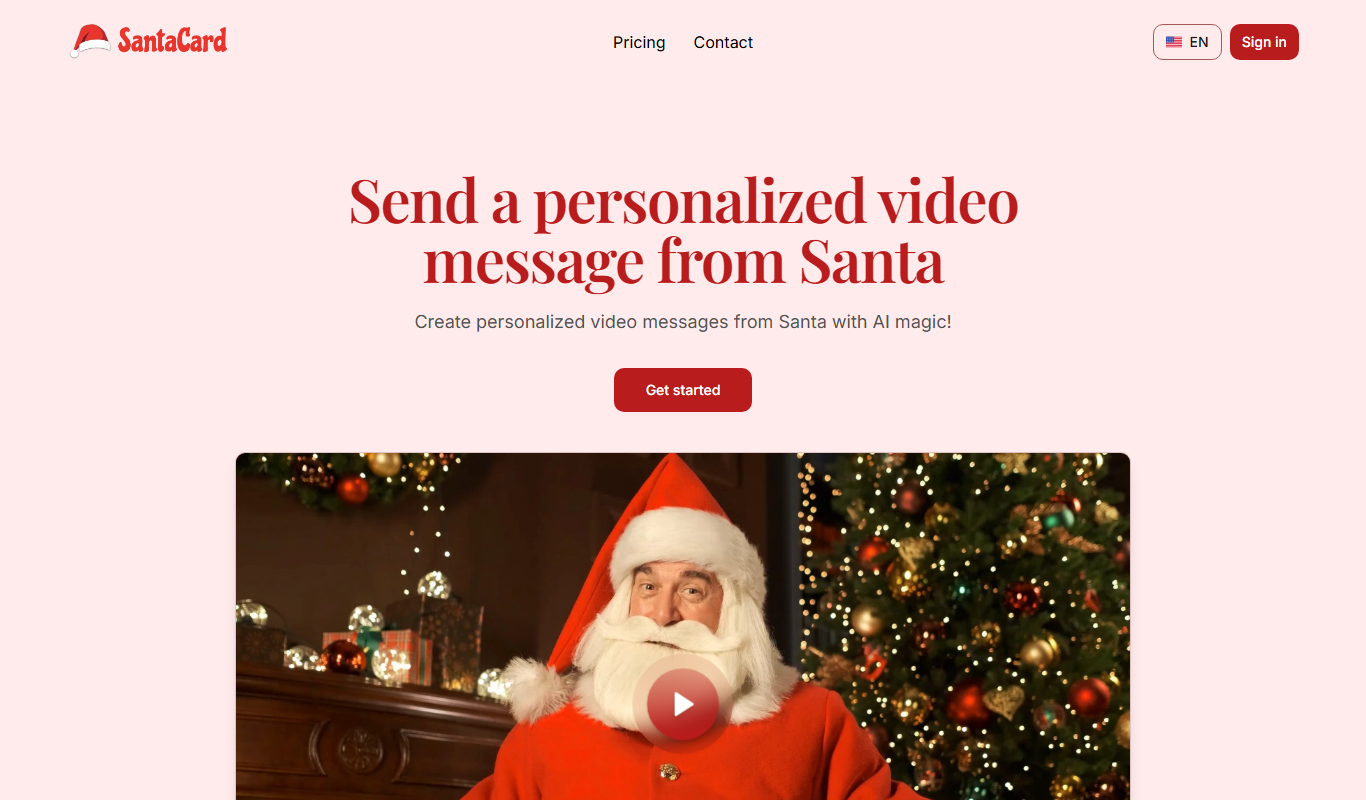
SantaCard
SantaCard creates personalized video messages from Santa with AI: type a message and get a realistic Santa video in 29 languages, sold per video.
Free
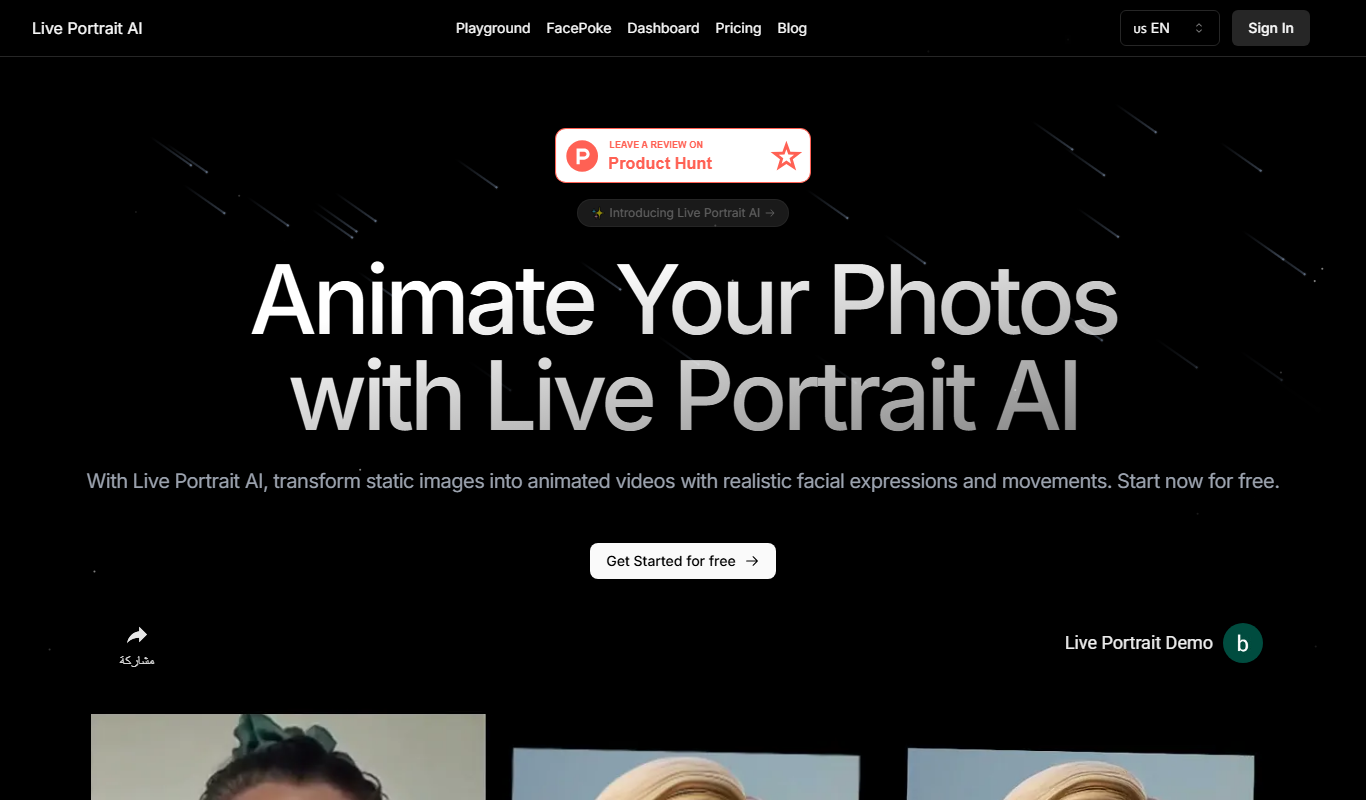
Live Portrait AI
Live Portrait AI animates still photos with the LivePortrait model, matching the head movement and facial expressions of a driving video.

Freemium
KreadoAI – Free AI Video Generator
KreadoAI turns product inputs into ready-to-run video, image and copy ad creatives, with 1000+ AI avatars, 140+ languages and multi-platform export.

Subscription
VidMax
VidMax is an AI UGC ad generator that turns templates into talking-avatar video ads ready for Meta and TikTok, built for DTC marketers.

Free
Vizard
Vizard uses AI to turn long-form videos into short clips ready for TikTok, Instagram, YouTube Shorts and more.

Free Trial
Immersive Fox
Immersive Fox turns PDFs and documents into AI video courses with AI actors, adaptive learning and quizzes in 57+ languages.